
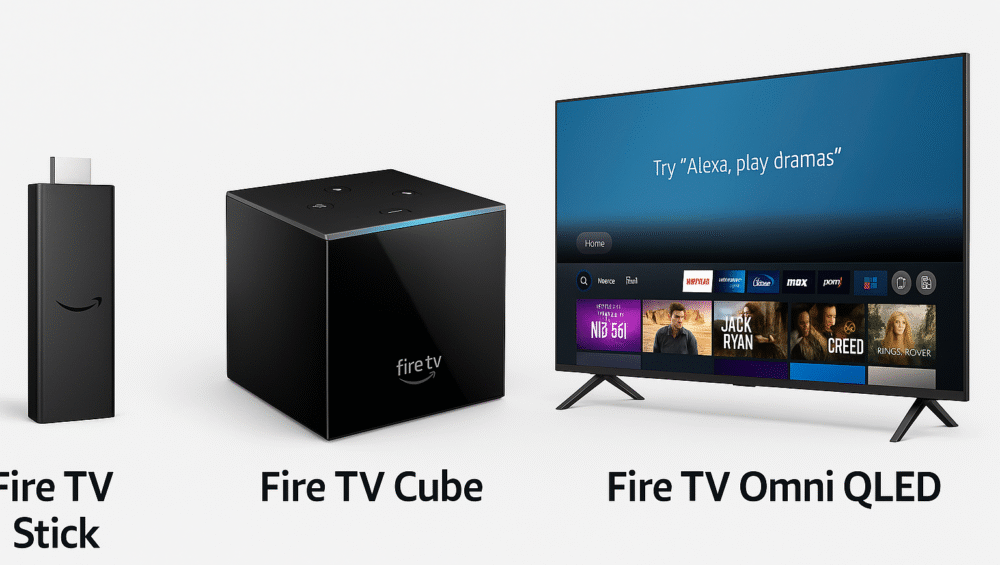
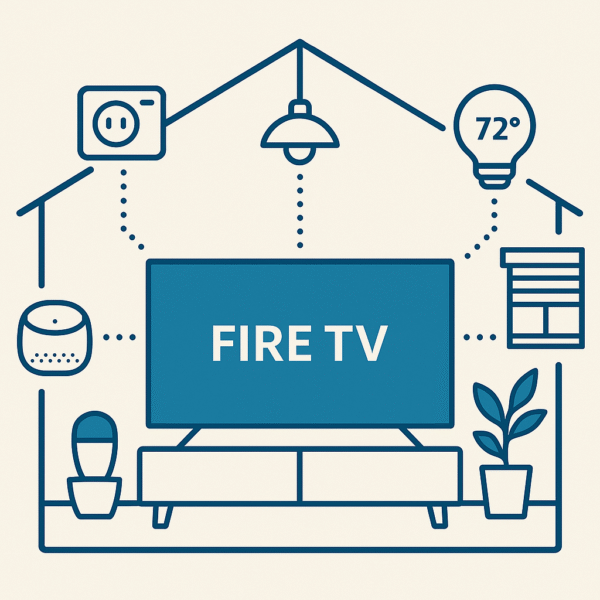
In today’s smart home era, your TV can do far more than just stream shows. With Amazon Fire TV and an Echo device working together, you can transform your screen into a powerful smart home control hub. From adjusting lights and checking cameras to activating personalized routines, the combination makes everyday living effortless.
Moreover, with Smart TV voice routines with Alexa, you can streamline multiple tasks into a single command, turning your living room into the true center of your smart home.
This blog will guide you through how to use Fire TV + Echo to manage your smart home like a pro in 2025.
Why Smart TV Voice Routines with Alexa Are a Game-Changer
With Smart TV voice routines with Alexa, your television becomes much more than a display — it turns into a true smart home hub. Here’s why this setup is so powerful:
Central Screen for Device Control – Manage all your connected devices directly from the TV interface.
Voice and Visual Interface Combined – Use Alexa voice commands alongside an on-screen dashboard for intuitive control.
Works Seamlessly with Alexa Routines – Trigger multiple actions at once, from adjusting lights to launching streaming apps.
Ideal for Renters or Small Homes – No need for complex hubs or wiring; Fire TV and Alexa handle it all.
✅ Together, these features make Smart TV voice routines with Alexa one of the easiest and most affordable ways to build a connected home in 2025.
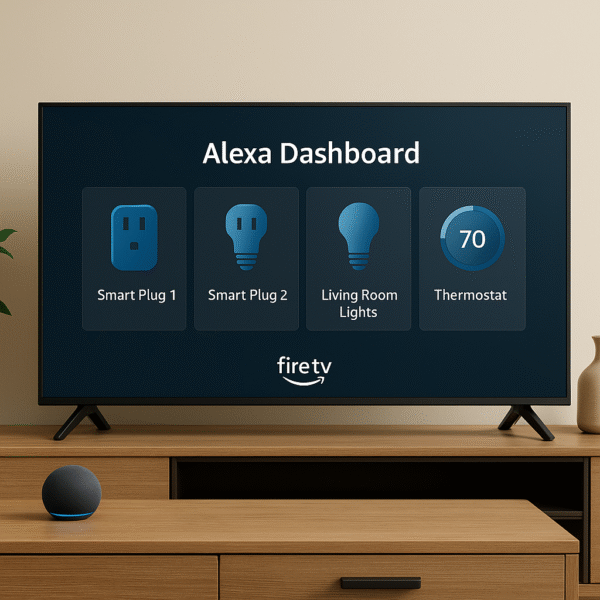
How to Set Up Smart TV Voice Routines with Alexa
Before you begin, make sure you have the right equipment and connections.
Requirements:
A Fire TV device (Stick or Omni QLED)
An Echo speaker (Dot, Studio, or Show)
The Alexa app installed on your smartphone
A reliable Wi-Fi network plus smart home devices (plugs, bulbs, thermostat, etc.)
Steps:
Open the Alexa app on your phone.
Ensure both your Fire TV and Echo device are signed in to the same Amazon account.
Link your smart devices (lights, plugs, thermostats, etc.) in the Alexa app.
Create a Group in the Alexa app that includes your Fire TV, Echo, and smart devices under the same room name (e.g., Living Room).
Start using voice commands, such as “Alexa, turn off the lights”, to control all devices in that room.
✅ With these steps, you’ll unlock the power of Smart TV voice routines with Alexa, allowing you to automate and control your entertainment and smart devices together in one seamless system.
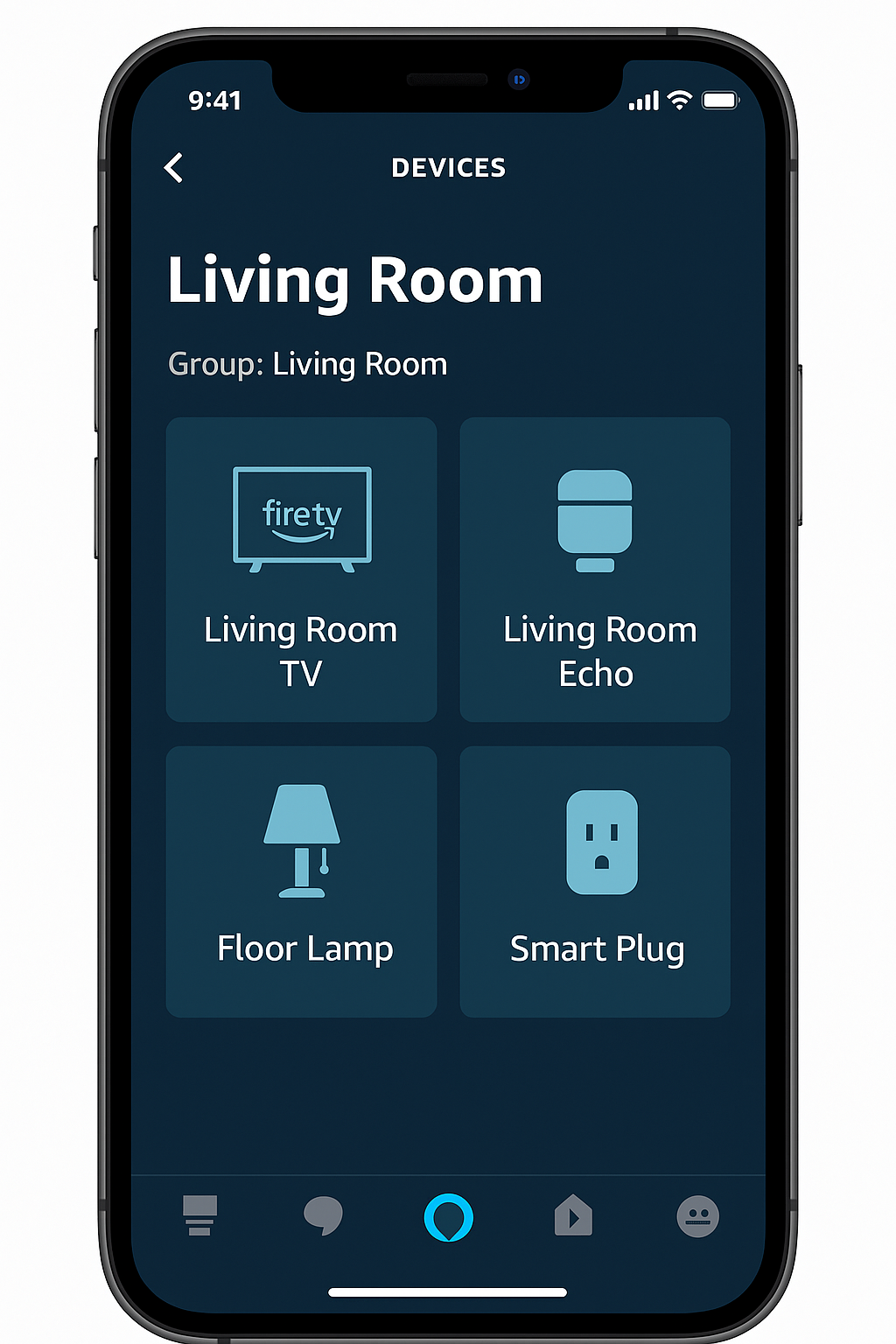
Accessing the Alexa Home Dashboard on Fire TV
With a Fire TV Omni QLED or Fire TV Stick, you can easily open a full-screen dashboard that displays all of your connected smart devices in one place. This feature pairs perfectly with Smart TV voice routines with Alexa, giving you both a visual and hands-free way to manage your home.
How to Access:
Press the Alexa voice button on your Fire TV remote or simply say: “Alexa, show my smart home dashboard.”
Use either the remote or voice commands to control devices such as lights, locks, plugs, and cameras.
View a live camera feed from Ring, Blink, or any Alexa-compatible security camera directly on your TV screen.
✅ By combining the dashboard with Smart TV voice routines with Alexa, you gain a central control hub that makes managing your home easier, more visual, and far more convenient.
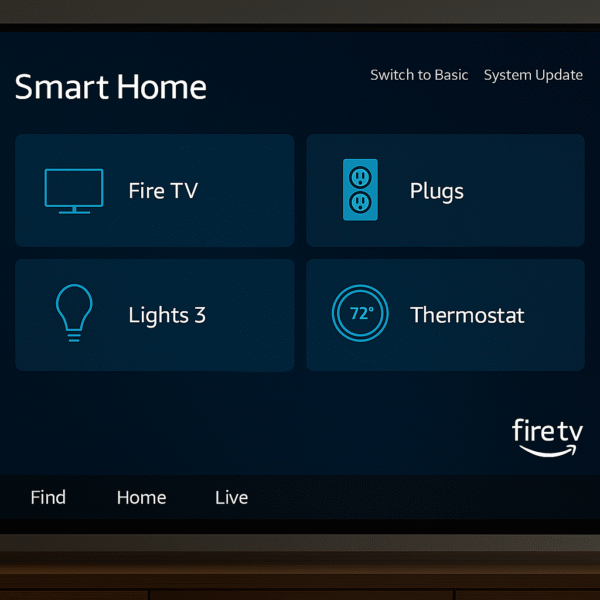
Compatible Devices for Smart TV Voice Routines with Alexa
To make the most of Smart TV voice routines with Alexa, it’s important to know which devices work best and what controls they offer. Here’s a quick overview:
| Device Type | Example Brands | Control Options |
|---|---|---|
| Lights | Philips Hue, Sengled | On/off, dimming, and color changes |
| Plugs | TP-Link, Amazon Smart Plug | On/off control and scheduling |
| Thermostats | ecobee, Nest | Set temperature, read room status, adjust modes |
| Cameras | Ring, Blink | View live feeds, enable talk with Echo Show |
| TVs / Speakers | Fire TV, Echo devices | Power control, volume adjustments, input changes |
✅ With these devices, routines with Alexa can automate not just entertainment, but also lighting, comfort, and security — all from one command.
Example Commands for Smart TV Voice Routines with Alexa
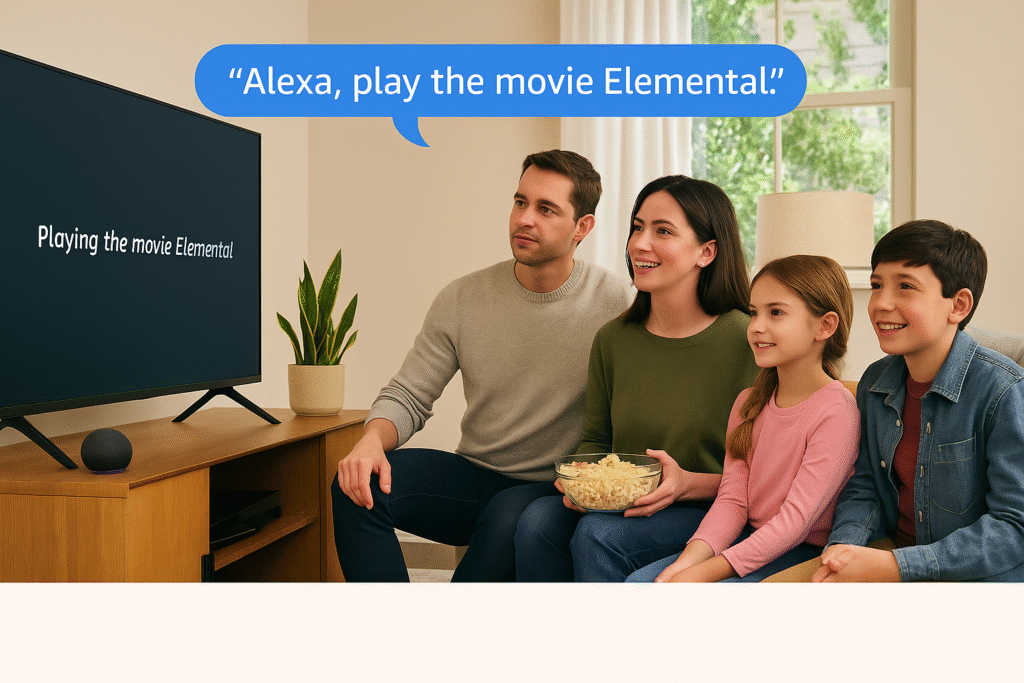
The real power of Smart TV voice routines with Alexa comes from how natural and flexible the commands feel. With short, clear phrases, you can control multiple aspects of your home through your Fire TV and Echo devices.
“Alexa, turn off the bedroom lights.” – Instantly shuts off connected smart bulbs.
“Alexa, show me the front door camera.” – Displays a live feed from Ring or Blink cameras on your TV.
“Alexa, start movie night.” – Activates your custom routine with Fire TV, lights, and sound settings.
“Alexa, set thermostat to 72 degrees.” – Adjusts the room temperature for comfort.
“Alexa, turn on the coffee maker.” – Powers on a smart plug for morning convenience.
✅ Pro Tip: Keep commands short and natural. Alexa in 2025 understands context better than ever, which means smoother recognition and fewer errors.
Creating Smart Home Scenes with Fire TV
With Smart TV voice routines with Alexa, you can link multiple devices and trigger them with a single phrase through Fire TV or Echo. This makes everyday entertainment setups effortless and repeatable.
Example Routine: “Movie Night”
Turn off overhead lights
Set light strip to a soft blue
Launch Netflix on Fire TV
Lower blinds
Set thermostat to 70°F
How to Set It Up:
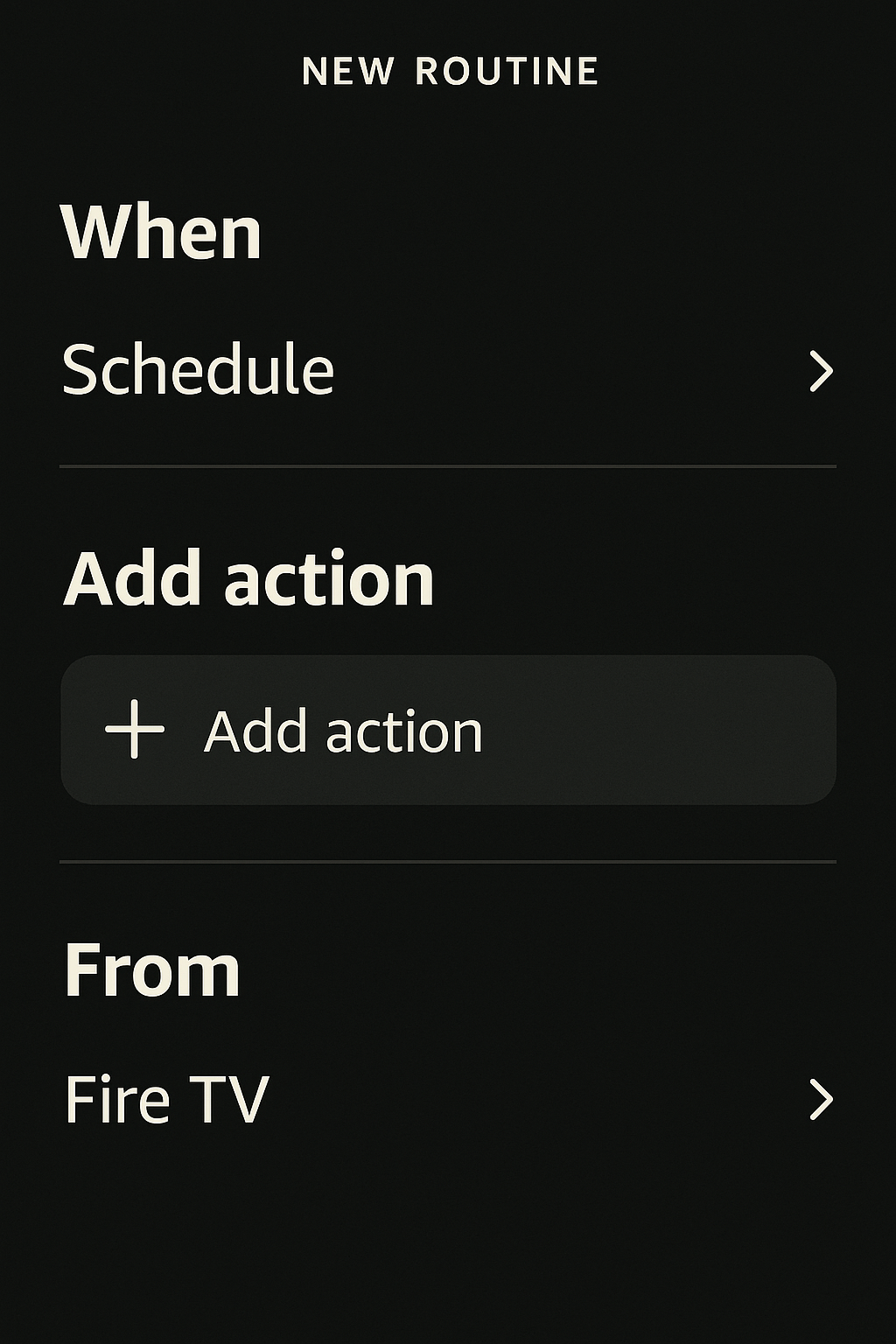
Open the Alexa app and go to Routines > +
Tap “When this happens” → choose Voice → enter “Movie night”
Add Actions such as:
Smart Home (adjust lights, blinds, thermostat)
Fire TV (launch Netflix or another app)
Media (adjust volume or sound mode)
Save the routine and test it with your Fire TV or Echo.
✅ By combining multiple devices, Smart TV voice routines with Alexa create immersive scenes that transform your living room into a smart theater at the sound of your voice.
Benefits of Fire TV as a Smart Home Control Hub
The combination of Fire TV and Echo makes Smart TV voice routines with Alexa not only powerful but also practical for everyday living. Here’s why they stand out:
Visual + Voice Control – Manage devices with both on-screen tiles and simple voice commands, ideal for shared spaces.
No Echo Show Required – Your TV screen doubles as the smart home display, removing the need for extra devices.
Simple for Guests and Family – Easy-to-learn voice phrases make routines accessible to anyone in the household.
Hands-Free & Remote-Free – When paired with an Echo speaker, you can control entertainment and smart devices without lifting a remote.
✅ These advantages make voice routines with Alexa one of the most user-friendly smart home upgrades in 2025.
Best Fire TV Models for Smart TV Voice Routines with Alexa
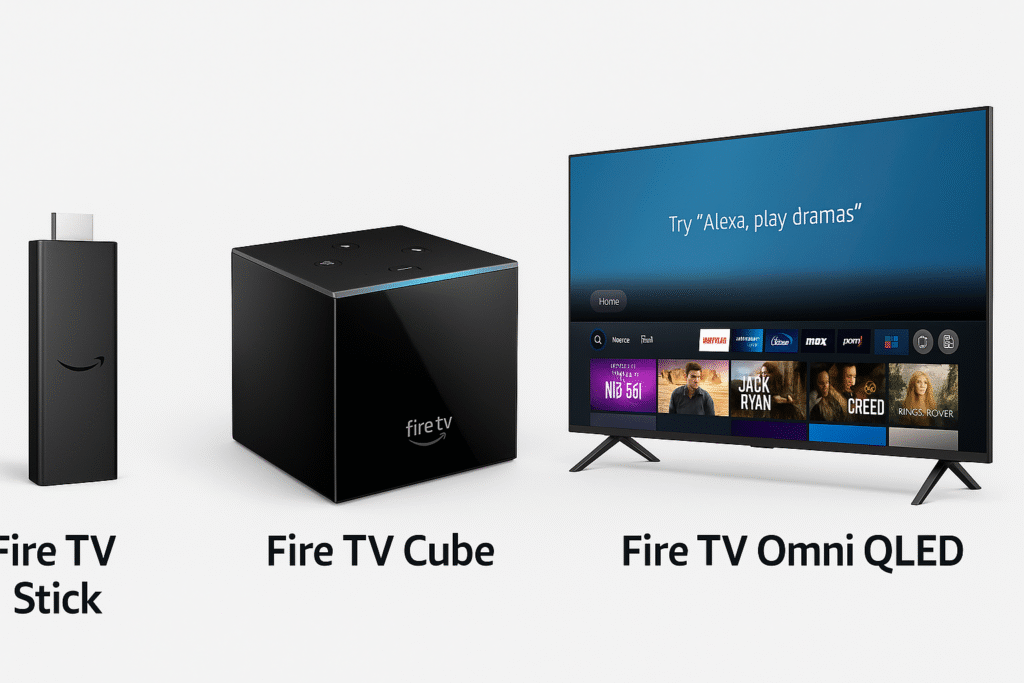
Different Fire TV devices offer varying levels of Alexa integration. To get the most out of Smart TV voice routines with Alexa, here’s how the top models compare:
| Model | Alexa Integration | Ideal For |
|---|---|---|
| Fire TV Omni QLED | Built-in Alexa + Smart Panel | Main TV + central smart hub |
| Fire TV Stick 4K | Remote-based Alexa control | Bedroom or guest room setups |
| Fire TV Cube | Hands-free Alexa + IR control | Advanced automation setups |
✅ Tip: The Fire TV Omni QLED delivers the best dashboard experience and the most seamless hands-free control for managing routines.
Why Fire TV + Echo is Perfect for Smart TV Voice Routines with Alexa
Pairing your Fire TV with an Echo speaker transforms your television into a true smart home command center. Whether you’re automating routines or adjusting lights and temperature, the experience is both intuitive and powerful.
Even better, you don’t need a separate hub, a complicated app structure, or costly hardware. With Fire TV and Echo working together, your TV becomes the brain of your smart home, making it easier than ever to create and run Smart TV voice routines with Alexa.
✅ This combination delivers one of the most affordable and accessible paths to a connected home in 2025.