Voice Assistants & Smart Displays

Smart Home-Ready: Using Shield TV with Alexa, Google Assistant & HomeKit (2025 Guide)

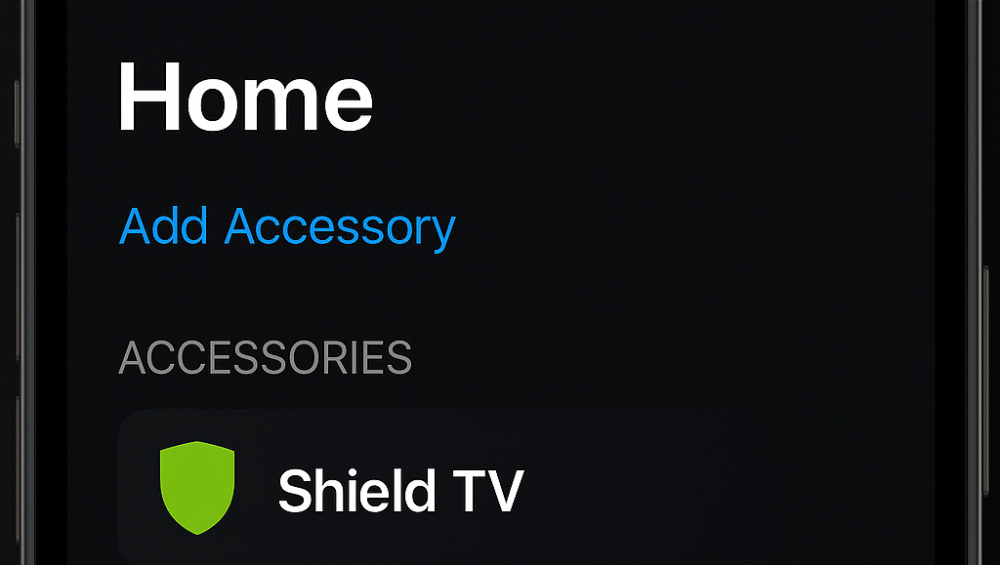
Screenshot of iPhone Home app showing Shield TV listed as a connected accessory through Shield TV smart home integration using HomeBridge.

The NVIDIA Shield TV isn’t just a powerhouse streaming device — it’s a smart home-friendly media hub built for modern living. Through Shield TV smart home integration, you can connect entertainment with automation for a seamless, voice-controlled experience.

Whether you use Amazon Alexa, Google Assistant, or Apple HomeKit, the Shield TV works effortlessly across ecosystems. In this guide, we’ll explore how it enhances your connected home in 2025 — including setup steps, voice assistant pairing, and automation ideas that make streaming smarter.

Alexa Integration — Shield TV Smart Home Integration

Setting up Shield TV smart home integration with Amazon Alexa takes only a few minutes and adds full voice control to your entertainment.

How to Set It Up:

  • Open the Alexa app on your smartphone.

  • Enable the “NVIDIA Shield TV” skill from the Skills section.

  • Link your NVIDIA account when prompted.

  • Tap “Discover Devices” to connect Shield TV to Alexa.

What You Can Do:

  • Launch apps like Netflix or Plex using simple Alexa voice commands.

  • Control volume and playback hands-free while streaming content.

  • Power your TV on or off automatically with Alexa Routines.

💡 Tip: With home integration, Alexa turns your living room into a voice-activated entertainment hub.
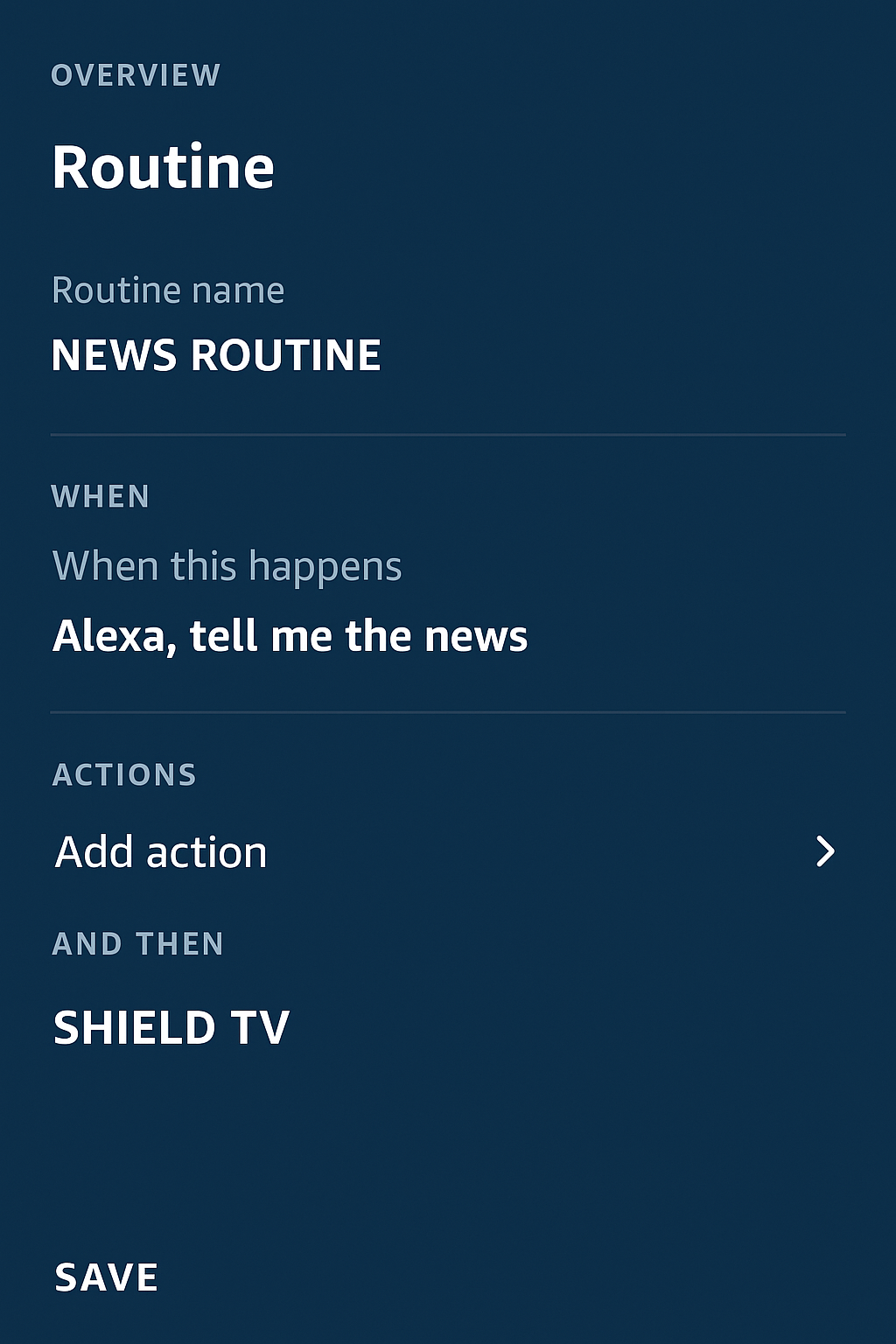
Screenshot of Alexa routine panel showing Shield TV listed as a linked device, demonstrating Shield TV smart home integration for automated voice routines.

Google Assistant Integration — Shield TV Smart Home Integration

The Shield TV smart home integration shines brightest with Google Assistant, built directly into the device for effortless voice control.

Built-in Google Assistant Features:

  • Say, “Hey Google, play Stranger Things on Netflix” to launch apps instantly.

  • Control smart home devices like lights, plugs, and thermostats without extra hubs.

  • Get weather updates, calendar reminders, and daily briefings hands-free.

Why It’s Useful:

Unlike Alexa, Google Assistant is natively embedded into Shield TV. That means no extra setup — it’s ready to go right after initial configuration.

💡 With native Shield TV home integration, Google Assistant connects entertainment and automation effortlessly in one ecosystem.
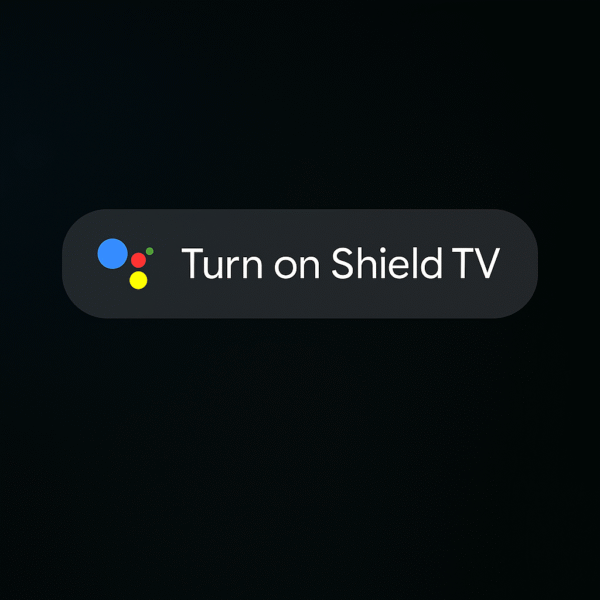
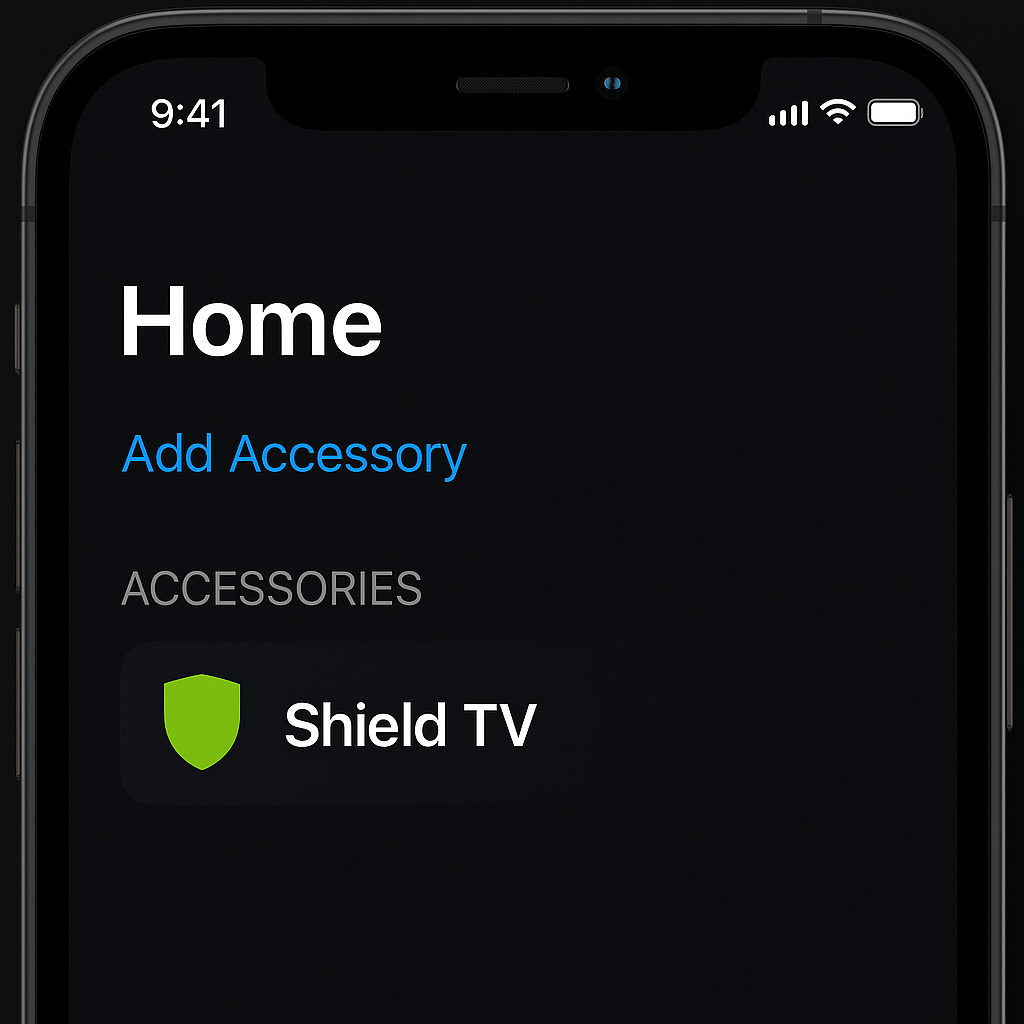
Image showing Google Assistant voice command overlay on Shield TV screen, demonstrating Shield TV smart home integration with real-time control of playback and lighting.

Apple HomeKit Integration (via HomeBridge)

Although the NVIDIA Shield TV doesn’t offer native HomeKit support, you can still enable it using HomeBridge or HOOBS. This approach extends Shield TV smart home integration to Apple ecosystems.

Steps:

  • Install HomeBridge on a Raspberry Pi or compatible home server.

  • Add the Android TV plugin from the HomeBridge interface.

  • Pair your Shield TV with Apple’s Home app as a controllable device.

Features Gained:

  • Use Siri voice commands to control playback or power on/off your Shield.

  • Include Shield TV in HomeKit scenes like “Movie Night” for synchronized lighting and media control.

💡 Through HomeBridge, Shield TV home integration bridges the gap between Android and Apple — delivering true cross-platform convenience.

Screenshot of iPhone Home app showing Shield TV listed as a connected accessory through Shield TV smart home integration using HomeBridge.

Smart Home Automation Use Cases

With Shield TV smart home integration, you can create custom voice routines that blend entertainment and automation. Each assistant—Alexa, Google Assistant, and Siri—adds its own unique capabilities.

RoutinePlatformExample Command
Movie NightAlexa“Alexa, movie time” dims lights and powers on the Shield TV.
Gaming ModeGoogle Assistant“Hey Google, start game night” turns on the TV, connects your gamepad, and adjusts lighting.
Quiet HoursSiri (HomeKit)“Hey Siri, quiet hours” lowers audio volume and disables visual distractions.

💡 Tip: With personalized automations, Shield TV creates seamless, voice-activated experiences for any mood or activity.

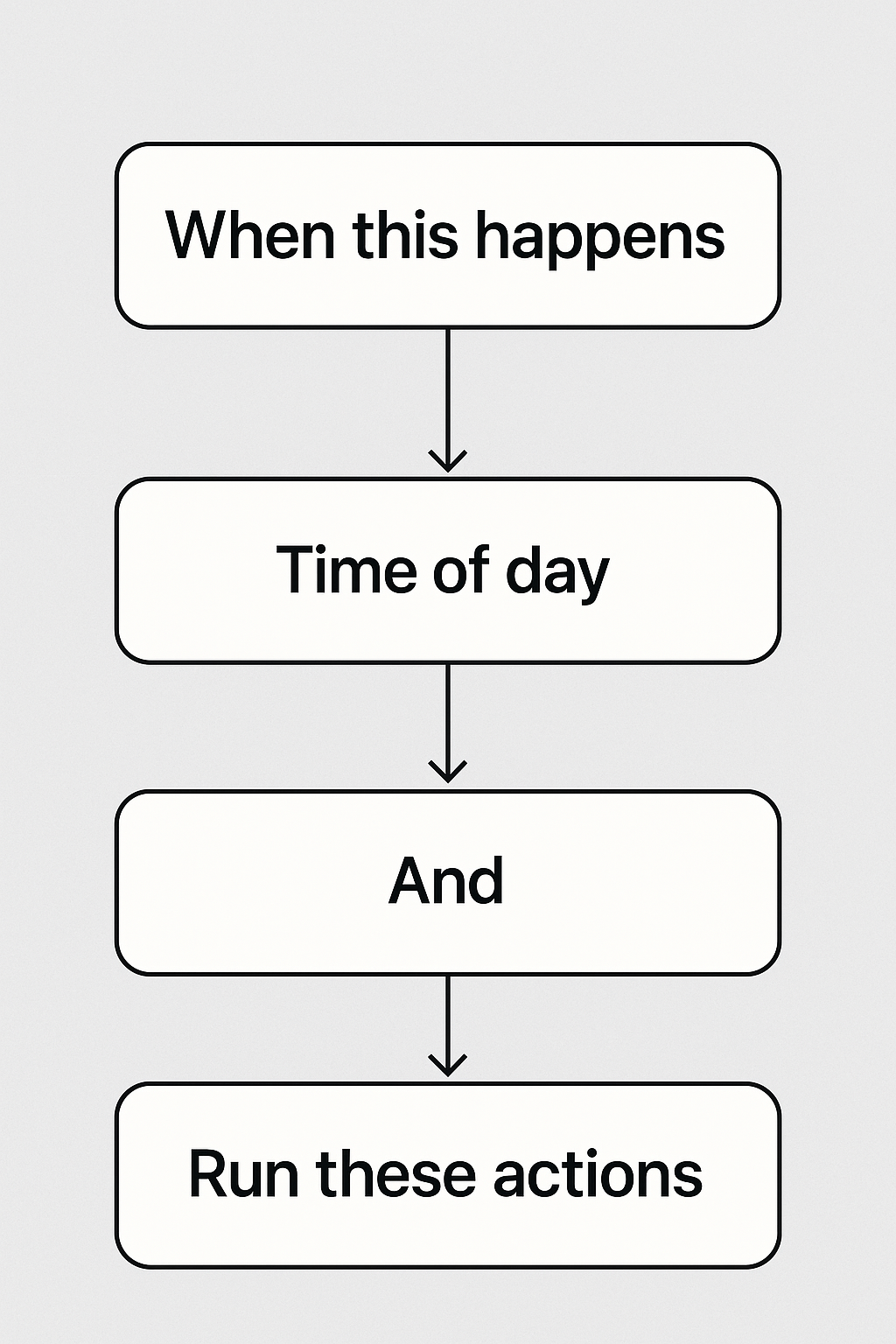
Flowchart illustrating Shield TV smart home integration routine setup, showing Alexa, Google Assistant, and Siri creating automated actions for movie night, gaming mode, and quiet hours.

Final Thoughts: Is Shield TV Smart Home Ready?

Absolutely — the Shield TV smart home integration makes it one of the most versatile streaming hubs of 2025. With native Google Assistant, seamless Alexa support, and HomeKit compatibility via HomeBridge, it bridges every major ecosystem.

💡 Whether you prefer Siri, Alexa, or Google, the NVIDIA Shield TV unifies your entertainment and automation into a single, intelligent experience — perfect for any connected home.

Leave a Reply

Your email address will not be published. Required fields are marked *