
Description
Wyze Color Smart Bulb – 1100 Lumens, 16 Million Colors, Wi-Fi LED Light with App & Voice Control | Best Budget Smart Light Bulb with Color – Smart Home Maven
Description
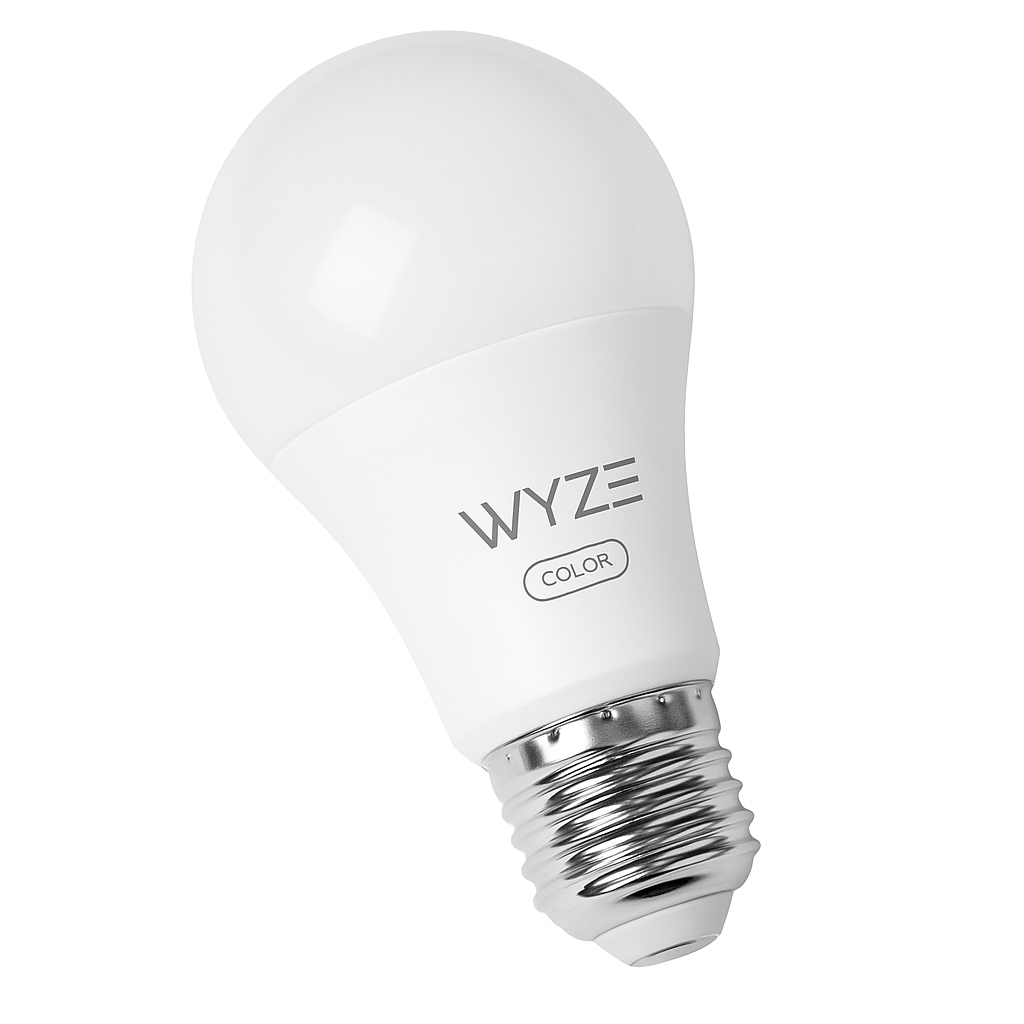
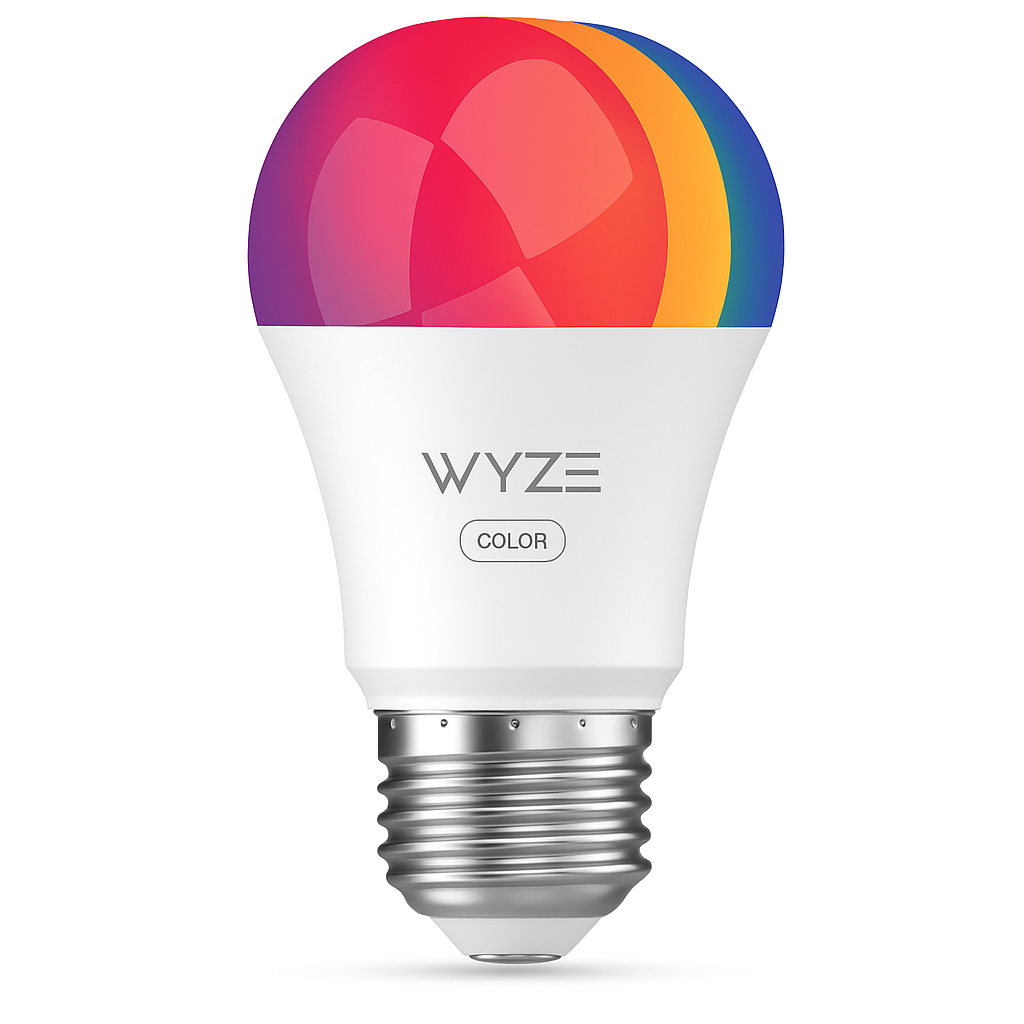
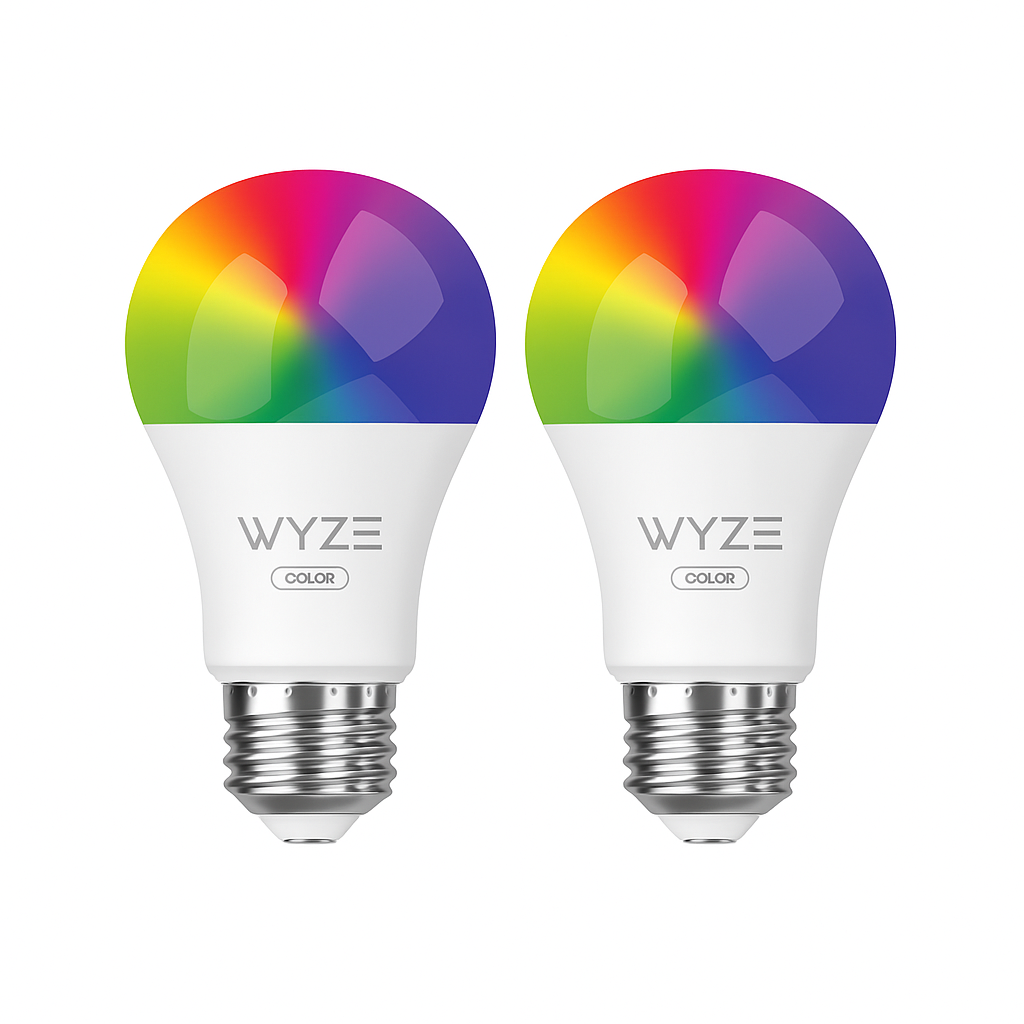
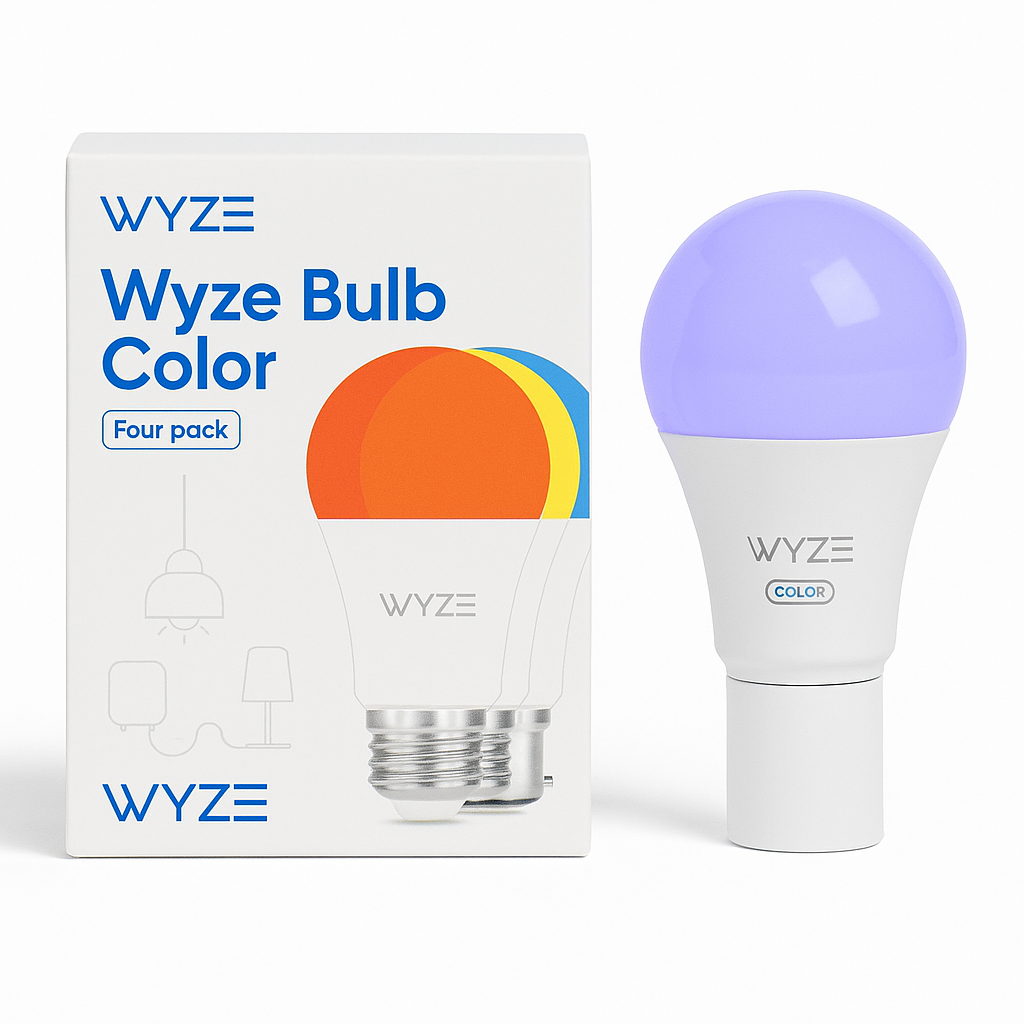
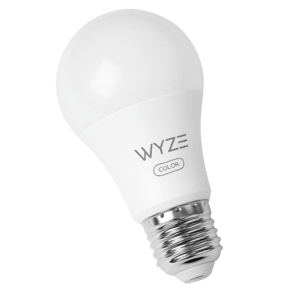
Looking for the best budget smart light bulb with color? Bring dynamic lighting into your smart home with the Wyze Color Smart Bulb. Designed for both performance and flexibility, this LED bulb delivers a powerful 1100 lumens. It also offers an expansive palette of 16 million colors.
As a result, it stands out as one of the best budget smart light bulbs with color. Whether you’re creating a cozy movie-night atmosphere or enjoying a simulated sunrise, Wyze lighting adapts seamlessly to every moment.
With the Wyze app or popular voice assistants such as Alexa and Google Assistant, control becomes effortless. You can adjust brightness, change colors, and set schedules from anywhere. In addition, bulbs can be grouped together, routines can be automated, and daily habits synchronized. This is all without requiring a hub.
Moreover, this bulb remains energy-efficient, simple to install, and full of features. Consequently, it is a smart, affordable, and reliable choice for any modern home.
Key Features of Best Budget Smart Light Bulb with Color
-
16 Million Colors & Tunable Whites – With a full RGB color spectrum plus warm-to-cool whites (1800K–6500K), this bulb ensures versatile lighting for any mood, making it one of the best budget smart light bulbs with color.
-
1100 Lumens Brightness – Delivering ultra-bright illumination, it’s ideal for larger rooms where powerful light is needed.
-
Wi-Fi Connectivity – Since it connects directly via 2.4 GHz Wi-Fi, no hub is required, which makes setup quick and hassle-free.
-
App & Voice Control – Effortlessly manage your lighting through the Wyze App, or enjoy hands-free control with Alexa and Google Assistant.
-
Smart Scheduling – You can automate routines and enable circadian lighting to transition smoothly throughout the day.
-
Group Control – Control multiple bulbs at once, letting you customize entire rooms or zones with ease.
-
Energy Efficient – With an estimated yearly cost of only $1.45, it keeps energy bills low while delivering premium performance.
-
Fully Dimmable – Adjust brightness seamlessly to match morning energy or evening relaxation.
Specifications – Wyze Color Bulb
The Wyze Color Bulb is built to deliver powerful performance at an affordable price, making it one of the best budget smart light bulbs with color. Below are the detailed specs:
-
Brand: Wyze
-
Type: A19 Smart LED Bulb
-
Color Range: 1800K – 6500K + Full RGB spectrum, ensuring both warm and vibrant lighting.
-
Brightness: 1100 lumens, making it suitable for bedrooms, living rooms, or offices.
-
Wattage: 12W energy-efficient design.
-
Base Type: Standard E26, letting it fit into most household lamps and fixtures.
-
Connectivity: 2.4 GHz Wi-Fi, ensuring stable wireless control.
-
Voice Control: Works with Amazon Alexa and Google Assistant for hands-free commands.
-
App Control: Manage via the Wyze App (iOS & Android), making setup and customization simple.
-
Estimated Energy Cost: Only $1.45/year, ensuring budget-friendly operation.
-
Lifespan: Long-lasting 25,000 hours, making it a reliable smart lighting solution.
“Works With” Compatibility
The Wyze Color Bulb is built for seamless integration, making it truly the best budget smart light bulb with color for any connected home. In fact, it works effortlessly across multiple platforms:
-
Amazon Alexa – With simple voice commands, you can control your lights hands-free, ensuring ultimate convenience every day.
-
Google Assistant – By syncing with Google Home devices, you can instantly adjust brightness or change colors, adding flexibility to your smart setup.
-
Wyze App – Through the app, you can easily manage schedules, set scenes, and customize lighting, making smart control straightforward.
-
IFTTT – With automation, you can connect your bulb to other smart devices, ensuring smooth routines and a personalized experience.
Setup + Maintenance Guide for the Wyze Color Bulb
Setup Instructions
Getting started with the Wyze Color Bulb is quick and simple, making it one of the best budget smart light bulbs with color. Follow these steps:
-
Screw in the Bulb
Place the Wyze Color Bulb into any standard E26 socket, ensuring it is securely fitted. -
Power On and Open the Wyze App
Switch on the bulb, then launch the Wyze App, letting you begin the setup process immediately. -
Connect via Wi-Fi
Follow the in-app instructions to link your bulb to Wi-Fi, making remote and voice control possible. -
Customize with App or Voice
Once connected, personalize brightness, color, and schedules directly in the app or by using voice commands, ensuring a tailored smart lighting experience.
Maintenance Tips
To keep your Wyze Color Bulb performing at its best:
-
Keep firmware updated through the Wyze App, ensuring smooth operation and new features.
-
Avoid outdoor use unless the bulb is placed in a weather-protected enclosure.
-
Reset easily by turning the bulb off and on three times rapidly, letting you reconnect quickly if needed.



%20–%20Best%20Budget%20Smart%20Light%20Bulb%20with%20Color&url=https://smarthomemaven.com/product/wyze-bulb-color-smart-led-bulb-best-budget-smart-light-bulb-with-color/&media=https://smarthomemaven.com/wp-content/uploads/2025/05/Wyze-Bulb-Color-Smart-LED-Bulb-2.png)
%20–%20Best%20Outdoor%20Wall%20Light%20for%20Modern%20Homes&url=https://smarthomemaven.com/product/philips-hue-resonate-outdoor-wall-light-up-down-best-outdoor-wall-light-for-modern-homes/&media=https://smarthomemaven.com/wp-content/uploads/2025/08/philips-hue-Resonate-Outdoor-Wall-Light-Product-Only-Image-Close-up-of-the-square-black-up-down-fixture-with-frosted-lenses.png)


Reviews
There are no reviews yet.