
Description
Vine Smart Wi-Fi Thermostat – Best Budget Smart Thermostat with Touchscreen, Energy Savings & Voice App Control – Smart Home Maven
Description
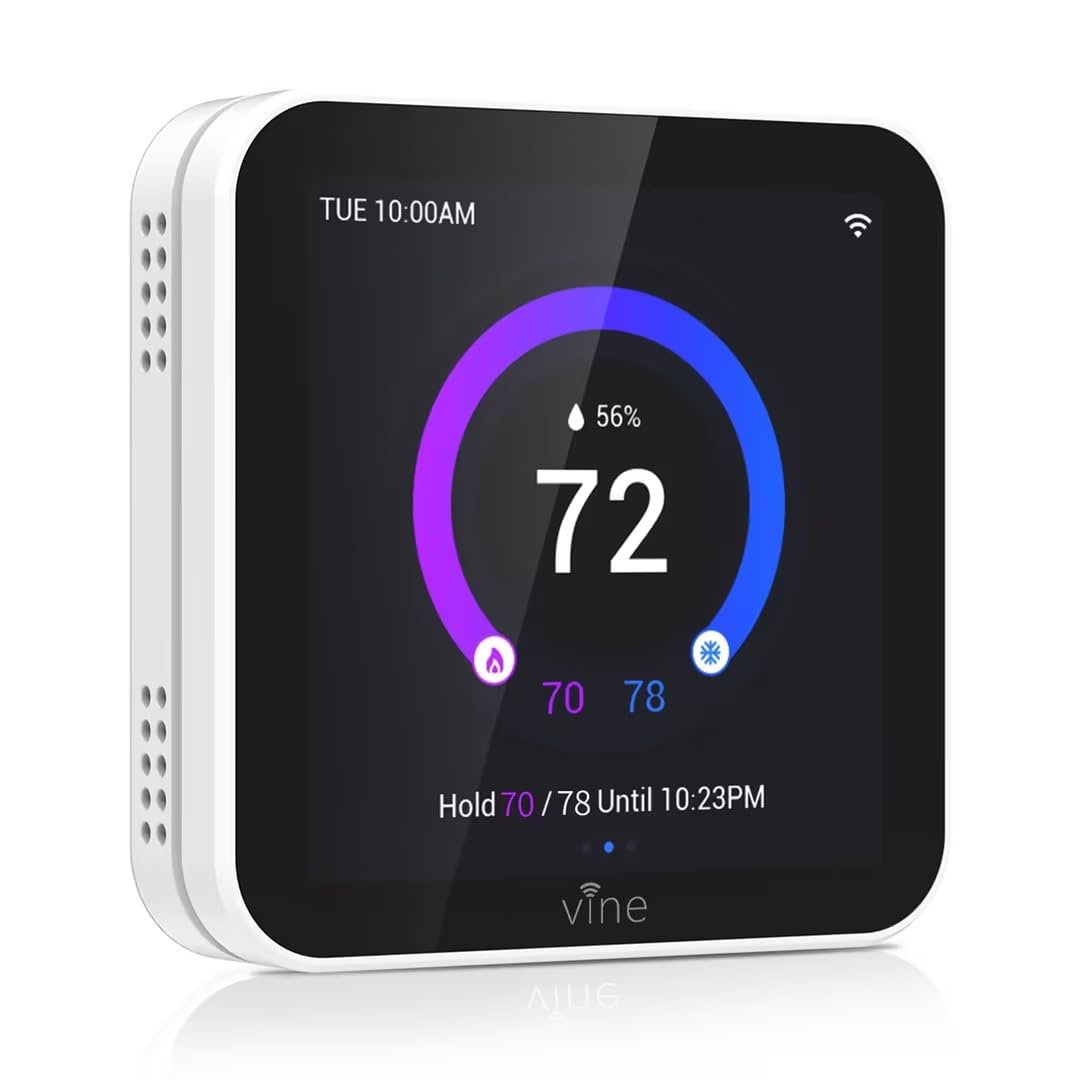
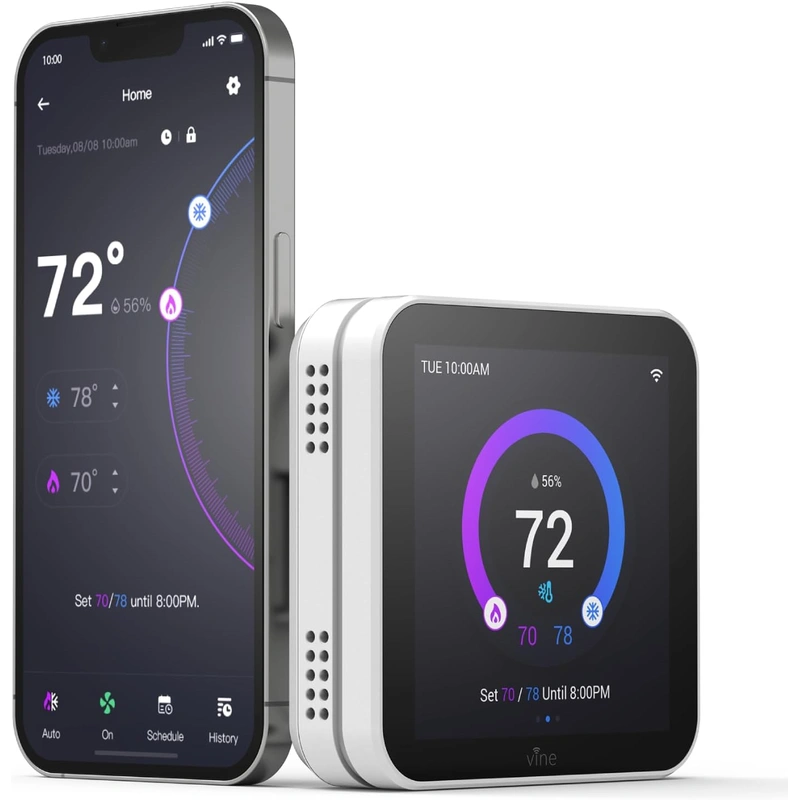
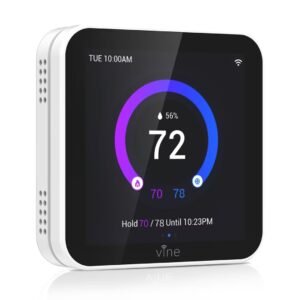
Looking for the best budget smart thermostat with touchscreen capabilities? The Vine Smart Wi-Fi Thermostat redefines how you interact with home comfort. With its sleek touchscreen display, this thermostat lets you control temperatures with the swipe of a finger—or your voice. Compatible with most HVAC systems, it allows for fully customizable 7-day scheduling, remote app control via iOS and Android, and smart learning to optimize energy savings.
Its bold and modern interface displays temperature, humidity, heating/cooling status, and scheduling in a user-friendly layout. Whether you’re at home or away, Vine’s cloud connectivity ensures your home is always at the right temperature without wasteful energy use.
Designed for effortless integration with Amazon Alexa and Google Assistant, the Vine thermostat gives you full command over your environment using simple voice commands.
Key Features of the Best Budget Smart Thermostat with Touchscreen
-
To begin with, the full-color 3.5-inch touchscreen display provides a clean and intuitive control panel.
-
In addition, built-in Wi-Fi connectivity allows you to adjust the temperature remotely via the Vine app.
-
Moreover, smart scheduling includes 7-day programmable settings with daily variations for personalized comfort.
-
When it comes to compatibility, the thermostat works with both Amazon Alexa and Google Assistant, enabling voice control.
-
Meanwhile, real-time humidity detection helps you monitor and maintain indoor air quality.
-
Furthermore, the energy-saving mode automatically adjusts usage to optimize efficiency.
-
For convenience, auto home/away mode learns your patterns to reduce unnecessary heating or cooling.
-
Additionally, installation is simple thanks to the DIY-friendly setup and step-by-step guide.
-
Finally, it supports most 24V systems including gas, oil, and electric HVAC setups.
Specifications of the Best Budget Smart Thermostat with Touchscreen
-
To begin with, the device features a 3.5-inch full-color touchscreen display, offering intuitive control and clear visuals.
-
In terms of connectivity, it operates on 2.4GHz Wi-Fi, ensuring stable and reliable performance.
-
Moreover, the Vine Thermostat App (iOS & Android) allows remote management and scheduling.
-
When it comes to power, a C-wire is required, and it is designed specifically for 24V HVAC systems only.
-
Additionally, it supports a temperature range of 41°F to 95°F (5°C to 35°C) and an operating humidity of 5% to 95% RH (non-condensing).
-
As for size, the thermostat measures 3.35 x 3.35 x 0.7 inches and weighs just 0.35 lbs, making it slim and lightweight.
-
Furthermore, it is FCC and ETL certified for safety and reliability.
-
Finally, it comes backed with a 2-year warranty, offering peace of mind.
Works With the Best Budget Smart Thermostat with Touchscreen
-
To start, it pairs seamlessly with Amazon Alexa, enabling hands-free voice control.
-
In addition, it works with Google Assistant for easy voice commands and smart home integration.
-
Moreover, the Vine App (available on iOS & Android) allows remote control, scheduling, and energy monitoring.
-
Finally, it supports 95% of standard HVAC systems (C-wire required), ensuring wide compatibility for most homes.
Setup & Maintenance Guide for the Best Budget Smart Thermostat with Touchscreen
Installation Steps
-
First, turn off power to your existing thermostat and HVAC system.
-
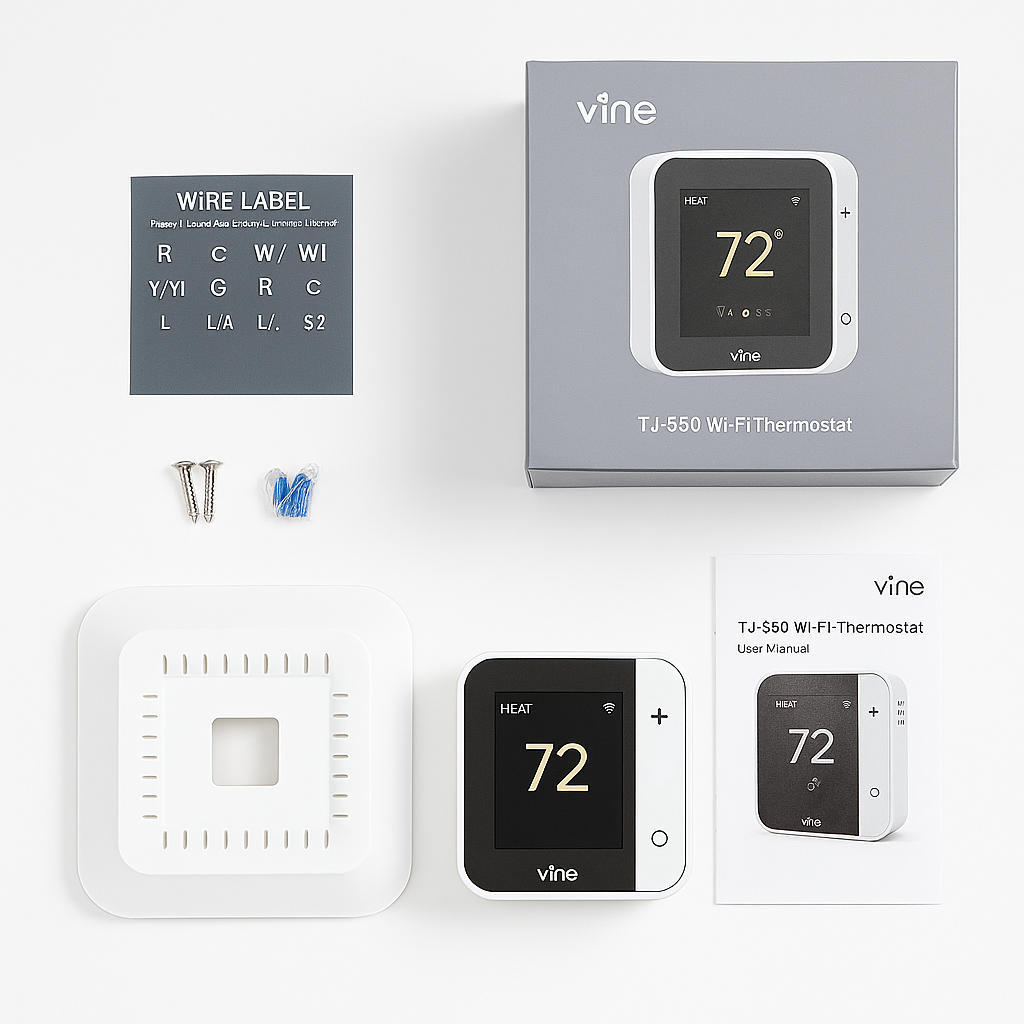
Next, remove the old unit and label the wires using the included tags.
-
Then, install the Vine thermostat baseplate and connect the wires securely.
-
After that, snap on the new thermostat and power your system back on.
-
Finally, connect to Wi-Fi using the Vine app and follow the on-screen setup prompts.
Maintenance Tips
-
To begin with, keep the firmware updated via the Vine app for security and new features.
-
In addition, clean the touchscreen gently with a microfiber cloth to maintain clarity.
-
Moreover, review your monthly usage reports to gain insights on energy savings.
-
Finally, test your Wi-Fi signal occasionally to ensure a strong and reliable connection.





%20–%20Best%20Smart%20Thermostat%20with%20HVAC%20Monitoring&url=https://smarthomemaven.com/product/google-nest-learning-thermostat-4th-gen-2024-best-smart-thermostat-with-hvac-monitoring/&media=https://smarthomemaven.com/wp-content/uploads/2025/05/Google-Home-app-interface-with-temperature-controls.png)

Reviews
There are no reviews yet.