
Description
Tapo HomeBase H500 (Matter Controller) – Secure Smart Home Hub with Local Storage & Multi-Protocol Support – Smart Home Maven
Description
Key Features of the Tapo HomeBase H500
-
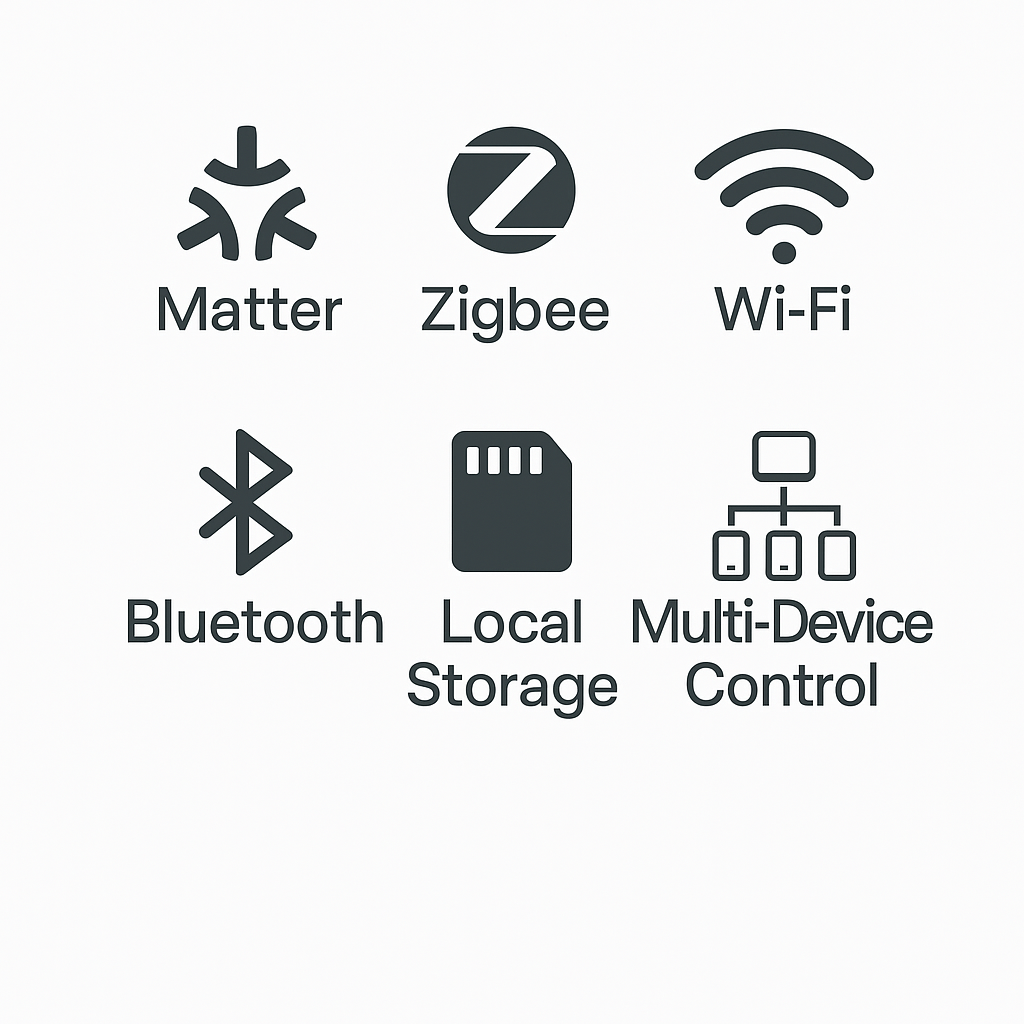
Matter Controller → To begin with, it ensures compatibility across major ecosystems including Apple Home, Alexa, Google Home, and SmartThings.
-
Multi-Protocol Support → In addition, it works seamlessly with Wi-Fi, Zigbee, Bluetooth, and Matter-enabled devices, offering broad connectivity.
-
Local Video Storage → Moreover, it supports built-in microSD and USB drives for secure camera recordings, keeping your data private and accessible.
-
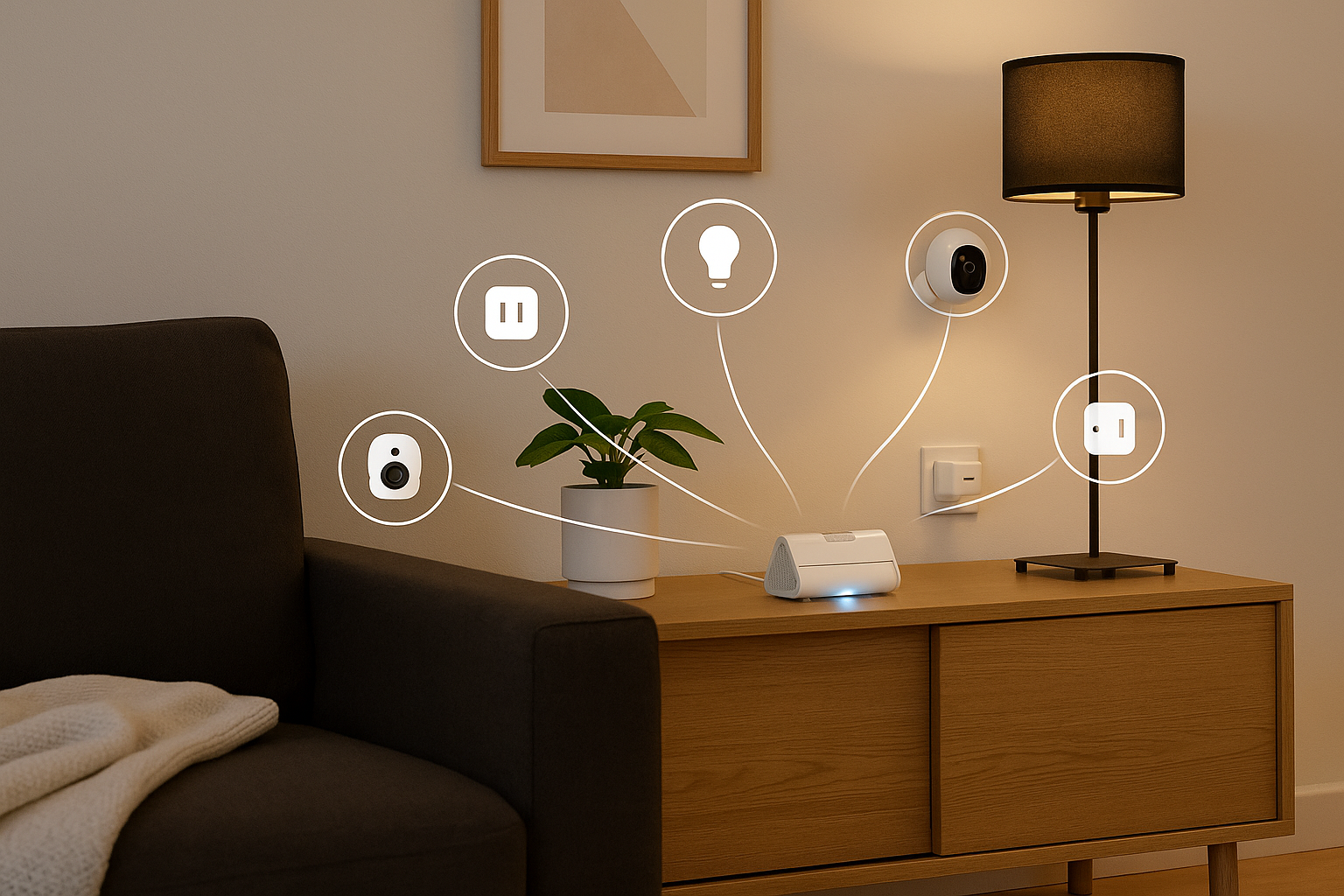
Smart Security Hub → Furthermore, it pairs effortlessly with Tapo cameras, sensors, and smart locks to create a full home security system.
-
Centralized Automations → As a result, you can manage multiple devices, routines, and scenarios directly from one hub.
-
Future-Ready Design → Most importantly, OTA (over-the-air) updates ensure long-term compatibility and access to new features as they roll out.
-
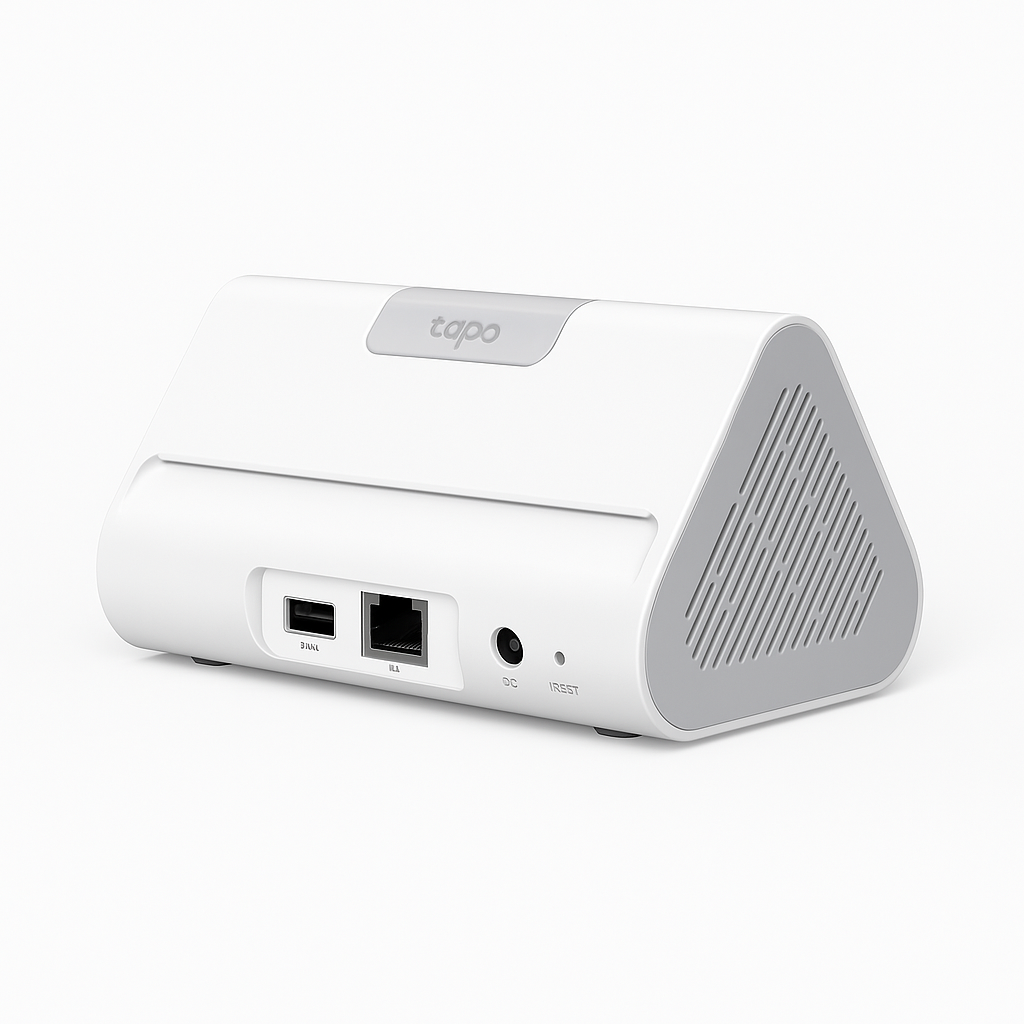
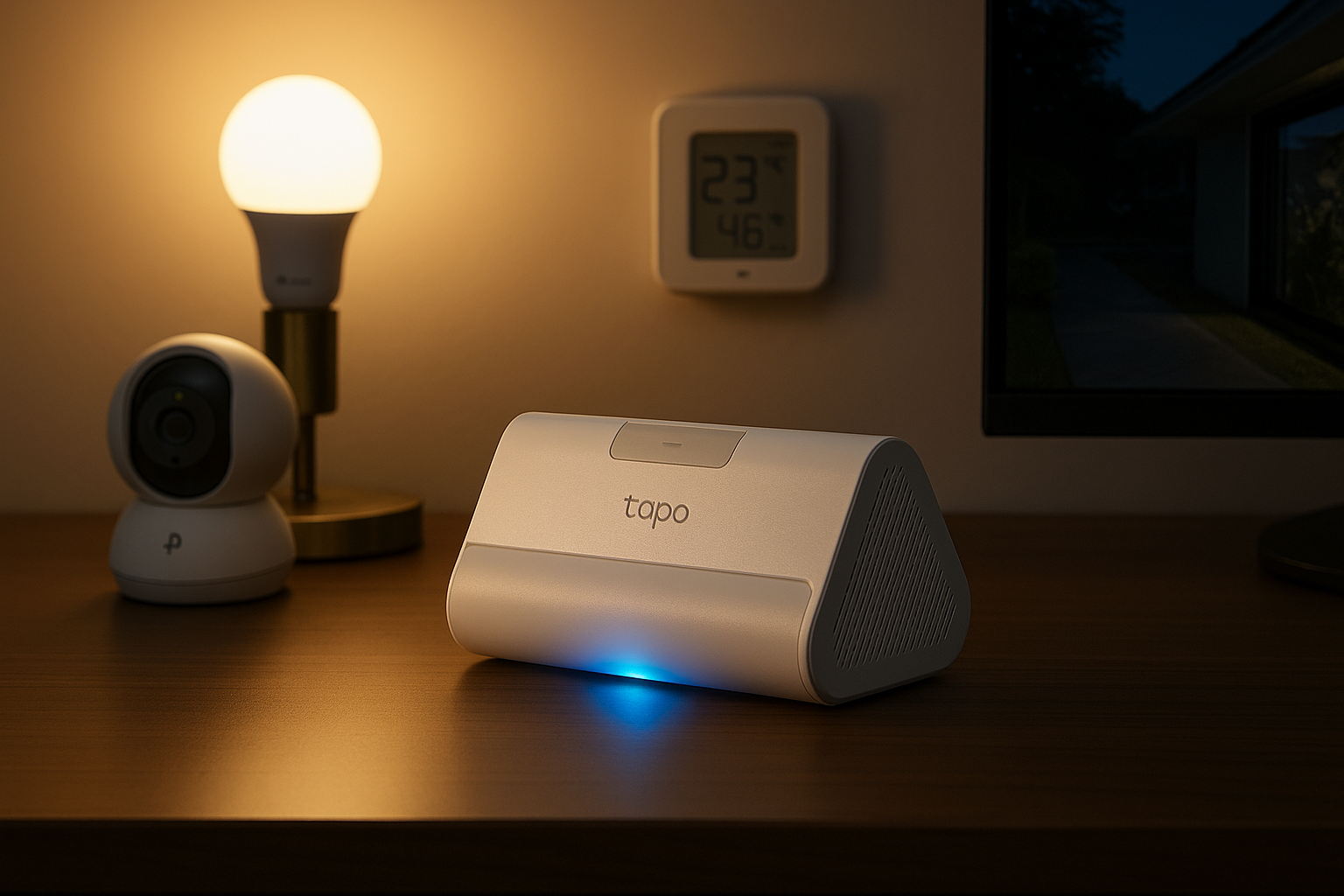
Compact Build → Finally, its minimalist, discreet design allows it to blend into any space without disrupting your home décor.
Compatibility & Use Cases for the Tapo HomeBase H500
Works With
To begin with, the Tapo HomeBase H500 integrates seamlessly with Tapo smart cameras, lights, plugs, and sensors, while also supporting a wide range of third-party Matter devices for cross-platform flexibility.
Smart Assistants
In addition, it works effortlessly with Amazon Alexa, Google Assistant, and Apple HomeKit (via Matter), allowing you to enjoy convenient voice control and automation across your favorite ecosystems.
Use Cases
-
Home Security Monitoring → Moreover, it enables reliable security camera streaming and local storage for added privacy.
-
Energy-Efficient Automations → Furthermore, you can optimize lighting and appliances to reduce energy costs and create smart schedules.
-
Cross-Platform Control → As a result, all your devices—from sensors to locks—can be centralized under one app.
-
Privacy-First Management → Finally, it prioritizes local processing and storage, giving you a cloud-free, privacy-first smart home experience.
Setup & Maintenance Guide for the Tapo HomeBase H500
-
Plug In & Connect → Start by plugging the Tapo HomeBase H500 into power and connecting it to your Wi-Fi router.
-
Guided Setup → Next, open the Tapo app and follow the on-screen instructions to add the hub quickly and easily.
-
Pair Devices → After that, connect supported devices—such as cameras, sensors, and lights—using simple scanning or auto-discovery.
-
Enable Matter Integration → Most importantly, activate Matter support to link with other platforms like Alexa, Google Home, or Apple Home. This ensures seamless Tapo HomeBase H500 compatibility with HomeKit and SmartThings for cross-platform control.
-
Local Recording → For added privacy, insert a microSD card or connect USB storage to enable secure local video recording.
-
Firmware Updates → Regularly update the firmware through the Tapo app to access new features, strengthen security, and maintain reliability.
-
Ongoing Maintenance → Finally, review your connected devices and update automations as needed to keep your smart home running efficiently.





%20–%20Best%20Smart%20Displays%20for%20Video%20Calls%20and%20Alexa&url=https://smarthomemaven.com/product/amazon-echo-show-8-2nd-gen-best-smart-displays-for-video-calls-and-alexa/&media=https://smarthomemaven.com/wp-content/uploads/2025/05/Amazon-Echo-Show-8-2nd-Gen-2.png)
Reviews
There are no reviews yet.