
Description
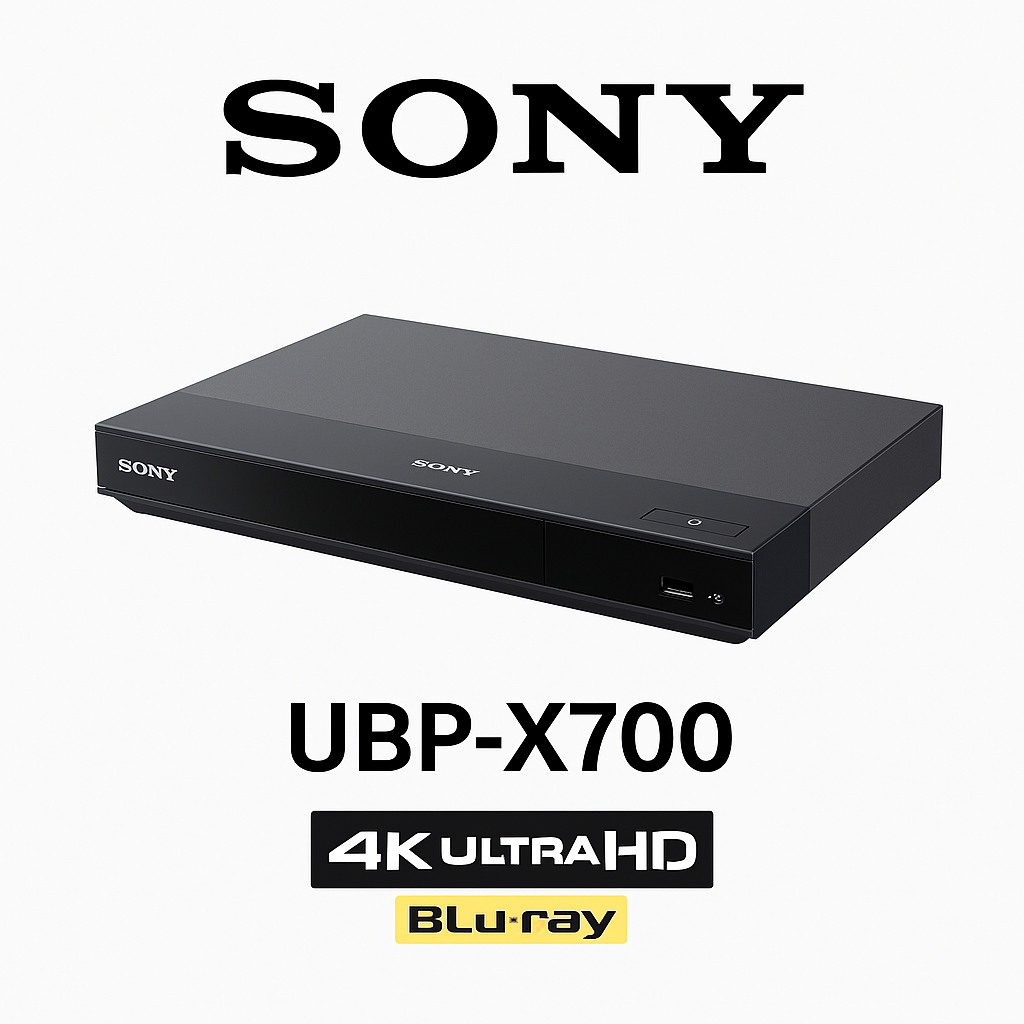
Sony UBP-X700 4K Ultra HD Blu-ray Player – Best Affordable 4K Blu-ray Player with Dolby Vision & Hi-Res Audio – Smart Home Maven
Description
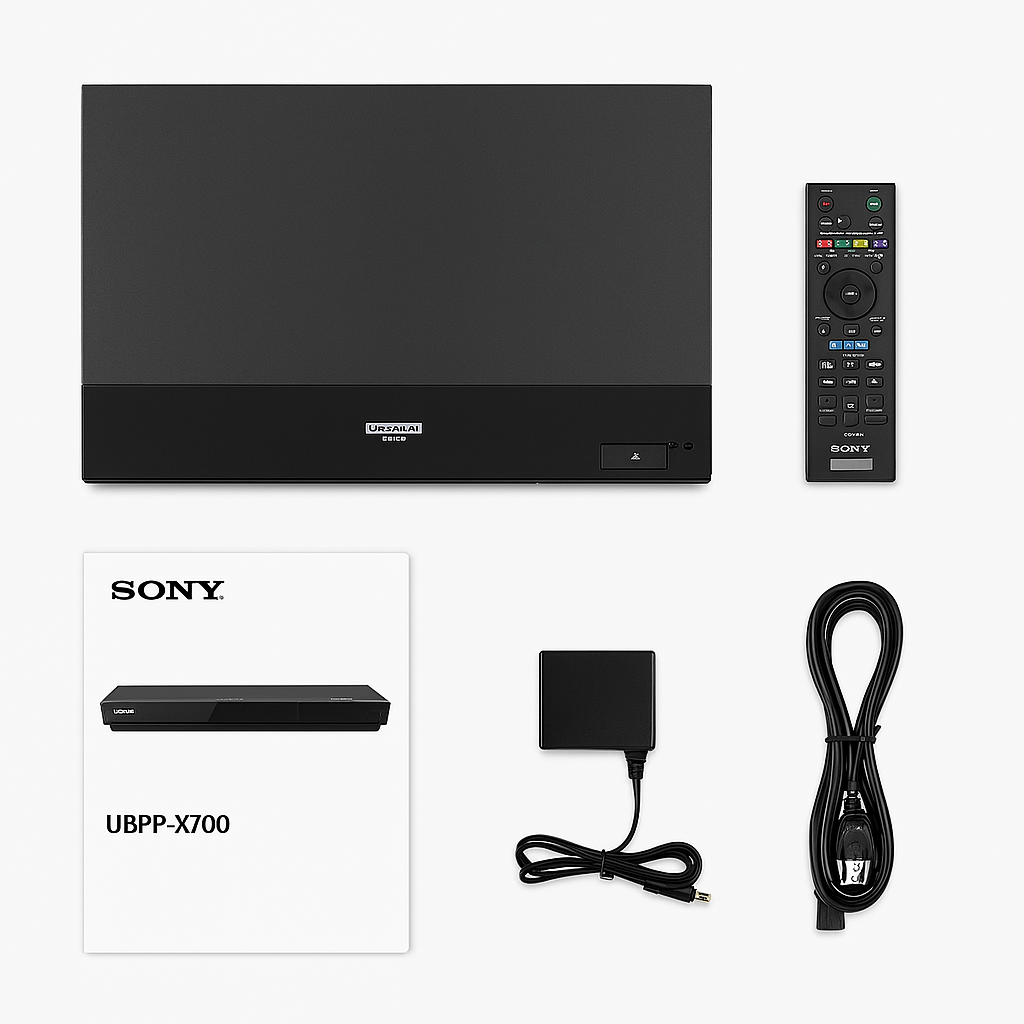
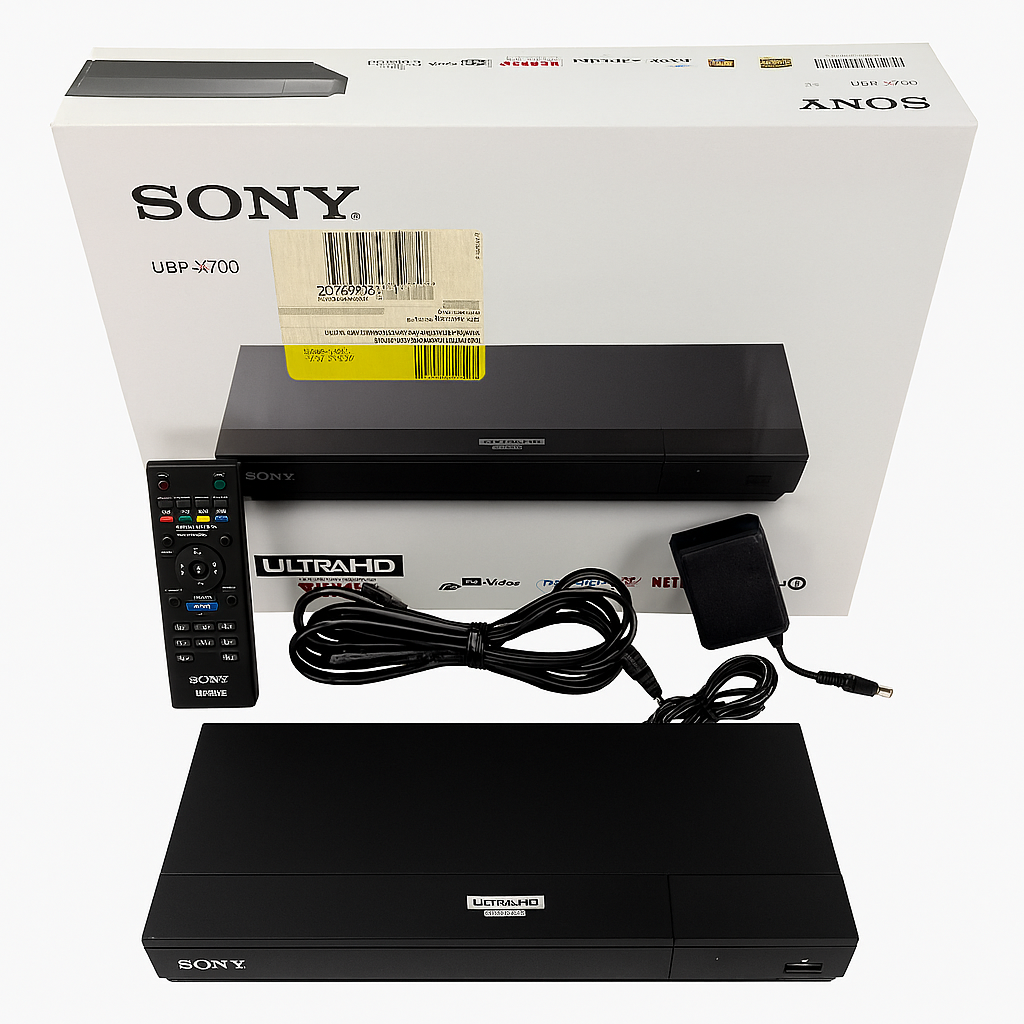
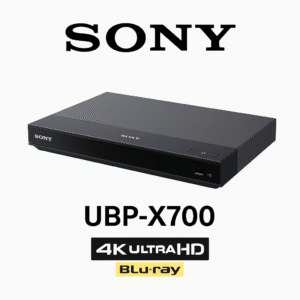
Upgrade your home cinema with the Sony UBP-X700, a compact yet powerful 4K Ultra HD Blu-ray player. With support for Dolby Vision, HDR10, and Hybrid Log-Gamma (HLG), it enhances every scene by delivering richer colors, deeper blacks, and lifelike contrast on compatible TVs. As a result, it stands out as one of the best affordable 4K Blu-ray players with Dolby Vision for movie enthusiasts.
In addition, this player includes Hi-Res Audio support with playback for FLAC, WAV, ALAC, AIFF, and DSD files, ensuring superior sound quality for music lovers. Furthermore, its dual HDMI outputs allow separate audio and video routing for more stable performance. With built-in Wi-Fi, Ethernet, and USB connectivity, you can seamlessly access streaming services or enjoy content from your own media collection.
Finally, with its quiet operation, reliable performance, and excellent video and audio quality, the Sony UBP-X700 proves to be a smart choice for those building an entry-level home theater that balances both value and performance.
Key Features
-
4K Ultra HD Playback – Enjoy stunning visuals with support for Dolby Vision, HDR10, and HLG, making this one of the best affordable 4K Blu-ray players with Dolby Vision.
-
Hi-Res Audio Support – From FLAC and WAV to ALAC, AIFF, and DSD, the player ensures exceptional sound quality for audiophiles.
-
Dual HDMI Outputs – Separate audio and video connections provide more stable performance and greater flexibility for advanced setups.
-
Built-in Wi-Fi and Ethernet – Stay connected effortlessly, whether streaming movies or updating firmware.
-
USB Media Playback & DLNA – Play your personal collection through USB drives or access files directly from your home network.
-
Quiet, Smooth Disc Transport – Designed for reliable operation with minimal noise during playback.
-
Stable 4K Up-Conversion – Non-4K content is intelligently upscaled, ensuring sharper details and improved clarity.
-
Dolby TrueHD & DTS-HD Support – Experience immersive, theater-quality surround sound at home.
Specifications
-
Video Output: Delivers 4K Ultra HD resolution (3840 × 2160) for sharp, lifelike visuals, making it an essential feature of the best affordable 4K Blu-ray player with Dolby Vision.
-
HDR Formats: Supports Dolby Vision, HDR10, and HLG, ensuring vibrant colors, deeper blacks, and superior contrast.
-
Audio Formats: Plays Hi-Res audio including FLAC, WAV, ALAC, AIFF, and DSD, as well as Dolby TrueHD and DTS-HD for immersive surround sound.
-
Connectivity: Offers dual HDMI outputs (audio/video) along with USB, Ethernet, and Wi-Fi, giving you versatile setup flexibility.
-
Supported Media: Compatible with Ultra HD Blu-ray, Blu-ray, DVD, CD, and USB files, ensuring broad playback options.
-
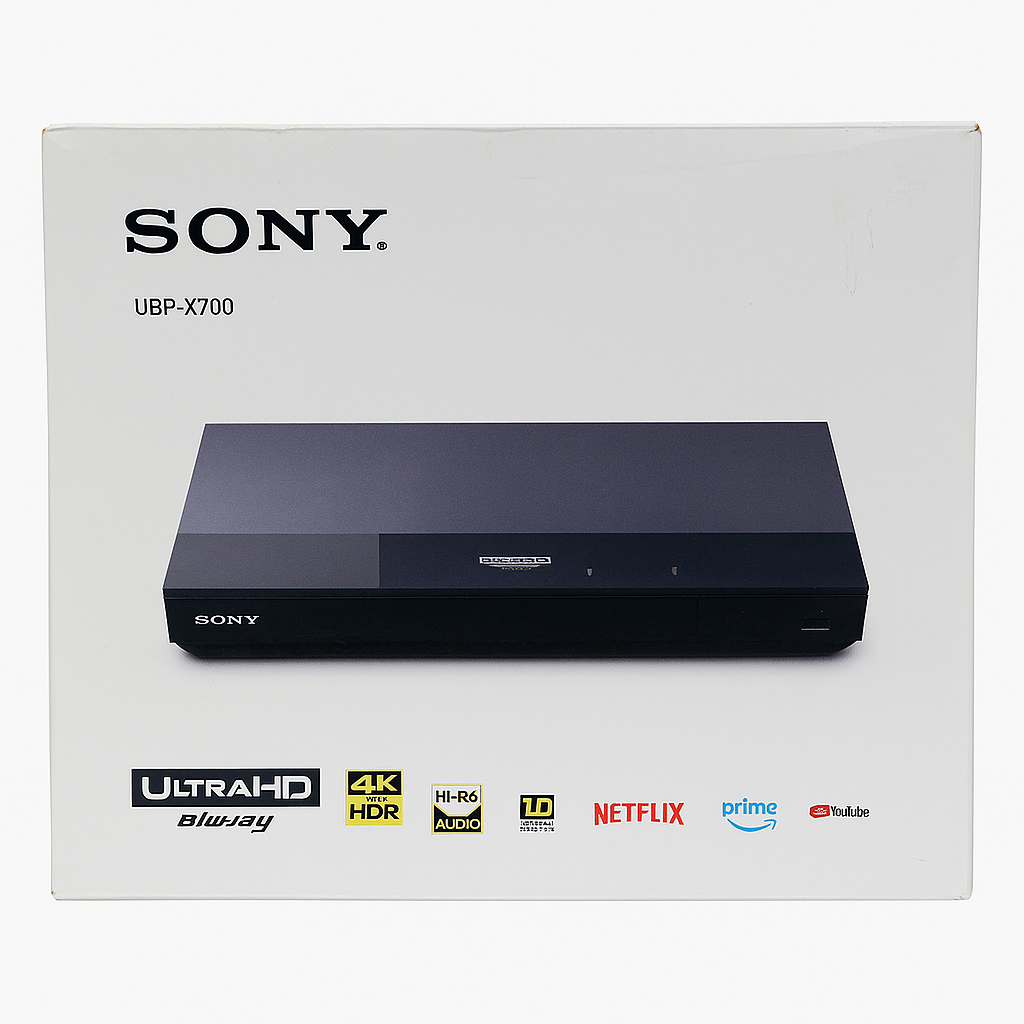
Streaming Support: Built-in apps like Netflix, YouTube, and more provide direct streaming convenience.
-
DLNA Support: Yes, allowing seamless access to network media servers.
-
Dimensions (W × H × D): 12.6″ × 2.2″ × 7.4″, offering a sleek and compact design.
-
Weight: Approximately 4.5 lbs, making it sturdy yet easy to position in most setups.
“Works With” Compatibility
-
4K HDR TVs using HDMI input, ensuring sharp visuals and vibrant colors—one of the reasons the UBP-X700 is considered the best affordable 4K Blu-ray player with Dolby Vision.
-
AVR systems with a dedicated HDMI audio input, providing clear, separated sound for immersive home theater setups.
-
Home networks via Wi-Fi or Ethernet, allowing seamless access to built-in streaming apps and services.
-
DLNA servers, making it simple to play movies, music, or media stored on your local network.
-
USB storage devices, supporting multiple video and audio formats for flexible playback options.
-
Dolby Vision, HDR10, and HLG-enabled displays, guaranteeing lifelike contrast, deeper blacks, and superior picture quality.
Setup + Maintenance Guide
Setup Steps
-
To begin, connect the HDMI VIDEO output to your TV.
-
Next, link the HDMI AUDIO output to an AV receiver or separate audio system for enhanced sound.
-
After that, power on the unit and connect it to your network via Wi-Fi or Ethernet.
-
Then, navigate to the settings menu to enable Dolby Vision and HDR10, unlocking the full potential of the best affordable 4K Blu-ray player with Dolby Vision.
-
Once configured, log in to your preferred streaming apps if desired.
-
Finally, insert discs or attach USB media to start enjoying premium playback.
Maintenance Tips
-
To ensure peak performance, regularly perform firmware updates by going to System Menu → Settings.
-
Additionally, clean the disc tray and exterior gently with a soft cloth to maintain longevity.
-
For safety, always ensure proper airflow to avoid overheating.
-
Moreover, restart the player occasionally to keep operations stable.
-
Lastly, handle discs with care to prevent scratches or read issues.





%20–%20Best%20OLED%20TV%20for%20Home%20Theater%20with%20Dolby%20Vision%20&%20HDMI%202.1&url=https://smarthomemaven.com/product/sony-a80k-oled-4k-tv-2025-best-oled-tv-for-home-theater-with-dolby-vision-hdmi-2-1/&media=https://smarthomemaven.com/wp-content/uploads/2020/12/Sony-A80K-OLED-TV-front-view-with-4K-display-on-white-background.png)

Reviews
There are no reviews yet.