
Description
Sensibo Air – Smart AC Controller with Wi-Fi, App & Voice Assistant Integration | Save Money with Sensibo Air Climate React and Scheduling – Smart Home Maven
Description
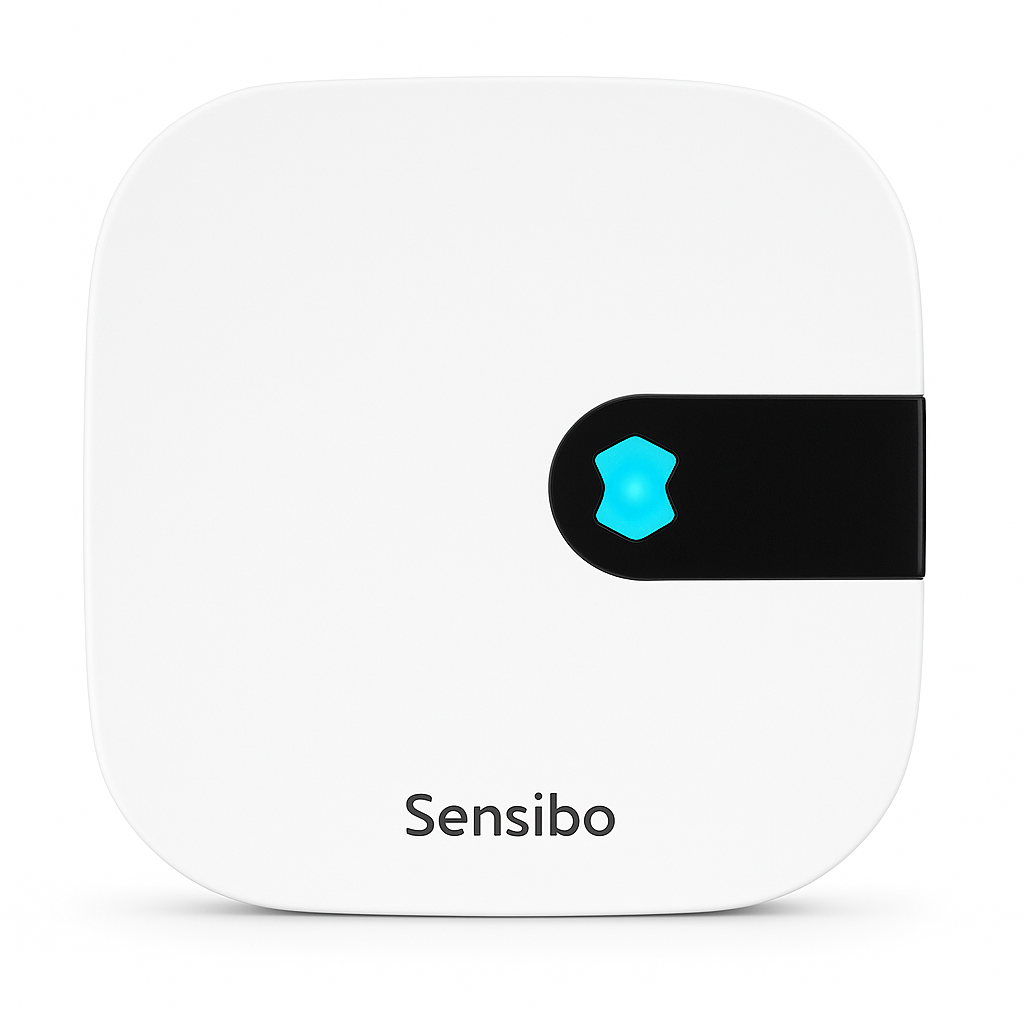
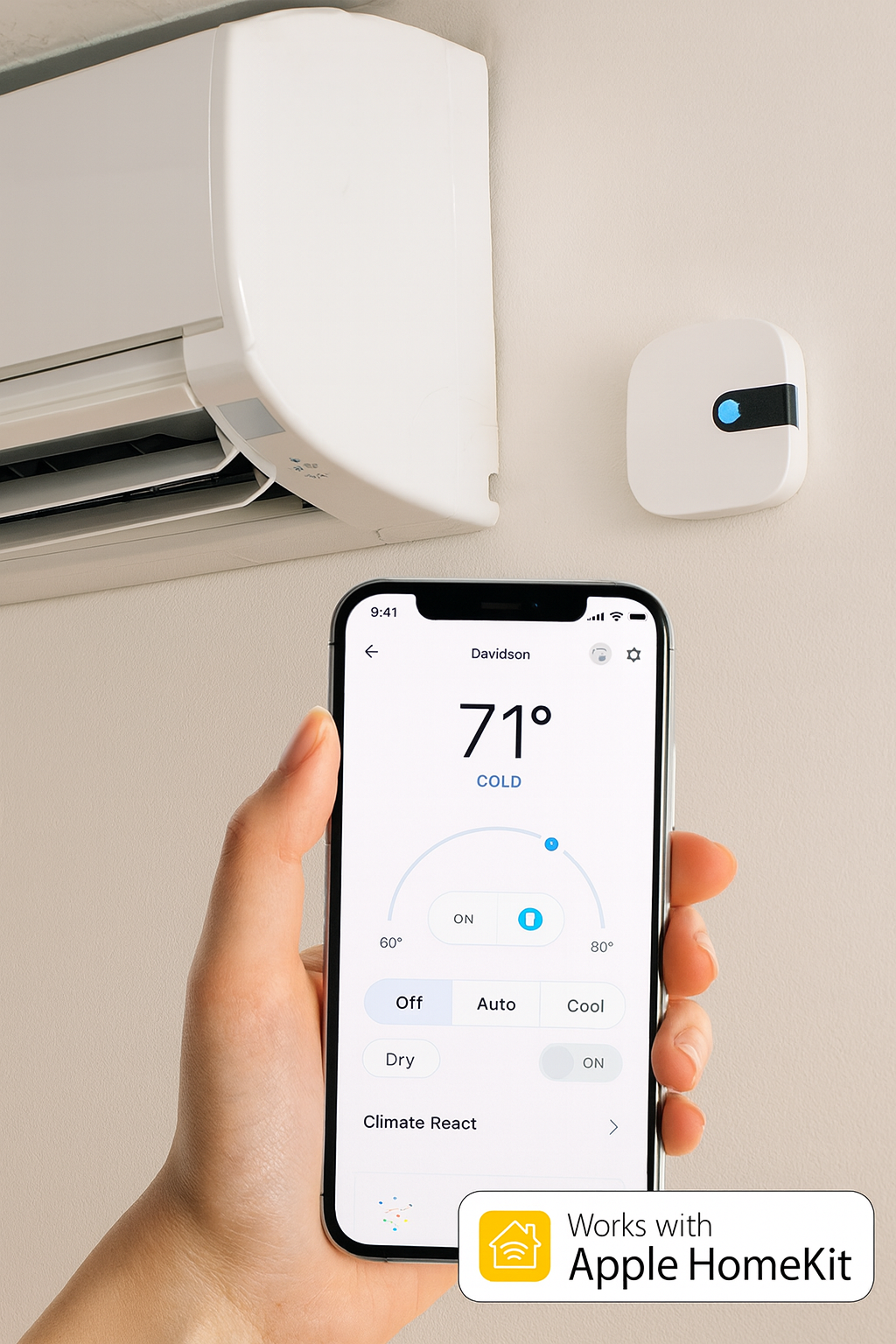
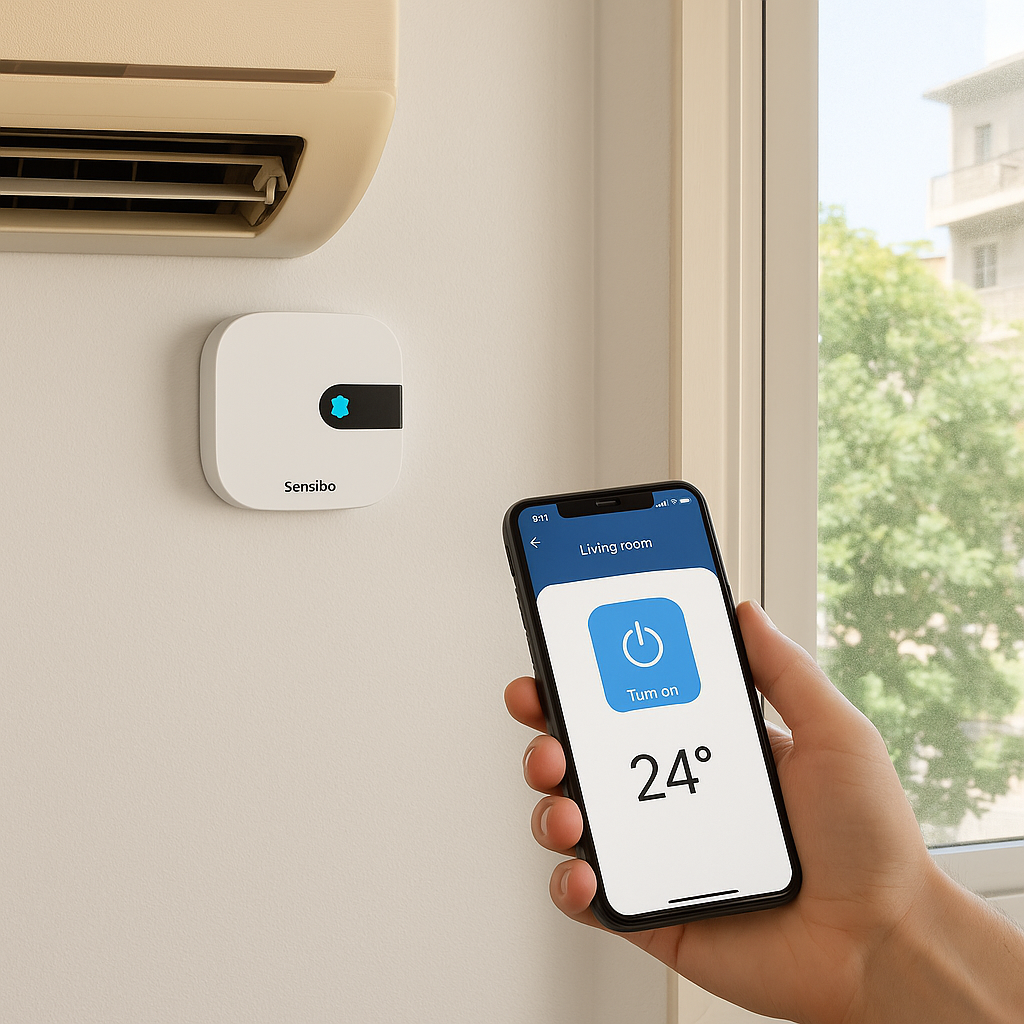
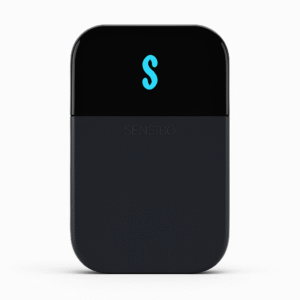
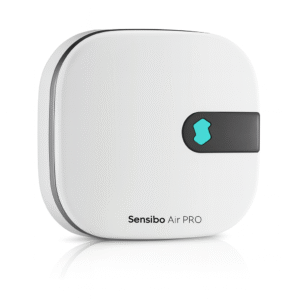
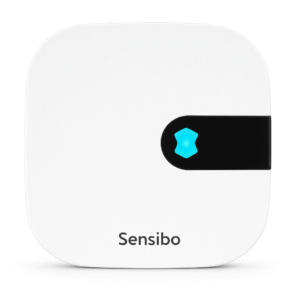
Turn your existing air conditioner into a smart climate control system with the Sensibo Air Smart AC Controller. You can save money using Sensibo Air climate react and scheduling features. It is compatible with any AC or heat pump that uses an infrared remote. This device connects to your Wi-Fi network. It lets you manage your cooling and heating from anywhere via the Sensibo app (iOS & Android).
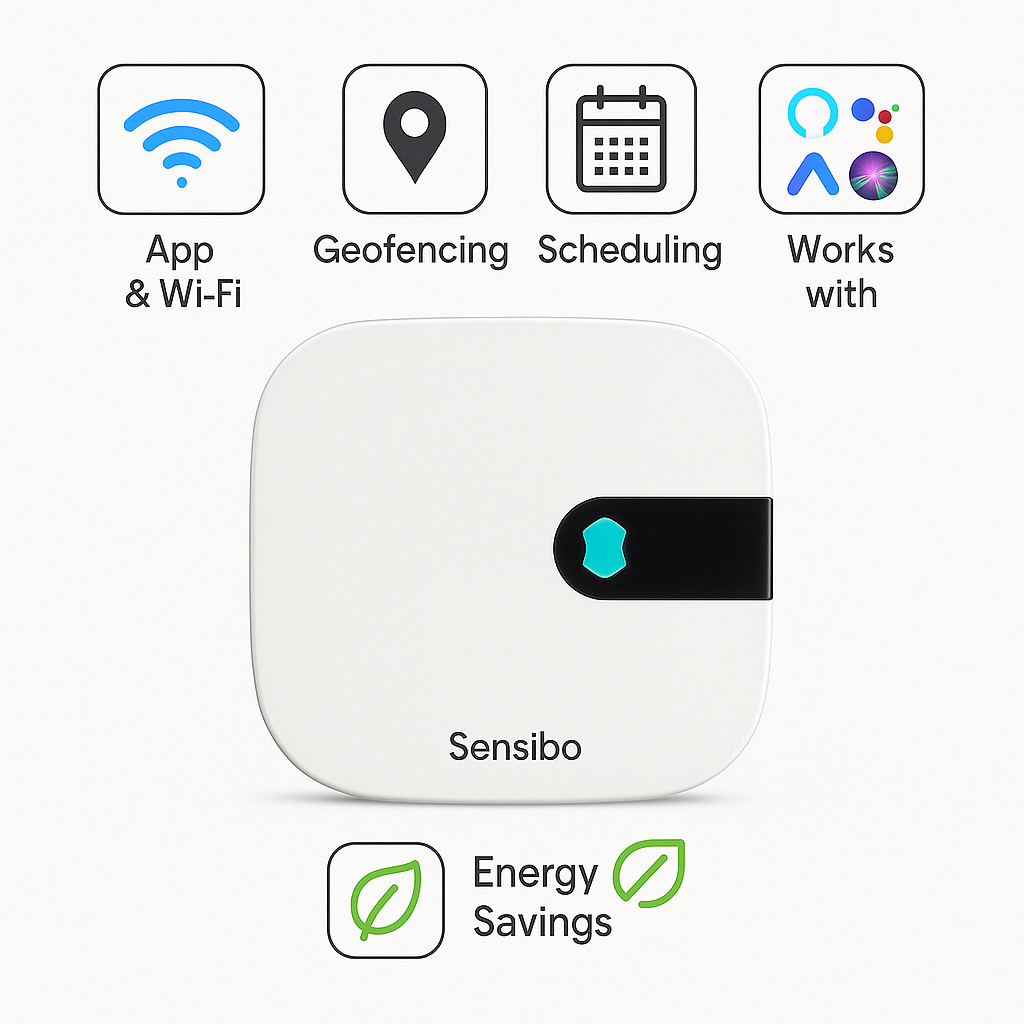
With geofencing technology, Sensibo Air can automatically turn your AC on when you’re arriving home. It turns it off when you leave, ensuring comfort and energy savings. It also supports custom schedules, climate rules, and automation. Thus, you never waste energy cooling or heating an empty room.
The Sensibo Air works seamlessly with Amazon Alexa, Google Assistant, Apple Siri Shortcuts, and SmartThings. Therefore, it gives you flexible voice control and smart home integration.
Compact and easy to install, the Sensibo Air is the perfect solution for renters, homeowners, and office users. It benefits those who want the advantages of a smart AC without replacing their existing unit.
Key Features – Save Money with Sensibo Air Climate React and Scheduling
-
To begin with, Smart AC Control works with any AC or heat pump that uses an IR remote.
-
In addition, Wi-Fi & App Control allows you to manage your AC from anywhere using the Sensibo app.
-
With Geofencing, the device can automatically power your AC on or off when you arrive or leave.
-
Moreover, Scheduling & Climate Rules let you set personalized routines for day and night comfort, helping you save money with Sensibo Air climate react and scheduling.
-
Furthermore, Voice Assistant Support ensures smooth integration with Alexa, Google Assistant, Siri Shortcuts, and SmartThings.
-
Thanks to Energy Saving Features, it reduces electricity bills by automating usage efficiently.
-
On top of that, the Compact Design makes it discreet and easy to mount near your AC unit.
-
Finally, Quick Setup allows you to install and pair the device in just minutes without hassle.
Specifications
-
To begin with, the Model is Sensibo Air Smart AC Controller.
-
Additionally, Connectivity is supported through Wi-Fi (2.4 GHz).
-
Moreover, App Support is available via the Sensibo app on both iOS and Android devices.
-
For Smart Home Integration, it works seamlessly with Alexa, Google Assistant, Siri Shortcuts, and SmartThings.
-
In terms of Functions, it offers app control, scheduling, geofencing, and automation to enhance convenience and efficiency.
-
When it comes to Installation, the device can be wall-mounted or placed on a tabletop, as long as it maintains IR line-of-sight with your AC unit.
-
Finally, Power Supply is provided by a USB power adapter—features that together help you save money with Sensibo Air climate react and scheduling.
Compatibility & Use Cases
-
To start, it works with any AC or heat pump that uses an infrared remote.
-
In particular, it is perfect for apartments, rental units, or homes where replacing the AC isn’t an option.
-
Moreover, it is great for energy-conscious users who want to reduce electricity bills and save money with Sensibo Air climate react and scheduling.
-
Finally, it is useful for offices, vacation homes, and smart home setups, adding both convenience and efficiency.





Reviews
There are no reviews yet.