
Description
Samsung UBD-M9500 4K Ultra HD Blu-ray Player – Samsung UBD-M9500 Streaming Apps and Wi-Fi Features with Dual HDMI & Bluetooth – Smart Home Maven
Description
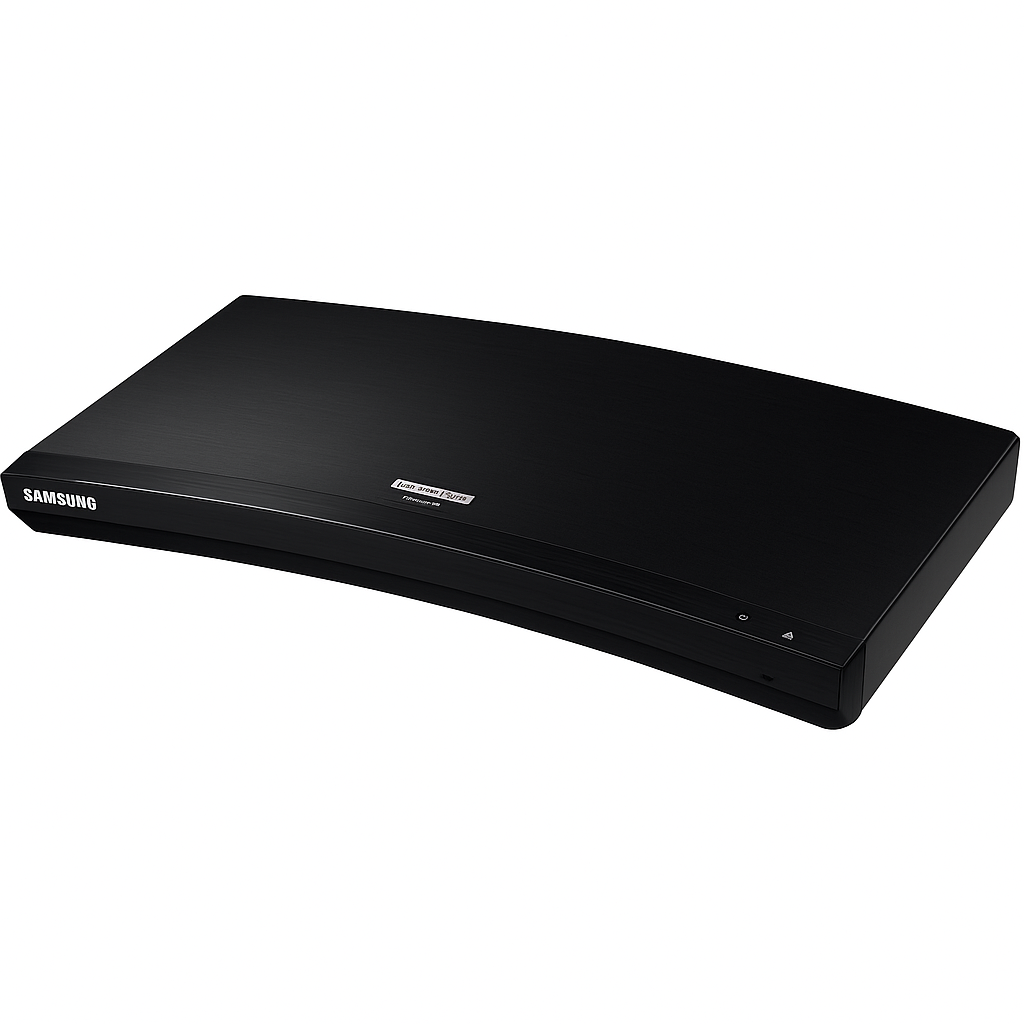
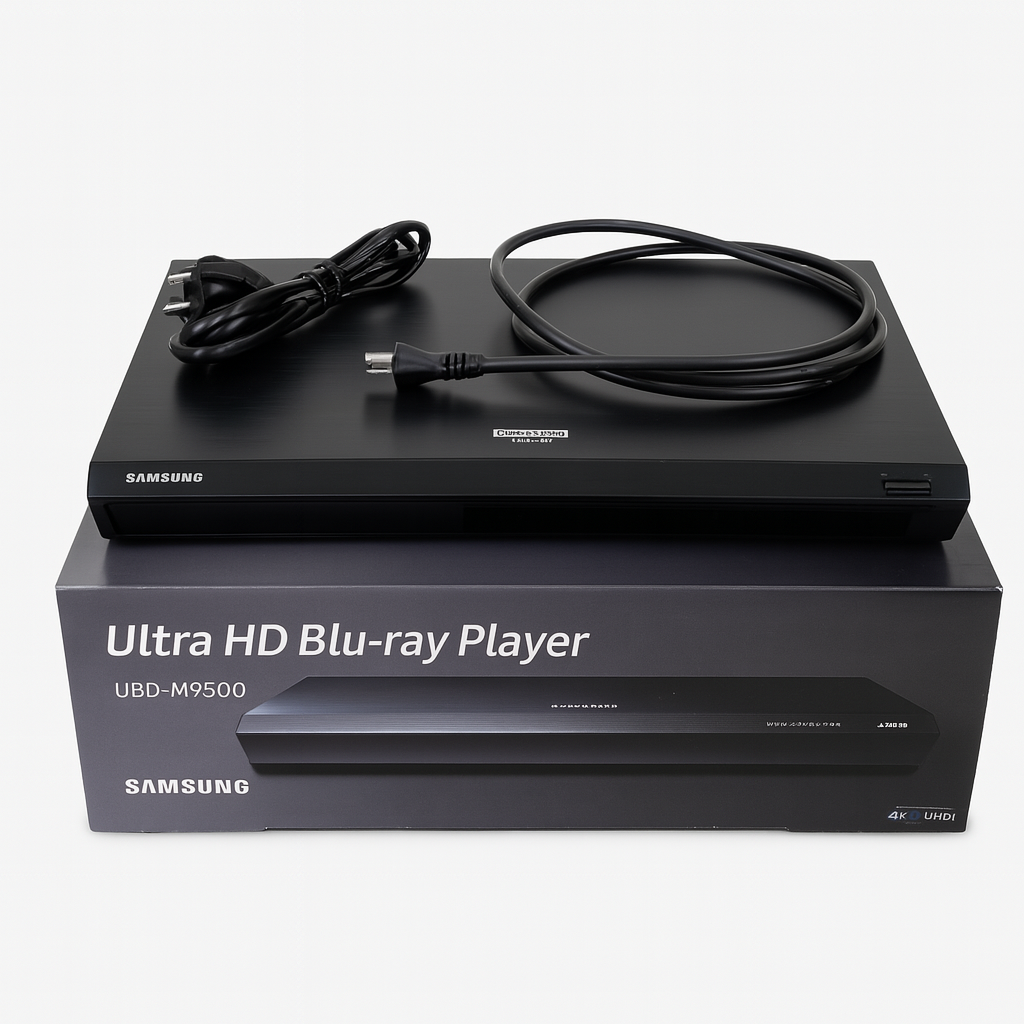
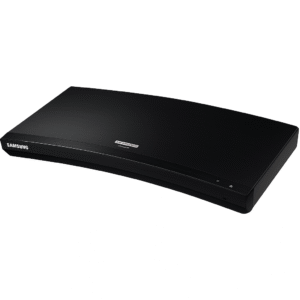
The Samsung UBD‑M9500 elevates home cinema with 4K Ultra HD Blu-ray playback and advanced streaming features, including robust Wi-Fi capabilities. The Samsung UBD-M9500 streaming apps and Wi-Fi features make it a versatile choice for tech-savvy movie enthusiasts. Housed in a slim curved chassis, it supports Dolby Atmos and DTS:X through 7.1‑channel bitstream output over HDMI, ensuring immersive surround sound.
Stream content via built‑in dual-band Wi‑Fi, Ethernet, or Bluetooth, and take advantage of unique features like Private Cinema mode to wirelessly send audio to Bluetooth headphones, and mobile mirroring for viewing Blu-rays on Samsung phones.
With dual HDMI outputs, one dedicated for video and one for audio, it provides flexible integration with both TVs and AV receivers. The player also excels at upscaling DVDs and Blu-rays to near‑4K and supports a wide range of formats, including DivX, MKV, and AVCHD.
Key Features of Samsung UBD-M9500 Streaming Apps and Wi-Fi Features
The Samsung UBD-M9500 streaming apps and Wi-Fi features elevate this Blu-ray player beyond standard disc playback, making it a true entertainment hub. Here are the standout features that make it exceptional:
4K UHD Blu-ray Playback
-
To begin with, it delivers 4K UHD Blu-ray playback with support for Dolby Atmos and DTS:X 7.1-channel audio output, ensuring cinematic sound and visuals.
Dual HDMI Outputs
-
Furthermore, it includes dual HDMI outputs (video + audio), allowing you to optimize connections for both TVs and AV receivers.
Advanced Connectivity
-
In addition, the player offers dual-band Wi-Fi, Ethernet, and Bluetooth, giving you flexibility for streaming and device pairing.
-
With these options, it even supports Bluetooth headphone mode for private listening.
Private Cinema Mode
-
Moreover, its Private Cinema mode allows you to enjoy movies through Bluetooth headphones without disturbing others.
Mobile Mirroring
-
Equally important, the device supports mobile mirroring, enabling Blu-ray playback on compatible Samsung smartphones and tablets.
Near-4K Upscaling
-
With built-in upscaling technology, the UBD-M9500 enhances DVD and non-UHD content to near-4K quality, improving older media.
OLED Display & Controls
-
Additionally, the front panel features an OLED display with touch controls, combining functionality with modern aesthetics.
Wide Format Support
-
Finally, it supports a broad range of media formats including DivX, MKV, AVCHD, and more, ensuring compatibility with diverse content sources.
Specifications of Samsung UBD-M9500 Streaming Apps and Wi-Fi Features
The Samsung UBD-M9500 streaming apps and Wi-Fi features are backed by powerful hardware and versatile playback support, making it a reliable choice for home entertainment. Below are the detailed specifications that define its performance:
Disc Compatibility
-
To begin with, it supports UHD Blu-ray, Blu-ray, DVD, and CD discs, giving you wide playback flexibility.
HDMI Outputs
-
Furthermore, the player includes 2 HDMI outputs (Video + Audio), allowing optimized connections to TVs and AV receivers.
Audio Output Formats
-
In addition, it delivers premium sound with Dolby Atmos and DTS:X 7.1 bitstream support, ensuring a cinema-like experience.
Connectivity
-
Moreover, it features dual-band Wi-Fi, Ethernet, and Bluetooth, enabling smooth streaming and device pairing.
Special Features
-
Equally important, it offers unique functions such as Private Cinema mode for Bluetooth headphones and mobile mirroring for Samsung devices.
Video Upscaling
-
With advanced processing, it can upscale DVD and Blu-ray content to near 4K quality, enhancing older media.
Display & Controls
-
Additionally, the player is equipped with an OLED display with touch controls, combining modern usability with sleek design.
Video Formats Supported
-
For media playback, it supports multiple formats including DivX, MKV, AVCHD, WMV, and JPEG.
Dimensions & Weight
-
In terms of size, the unit measures 16″ × 1.8″ × 8.9″ and weighs approximately 4.2 lbs.
Power Use
-
Finally, its power consumption is efficient, operating at about 22 W and dropping to 0.3 W in standby mode.
“Works With” Compatibility of Samsung UBD-M9500 Streaming Apps and Wi-Fi Features
The Samsung UBD-M9500 streaming apps and Wi-Fi features make it one of the most versatile Blu-ray players available. Because of its broad compatibility, it integrates seamlessly into both modern and traditional home theater setups.
TV & Display Connections
-
To begin with, it works perfectly with 4K UHD TVs featuring HDMI 2.0a, delivering crisp visuals with HDR support.
Audio Systems
-
Furthermore, it connects to AV receivers via HDMI audio output, ensuring high-quality surround sound for movies and music.
Wireless Audio Devices
-
In addition, it pairs easily with Bluetooth headphones and speakers, supporting the Private Cinema mode for personal listening.
Samsung Mobile Devices
-
Moreover, it supports mobile mirroring with Samsung devices, allowing you to cast content directly to your TV.
Home Network Connectivity
-
Equally important, it connects to home networks through Wi-Fi or Ethernet, enabling smooth access to apps and streaming platforms.
External Storage & Media
-
Additionally, it is compatible with USB flash drives, supporting a wide range of file codecs and media formats.
Disc Formats & Streaming
-
Finally, it plays DVD and Blu-ray discs while also offering access to popular streaming services through the Smart Hub interface.
Setup & Maintenance Guide for Samsung UBD-M9500 Streaming Apps and Wi-Fi Features
The Samsung UBD-M9500 is a premium 4K Ultra HD Blu-ray player designed to deliver outstanding visuals and connectivity. Featuring advanced Samsung UBD-M9500 streaming apps and Wi-Fi features, it ensures a smooth and modern entertainment experience. Follow the setup and maintenance steps below to get started.
Setup Steps
-
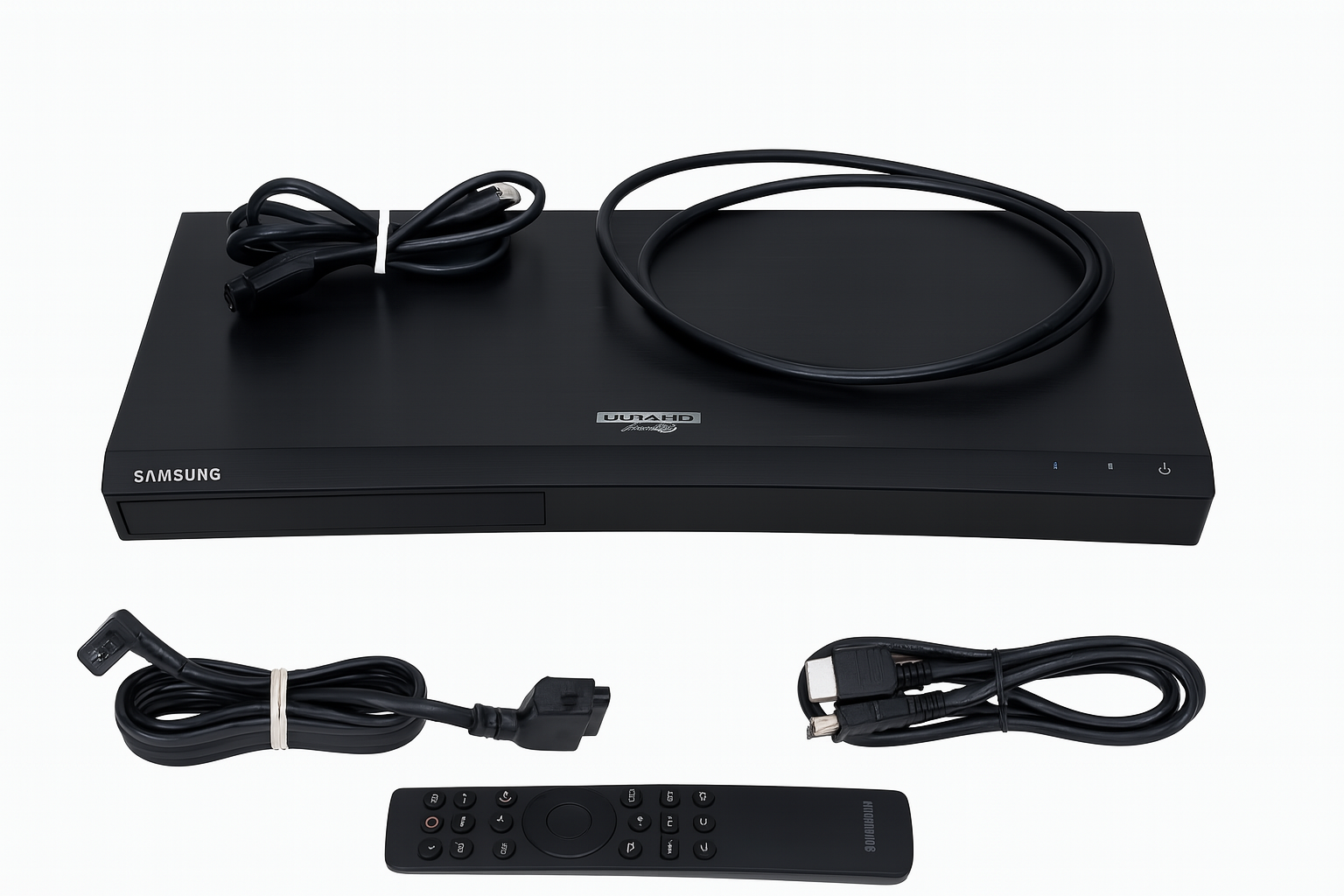
First, connect HDMI VIDEO to your TV and HDMI AUDIO to an AV receiver for immersive sound and visuals.
-
Next, plug in the power cord and connect the device to Wi-Fi or Ethernet.
-
After that, use the OLED touch controls or the Smart Hub interface to complete the initial setup.
-
Furthermore, pair your Bluetooth headphones if you plan on using the Private Cinema feature for personal listening.
-
In addition, insert a Blu-ray disc or connect a USB device to begin playback instantly.
-
Finally, enable mobile mirroring under Network settings for seamless casting from compatible Samsung devices.
Maintenance Tips
To keep your Samsung UBD-M9500 streaming apps and Wi-Fi features performing at their best:
-
Update firmware regularly via the Network menu to ensure the latest features and stability.
-
Wipe the player with a soft, dry cloth, avoiding moisture that may damage the finish.
-
Keep ventilation areas dust-free to prevent overheating.
-
Reboot periodically to maintain optimal streaming and app performance.
-
Handle discs carefully to avoid scratches and preserve playback quality.




%20–%20Best%20OLED%20TV%20for%20Home%20Theater%20with%20Dolby%20Vision%20&%20HDMI%202.1&url=https://smarthomemaven.com/product/sony-a80k-oled-4k-tv-2025-best-oled-tv-for-home-theater-with-dolby-vision-hdmi-2-1/&media=https://smarthomemaven.com/wp-content/uploads/2020/12/Sony-A80K-OLED-TV-front-view-with-4K-display-on-white-background.png)
%20–%20Best%20Lifestyle%204K%20QLED%20Art%20Mode%20TV%20with%20Customizable%20Bezels&url=https://smarthomemaven.com/product/samsung-frame-tv-2025-best-lifestyle-4k-qled-art-mode-tv-with-customizable-bezels/&media=https://smarthomemaven.com/wp-content/uploads/2020/12/Samsung-Frame-TV-in-Art-Mode-4K-QLED-lifestyle-display-on-white-background.png)

Reviews
There are no reviews yet.