
Description
Samsung SmartThings Hub (v3) – Best Zigbee and Z-Wave Smart Home Hub with Wi-Fi Control – Smart Home Maven
Description
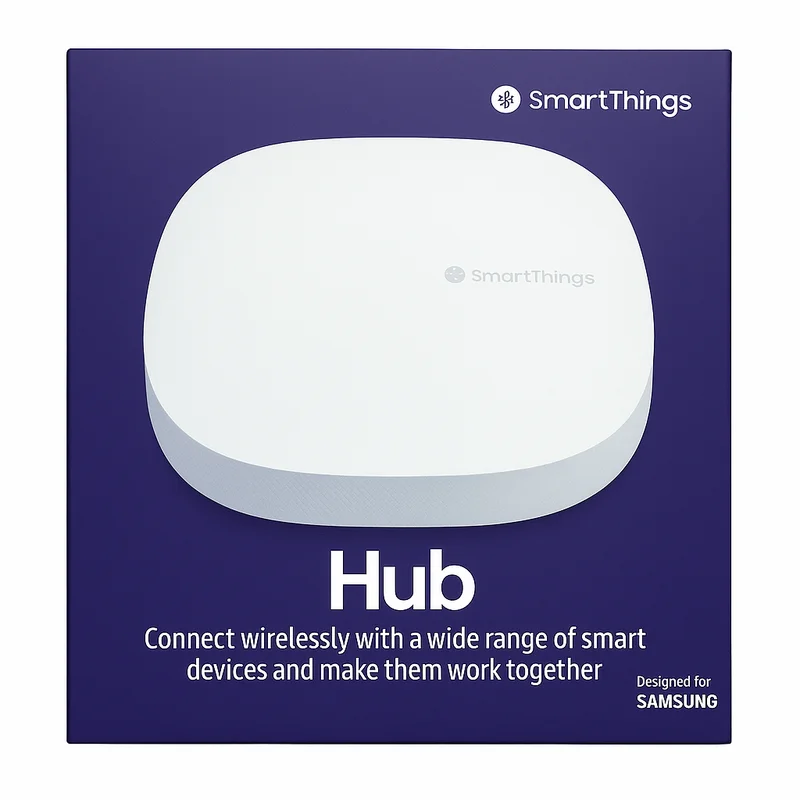
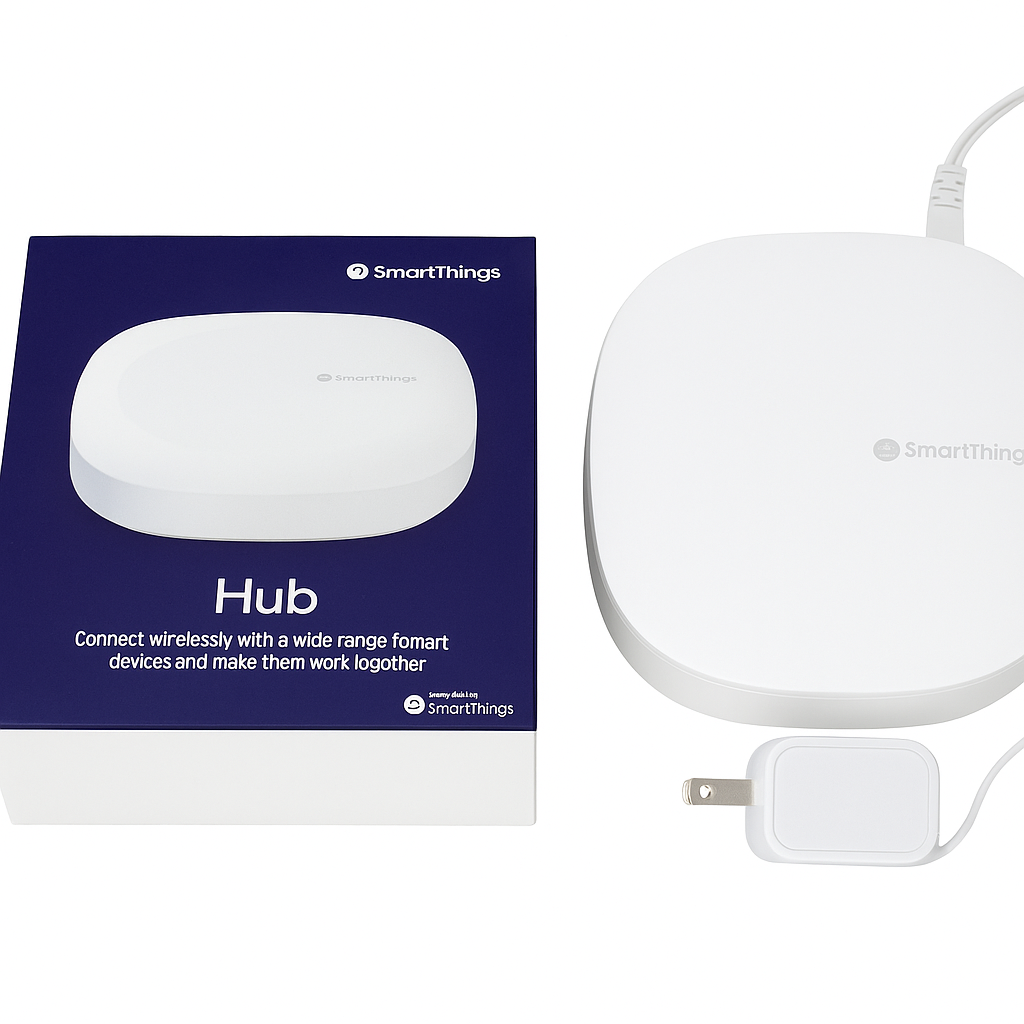
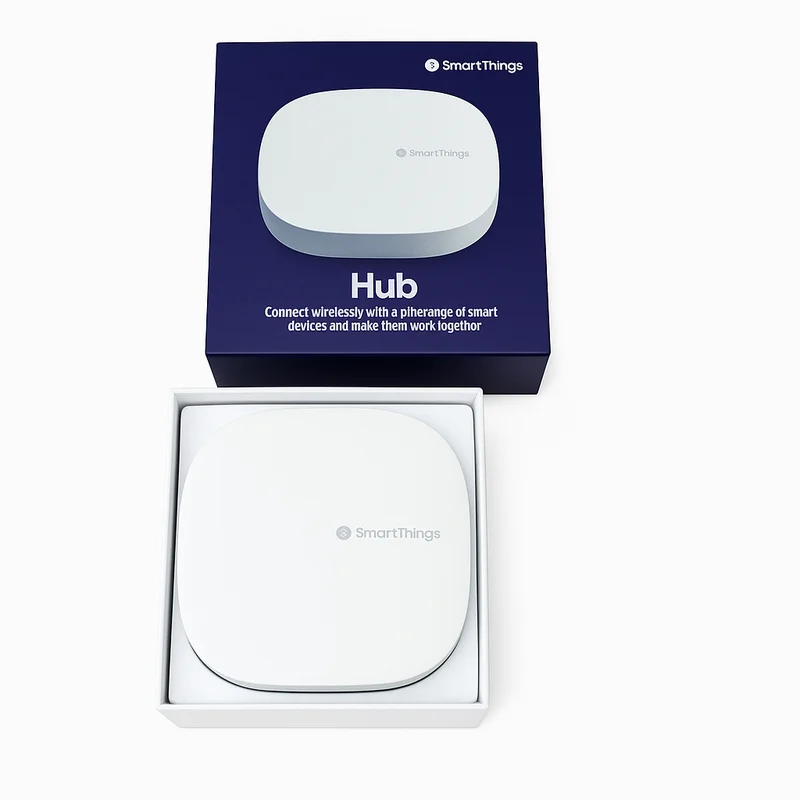
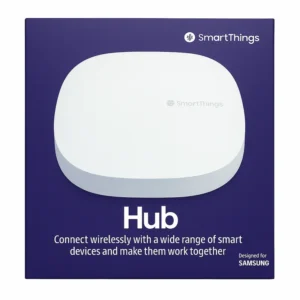
The Samsung SmartThings Hub (v3) is a flexible and user-friendly smart home controller that brings together your Z-Wave, Zigbee, and Wi-Fi devices into one app for centralized control and automation. With support for over 5,000 compatible products, this hub lets you create custom routines, automate your daily tasks, and respond to changes in your home environment instantly.
Whether you’re looking to manage lights, locks, sensors, thermostats, or appliances, the SmartThings Hub helps you unify everything into a single system using the SmartThings app or voice control via Alexa and Google Assistant.
With its Wi-Fi connectivity, it doesn’t need to be tethered to your router, making it easy to place it wherever it delivers the best signal to your devices. It’s ideal for both beginners and power users looking to expand their smart home setup.
Key Features of the Best Zigbee and Z-Wave Smart Home Hub
The Samsung SmartThings Hub v3 brings flexibility and reliability together, and as a result, it enables smarter control of thousands of devices.
-
Multi-Protocol Support – First, it works with Zigbee, Z-Wave, and Wi-Fi devices, ensuring wide compatibility.
-
SmartThings App Control – Next, organize devices by room and automate routines directly from your smartphone.
-
Voice Assistant Integration – Moreover, it connects seamlessly with Amazon Alexa and Google Assistant for hands-free operation.
-
Wi-Fi & Ethernet Connectivity – In addition, enjoy flexible placement options with both wireless and wired connections.
-
Supports 5,000+ Devices – Furthermore, it integrates with leading brands like Philips Hue, Ring, Yale, and Ecobee.
-
Secure Cloud and Local Processing – Unlike cloud-only hubs, it delivers fast automation with reliable operation.
-
Smart Automations & Scenes – Finally, create schedules and responses for lights, locks, sensors, and more, giving you full customization.
Specifications of the Best Zigbee and Z-Wave Smart Home Hub
The Samsung SmartThings Hub v3 combines broad protocol support with simple setup, and as a result, it serves as one of the most versatile hubs for whole-home automation.
-
Brand: Samsung
-
Model: SmartThings Hub v3
-
Protocols Supported: Works with Zigbee, Z-Wave, and Wi-Fi, ensuring compatibility with thousands of devices.
-
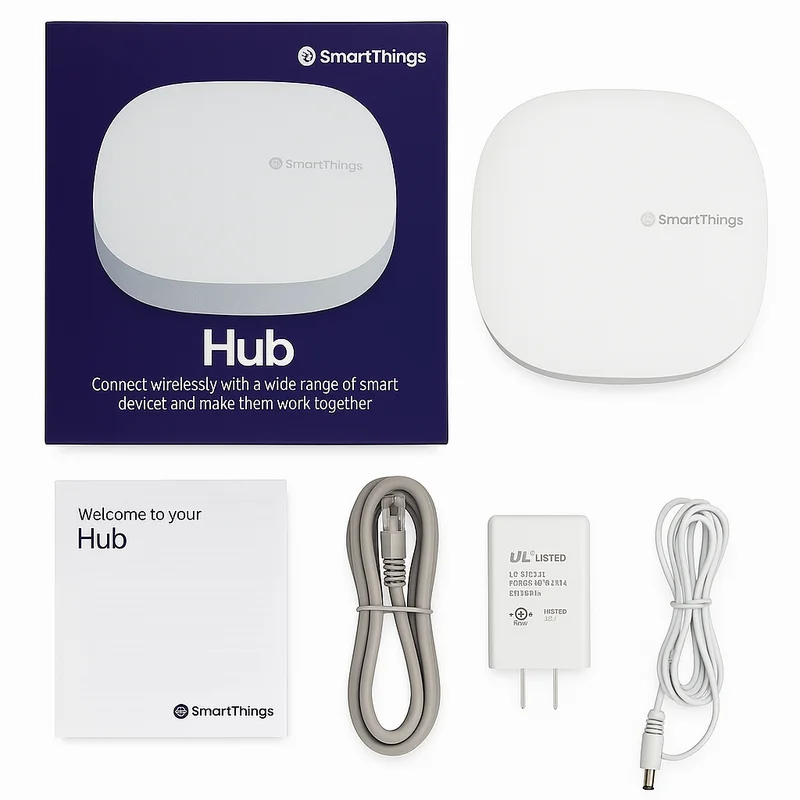
Connectivity: Offers Wi-Fi (2.4GHz only) and Ethernet options, giving you flexible installation choices.
-
App Compatibility: Fully controlled through the SmartThings App on iOS and Android.
-
Power Supply: Runs on the included USB power adapter, making setup straightforward.
-
Voice Assistants: Works seamlessly with Amazon Alexa and Google Assistant for hands-free commands.
-
Max Devices: Supports 100+ directly connected devices and thousands more via cloud integrations.
Works With the Best Zigbee and Z-Wave Smart Home Hub
The SmartThings Hub delivers wide compatibility, and as a result, it connects seamlessly with voice assistants, smart devices, and cloud services:
-
Amazon Alexa – First, enjoy hands-free voice commands for controlling your entire smart home.
-
Google Assistant – Next, pair effortlessly to manage devices using natural voice prompts.
-
Z-Wave & Zigbee Devices – Moreover, integrate products from Yale, Kwikset, GE, Aeotec, Sengled, and more, ensuring reliable local control.
-
Wi-Fi Devices – In addition, connect to brands like Nest, Arlo, Ring, Ecobee, and LIFX via cloud integrations.
-
IFTTT & SmartThings-Compatible Services – Finally, unlock advanced automations and routines by linking your hub with a wide range of apps and services.
Installation for the Best Zigbee and Z-Wave Smart Home Hub
Setting up your hub is quick and straightforward, and with just a few steps, you’ll be ready to start automating:
-
First, plug in the hub via USB and connect it to Wi-Fi or Ethernet, ensuring a stable connection.
-
Next, open the SmartThings app and follow the pairing instructions, which guide you step by step.
-
Then, add devices by selecting their type or scanning QR codes, making setup simple and accurate.
-
Finally, set up rooms, groups, automations, and scenes, so your smart home operates exactly the way you want.
Tips for Use
To get the most from the Best Zigbee and Z-Wave smart home hub, follow these helpful tips:
-
Use geolocation to automate routines, so lights, locks, or thermostats adjust automatically when you arrive or leave.
-
Moreover, combine sensors with automations, ensuring stronger security and improved energy efficiency.
-
Finally, take advantage of “SmartThings Edge” drivers (2024 update), which deliver faster, more reliable local automation.



%20–%20Best%20Zigbee%20and%20Z-Wave%20Smart%20Home%20Hub&url=https://smarthomemaven.com/product/samsung-smartthings-hub-3rd-generation-best-zigbee-and-z-wave-smart-home-hub/&media=https://smarthomemaven.com/wp-content/uploads/2025/05/SmartThings_Hub_Box_Optimized.webp)


Reviews
There are no reviews yet.