

Description
Roku Ultra (2022) – Best Roku Streaming Player for Dolby Vision with Lost Remote Finder – Smart Home Maven
Description
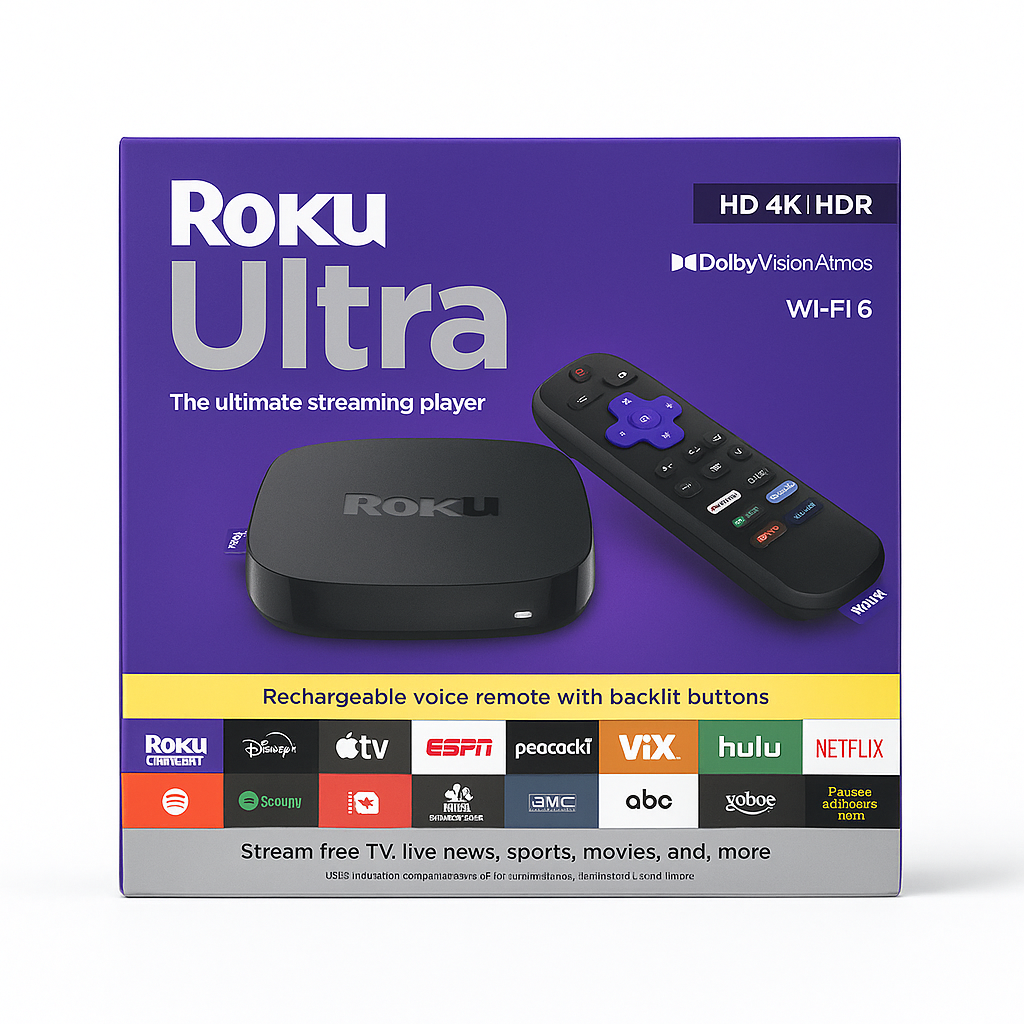
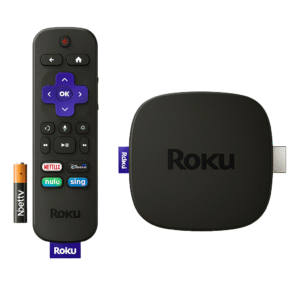
Enjoy unmatched entertainment with the Roku Ultra (2022), the flagship 4K HDR streaming device from Roku. Moreover, it supports Dolby Vision and HDR10+ video, delivering brilliant color and contrast, while Dolby Atmos audio provides immersive surround sound. It is arguably the best Roku streaming player for Dolby Vision available today.
Additionally, powered by a quad-core processor and dual-band Wi-Fi (with optional Ethernet), the Roku Ultra ensures fast, reliable performance. Its remotes feature a headphone jack and a lost remote finder, while support for voice control, Bluetooth audio streaming, and a USB port makes it versatile for any setup.
Finally, the intuitive Roku interface offers access to top platforms like Netflix, Hulu, Prime Video, Disney+, and YouTube, plus the free Roku Channel with live TV. With private listening, shortcut buttons, and automatic updates, the Roku Ultra remains the best Roku streaming player for Dolby Vision and a future-ready choice for home entertainment.
Key Features
The Roku Ultra is built to deliver premium streaming performance, making it the best Roku streaming player for Dolby Vision. Moreover, its advanced features enhance both picture quality and user convenience:
-
4K Ultra HD streaming with Dolby Vision, HDR10+, and HDR10 for stunning clarity.
-
Dolby Atmos audio passthrough, creating immersive surround sound experiences.
-
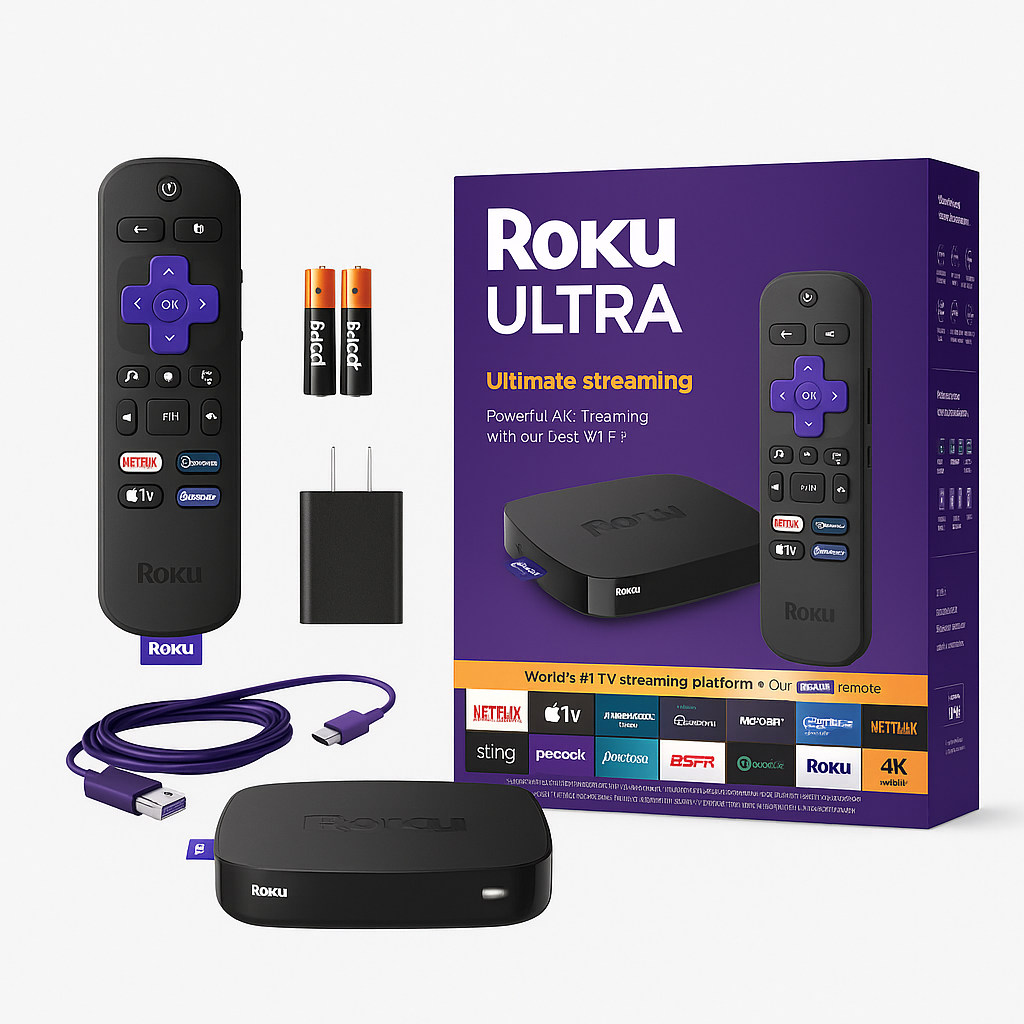
Two remotes included, featuring a lost remote finder and headphone jack.
-
Voice control available via the remote or Roku mobile app for hands-free operation.
-
Quad-core processor paired with dual-band Wi-Fi and Ethernet for reliable performance.
-
Bluetooth audio support and private listening for personalized viewing.
-
USB port for convenient local file playback of movies, music, or photos.
-
Shortcut buttons offering one-touch access to popular streaming apps.
-
Automatic software updates, ensuring the latest features and improved stability.
Specifications
The Roku Ultra combines premium performance with versatile connectivity. Furthermore, as the best Roku streaming player for Dolby Vision, it ensures exceptional video, audio, and usability features:
-
Video Output: 4K Ultra HD at up to 60 fps for fluid, lifelike visuals.
-
HDR Formats: Supports Dolby Vision, HDR10+, and HDR10 for dynamic picture quality.
-
Audio Formats: Includes Dolby Atmos and Dolby Digital Plus for cinematic sound.
-
Processor: Powered by a quad-core custom Roku chipset for responsive performance.
-
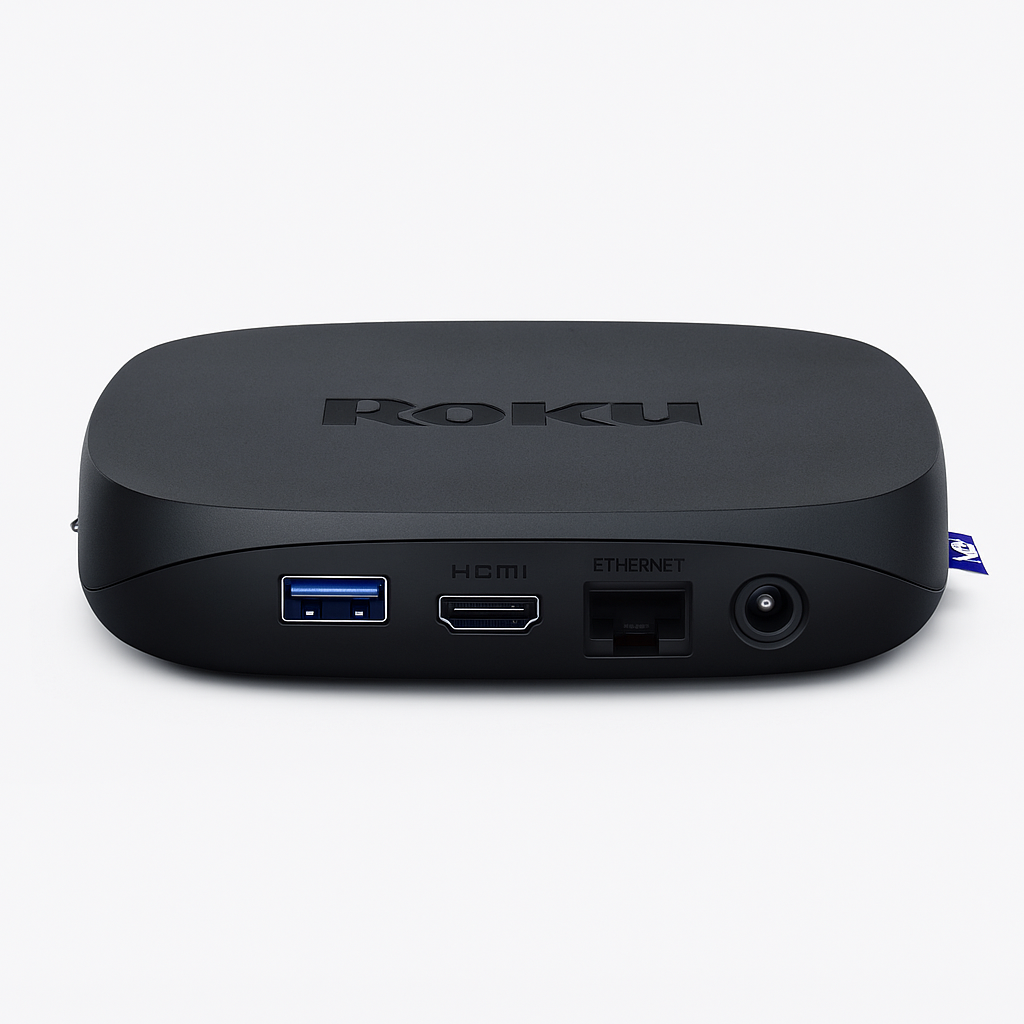
Connectivity: Features HDMI 2.0a, dual-band Wi-Fi, Ethernet, and USB-A for flexibility.
-
Bluetooth: Yes, via the Roku mobile app, for private wireless listening.
-
Voice Support: Voice Search & Control through the remote or Roku app.
-
Remote Features: Built-in lost remote finder and headphone jack for convenience.
-
Dimensions: Compact design at ~5.4″ × 5.4″ × 1.0″.
-
Weight: Lightweight at ~7.4 oz, easy to place anywhere.
“Works With” Compatibility
The Roku Ultra offers broad compatibility, ensuring seamless integration across home entertainment setups. Moreover, as the best Roku streaming player for Dolby Vision, it pairs effortlessly with both modern TVs and audio systems:
-
4K HDR TVs with HDMI 2.0a or higher, delivering brilliant picture quality.
-
Home audio systems and soundbars via HDMI for immersive sound.
-
Bluetooth headphones (through the Roku mobile app) for private listening.
-
Wi-Fi networks or Ethernet connections, supporting stable and fast streaming.
-
Spotify Connect and remote voice search for convenient access to music and content.
-
Roku app, enabling private listening and screen casting from mobile devices.
-
USB flash drives, allowing playback of personal media files with ease.
Setup + Maintenance Guide
Setup Steps
-
First, connect the Roku Ultra to your TV using an HDMI cable.
-
Next, plug the device into power and, if desired, connect Ethernet for stable streaming.
-
Then, pair the included remote for instant control.
-
After that, connect to your Wi-Fi network or choose a wired Ethernet connection.
-
To continue, sign into your Roku account to personalize your setup.
-
Finally, add your favorite streaming channels and enable HDR passthrough, unlocking the full potential of the best Roku streaming player for Dolby Vision.
Maintenance Tips
-
To begin with, keep the software updated via Settings → System → System update.
-
Additionally, use the lost-remote finder when your remote is misplaced.
-
Moreover, clean the exterior with a soft cloth while avoiding liquids.
-
For smooth performance, clear the private listening cache through the Roku mobile app.
-
Lastly, reboot the device occasionally to ensure optimal streaming performance.




%20–%20Best%20Roku%20Streaming%20Player%20for%20Dolby%20Vision%20&%20HDR&url=https://smarthomemaven.com/product/roku-ultra-2022-best-roku-streaming-player-for-dolby-vision-hdr/&media=https://smarthomemaven.com/wp-content/uploads/2020/12/Roku-Ultra-2022-–-Premium-4K-HDR-Streaming-Player.png)

%20–%20Best%20Alexa%20Smart%20Display%20for%20Bedroom&url=https://smarthomemaven.com/product/amazon-echo-show-5-2nd-gen-best-alexa-smart-display-for-bedroom/&media=https://smarthomemaven.com/wp-content/uploads/2025/05/Amazon-Echo-Show-5-2nd-Gen.png)

Reviews
There are no reviews yet.