
Description
Home Assistant Pulcro TK Two Mini – Compact Matter-Enabled Smart Hub for Advanced Automation – Smart Home Maven
Description
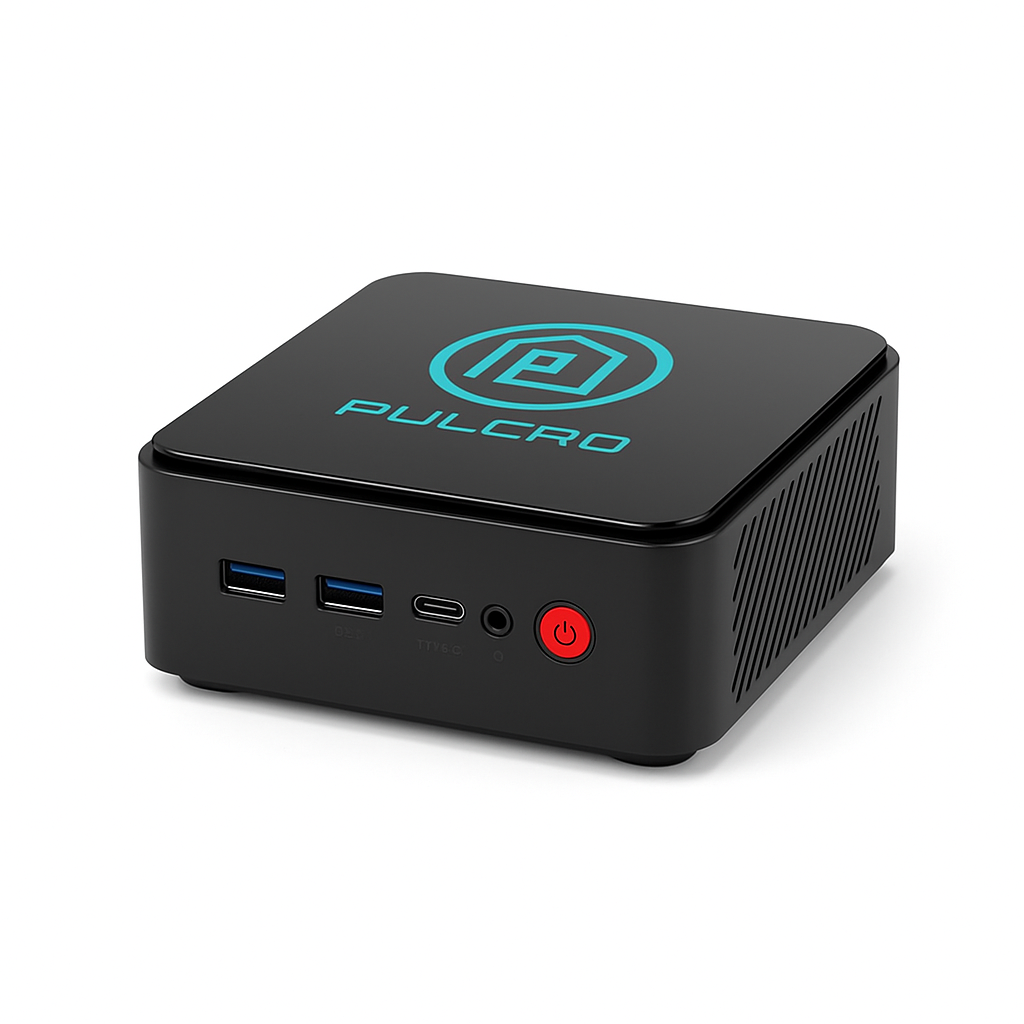
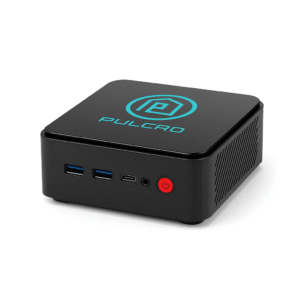
The Home Assistant Pulcro TK Two Mini is a compact Matter-enabled smart hub for advanced automation. It is purpose-built to give enthusiasts and homeowners full control over their smart home ecosystem. Optimized for Home Assistant OS, this mini-server combines efficient performance with a small form factor. This makes it perfect for continuous operation.
Unlike traditional hubs that rely heavily on the cloud, the TK Two Mini emphasizes local control and privacy-first automation. It supports thousands of smart devices and services. Additionally, it offers flexibility across ecosystems like Matter, Zigbee, Z-Wave, Wi-Fi, and Bluetooth (via compatible dongles).
Engineered as a compact Matter-enabled smart hub for advanced automation, the Pulcro TK Two Mini is ideal for both beginners and advanced users. It runs quietly and efficiently while supporting complex automations, dashboards, and voice assistant integrations. Whether you’re starting fresh or upgrading an existing system, this device delivers the power of a full server in a mini form factor.
Key Features of a Compact Matter-Enabled Smart Hub for Advanced Automation
-
Optimized for Home Assistant OS → To begin with, the device offers out-of-the-box compatibility with the leading open-source smart home platform.
-
Compact Matter-enabled smart hub for advanced automation → Moreover, its mini design blends discreetly into any setup while powering advanced routines.
-
Local Automation → In addition, it processes automations locally for maximum speed, reliability, and privacy.
-
Performance Hardware → Equipped with a modern CPU, ample RAM, and SSD storage, it can therefore handle complex workflows with ease.
-
Low Noise & Energy Efficient → As a result, it is engineered for 24/7 operation without generating noticeable heat or noise.
-
Cross-Platform Device Support → Furthermore, it works seamlessly with Matter, Zigbee, Z-Wave, Wi-Fi, and Bluetooth (with adapters).
-
Expandable & Future-Ready → Finally, it supports add-ons, Docker containers, and regular updates, making it a reliable compact Matter-enabled smart hub for advanced automation over the long term.
Compatibility & Use Cases
Works With
-
Home Assistant Integrations → In addition, you can access more than 1,000 supported devices and services directly through Home Assistant.
-
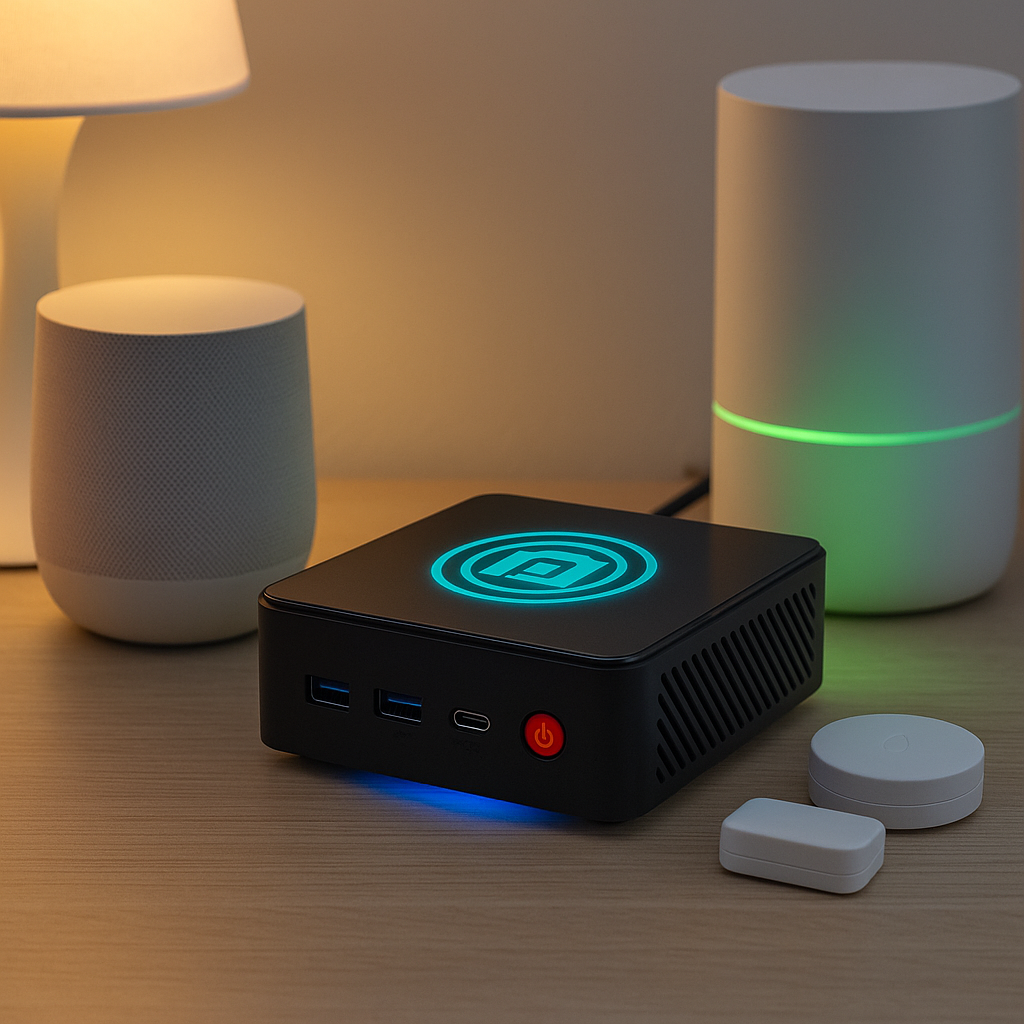
Smart Assistants → Furthermore, the hub is fully compatible with Amazon Alexa, Google Assistant, and Apple Siri (via HomeKit), ensuring seamless voice control.
-
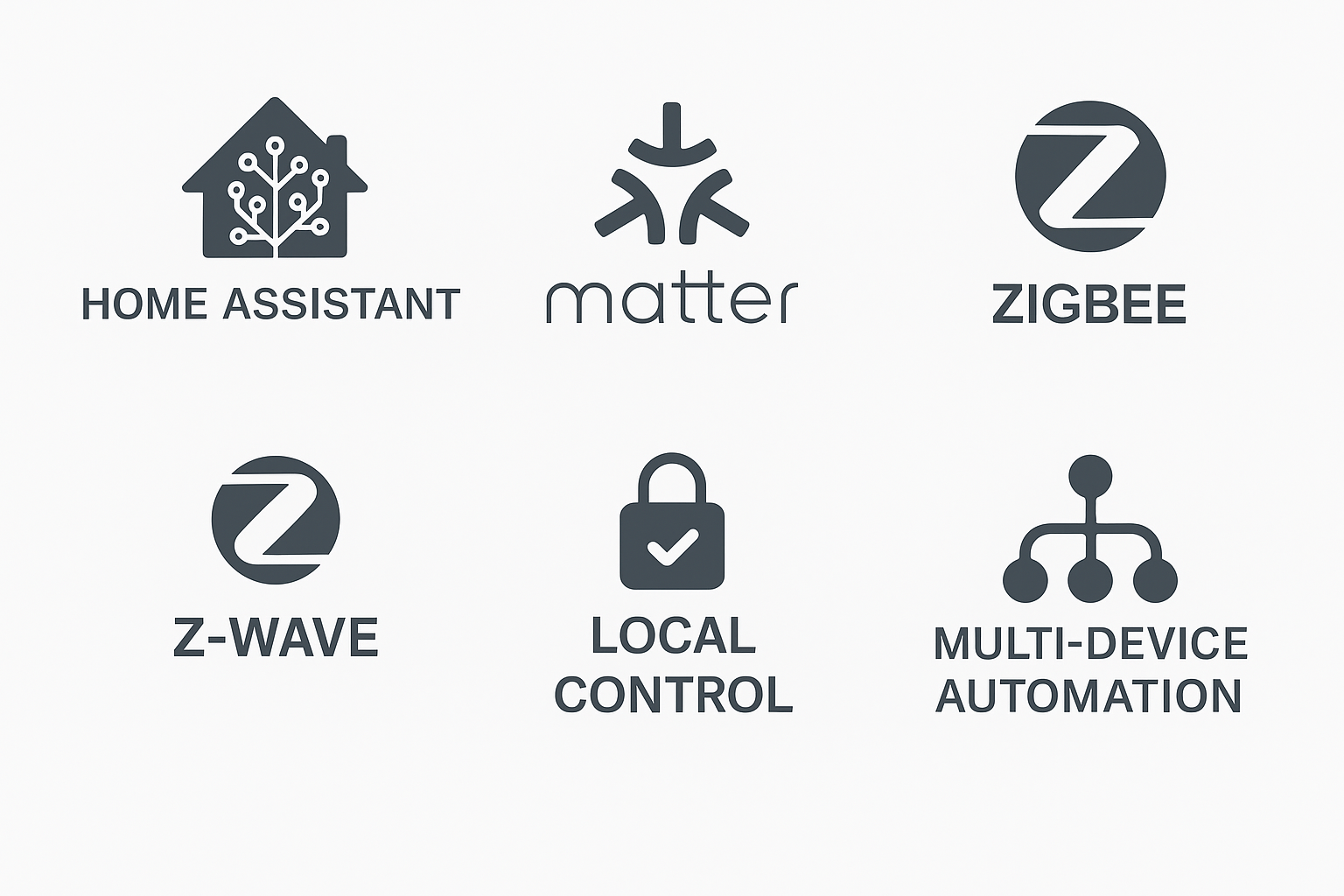
Protocols → Most importantly, it supports Matter, Zigbee, Z-Wave, Wi-Fi, and Bluetooth (with adapters), making it a true compact Matter-enabled smart hub for advanced automation.
Use Cases
-
Run Complex Automations Locally → Execute advanced Home Assistant routines without relying on the internet.
-
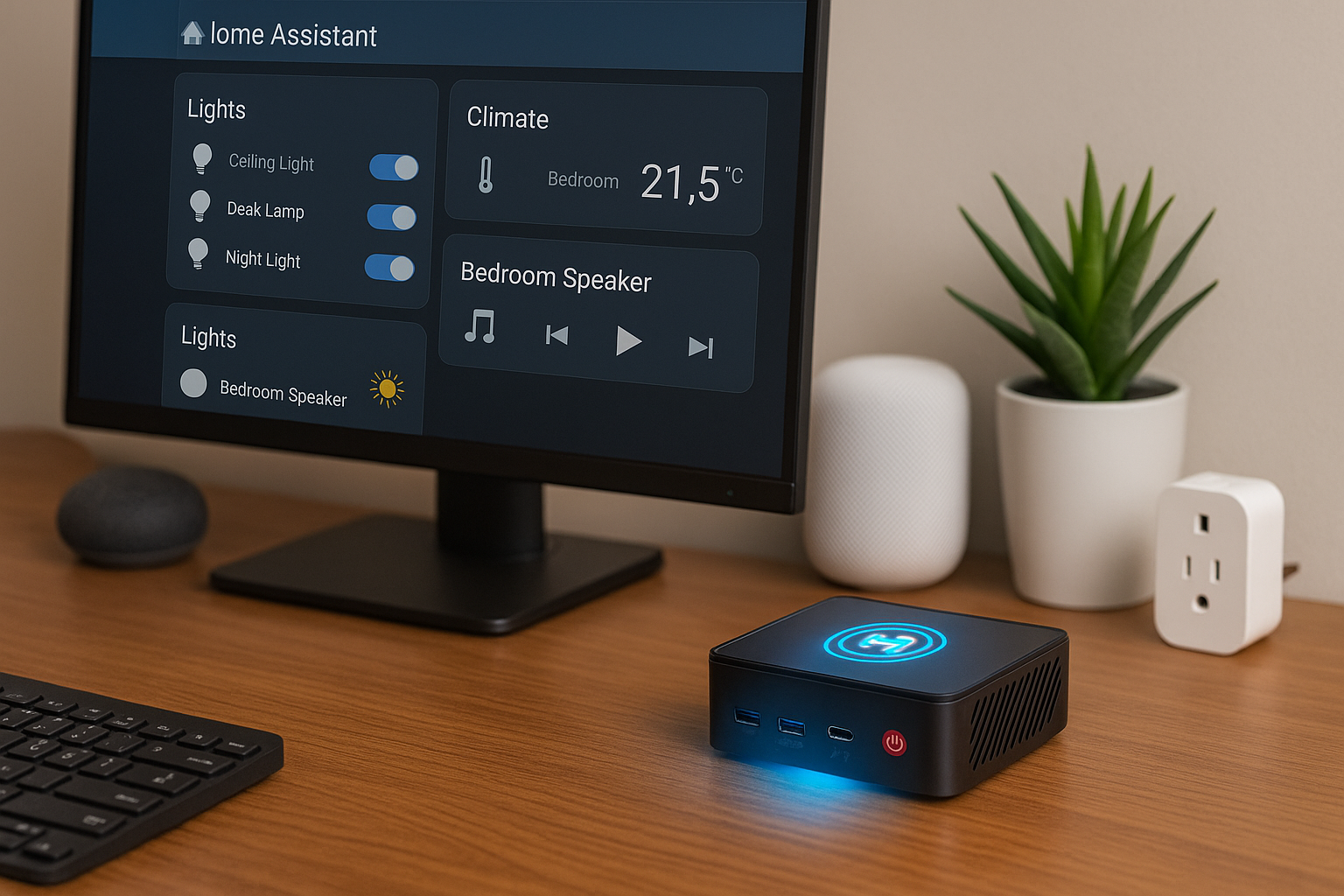
Centralized Device Management → Bring multi-protocol devices together into one unified dashboard.
-
Secure & Private Control → Keep your data safe with local-first automation instead of third-party cloud services.
-
Enhanced Smart Living → Power dashboards, routines, and voice control for lighting, climate, security, and entertainment.
-
Future-Proof Integration → Expand capabilities over time while maintaining the reliability of hub.
Setup & Maintenance Guide for a Compact Matter-Enabled Smart Hub for Advanced Automation
Setup Instructions
-
Unbox & Connect
-
Plug the Pulcro TK Two Mini into power and your home network.
-
Place it in a cool, ventilated area for optimal performance.
-
-
Install Home Assistant OS
-
Pre-installed on the device, or load via USB if required.
-
Access the Home Assistant dashboard from your browser.
-
-
Add Devices & Integrations
-
Connect smart devices through supported protocols: Zigbee, Z-Wave, Wi-Fi, and Matter (via dongles).
-
This transforms the TK Two Mini into a compact Matter-enabled smart hub for advanced automation across multiple platforms.
-
-
Customize Automations & Dashboards
-
Create routines like “lock doors when everyone leaves” or “adjust thermostat at sunset.”
-
Add voice control via Alexa, Google Assistant, or Siri/HomeKit.
-
Maintenance Tips
-
Keep Software Updated → Regularly update Home Assistant OS for security patches, new features, and better performance.
-
Back Up Configurations → Schedule routine backups of your smart home settings for reliable recovery.
-
Monitor Device Health → Use the dashboard to check CPU, memory, and storage status.
-
Care for Hardware → Clean vents occasionally to maintain airflow and long-term reliability.
-
Expand as Needed → Add dongles, storage, or containers to keep your smart hub future-ready.





%20–%20Best%20Smart%20Displays%20for%20Video%20Calls%20and%20Alexa&url=https://smarthomemaven.com/product/amazon-echo-show-8-2nd-gen-best-smart-displays-for-video-calls-and-alexa/&media=https://smarthomemaven.com/wp-content/uploads/2025/05/Amazon-Echo-Show-8-2nd-Gen-2.png)
%20–%20Best%20Premium%20Streaming%20Device%20with%20Alexa%20&%20Dolby%20Vision&url=https://smarthomemaven.com/product/amazon-fire-tv-cube-3rd-gen-best-premium-streaming-device-with-alexa-dolby-vision/&media=https://smarthomemaven.com/wp-content/uploads/2020/12/Fire-TV-Cube-3rd-Gen-–-Hands-Free-4K-Streaming-Smart-Home-Hub.png)
Reviews
There are no reviews yet.