
Description
Kwikset Halo Touch Wi-Fi Smart Lock with Fingerprint Access – Best Fingerprint Wi-Fi Smart Lock for Front Doors & Secure Keyless Entry – Smart Home Maven
Description
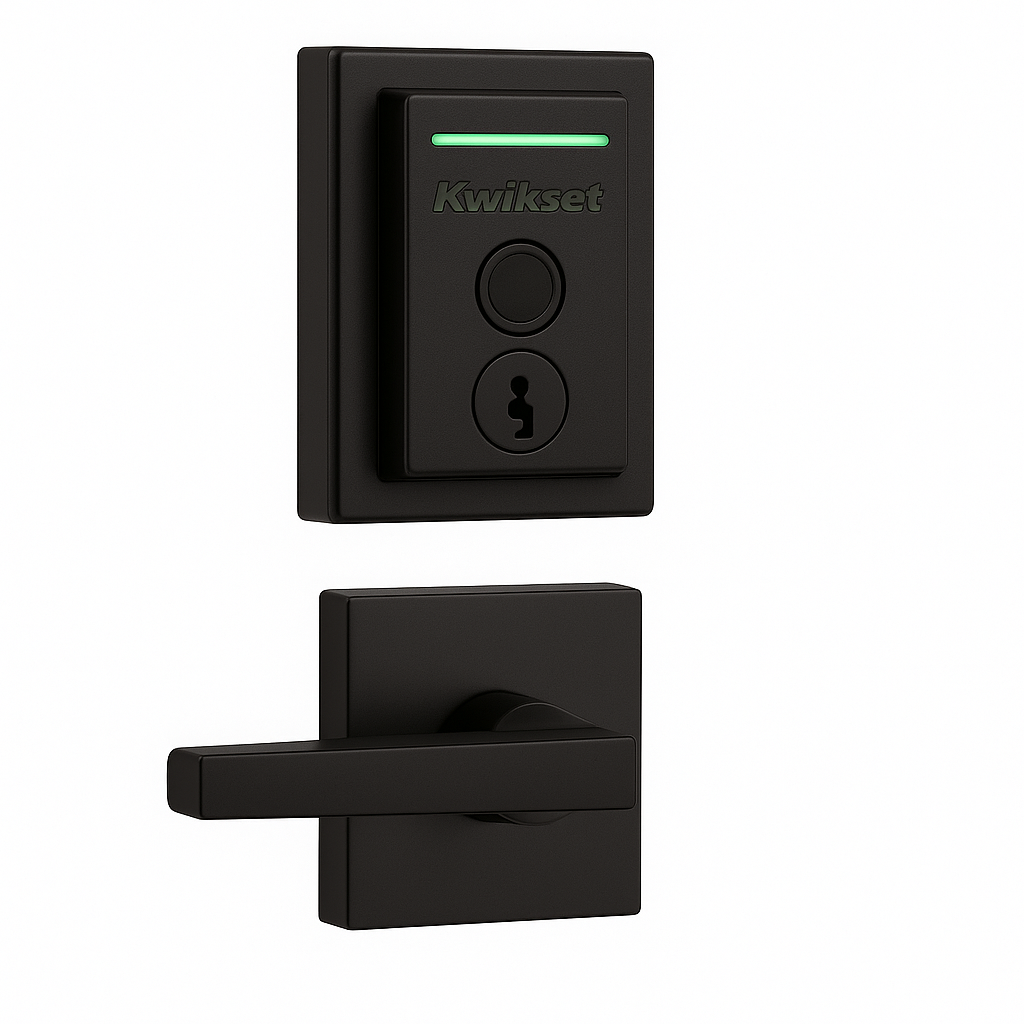
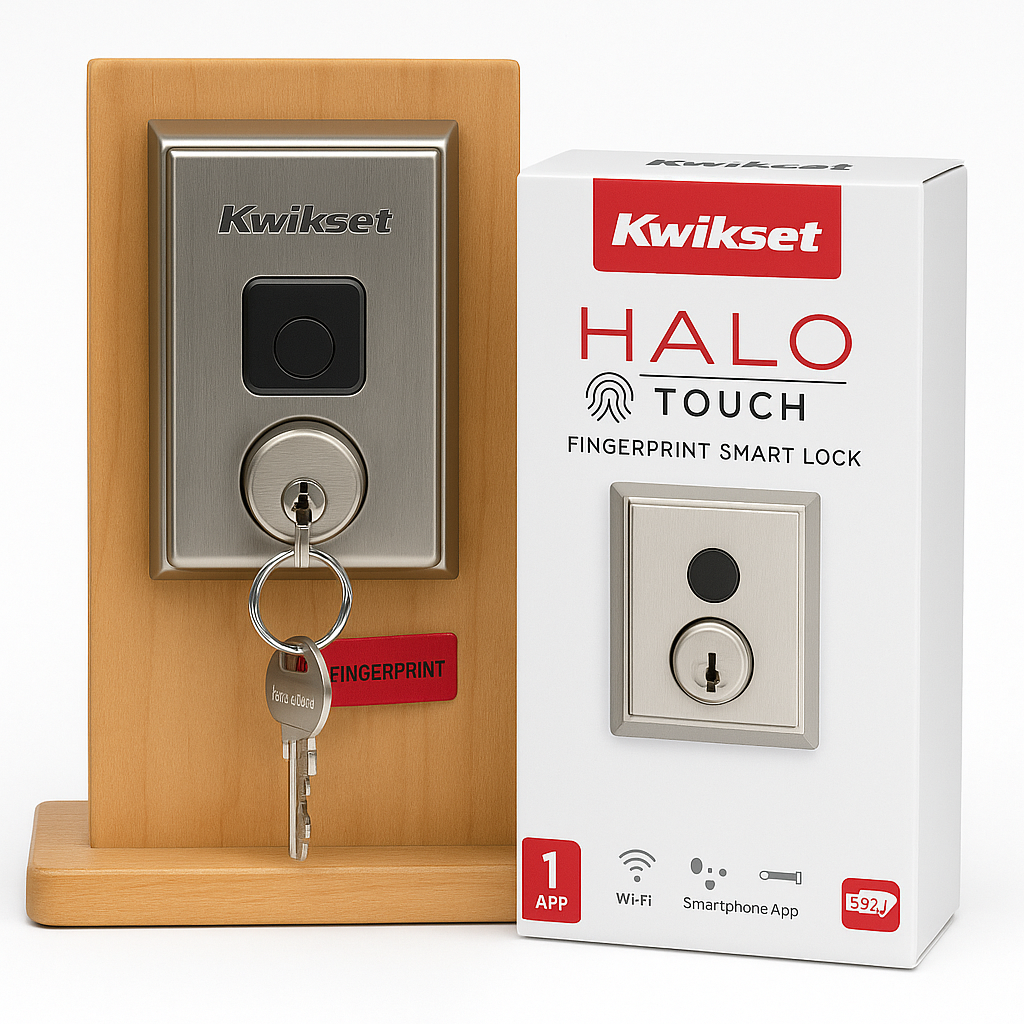
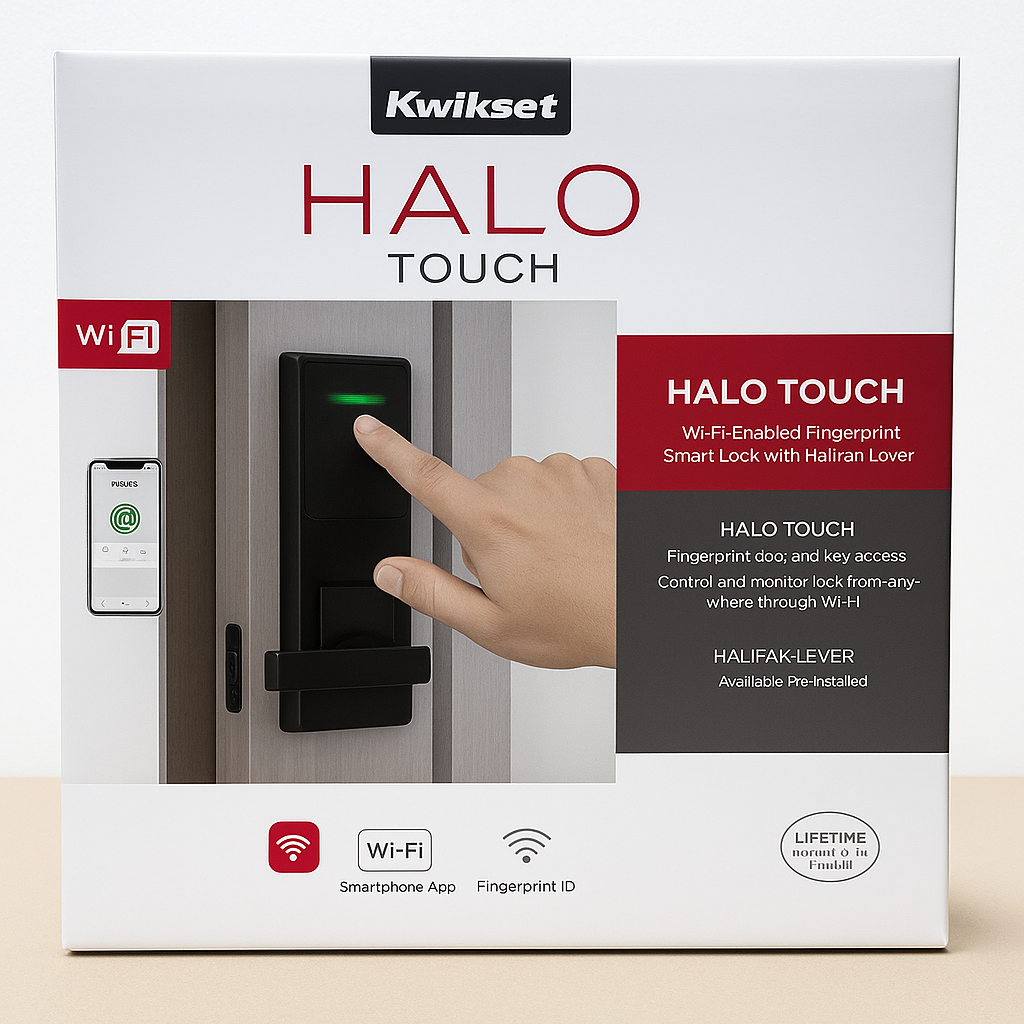
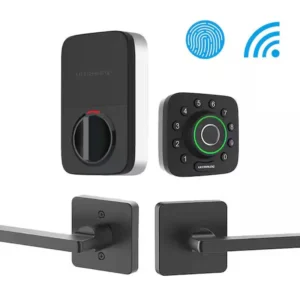
The Kwikset Halo Touch Fingerprint Wi-Fi Smart Lock revolutionizes home security by combining sleek design, advanced fingerprint recognition, and powerful Wi-Fi connectivity. When considering the best options for front door security, many people look for the best fingerprint Wi-Fi smart lock for front doors. With the ability to store up to 100 fingerprints (50 users), this lock is ideal for families, roommates, or even Airbnb hosts.
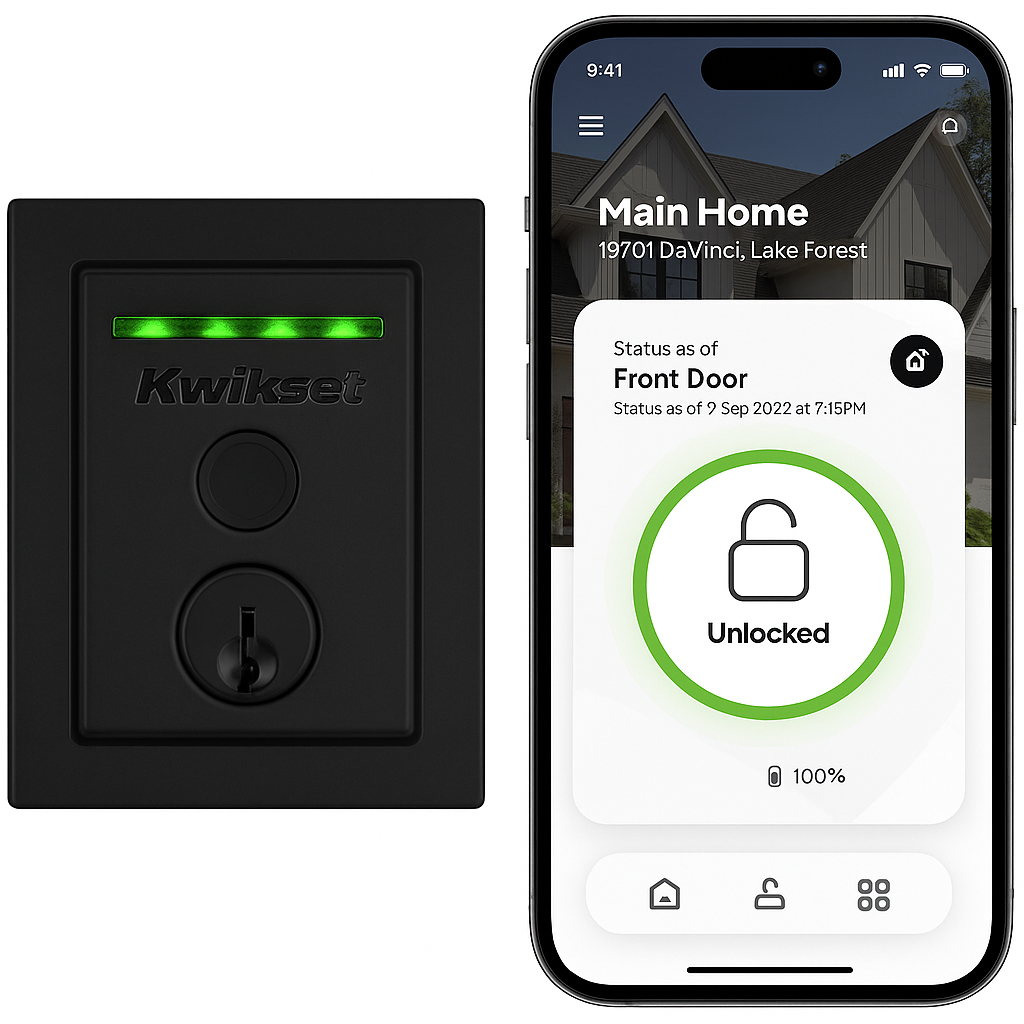
Control and monitor your lock from anywhere using the Kwikset App. You can lock/unlock, manage users, and view activity history all in real-time. The built-in Wi-Fi eliminates the need for a hub, simplifying setup while maximizing functionality. Plus, with voice assistant compatibility, you can control your lock hands-free using Amazon Alexa or Google Assistant.
With SmartKey Security™, it’s easy to rekey your lock in seconds. Designed to fit standard doors and powered by 4 AA batteries, the Halo Touch provides a seamless and smart upgrade to any entryway.
Key Features – Best Fingerprint Wi-Fi Smart Lock for Front Doors
The best fingerprint Wi-Fi smart lock for front doors offers advanced biometric security, seamless connectivity, and easy installation. Here are the standout features that make it an ideal choice for modern households:
Biometric & Smart Access
-
To begin with, the lock provides one-touch fingerprint unlock, supporting up to 100 fingerprints for multiple users.
-
In addition, it features built-in Wi-Fi, allowing remote access and management without requiring an additional hub.
Security Enhancements
-
Moreover, the lock includes SmartKey Security™ technology, letting you rekey quickly and securely.
-
At the same time, tamper detection alerts notify you instantly in case of tampering or forced entry.
Smart Monitoring & Control
-
Furthermore, you can monitor real-time activity history directly through the Kwikset App, ensuring full visibility.
-
Additionally, it works with Amazon Alexa and Google Assistant, making voice control simple and hands-free.
Power & Installation
-
Finally, the lock operates on 4 AA batteries (included), ensuring reliable performance, and it can be installed with just a screwdriver on standard doors.
Specifications
The best fingerprint Wi-Fi smart lock for front doors combines durability, advanced technology, and easy installation. Below are the detailed specifications that highlight its performance and design.
Model & Connectivity
-
To begin with, the lock is available as the Halo Touch model, offering Wi-Fi (2.4GHz) connectivity with no hub required.
Power & Performance
-
In addition, it runs on 4 AA batteries, ensuring reliable performance with simple replacements.
-
Furthermore, the lock supports storage for up to 100 fingerprints, allowing access for as many as 50 unique users.
Voice & App Control
-
Moreover, voice commands are supported through Amazon Alexa and Google Assistant.
-
At the same time, the Kwikset App (iOS & Android) lets you manage users, schedules, and real-time notifications.
Design & Compatibility
-
Finally, the lock is built with durable metal construction and comes in Satin Nickel, Matte Black, or Venetian Bronze finishes, fitting seamlessly with standard doors ranging from 1-3/8″ to 2″ thick.
“Works With” Compatibility – Best Fingerprint Wi-Fi Smart Lock for Front Doors
The best fingerprint Wi-Fi smart lock for front doors is designed to integrate with today’s most popular smart home platforms, making control simple and flexible. By combining app-based management with voice assistants, it delivers a complete connected experience.
Voice Assistant Integration
-
To begin with, the lock works seamlessly with Amazon Alexa and Google Assistant, allowing hands-free control.
Mobile App Control
-
In addition, the Kwikset App (iOS & Android) provides setup, scheduling, fingerprint enrollment, and real-time notifications.
Limitations
-
However, it does not support Apple HomeKit, nor does it connect via Z-Wave or Zigbee, keeping functionality focused on Wi-Fi and Bluetooth control.
Setup + Maintenance Guide – Best Fingerprint Wi-Fi Smart Lock for Front Doors
The setting up process is straightforward and ensures both security and convenience. By following the steps below, you can enjoy a smooth installation and long-term reliability.
Setup Instructions
-
First, install the lock on a standard door using just a Phillips-head screwdriver.
-
Next, download and open the Kwikset App on your smartphone.
-
After that, connect the lock to your 2.4GHz Wi-Fi network for remote access and control.
-
Then, enroll fingerprints either through the app or by using the on-device scanner.
-
Finally, set up users, schedules, and access permissions to match your household’s needs.
Maintenance Tips
To keep the best fingerprint Wi-Fi smart lock for front doors working at peak performance, regular care is essential:
-
Replace the AA batteries every 6–12 months or whenever the app alerts you about low power.
-
Clean the fingerprint sensor regularly with a microfiber cloth to ensure accurate recognition.
-
Update the firmware via the Kwikset App, which helps maintain both performance and security.
-
Use the SmartKey Security™ tool if you ever need to rekey the lock for added flexibility.





Reviews
There are no reviews yet.