

Description
IVANKY 8K DisplayPort 1.4 Cable (2-Pack, 6ft) – Best DP 1.4 Cable for Ultrawide 240Hz Gaming Monitors – Smart Home Maven
Description
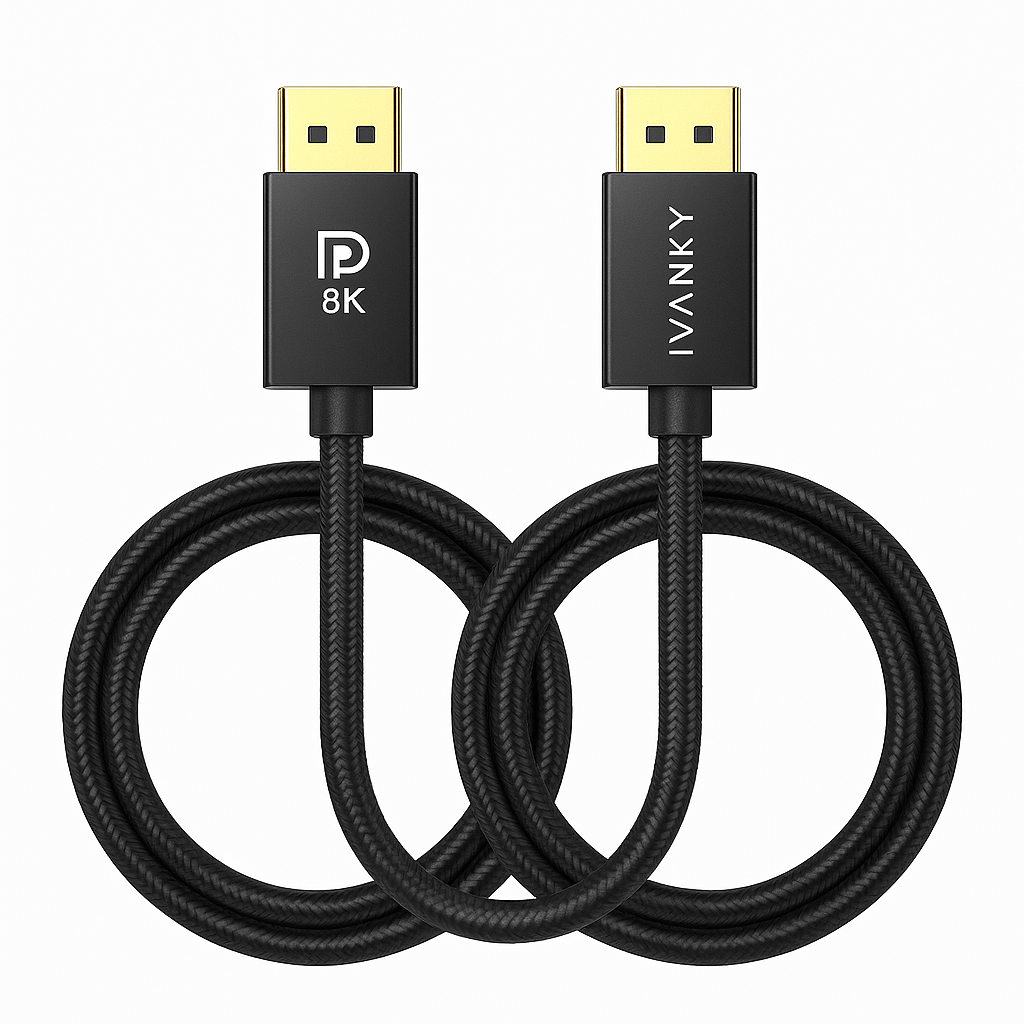
Experience the next generation of high-performance visuals with the IVANKY 8K DisplayPort 1.4 Cable [2 Pack, 6ft]. Built for gamers, creators, and professionals, this is the best DP 1.4 cable for ultrawide 240Hz gaming monitors. It supports resolutions up to 8K (7680×4320) at 60Hz, 5K at 120Hz, and 4K Ultra HD at 240Hz. This delivers stunning clarity and smooth motion.
Engineered with HBR3 (High Bit Rate 3) and DSC 1.2 (Display Stream Compression) technology, the cable provides a blazing 32.4Gbps bandwidth. This ensures flawless data transmission for HDR10, Dolby Vision, and multi-monitor setups.
Perfect for gaming monitors, RTX 40-series/30-series GPUs, AMD Radeon graphics, and VR headsets, the cable ensures no frame drops, flickers, or artifacts. The gold-plated connectors and triple shielding protect against interference. They guarantee long-lasting durability.
With a 6ft length and included 2-pack bundle, the IVANKY cables are convenient for both primary and secondary displays. They offer a great balance between flexibility and signal stability.
Key Features – Best DP 1.4 Cable for Ultrawide 240Hz Gaming Monitors
-
8K UHD Support → To begin with, it supports resolutions up to 7680×4320 at 60Hz with HDR10 for sharp, detailed visuals.
-
High Refresh Rates → In addition, the best DP 1.4 cable for ultrawide 240Hz gaming monitors handles 4K at 240Hz and 5K at 120Hz, perfect for pro gaming.
-
HBR3 & DSC 1.2 → Moreover, it delivers 32.4Gbps bandwidth, ensuring stable, lossless visuals across demanding setups.
-
HDR & Dolby Vision Ready → At the same time, it offers richer colors and deeper contrast for immersive viewing.
-
Universal Compatibility → Furthermore, it works with NVIDIA RTX, AMD Radeon GPUs, gaming monitors, and VR headsets.
-
Gold-Plated Connectors → Additionally, the connectors are gold-plated for corrosion resistance and reliable signal transfer.
-
6ft Length → Likewise, its 6ft (1.8m) length provides the right balance of flexibility and stability.
-
2-Pack Bundle → Finally, this set includes two cables, offering excellent value for dual-monitor or multi-device setups.
Specifications
-
Model → The product is the IVANKY DisplayPort 1.4 Cable (2-Pack), widely considered the best DP 1.4 cable for ultrawide 240Hz gaming monitors.
-
Length → Each cable measures 6ft (1.8m), offering flexibility for gaming, dual monitors, and workstation setups.
-
Resolution Support → Supports 8K@60Hz, 5K@120Hz, and 4K@240Hz, plus HDR10 for sharp visuals and smooth refresh rates.
-
Bandwidth → Provides 32.4Gbps (HBR3), ensuring stable high-speed performance with no signal loss.
-
Standards → Complies with DisplayPort 1.4, DSC 1.2, and HDCP 2.2 for modern device compatibility.
-
Connector Type → Features gold-plated DisplayPort male-to-male connectors for reliable signal transfer and corrosion resistance.
-
Build Quality → Built with triple shielding and a nylon-braided jacket, combining durability with flexibility.
-
Compatibility → Works with NVIDIA RTX and AMD Radeon GPUs, ultrawide gaming monitors,
Compatibility & Use Cases
-
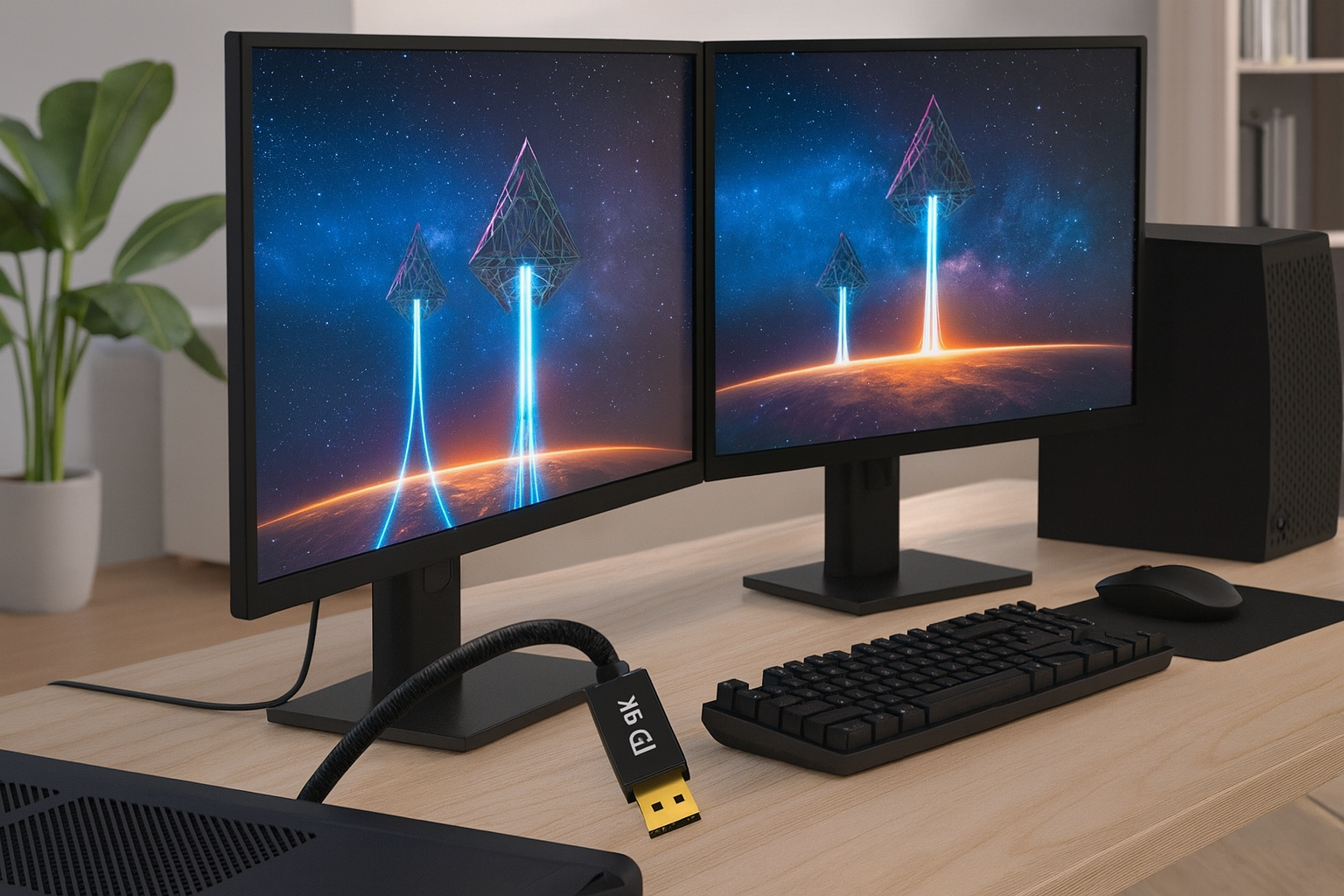
Gaming → The best DP 1.4 cable for ultrawide 240Hz gaming monitors delivers smooth performance on 144Hz, 165Hz, and 240Hz esports or AAA displays.
-
Professional Displays → In addition, it supports 5K and 8K monitors, making it ideal for video editing, CAD, and creative design work.
-
VR Headsets → Moreover, it provides a stable, high-bandwidth signal for reliable and immersive VR performance.
-
Multi-Monitor Setups → Furthermore, this cable is perfect for dual or triple monitor setups, boosting productivity and workflow.
-
Future-Proof Build → Finally, the best ensuring compatibility with next-gen GPUs.
Setup & Maintenance Guide – Best DP 1.4 Cable for Ultrawide 240Hz Gaming Monitors
-
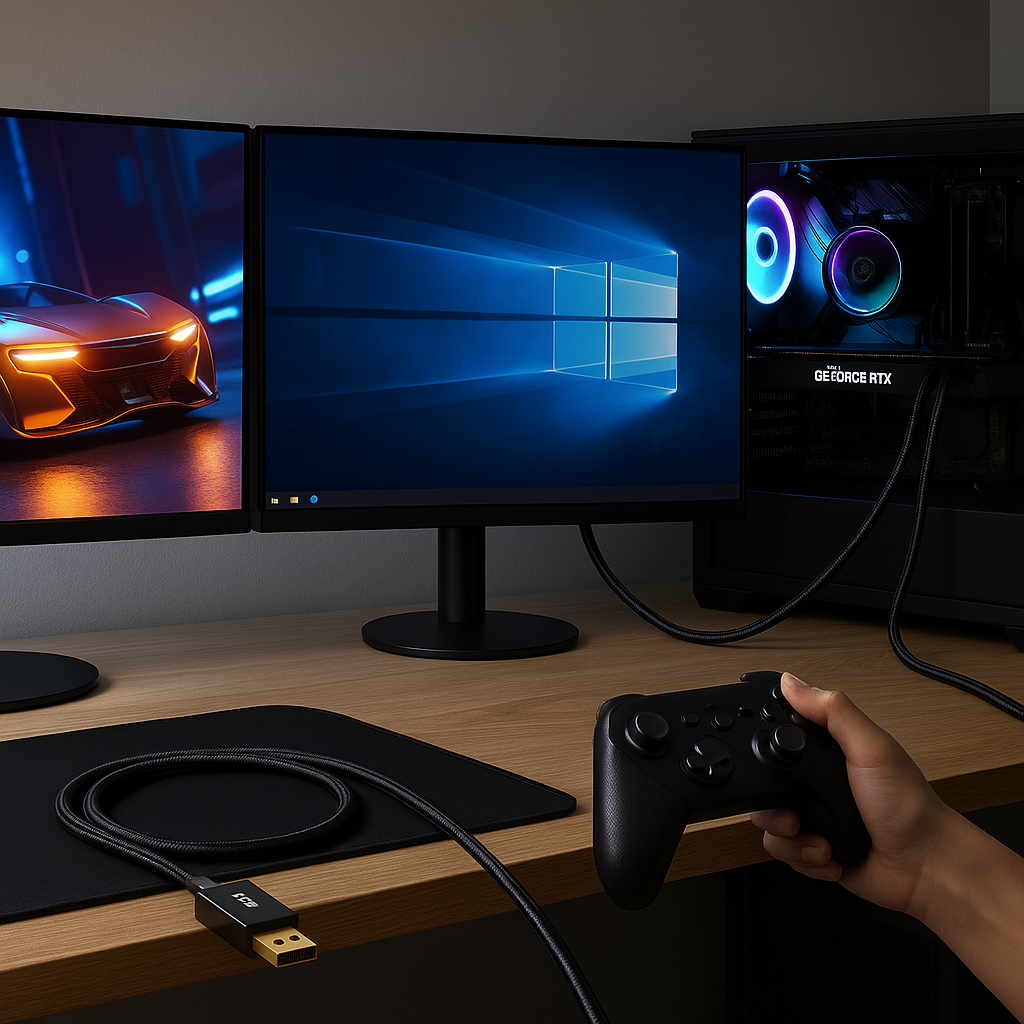
Connect Devices → First, plug one end of the best DP 1.4 cable for ultrawide 240Hz gaming monitors into your GPU DisplayPort output. Then connect the other end to your monitor input.
-
Enable High Refresh Rates → Next, activate 8K or 4K high refresh settings in your Windows, NVIDIA, or AMD control panel.
-
Check Monitor Support → Moreover, ensure your monitor supports DP 1.4 to unlock full performance and refresh rate potential.
-
Dual-Monitor Setup → In addition, use the included second cable if you plan to run a dual-monitor configuration.
-
Maintenance Tips → Finally, avoid sharp bends, keep connectors clean, and always unplug by gripping the connector—not the cord—for longer cable life.





Reviews
There are no reviews yet.