
Description
Google Nest Hub Max – Smart Display with Google Assistant, Camera & Home Control Hub | Best Smart Displays for Google Home Ecosystem – Smart Home Maven
Description
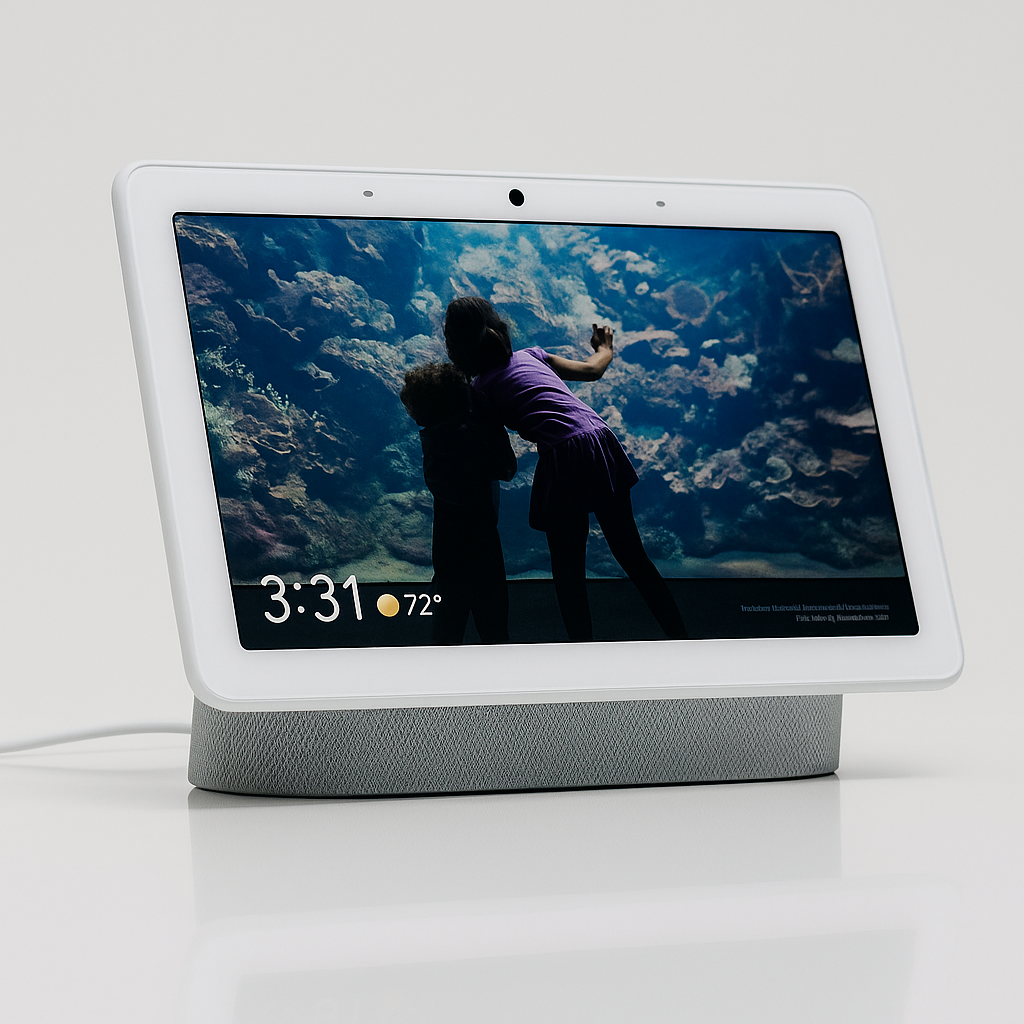
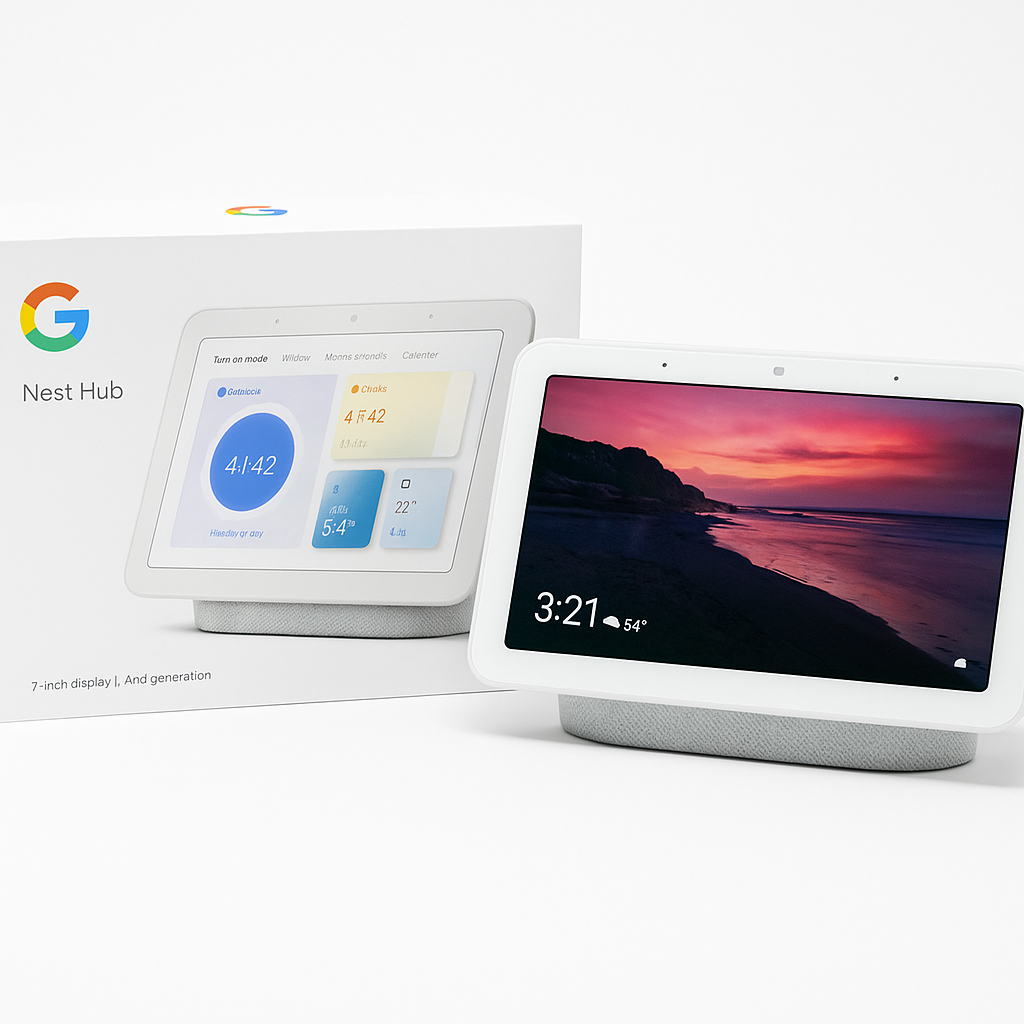
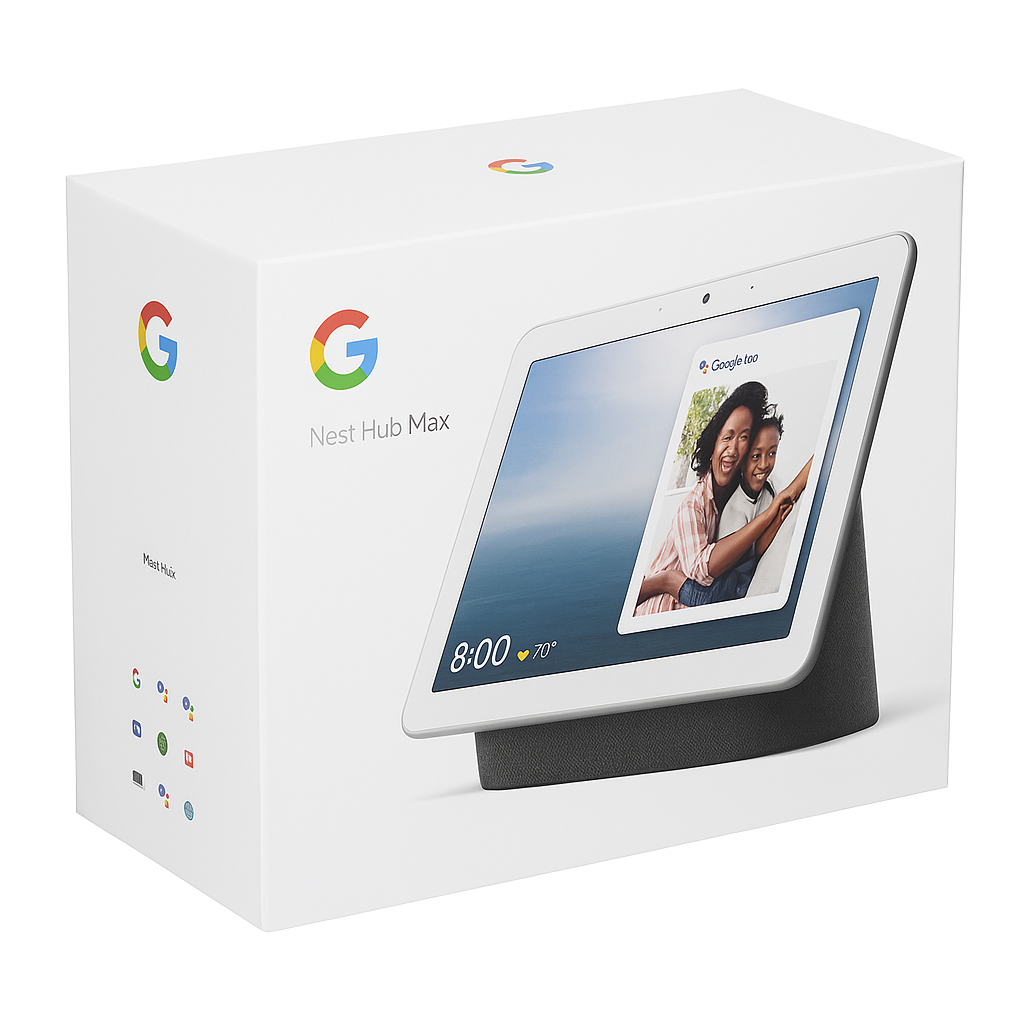
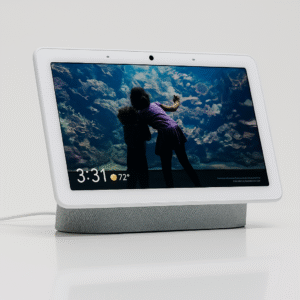
When exploring the best smart displays for the Google Home ecosystem, the Google Nest Hub Max is the ultimate smart display that brings together convenience, entertainment, and security in one sleek device.
With its 10-inch HD touchscreen, built-in Nest Cam, and Google Assistant integration, the Nest Hub Max lets you video chat with family, watch YouTube or Netflix, control smart home devices, and monitor your home — all with your voice or a simple touch.
The built-in camera supports Face Match, ensuring personalized information, calendar, and recommendations for each household member. Its stereo speakers and 3″ subwoofer deliver impressive, room-filling sound perfect for music or video playback. Plus, the device can function as a Nest security camera, letting you stream live video to your phone when you’re away.
Designed with privacy in mind, the Nest Hub Max features a camera/mic switch to physically disconnect both for peace of mind. It’s not just a smart display—it’s your home’s new command center.
Key Features for Best smart displays for Google Home ecosystem
-
To begin with, the 10” HD touchscreen offers a bright, responsive display for easy content viewing and smart home controls.
-
In addition, the built-in Nest Cam lets you check in on your home anytime through the Google Home app.
-
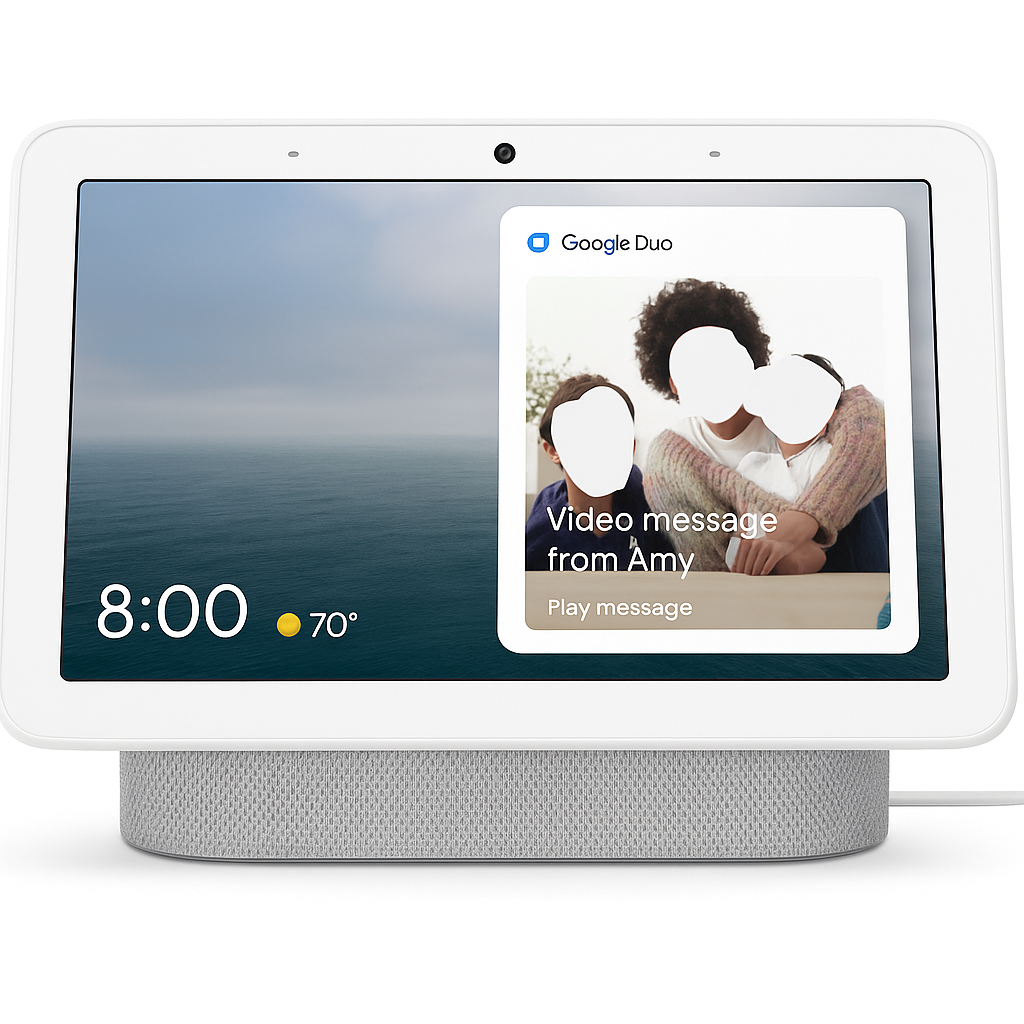
Moreover, with Google Duo video calling and auto-framing, you can enjoy high-quality, hands-free conversations.
-
For a personalized experience, Face Match technology delivers tailored results for multiple users.
-
On top of that, premium audio with dual stereo speakers and a rear-facing subwoofer ensures rich, room-filling sound.
-
Finally, powered by Google Assistant, it provides full voice-activated control for lights, locks, thermostats, and more—making it one of the best smart displays for Google Home ecosystem.
Specifications
-
Display: Comes with a 10” HD touchscreen, delivering sharp visuals for streaming, browsing, and video calls.
-
Camera: Features a 6.5MP Nest Cam with auto-framing, making video calls clear and personalized—perfect for one of the best smart displays for Google Home ecosystem setups.
-
Speakers: Equipped with two 18mm tweeters and a 75mm woofer, ensuring rich, room-filling sound.
-
Connectivity: Supports Wi-Fi 802.11ac and Bluetooth 5.0, providing stable and versatile connections.
-
Voice Assistant: Powered by Google Assistant, allowing seamless hands-free control across your smart home.
-
Dimensions: Measures 9.85” x 7.19” x 3.99”, making it compact yet functional for any room.
-
Weight: At 2.9 lbs, it offers stability while remaining easy to reposition.
-
Power Adapter: Includes a reliable 30W adapter for consistent performance.
“Works With” Compatibility with Best smart displays for Google Home ecosystem
-
First and foremost, it integrates seamlessly with Google Assistant-enabled devices, ensuring effortless voice control.
-
In addition, it pairs naturally with Nest Thermostats and Cameras, offering smooth climate control and home monitoring.
-
Moreover, it works with popular smart lighting brands such as Philips Hue, TP-Link, and LIFX, giving you flexible lighting automation.
-
For entertainment lovers, it connects easily with Chromecast and Google TV, making streaming simple and enjoyable.
-
On top of that, it supports a wide range of smart plugs and security systems, expanding your connected home setup.
-
Finally, built-in compatibility with Google Duo and Zoom video calling makes it one of the best smart displays for Google Home ecosystem users.
Setup + Maintenance Guide of the Best smart displays for Google Home ecosystem
Setup Instructions:
-
First, plug in the Nest Hub Max and download the Google Home app.
-
Next, follow the in-app instructions to connect the device to your Wi-Fi and Google Account.
-
Then, enable features like Face Match and Voice Match to personalize your experience.
-
Finally, connect compatible smart home devices through the app, making this one of the best smart displays for Google Home ecosystem setups.
Maintenance Tips:
-
To begin with, clean the screen regularly using a soft microfiber cloth.
-
In addition, keep the firmware updated automatically via Wi-Fi for optimal performance.
-
Moreover, review and manage privacy settings directly in the Google Home app for added control.
-
Lastly, periodically check the app for new features and integrations to enhance your smart home experience.





%20–%20Best%20Premium%20Streaming%20Device%20with%20Alexa%20&%20Dolby%20Vision&url=https://smarthomemaven.com/product/amazon-fire-tv-cube-3rd-gen-best-premium-streaming-device-with-alexa-dolby-vision/&media=https://smarthomemaven.com/wp-content/uploads/2020/12/Fire-TV-Cube-3rd-Gen-–-Hands-Free-4K-Streaming-Smart-Home-Hub.png)
%20–%20Best%20Alexa%20Smart%20Display%20for%20Bedroom&url=https://smarthomemaven.com/product/amazon-echo-show-5-2nd-gen-best-alexa-smart-display-for-bedroom/&media=https://smarthomemaven.com/wp-content/uploads/2025/05/Amazon-Echo-Show-5-2nd-Gen.png)
%20–%20Best%20Smart%20Displays%20with%20Sleep%20Tracking&url=https://smarthomemaven.com/product/google-nest-hub-2nd-gen-best-smart-displays-with-sleep-tracking/&media=https://smarthomemaven.com/wp-content/uploads/2025/05/Google-Nest-Hub-2nd-Gen-2.png)
Reviews
There are no reviews yet.