

Description
Google Chromecast with Google TV – Best Android TV Streaming Device Under $50 with 4K HDR & Voice Remote – Smart Home Maven
Description
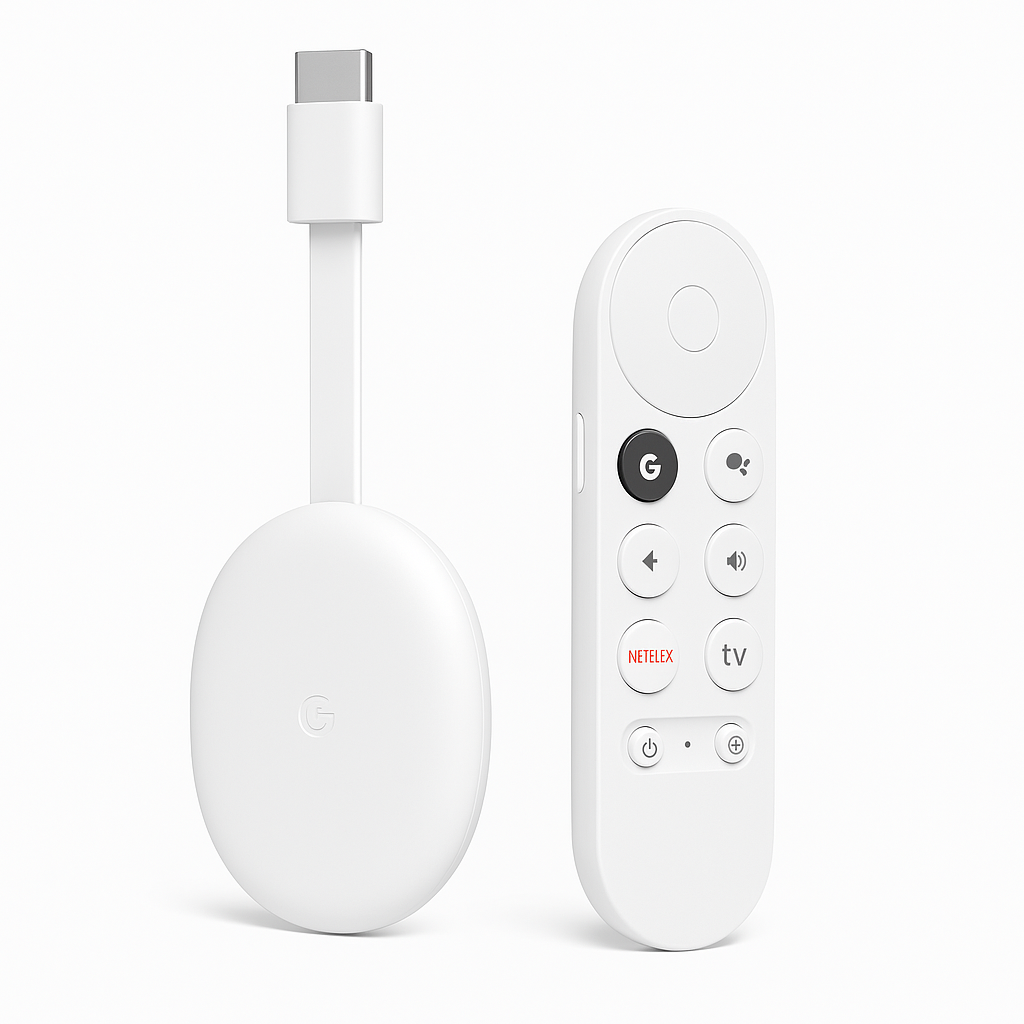
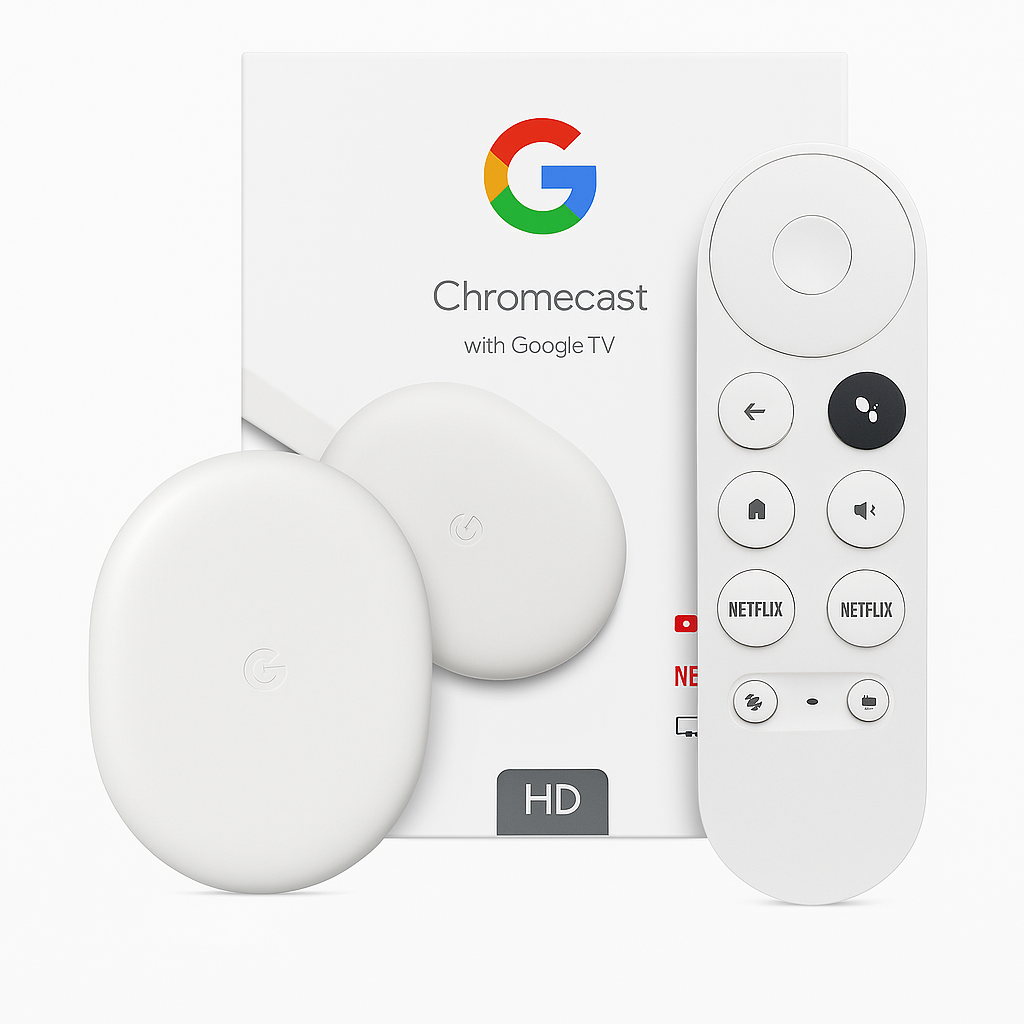
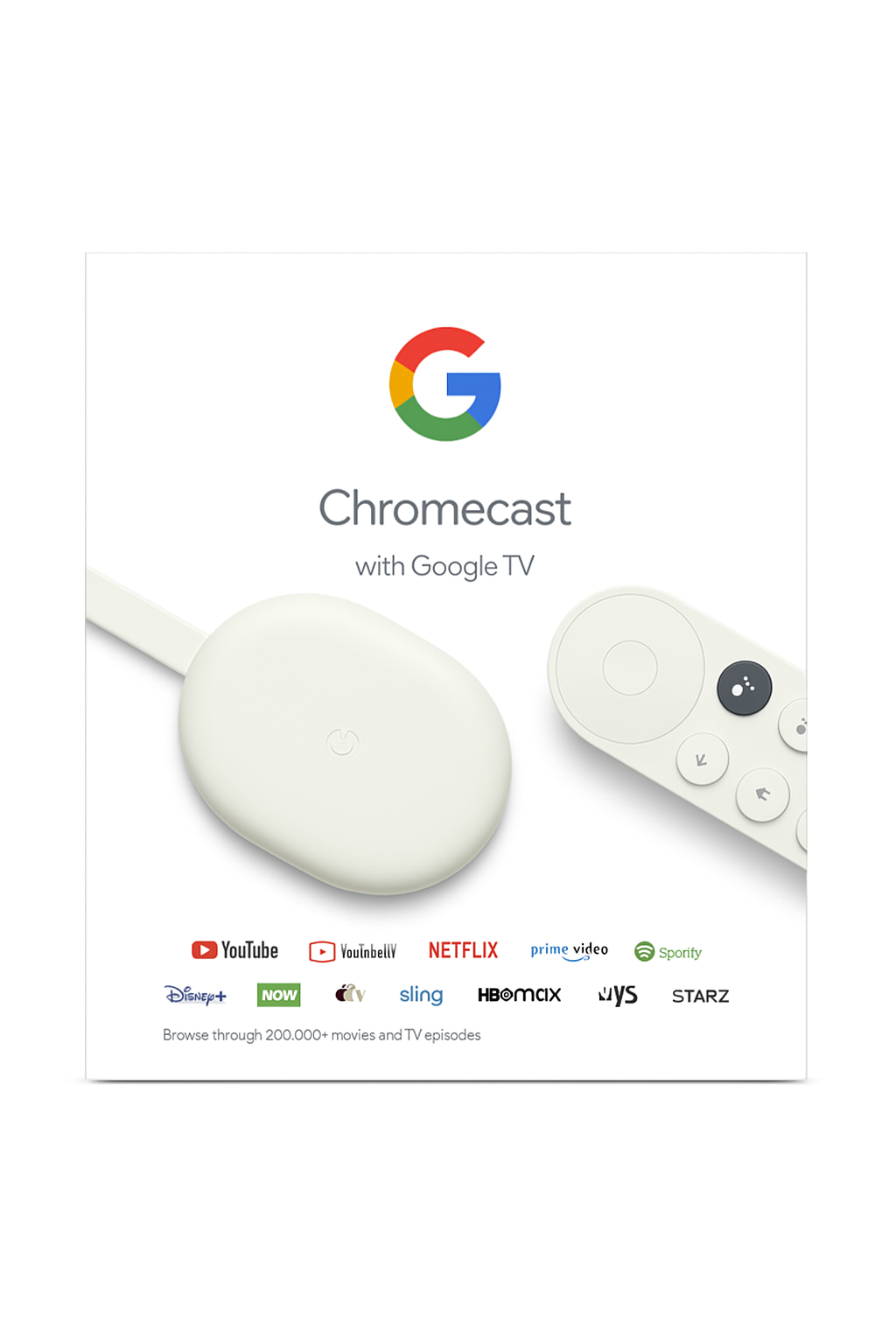
Elevate your home entertainment with the Google Chromecast with Google TV, a compact streaming dongle that supports stunning 4K Ultra HD, Dolby Vision, HDR10+, and HDR10 formats. If you’re seeking the best Android TV streaming device under $50, this option is worth considering. Moreover, its intuitive Google TV interface organizes shows and movies into personalized recommendations across apps like Netflix, YouTube, Disney+, and Prime Video.
Additionally, the included voice remote with Google Assistant enables hands-free control—search for content, adjust volume, control smart home devices, ask questions, or navigate playback with ease. Chromecast also allows seamless casting from Android and iOS devices, while Bluetooth support lets you pair headphones or speakers for private listening.
Finally, with dual-band Wi-Fi connectivity and a fast quad-core processor, this dongle ensures smooth, buffer-free performance in a compact, travel-ready design. Altogether, it’s the best Android TV streaming device under $50 for users seeking both portability and power.
Key Features
The Chromecast with Google TV offers powerful streaming and smart integration, making it the best Android TV streaming device under $50. Moreover, its thoughtful design ensures convenience, portability, and smooth performance:
-
4K Ultra HD streaming with Dolby Vision, HDR10+, and HDR10 for lifelike visuals.
-
Google TV interface, delivering personalized recommendations and an intuitive experience.
-
Voice remote with Google Assistant for easy searches and hands-free commands.
-
Casting support from Android, iOS, and Chrome browser, enabling versatile sharing.
-
Dual-band Wi-Fi, ensuring efficient and stable streaming performance.
-
Bluetooth support, allowing wireless connections to headphones and speakers.
-
Portable dongle design, simply plug into HDMI and stream anywhere.
-
Smart home integration, controlling compatible devices via Google Assistant.
Specifications
The Chromecast with Google TV delivers impressive performance in a sleek, compact design. Furthermore, as the best Android TV streaming device under $50, it provides reliable 4K streaming with advanced audio-visual support:
-
Video Output: 4K Ultra HD at up to 60 fps for sharp, fluid playback.
-
HDR Formats: Supports Dolby Vision, HDR10+, and HDR10 for vibrant contrast and color.
-
Audio Formats: Includes Dolby Digital Plus and Dolby Atmos passthrough for immersive sound.
-
Processor: Powered by a quad-core chipset for smooth navigation and app performance.
-
Connectivity: Features HDMI, dual-band Wi-Fi, and Bluetooth for versatile pairing.
-
Voice Assistant: Built-in Google Assistant via the remote for hands-free control.
-
Remote Battery Life: Lasts about 6 months with 2× AAA batteries.
-
Supported Apps: Access popular platforms like Netflix, YouTube, Disney+, and Prime Video.
-
Device Dimensions: Compact at ~4.1″ × 1.5″ × 0.6″, easy to fit behind any TV.
-
Weight: Lightweight at just ~1.6 oz, perfect for portability.
“Works With” Compatibility
The Chromecast with Google TV is designed for broad compatibility, ensuring it integrates easily into any home setup. Moreover, as the best Android TV streaming device under $50, it connects effortlessly with TVs, mobile devices, and smart ecosystems:
-
4K HDR TVs with an HDMI input for crisp visuals.
-
Android and iOS mobile devices, supporting casting for instant content sharing.
-
Bluetooth headphones and speakers, perfect for private or enhanced audio.
-
Wi-Fi networks (2.4/5 GHz), ensuring smooth, reliable performance.
-
Voice control via Google Assistant, allowing management of smart home devices.
-
Streaming apps, including Netflix, Hulu, YouTube, Disney+, and more.
-
Chromecast-supported websites through the Chrome browser, enabling wireless casting from a PC.
Setup + Maintenance Guide
Setup Steps
-
First, plug the Chromecast into your TV’s HDMI port.
-
Next, connect the included USB power cable to either a wall adapter or your TV’s USB port.
-
Then, insert batteries into the voice remote to enable control.
-
After that, switch your TV to the correct Chromecast input.
-
To continue, follow the on-screen prompts to connect to Wi-Fi and link to your Google account.
-
Moreover, position the Chromecast within optimal Wi-Fi range for best performance.
-
Finally, use the voice remote or the casting feature to start streaming—an experience that makes it the best Android TV streaming device under $50.
Maintenance Tips
-
To begin with, keep the device updated via Settings → System → System update.
-
Additionally, reboot occasionally to maintain smooth performance.
-
Moreover, ensure the dongle stays clear of dust and has adequate ventilation.
-
For convenience, use the casting feature for wireless screen sharing.
-
Lastly, rely on the voice remote for easy smart home and entertainment control.





%20–%20Best%20Budget%20QLED%20TV%20under%20$700%20with%20Dolby%20Vision%20&%20120%20Hz%20Gaming&url=https://smarthomemaven.com/product/vizio-m-series-quantum-tv-2025-best-budget-qled-tv-under-700-with-dolby-vision-120-hz-gaming/&media=https://smarthomemaven.com/wp-content/uploads/2020/12/Vizio-M-Series-Quantum-TV-front-view-with-HDR-display-on-white-background-1024x683.png)
Reviews
There are no reviews yet.