
Description
Denon AVR-S760H 7.2-Channel 4K AV Receiver – Best 7.2 AV Receiver Under $800 with Dolby Atmos, DTS:X & Bluetooth Streaming – Smart Home Maven
Description
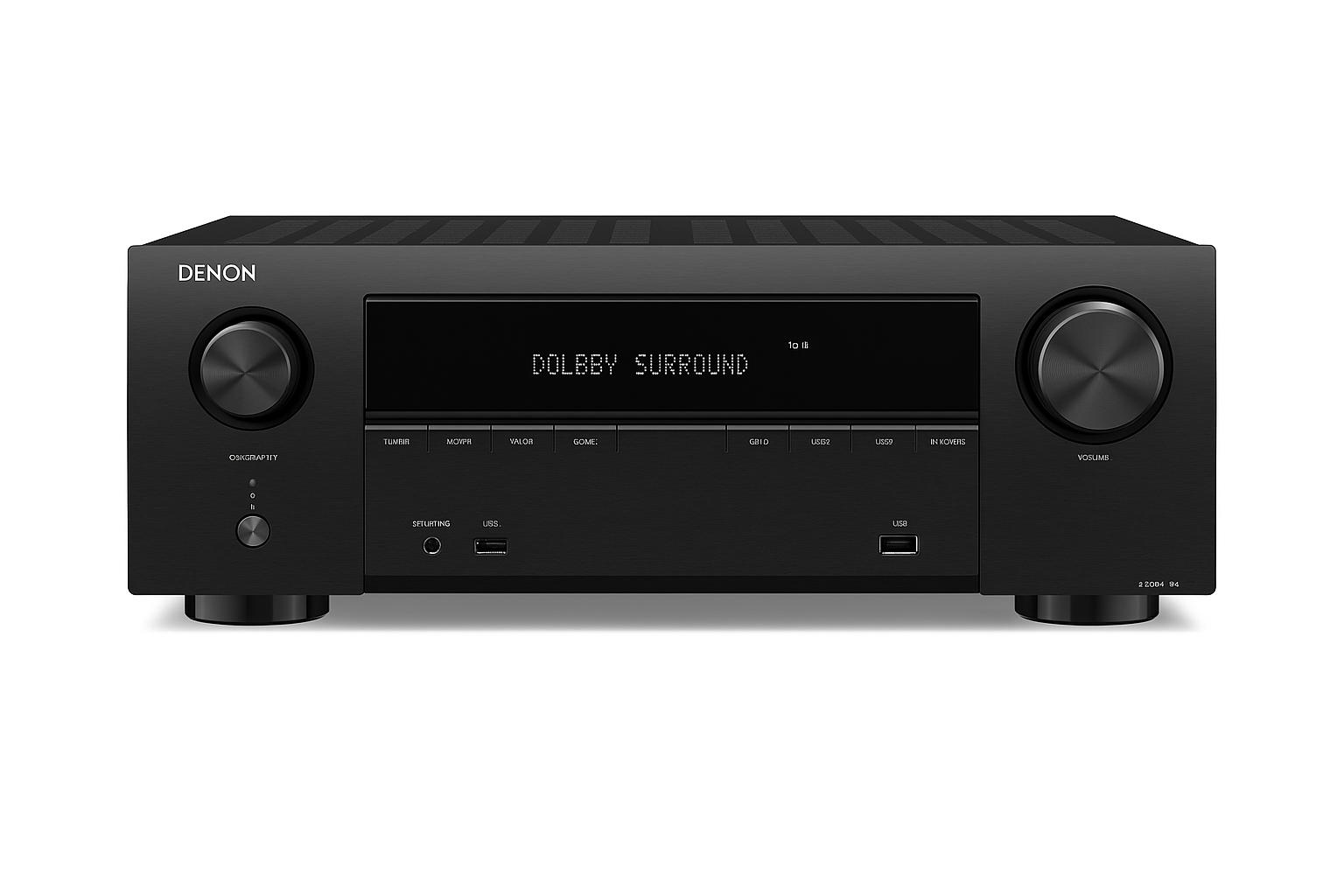
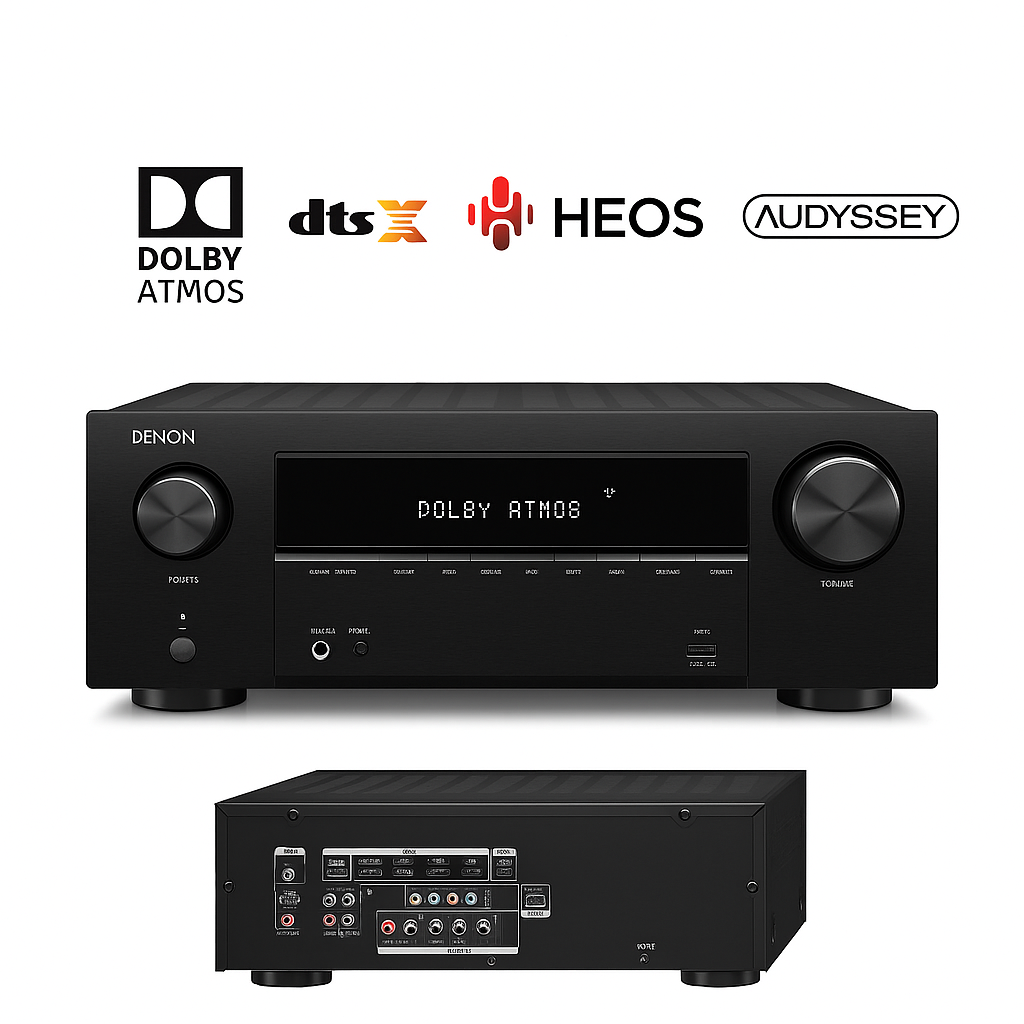
The Denon AVR-S760H is considered by many enthusiasts as the best 7.2 AV receiver under $800, delivering a premium home theater experience with a 7-channel discrete amplifier outputting 90 W per channel, plus dual subwoofer outputs for deep, balanced bass. Supporting Dolby Atmos, DTS:X, HDR10+, and Dolby Vision passthrough, it ensures cinema-quality audio and visuals for movies, gaming, and streaming.
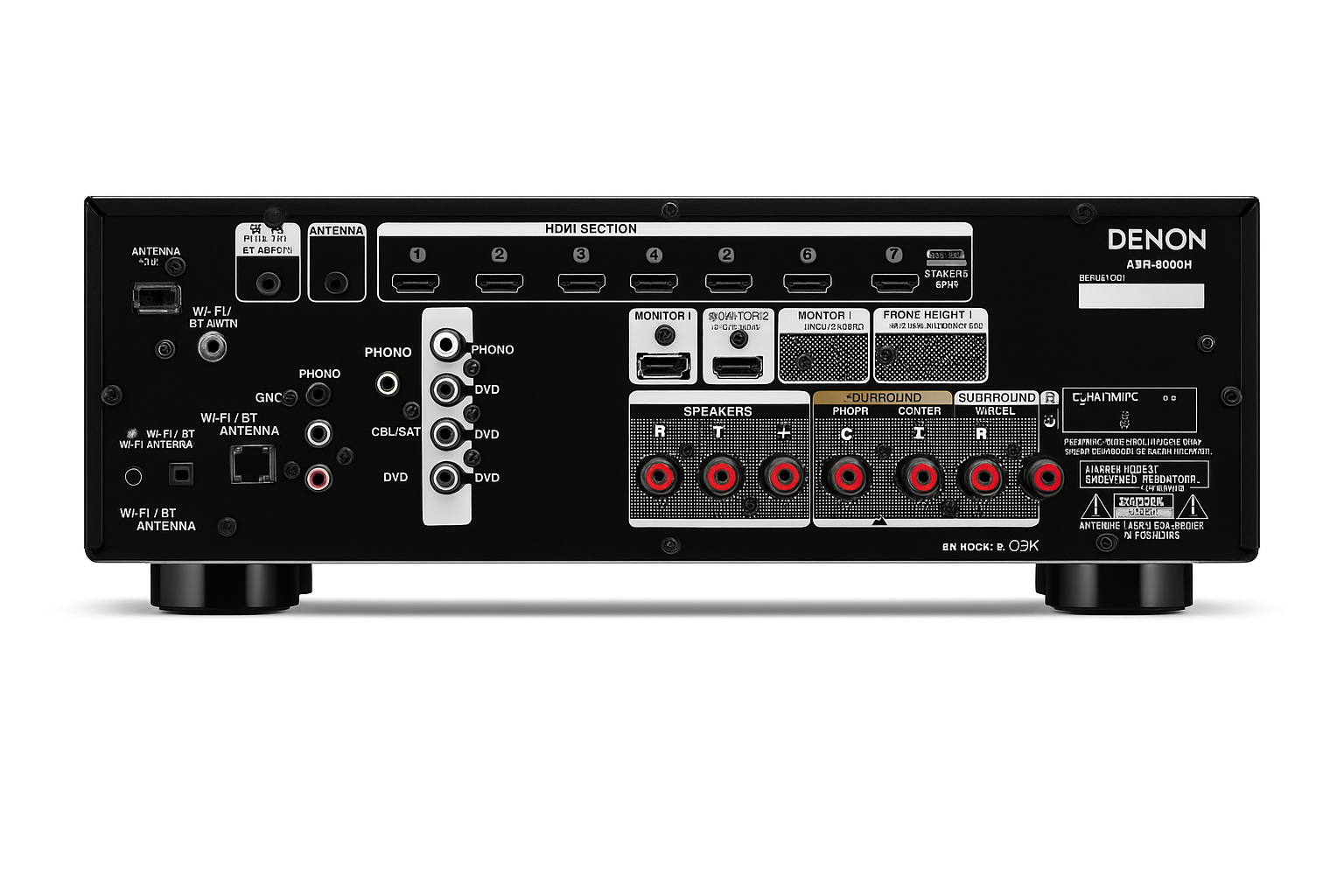
Moreover, with six HDMI inputs (4K/60Hz, eARC), it easily handles next-gen devices, while Bluetooth, AirPlay 2, and HEOS multi-room streaming provide seamless wireless connectivity. Voice control compatibility with Alexa, Google Assistant, and Siri adds effortless convenience, and Audyssey MultEQ calibration fine-tunes sound to your room’s acoustics.
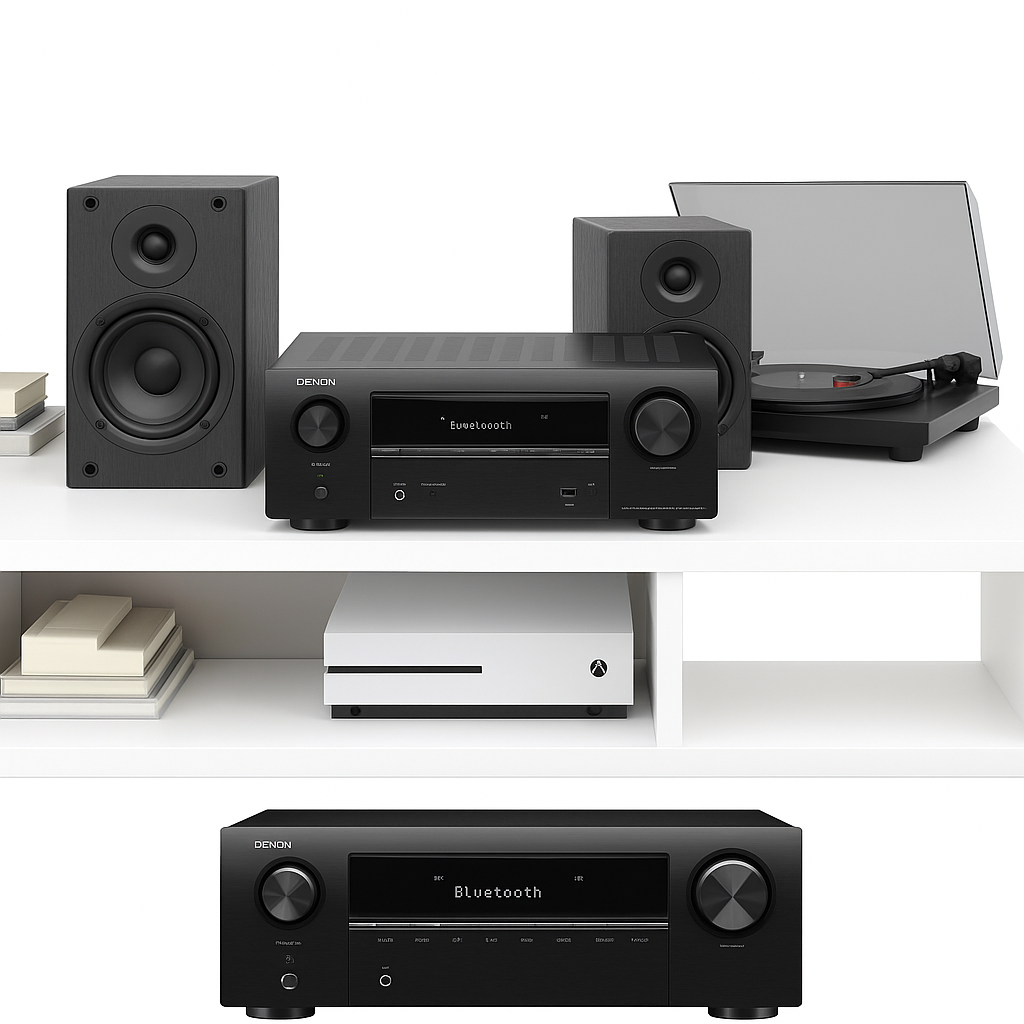
Finally, a phono input caters to vinyl enthusiasts, making the Denon AVR-S760H the best 7.2 AV receiver under $800—a versatile solution for both audiophiles and home theater lovers.
Key Features – Best 7.2 AV Receiver Under $800
-
Powerful 7-channel amplification with 90 W per channel (8 Ω) for dynamic, room-filling sound.
-
Immersive audio formats including Dolby Atmos, DTS:X, and surround virtualization, perfect for 3D soundscapes.
-
Flexible HDMI connectivity with six inputs supporting 4K/60Hz, HDR10+, Dolby Vision, and eARC for modern setups.
-
Deep bass performance powered by dual subwoofer outputs, ensuring balanced low-end response.
-
Seamless streaming options via Bluetooth, AirPlay 2, and HEOS multi-room integration.
-
Hands-free voice control with Alexa, Google Assistant, and Siri for smart home convenience.
-
Vinyl-ready design with a dedicated phono input for turntable lovers.
-
Room optimization tools like Audyssey MultEQ calibration, adapting sound to your environment.
Specifications – Best 7.2 AV Receiver Under $800
-
Channels: 7.2 setup with 7 discrete amp channels plus 2 subwoofer/pre-outs for deep bass.
-
Power Output: 90 W × 7 @ 8 Ω (20 Hz–20 kHz, ≤0.08% THD), delivering clean and powerful sound.
-
HDMI Connectivity: 6 HDMI inputs and 1 eARC output, supporting 4K/60Hz, HDR10+, and Dolby Vision.
-
Audio Formats: Full support for Dolby Atmos, DTS:X, Dolby TrueHD, and DTS-HD for immersive 3D audio.
-
Calibration Tools: Audyssey MultEQ for precise room tuning and balanced performance.
-
Streaming & Networking: Built-in Bluetooth, AirPlay 2, HEOS multi-room streaming, Ethernet, and Wi-Fi.
-
Voice Assistant Support: Works seamlessly with Alexa, Google Assistant, and Siri for hands-free control.
-
Extra Features: Phono input for turntables, USB playback, and Zone 2 pre-out for multi-room setups.
“Works With” Compatibility – Best 7.2 AV Receiver Under $800
-
For home entertainment, it pairs seamlessly with Blu-ray players, 4K TVs, and PS5/Xbox consoles for Dolby Atmos gameplay.
-
In addition, it connects to soundbars and speaker systems with Atmos elevation for cinematic sound.
-
Moreover, you can enjoy wireless streaming via Bluetooth, AirPlay 2, or HEOS multi-room audio.
-
Hands-free control is supported with Alexa, Google Assistant, and Siri voice commands.
-
Music lovers will appreciate compatibility with turntables using the built-in phono input.
-
Finally, it works with a variety of vinyl players, CD players, gaming consoles, and cable/satellite sources, making it highly versatile.
Setup + Maintenance Guide – Best 7.2 AV Receiver Under $800
Setup Steps
-
First, connect your speakers and subwoofers, then run Audyssey MultEQ calibration for balanced sound.
-
Next, hook up HDMI sources such as your Blu-ray player, TV, or gaming console.
-
After that, set up HEOS and Bluetooth using the companion app.
-
Then, enable Dolby Atmos and Audyssey within the receiver’s settings for immersive audio.
-
Finally, configure voice control integration via HEOS or AUX for smart convenience.
Maintenance Tips
-
Regularly, update the firmware via network or the HEOS app to ensure the latest features.
-
Additionally, dust the unit with a soft microfiber cloth, while avoiding vents for safe operation.
-
To conserve energy, use the standby mode when not in use.
-
If your room setup changes, simply re-run Audyssey calibration to optimize performance.






%20–%20Best%20Budget%20QLED%20Mini-LED%20TV%20under%20$1000%20with%20Dolby%20Vision%20&%20144Hz%20Gaming&url=https://smarthomemaven.com/product/tcl-6-series-roku-tv-2025-best-budget-qled-mini-led-tv-under-1000-with-dolby-vision-144hz-gaming/&media=https://smarthomemaven.com/wp-content/uploads/2020/12/TCL-6-Series-Roku-TV-front-view-showcasing-HDR-picture-on-white-background-1024x683.png)

Reviews
There are no reviews yet.