

Description
Cielo Breez Max – Smart AC & Heat Pump Controller with Wi-Fi, App & Voice Control – Smart Home Maven
Description
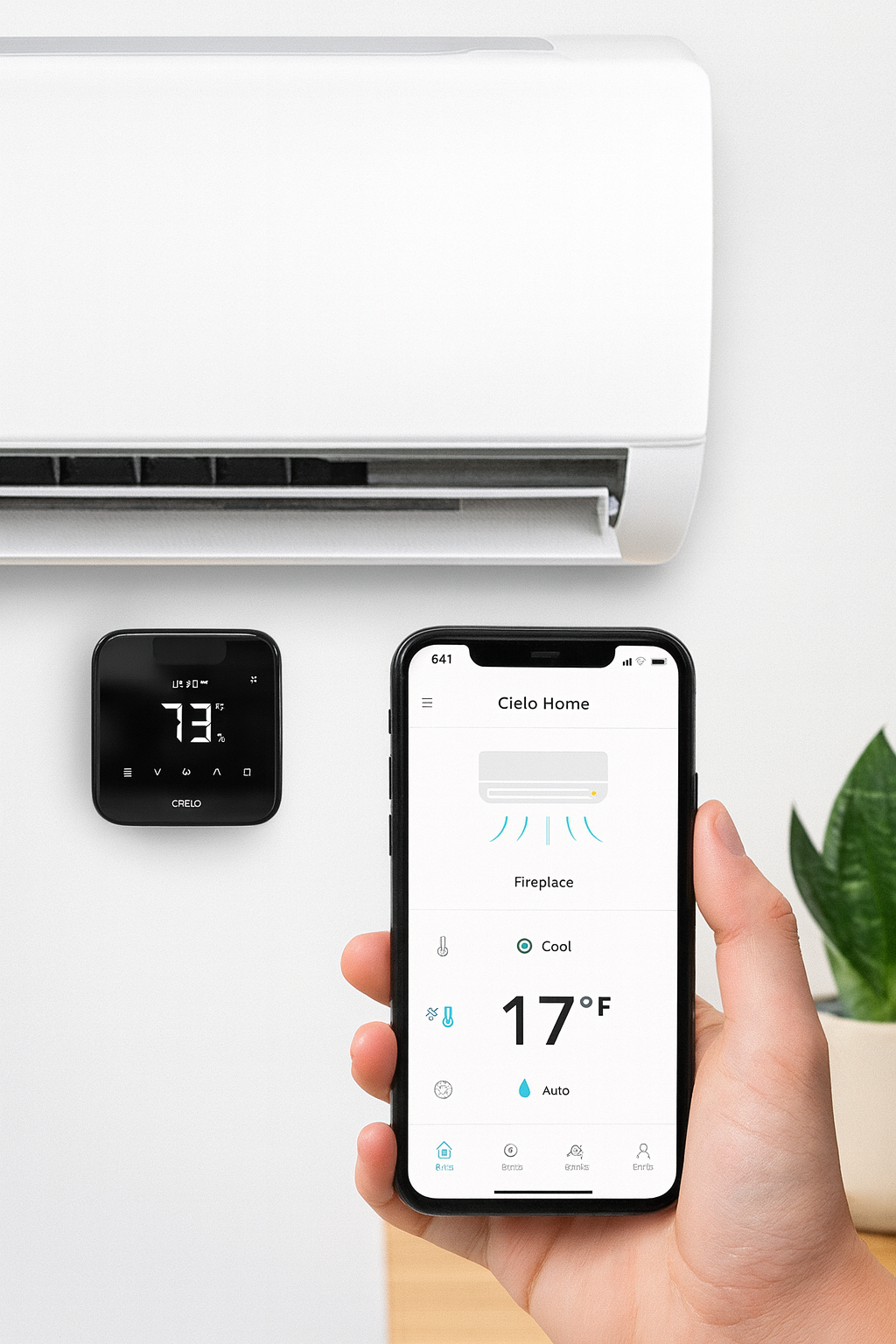
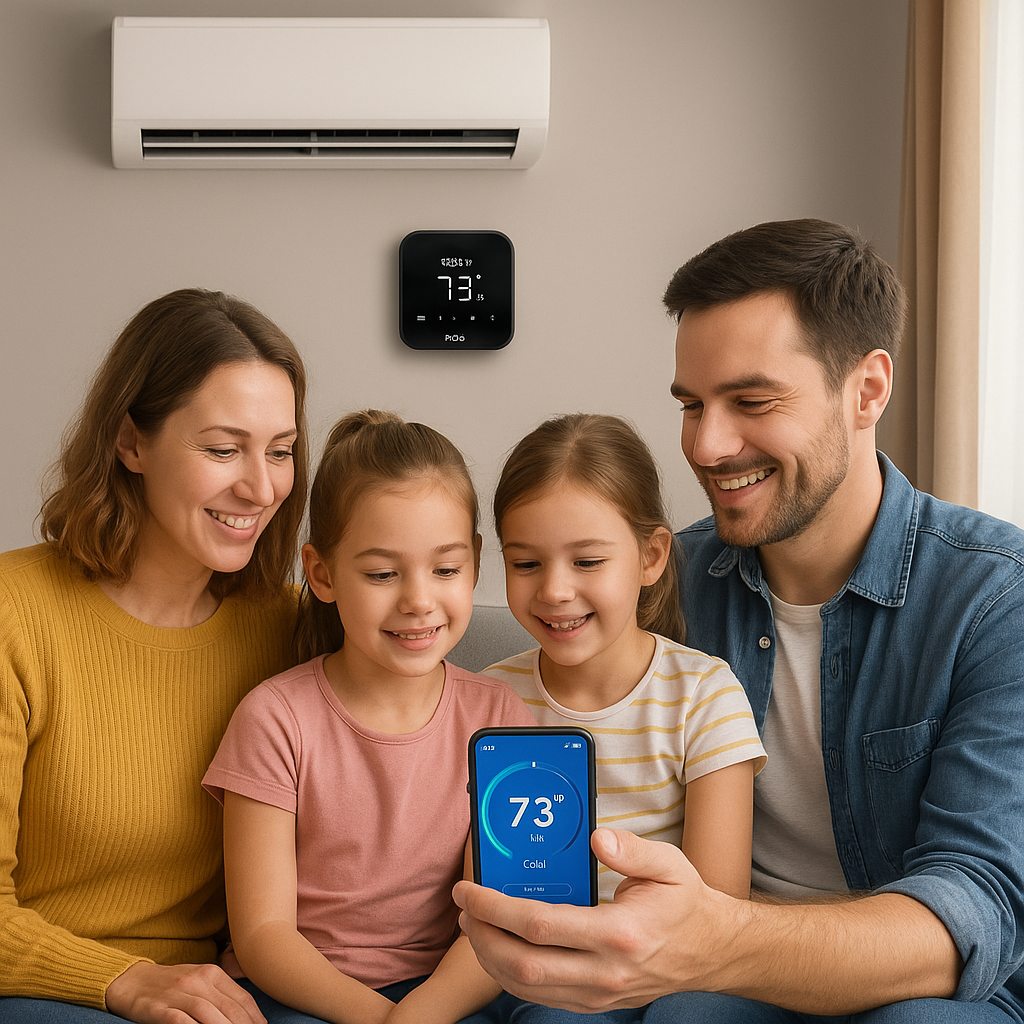
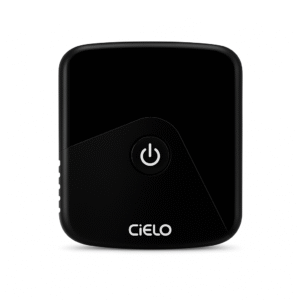
Upgrade your AC or heat pump into a fully connected smart device with the Cielo Breez Max, the flagship controller from Cielo. Designed to work with any ductless mini-split, window AC, or portable heat pump that uses an infrared remote, this smart AC controller with remote access for vacation homes brings app, automation, and voice control to your cooling and heating system.
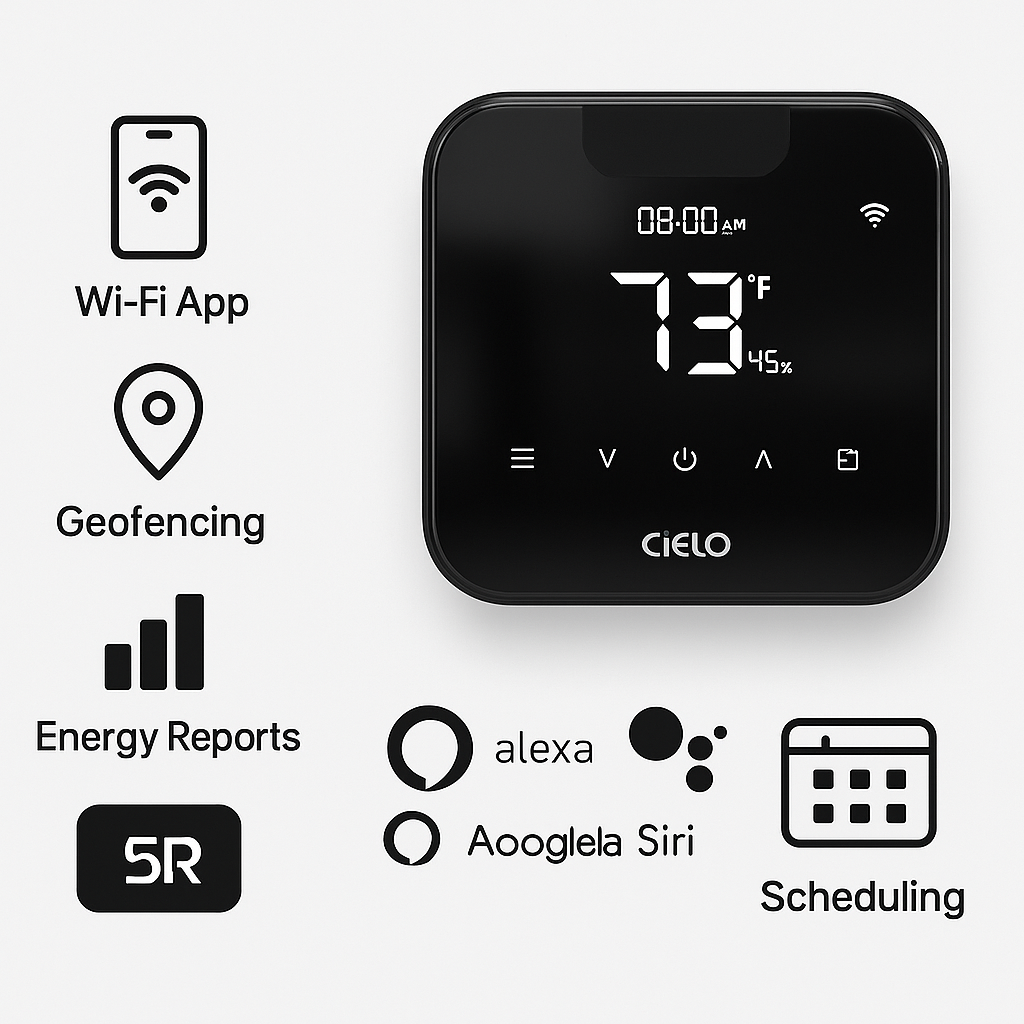
Through the Cielo Home app (iOS & Android), you can control temperature, fan speed, swing, and mode from anywhere. The app also provides intelligent scheduling, usage history, and energy-saving reports so you can cut down on unnecessary energy use.
With geofencing technology, the Breez Max automatically turns your AC or heat pump on when you’re arriving home and off when you leave. It integrates seamlessly with Amazon Alexa, Google Assistant, Siri Shortcuts, and SmartThings, enabling hands-free control and smart home automation.
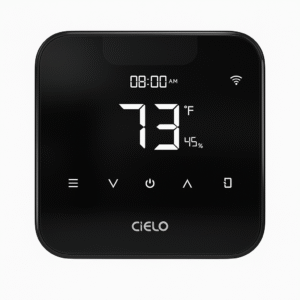
The sleek, modern design with a large display makes it a stylish upgrade for any room. The easy DIY installation allows wall-mounting or tabletop placement within line-of-sight of your AC unit.
Key Features – Smart AC Controller with Remote Access for Vacation Homes
-
To begin with, Universal Smart Control works flawlessly with mini-splits, window ACs, and portable heat pumps.
-
In addition, Wi-Fi & App Control allows you to manage your indoor climate remotely through the Cielo Home app.
-
With Smart Scheduling & Geofencing, you can automate heating and cooling based on daily routines or your location.
-
Moreover, Energy Reports help you track usage and identify opportunities for savings.
-
Furthermore, Voice Assistant Integration ensures compatibility with Alexa, Google Assistant, Siri Shortcuts, and SmartThings.
-
Thanks to its Modern Touch Display, you get an easy-to-use interface with clear temperature and mode indicators.
-
On top of that, DIY Setup makes installation simple and quick with no professional help required.
-
Finally, Dual Mounting Options let you either wall-mount the device or place it on a tabletop, making it a versatile smart AC controller with remote access for vacation homes.
Specifications
-
To start, the Model is Cielo Breez Max.
-
Additionally, Compatibility includes mini-splits, window units, portable ACs, and heat pumps with IR remotes.
-
Moreover, Connectivity is handled through Wi-Fi (2.4 GHz).
-
For convenience, App Support is available via the Cielo Home app on both iOS and Android devices.
-
In terms of Smart Home Integration, it works seamlessly with Alexa, Google Assistant, Siri Shortcuts, and SmartThings.
-
When it comes to Power Supply, the device uses a USB-C adapter.
-
For Installation, it can be mounted on the wall or placed on a tabletop.
-
Finally, the Functions include app control, scheduling, geofencing, energy reports, and climate rules—making it an excellent smart AC controller with remote access for vacation homes.
Compatibility & Use Cases
-
To begin with, it works with most ductless mini-split ACs, window units, and portable ACs or heat pumps.
-
In particular, it is perfect for apartments, rental units, and homes looking to add smart control without replacing existing systems.
-
Moreover, it is great for energy-conscious homeowners who want to achieve cost savings.
-
Finally, it is ideal for multi-room setups, offices, and especially vacation homes, where a smart AC controller with remote access for vacation homes provides both convenience and efficiency.
Setup & Maintenance Guide – Smart AC Controller with Remote Access for Vacation Homes
-
First, place the Cielo Breez Max within the IR line-of-sight of your AC unit.
-
Next, plug it in and connect to Wi-Fi using the Cielo Home app.
-
After that, pair it with your AC’s remote to sync all available commands.
-
Then, configure schedules, enable geofencing, and set up automation for personalized comfort.
-
In addition, review usage reports in the app to track patterns and maximize energy savings.
Maintenance Tips:
-
To keep it running smoothly, wipe the exterior regularly.
-
Also, ensure there is always a clear line-of-sight to your AC unit.
-
Finally, update the firmware through the app when available, ensuring the device continues to deliver reliable performance as a smart AC controller with remote access for vacation homes.





Reviews
There are no reviews yet.