
Description
Breez Eco – Smart AC Controller with Wi-Fi, App & Cielo Breez Eco Compatibility with Alexa and Google Home – Smart Home Maven
Description
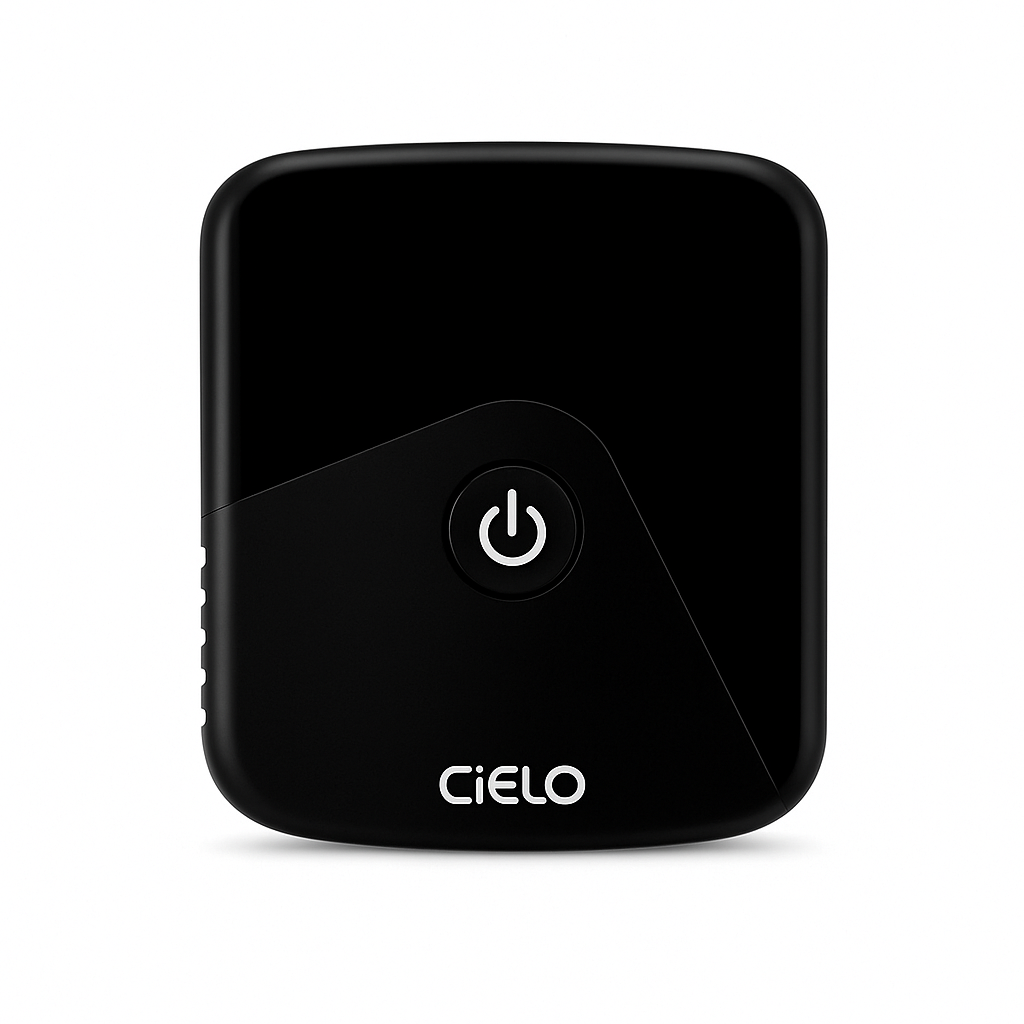
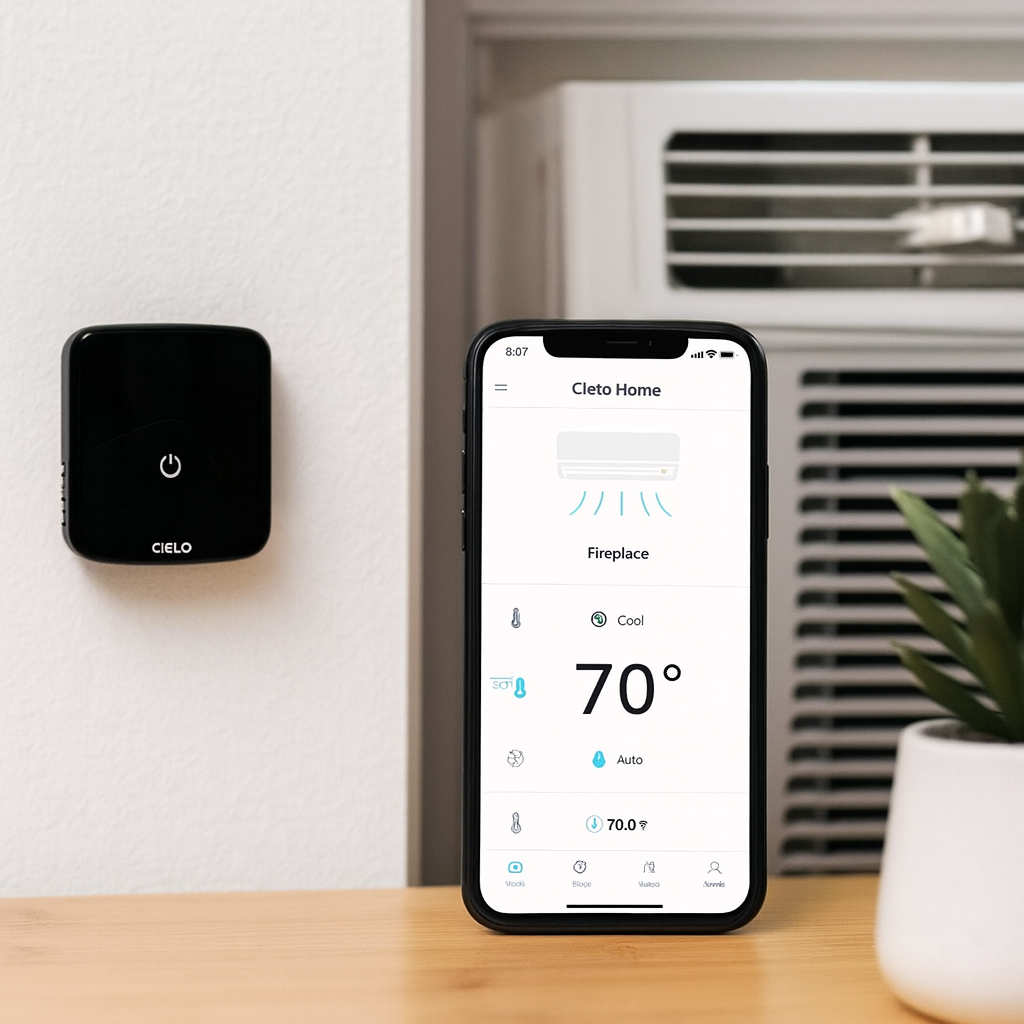
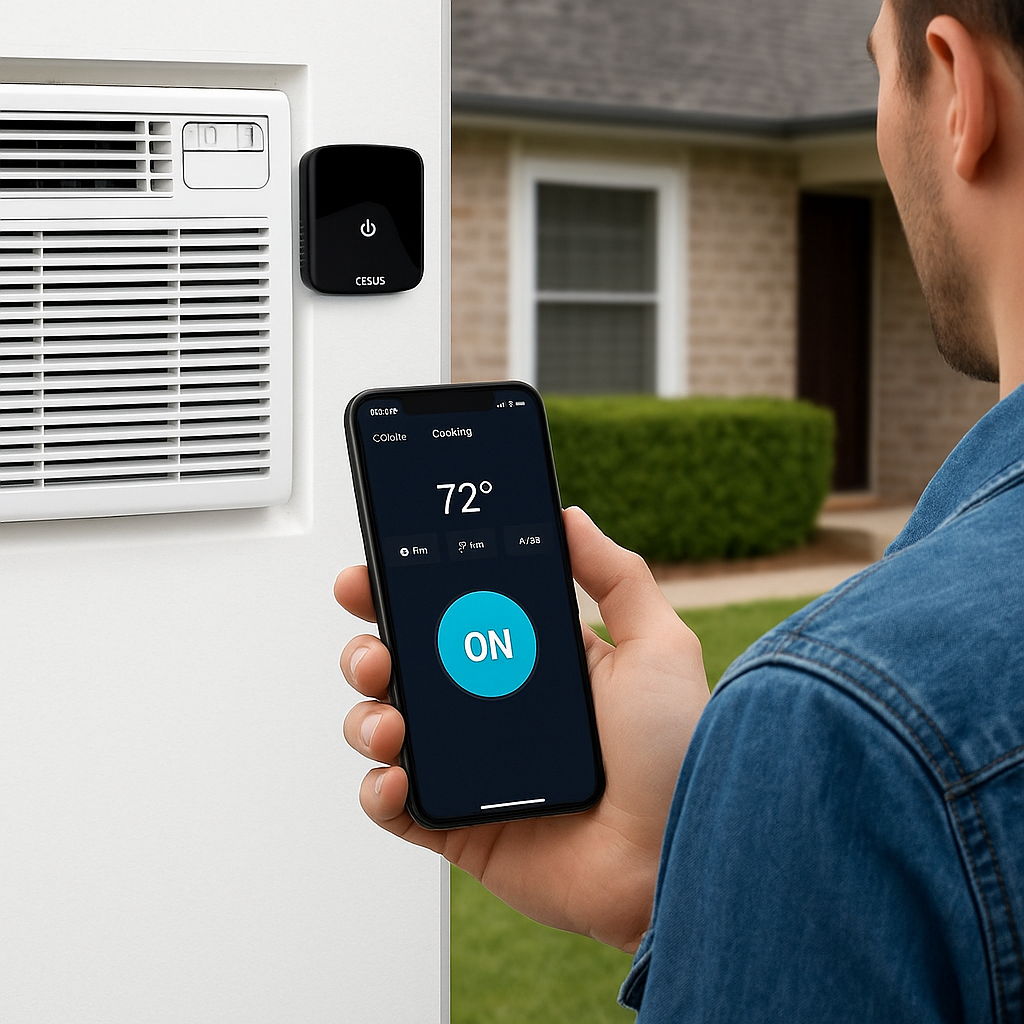
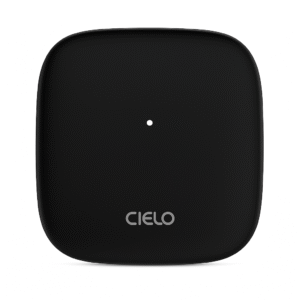
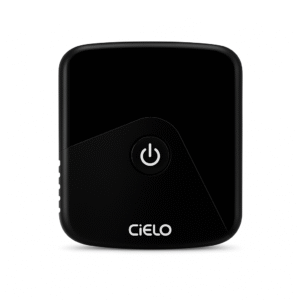
Make your air conditioning system smarter with the Breez Eco Smart AC Controller, an affordable and user-friendly solution for home comfort. Compatible with any ductless mini-split, window AC, or heat pump that uses an IR remote, this device also ensures smooth Cielo Breez Eco compatibility with Alexa and Google Home. The Breez Eco connects to your Wi-Fi and gives you complete climate control from your smartphone.
Through the Breez mobile app (iOS & Android), you can adjust temperature, fan speed, and mode from anywhere. Features like geofencing ensure your AC turns on automatically when you’re near home and switches off when you leave, helping reduce wasted energy.
The Breez Eco also integrates with Amazon Alexa, Google Assistant, and Siri Shortcuts, enabling hands-free voice control. With support for custom schedules, usage insights, and energy-saving modes, it makes your AC or heat pump smarter without the cost of a full replacement system.
Compact and simple to install, the Breez Eco is ideal for apartments, rental units, and offices, giving you the power of a smart air conditioner at a fraction of the cost.
Key Features – Cielo Breez Eco Compatibility with Alexa and Google Home
-
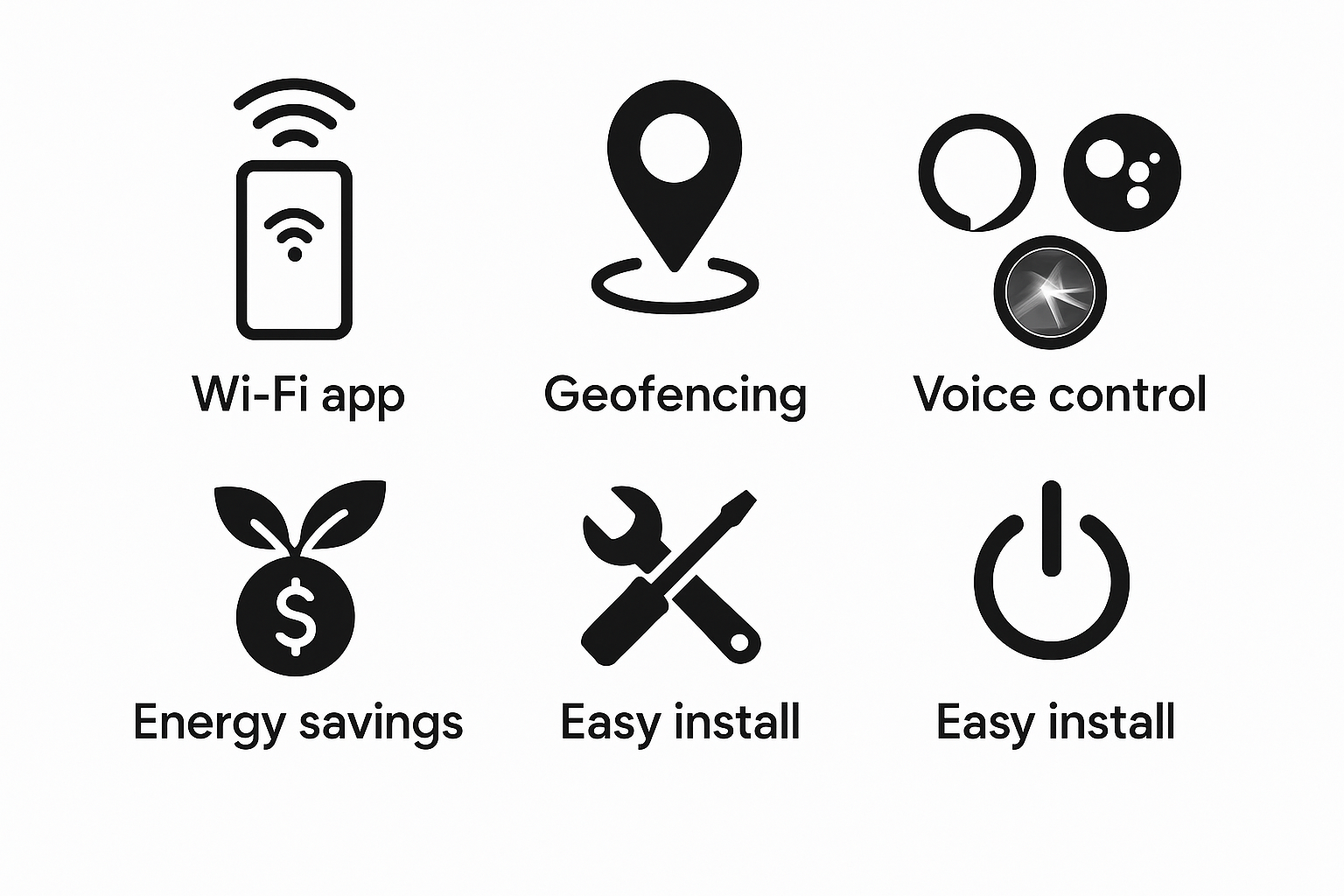
To begin with, Universal Compatibility allows it to work with mini-splits, window ACs, and heat pumps using IR remotes.
-
In addition, Wi-Fi & App Control lets you manage your AC from anywhere via the Breez app.
-
With Geofencing, the device can automatically turn your AC on or off when you arrive or leave home.
-
Moreover, Smart Scheduling enables you to set daily or weekly routines for consistent comfort.
-
Furthermore, Voice Assistant Support highlights Cielo Breez Eco compatibility with Alexa and Google Home, as well as Siri Shortcuts.
-
Thanks to its Energy-Saving Features, it helps reduce electricity bills by optimizing usage.
-
On top of that, the Compact Design ensures the minimalist device fits discreetly into any room.
-
Finally, Easy DIY Installation allows you to set it up in minutes without professional help.
Specifications
-
To start, the Model is Breez Eco Smart AC Controller.
-
Additionally, Connectivity is provided via Wi-Fi (2.4 GHz).
-
Moreover, App Support is available through the Breez app on both iOS and Android platforms.
-
In terms of Compatibility, it works with mini-split ACs, window ACs, and heat pumps that use IR remotes.
-
For Smart Home Integration, it offers seamless Cielo Breez Eco compatibility with Alexa and Google Home, along with Siri Shortcuts.
-
When it comes to Power Supply, the device uses a USB adapter.
-
For Installation, it can be wall-mounted or simply placed on a tabletop.
-
Finally, the Functions include app control, geofencing, scheduling, and climate rules for convenient automation.
Compatibility & Use Cases
-
To begin with, it works seamlessly with ductless mini-splits, window ACs, and heat pumps.
-
In particular, it is perfect for apartments, dorms, and rental homes.
-
Moreover, it is ideal for budget-conscious users who want smart AC features without replacing existing units.
-
Finally, it is great for offices and small businesses seeking remote AC management, enhanced further by Cielo Breez Eco compatibility with Alexa and Google Home for easy voice control.
Setup & Maintenance Guide – Cielo Breez Eco Compatibility with Alexa and Google Home
-
First, mount or place the Breez Eco within the line-of-sight of your AC or heat pump.
-
Next, plug it in and connect to Wi-Fi using the Breez app.
-
After that, pair it with your AC’s remote to sync all available commands.
-
Then, set schedules, enable geofencing, and integrate with popular voice assistants.
-
Finally, control climate settings from anywhere, enjoying the convenience of Cielo Breez Eco compatibility with Alexa and Google Home.
Maintenance Tips:
-
To maintain peak performance, keep the device dust-free.
-
Additionally, ensure the Wi-Fi connection remains stable for uninterrupted control.
-
Lastly, update the firmware via the app whenever available to access the latest features and improvements.





Reviews
There are no reviews yet.