
Description
Aqara Smart Lock U100 – Fingerprint and Keypad Features with Apple HomeKey Support – Smart Home Maven
Description
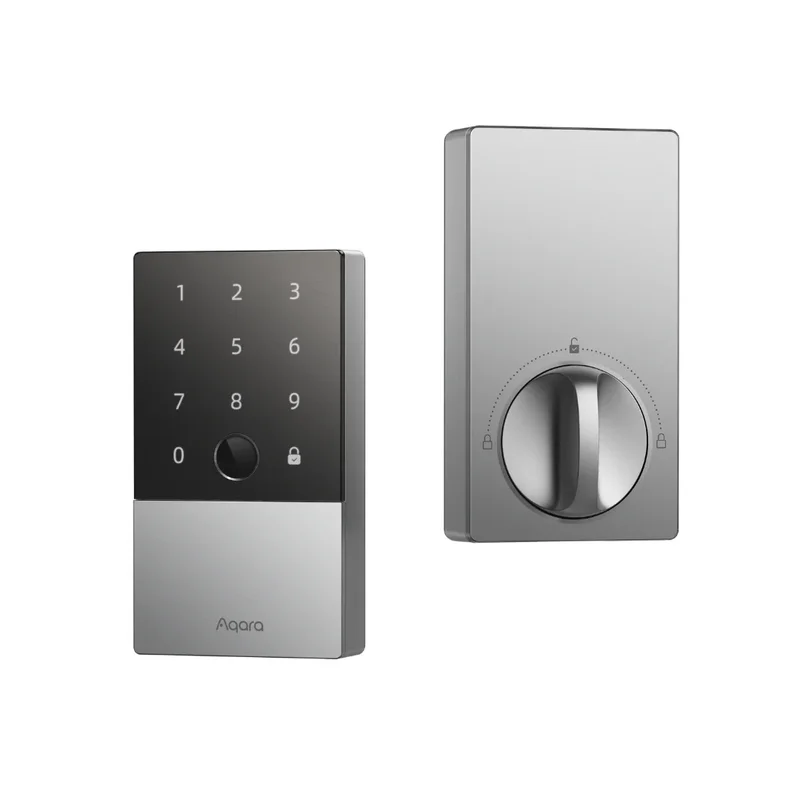
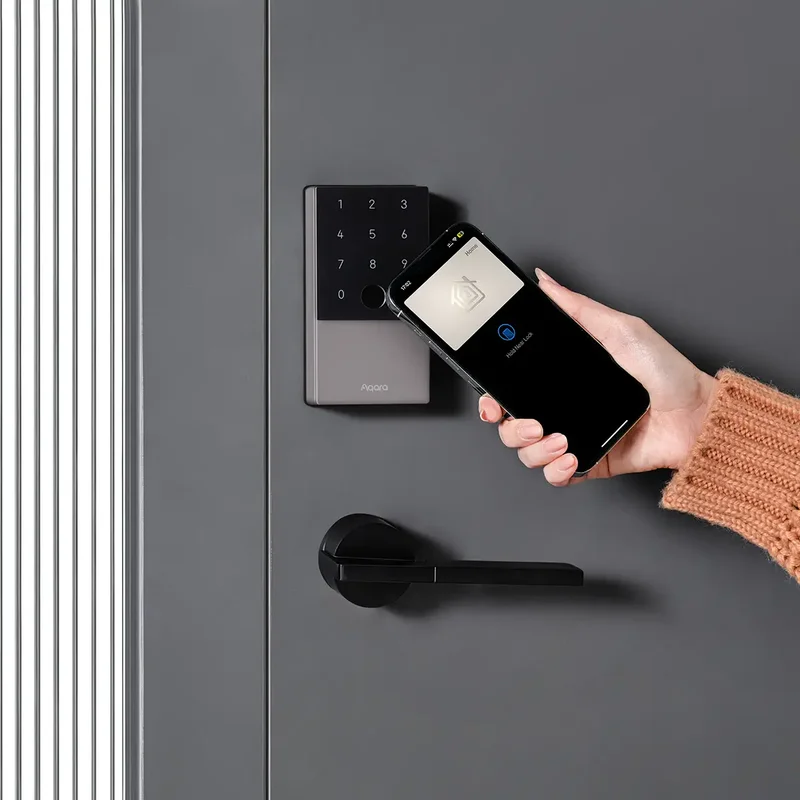
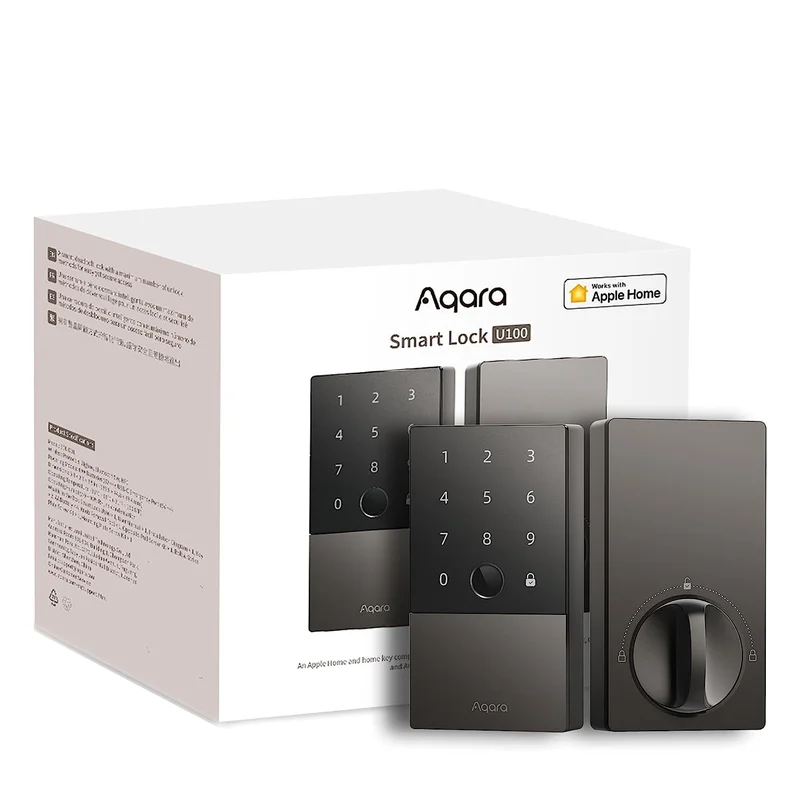
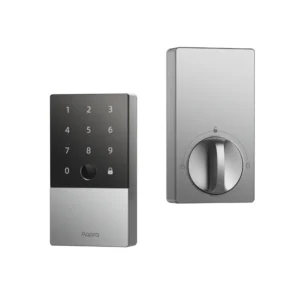
edefine the way you protect your home with the Aqara Smart Lock U100, a next-generation deadbolt crafted for flexibility, security, and modern style. To begin with, the Aqara Smart Lock U100 fingerprint and keypad features were designed for Apple users and smart home enthusiasts who value both convenience and safety. In fact, the U100 supports Apple HomeKey, allowing you to unlock your door with just a tap on your iPhone or Apple Watch.
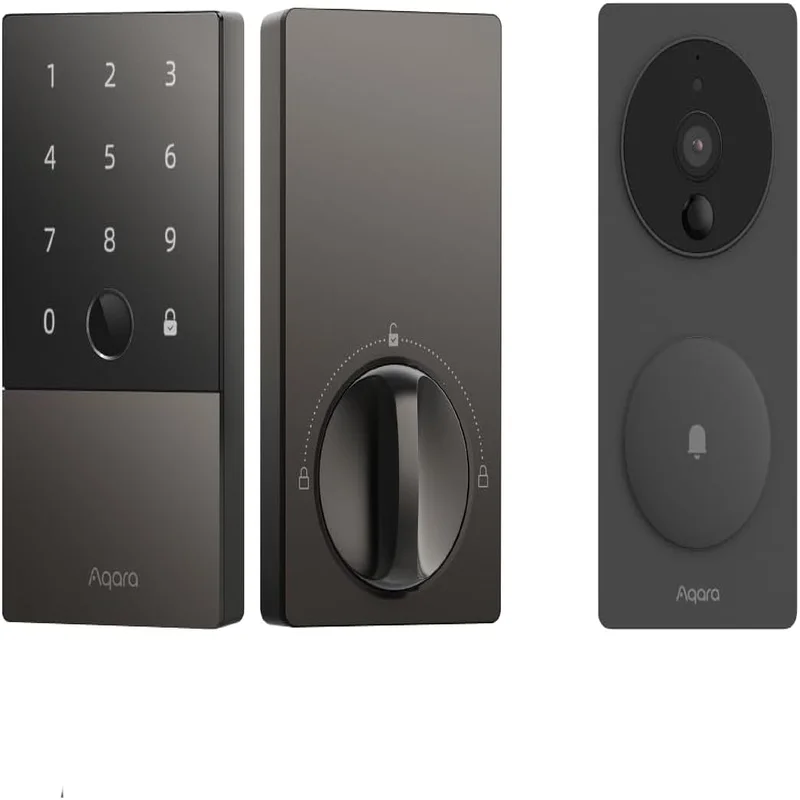
Moreover, this smart lock offers multiple unlocking methods, such as a biometric fingerprint sensor, secure PIN code access, Bluetooth connectivity, NFC tags, and even a traditional key backup. Its sleek aluminum body not only ensures durability but also adds a futuristic look to your entryway.
Finally, the U100 is fully compatible with Apple HomeKit, Amazon Alexa, Google Assistant, and Matter (via Aqara Hub). As a result, you enjoy seamless cross-platform convenience, ensuring true smart home integration along with complete peace of mind.
Key Features – Aqara Smart Lock U100 Fingerprint and Keypad Features
The Aqara Smart Lock U100 fingerprint and keypad features combine versatility, security, and durability. As a result, you gain multiple convenient ways to access your home while keeping it protected.
-
6-in-1 Unlocking Options – Choose between Apple HomeKey, fingerprint, PIN code, app unlock, NFC tags, or a traditional mechanical key.
-
Biometric Fingerprint Sensor – Enjoy fast and secure unlocking in less than 0.5 seconds.
-
Apple HomeKey Support – Unlock instantly with an iPhone or Apple Watch, even without internet.
-
Smart Home Integration – Works seamlessly with Alexa, Google Assistant, and Apple HomeKit for connected living.
-
Durable Build – Constructed with premium aluminum alloy and rated IP65 for weather resistance.
-
Extended Battery Life – Operates for up to 8 months on 4 AA batteries, with low-battery alerts for peace of mind.
-
User Code Management – Store and manage up to 75 customizable PIN codes for family, friends, or guests.
Specifications
When considering the Aqara Smart Lock U100 fingerprint and keypad features, it’s important to review the specifications that highlight its durability and versatility. For this reason, here are the key details:
-
Model – Aqara Smart Lock U100, designed for modern smart home entry.
-
Power Source – Runs on 4 × AA batteries (included for immediate setup).
-
Battery Life – Lasts up to 8 months, or approximately 6,000 unlocks, before replacement.
-
Connectivity – Supports Bluetooth, Apple HomeKit, Zigbee (via Aqara Hub), and Matter-ready for future compatibility.
-
Material – Crafted from aluminum alloy for strength and long-term durability.
-
Door Compatibility – Fits standard doors ranging from 1.38″ to 2.17″ thick.
-
Security Rating – ANSI Grade 2 certification ensures reliable residential security.
-
Weather Resistance – IP65 rating makes it suitable for outdoor use, protecting against dust and rain.
Works With
The Aqara Smart Lock U100 fingerprint and keypad features integrate seamlessly with multiple smart ecosystems. As a result, you gain flexibility, automation, and remote access across platforms:
-
Apple HomeKit + HomeKey – Unlock with iPhone or Apple Watch.
-
Amazon Alexa – Control access with simple voice commands.
-
Google Assistant – Check lock status and operate hands-free.
-
Aqara App (iOS & Android) – Manage codes, fingerprints, and settings.
-
Matter (via Aqara Hub M2) – Enjoy cross-platform smart home integration.
-
IFTTT – Automate routines for customized entry control.
Installation
Setting up the Aqara Smart Lock is simple and user-friendly. Therefore, you can secure your home in just minutes:
-
Quick Setup – Installs easily with standard tools.
-
Universal Fit – Designed for most standard deadbolt cutouts.
-
Advanced Pairing – Connect with the Aqara Hub M2 for added smart features and automation.
Setup Instructions – Aqara Smart Lock U100 Fingerprint and Keypad Features
To unlock the full potential of the Smart Lock, follow these simple setup steps:
-
First, download the Aqara Home app to begin the installation process.
-
Next, insert the batteries and activate the lock for initial use.
-
Then, scan the QR code to quickly pair the device with the app.
-
After that, add HomeKey to your Apple Wallet for seamless access.
-
Finally, set up user codes, fingerprints, and custom access rules to secure your entry.
Maintenance Tips
To keep the Aqara Smart Lock U100 fingerprint and keypad features working reliably, follow these maintenance practices:
-
First, replace the batteries every 6–8 months or when the app sends an alert.
-
Next, clean the fingerprint sensor gently with a soft cloth to maintain accuracy.
-
Finally, update the firmware regularly to ensure enhanced performance and security.






Reviews
There are no reviews yet.