
Description
Apple HomePod (2nd Gen) – Best Apple Smart Speaker for HomeKit with Spatial Audio, Siri & Seamless Integration – Smart Home Maven
Description
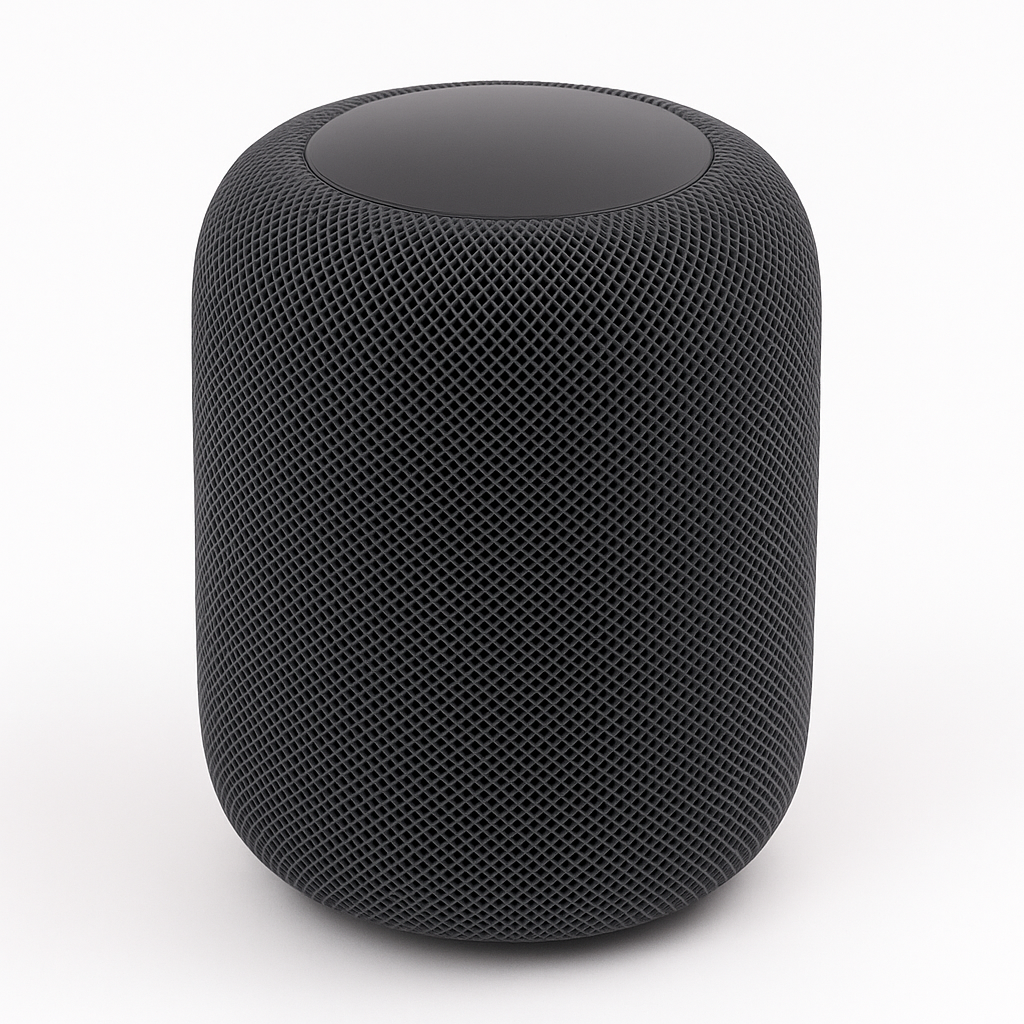
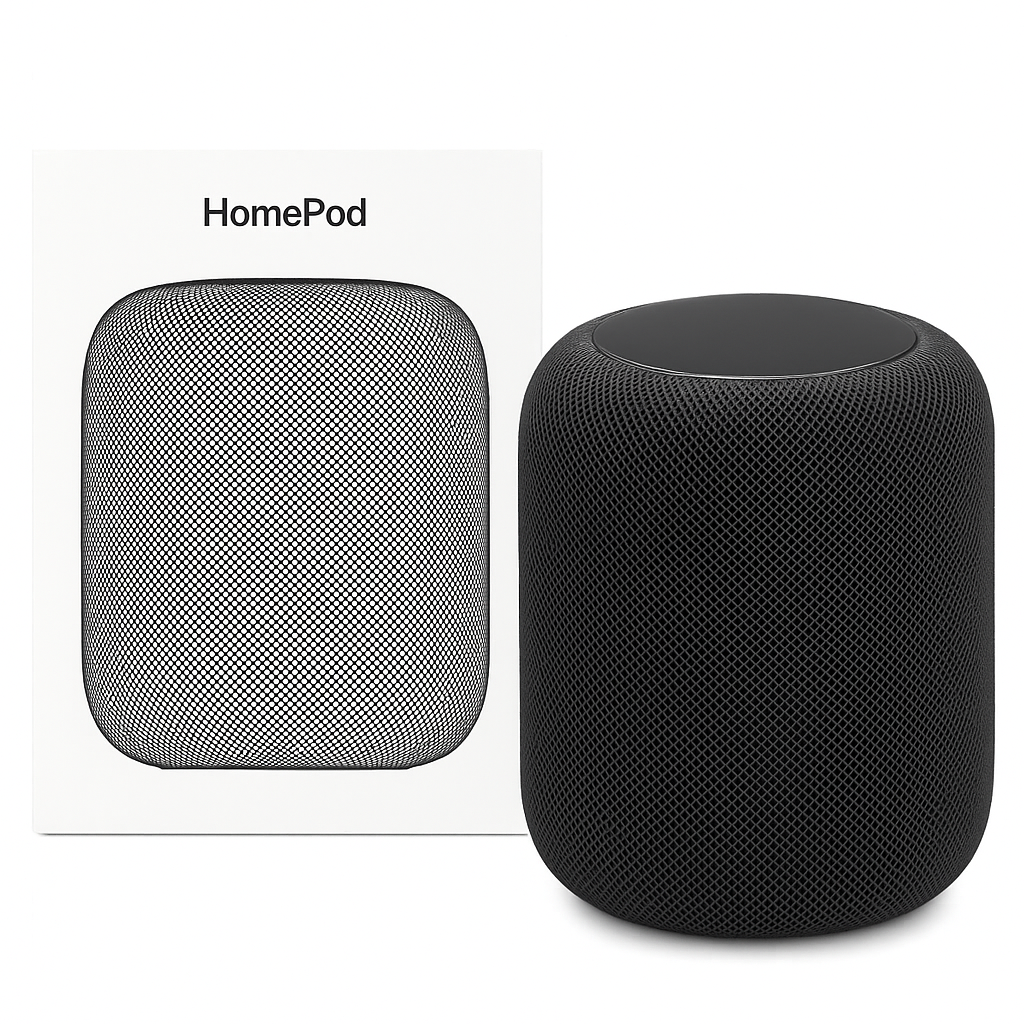
For those seeking the best Apple smart speaker for HomeKit integration, experience next-level sound and smart home control with the Apple HomePod (2nd Gen). Designed with a high-excursion woofer, beamforming tweeters, and room-sensing spatial awareness, it creates a rich, 360-degree soundstage tailored to your space.
HomePod is more than just a speaker—it’s a central smart home hub. With Siri built in, you can control lights, thermostats, and more using just your voice. The second-gen model features temperature and humidity sensors, Matter support, and advanced multi-room audio syncing via AirPlay 2.
Perfectly integrated into the Apple ecosystem, it works effortlessly with your iPhone, iPad, Apple TV, and HomeKit accessories—making your entire home smarter, more responsive, and more secure.
Key Features of the Best Apple Smart Speaker for HomeKit
-
To begin with, enjoy spatial audio with dynamic head tracking, creating immersive, room-filling 3D sound.
-
In addition, with Siri built-in, you can use voice commands for music, timers, reminders, smart home control, and much more.
-
Moreover, the built-in temperature and humidity sensor helps monitor and optimize your room environment.
-
Meanwhile, as a HomeKit hub, it securely automates and manages your smart devices.
-
Furthermore, seamless Apple integration ensures automatic syncing with your iPhone, iPad, or Apple TV.
-
For privacy, all Siri requests are processed locally, protecting your data.
-
Additionally, with multi-room audio via AirPlay 2, you can sync music throughout your home.
-
Finally, the elegant acoustic mesh design with a sleek cylindrical build enhances both style and sound.
Specifications of the Best Apple Smart Speaker for HomeKit
-
To start, the brand is Apple, and the model is the HomePod (2nd Gen).
-
In terms of audio, it comes equipped with a 4-inch high-excursion woofer, five tweeters, and spatial awareness for immersive sound.
-
Moreover, the connectivity options include Wi-Fi, Bluetooth 5.0, Thread, and Ultra Wideband, ensuring flexibility and future-ready performance.
-
When it comes to voice control, the HomePod features Siri, offering seamless interaction.
-
Additionally, it supports Apple HomeKit and Matter, making it a hub for smart home devices.
-
Meanwhile, built-in temperature and humidity sensors add useful environmental monitoring.
-
As for size, the HomePod measures 6.6 x 5.6 inches and weighs 5.16 lbs (2.3 kg), keeping it compact yet powerful.
-
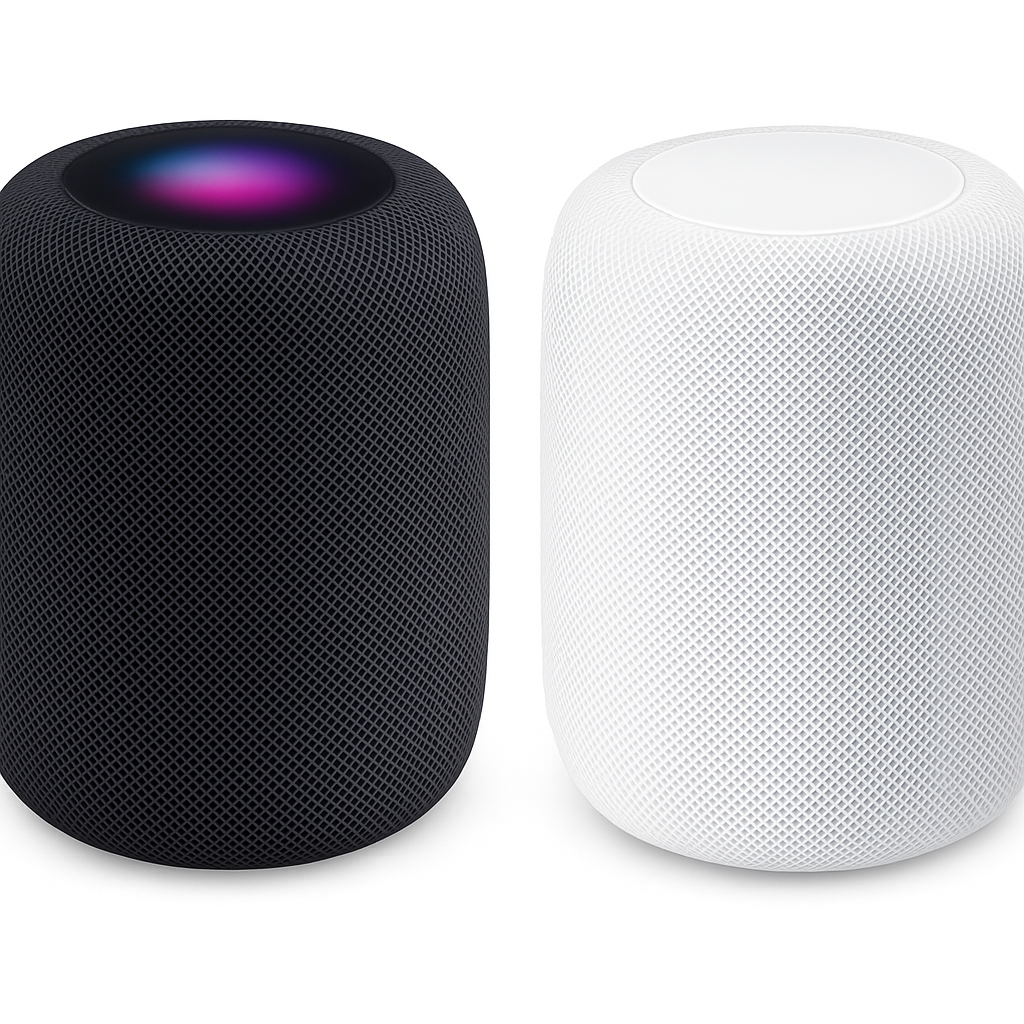
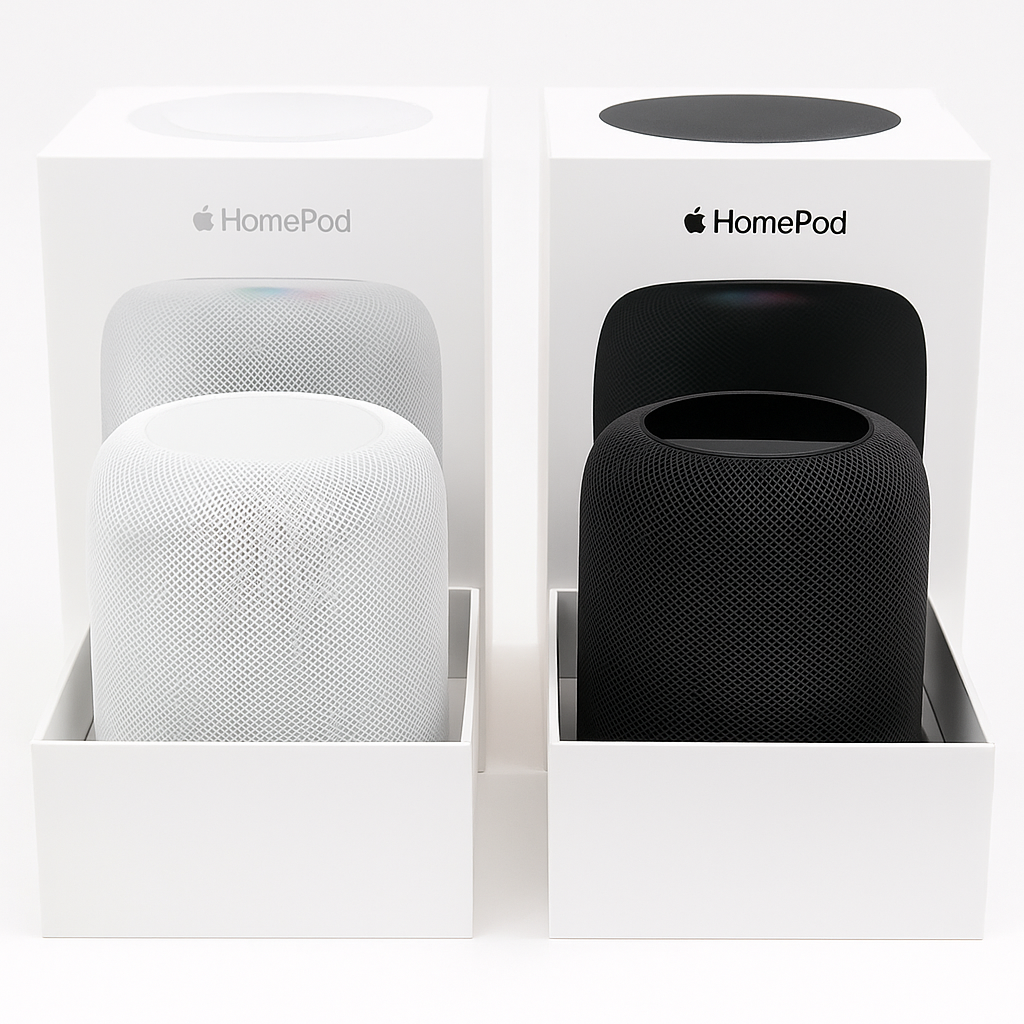
Finally, it is available in two stylish finishes: Midnight and White.
Works With the Best Apple Smart Speaker for HomeKit
-
To begin with, it features Apple Siri as the built-in voice assistant, making everyday control effortless.
-
In addition, it integrates seamlessly with Apple HomeKit to manage compatible smart home devices.
-
Moreover, with AirPlay 2, you can enjoy multi-room audio across multiple Apple speakers.
-
Meanwhile, pairing with Apple TV allows you to control media playback with ease.
-
Furthermore, it supports Matter-enabled smart devices, ensuring future-proof compatibility.
-
Finally, it works flawlessly with your iPhone or iPad through features like Handoff, proximity detection, and the Home app.
Setup Instructions for the Best Apple Smart Speaker for HomeKit
-
First, plug in the HomePod and wait for the chime to indicate it’s ready.
-
Next, hold your iPhone or iPad close to the device for automatic detection.
-
Then, follow the on-screen instructions in the Home app to complete setup.
-
After that, assign the HomePod to a room and configure Siri preferences.
-
Finally, start using Siri to control music playback or manage your smart home devices with ease.
Maintenance Tips for Long-Lasting Performance
-
To begin with, clean the HomePod with a soft, dry cloth to preserve the fabric mesh.
-
Moreover, keep it in a well-ventilated space to prevent overheating.
-
In addition, avoid water contact despite its mesh design for safety.
-
Furthermore, always use a stable power supply to protect internal components.
-
Finally, regularly check for firmware updates in the Home app to ensure top performance.




%20–%20Best%20Apple%20Smart%20Speaker%20for%20HomeKit&url=https://smarthomemaven.com/product/apple-homepod-2nd-gen-best-apple-smart-speaker-for-homekit/&media=https://smarthomemaven.com/wp-content/uploads/2025/05/Apple-HomePod-2nd-Gen-3.png)


%20–%20Best%20OLED%20TV%20for%20Home%20Theater%20with%20Dolby%20Vision%20&%20HDMI%202.1&url=https://smarthomemaven.com/product/sony-a80k-oled-4k-tv-2025-best-oled-tv-for-home-theater-with-dolby-vision-hdmi-2-1/&media=https://smarthomemaven.com/wp-content/uploads/2020/12/Sony-A80K-OLED-TV-front-view-with-4K-display-on-white-background.png)
Reviews
There are no reviews yet.