
Description
Amazon Fire TV Cube (3rd Gen) – Best Premium Streaming Device with Alexa, Dolby Vision & Smart Home Hub – Smart Home Maven
Description
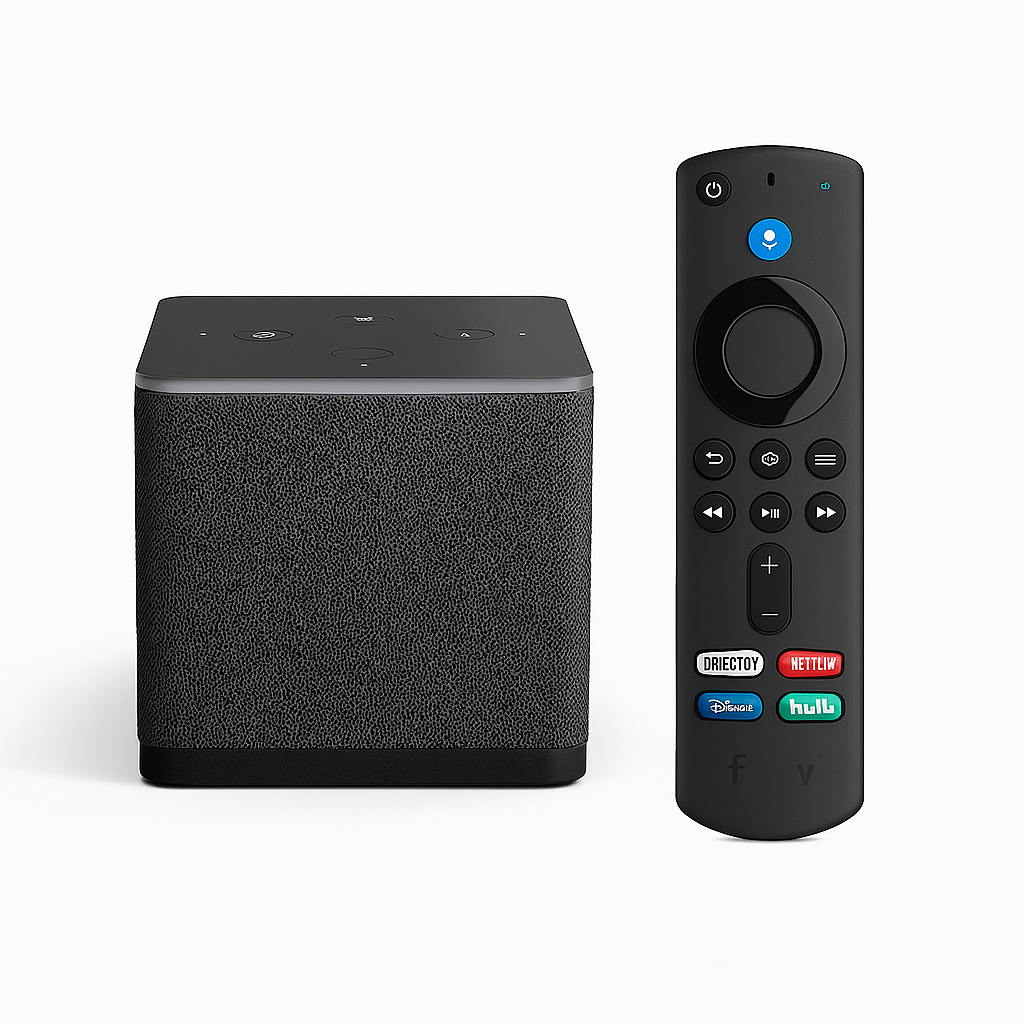
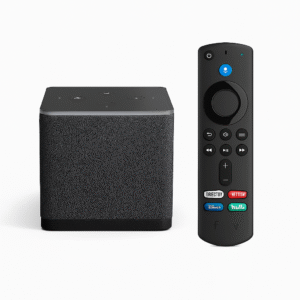
The Amazon Fire TV Cube (3rd Gen) merges the best of streaming and smart home control into a single device. Moreover, as the best premium streaming device with Alexa, it delivers smooth 4K Ultra HD playback with Dolby Vision, HDR10+, and HDR10, plus immersive Dolby Atmos audio support. Its fast hexa-core processor and Gigabit Ethernet port minimize buffering while maximizing performance.
Additionally, what truly sets it apart is the hands-free Alexa experience—no remote required. Simply use your voice to launch shows, adjust volume, control lights, check the weather, or even lower smart shades. With its built-in Zigbee and Matter hub, it wirelessly connects with compatible smart devices, making it the centerpiece of a fully integrated smart home.
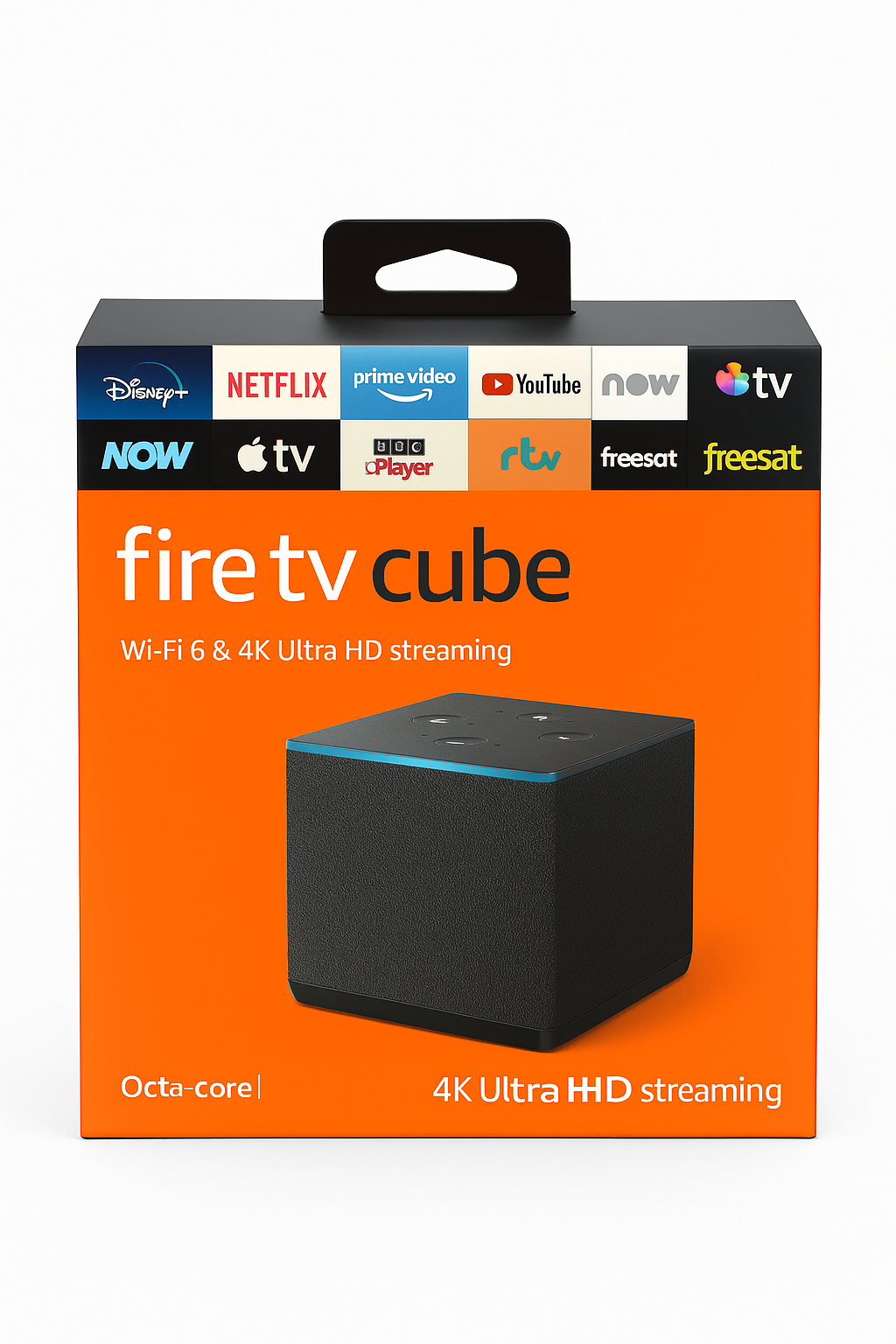
Finally, with access to leading apps like Netflix, Disney+, Paramount+, Amazon Prime Video, and live TV streaming, plus support for Bluetooth audio and Dolby Atmos, the Fire TV Cube stands as a feature-rich entertainment hub that elevates both streaming and smart living.
Key Features
The Fire TV Cube redefines streaming and smart home integration, making it the best premium streaming device with Alexa. Moreover, its powerful features ensure both convenience and performance:
-
4K HDR streaming with Dolby Vision, HDR10+, and HDR10 for cinematic visuals.
-
Hands-free Alexa voice control, eliminating the need for a remote.
-
Built-in Zigbee and Matter hub, seamlessly connecting smart home devices.
-
High-speed hexa-core processor with Gigabit Ethernet for smooth, lag-free performance.
-
Dolby Atmos audio passthrough, delivering immersive theater-quality sound.
-
Bluetooth 5.0 support for pairing headphones and speakers.
-
Far-field microphones with advanced voice detection, ensuring Alexa hears you clearly.
-
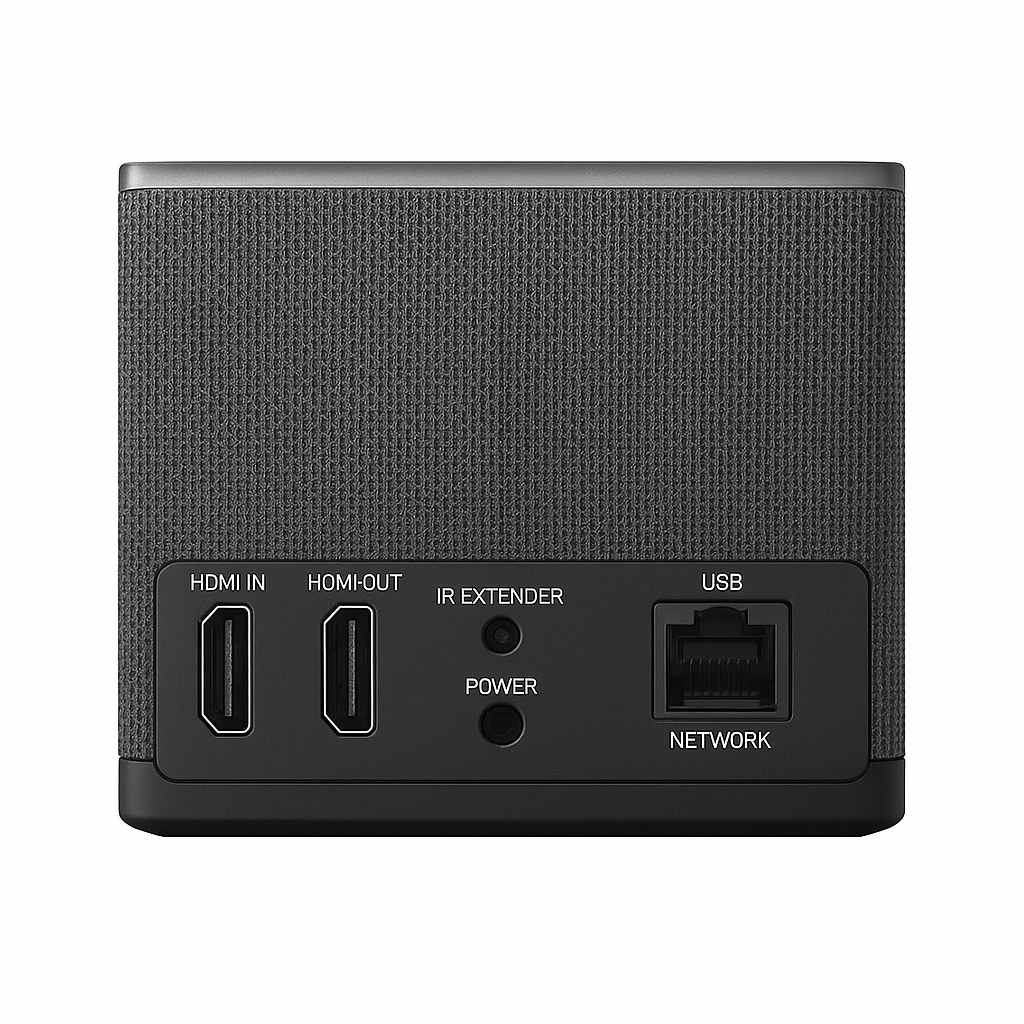
IR emitter, allowing direct control of TVs, soundbars, and receivers.
-
Private listening via the Fire TV app or Bluetooth devices.
Specifications
The Fire TV Cube is engineered to deliver both performance and versatility. Furthermore, as the best premium streaming device with Alexa, its specifications make it a powerful centerpiece for entertainment and smart home control:
-
Video Output: 4K Ultra HD up to 60 fps for sharp, fluid playback.
-
HDR Formats: Supports Dolby Vision, HDR10+, and HDR10 for stunning picture quality.
-
Audio Formats: Includes Dolby Atmos and Dolby Digital Plus for immersive sound.
-
Processor: Hexa-core 2.2 GHz, ensuring fast, responsive navigation.
-
Connectivity: HDMI eARC, dual-band Wi-Fi, Gigabit Ethernet, and Bluetooth 5.0.
-
Smart Hub: Built-in support for Zigbee and Matter devices.
-
Voice Assistant: Hands-free Alexa integration for total convenience.
-
Supported Apps: Access to Netflix, Prime Video, Disney+, Hulu, and more.
-
Dimensions: Compact design at ~3.5″ × 3.5″ × 3.0″.
-
Weight: Sturdy build weighing about 16 oz.
“Works With” Compatibility
The Fire TV Cube is built to serve as the center of your entertainment system and smart home. Moreover, as the best premium streaming device with Alexa, it connects seamlessly with a wide range of devices and services:
-
4K HDR TVs with HDMI eARC, delivering top-tier audio and video quality.
-
Zigbee- and Matter-compatible smart devices, making it a versatile smart home hub.
-
Voice control for lights, locks, and thermostats, simplifying everyday routines.
-
Wireless home theater systems with Dolby Atmos, for immersive surround sound.
-
Bluetooth-enabled headphones and speakers, perfect for private or enhanced audio.
-
Fire TV app, offering private listening and remote control from your phone.
-
Streaming services, including Netflix, Hulu, Disney+, Prime Video, and more.
-
IR-enabled TVs, A/V receivers, and set-top boxes, controlled directly via the Cube.
Setup + Maintenance Guide
Setup Steps
-
First, plug the Fire TV Cube into a wall outlet and an available HDMI port on your TV.
-
Next, select either Ethernet or Wi-Fi for a stable network connection.
-
Then, follow the on-screen prompts to sign into your Amazon account.
-
After that, use hands-free voice commands to control your TV and smart devices.
-
To continue, calibrate your audio and display settings directly in the interface.
-
Finally, add other smart devices through the built-in hub via the Alexa app, maximizing the potential of the best premium streaming device with Alexa.
Maintenance Tips
-
To begin with, keep the software updated by going to Settings → My Fire TV → Check for Updates.
-
Additionally, use the remote mute switch if you want to disable the microphone.
-
Moreover, position the Cube away from heating vents to maintain long-term performance.
-
For troubleshooting, restart the Cube via the interface to resolve any streaming lags.
-
Lastly, clean the device with a soft, dry cloth, avoiding water or solvents for safe care.




%20–%20Best%20Premium%20Streaming%20Device%20with%20Alexa%20&%20Dolby%20Vision&url=https://smarthomemaven.com/product/amazon-fire-tv-cube-3rd-gen-best-premium-streaming-device-with-alexa-dolby-vision/&media=https://smarthomemaven.com/wp-content/uploads/2020/12/Fire-TV-Cube-3rd-Gen-–-Hands-Free-4K-Streaming-Smart-Home-Hub.png)


%20–%20Best%20Compact%20Smart%20Soundbar%20with%20Dolby%20Atmos%20and%20Voice%20Control&url=https://smarthomemaven.com/product/sonos-beam-gen-2-best-compact-smart-soundbar-with-dolby-atmos-and-voice-control/&media=https://smarthomemaven.com/wp-content/uploads/2025/05/Sonos-Beam-Gen-2-Soundbar-with-Voice-Control-1.png)
Reviews
There are no reviews yet.