
Description
Amazon Echo Studio – Smart Speaker with Dolby Atmos and Alexa for Immersive 3D Audio & Built-In Smart Home Hub – Smart Home Maven
Description
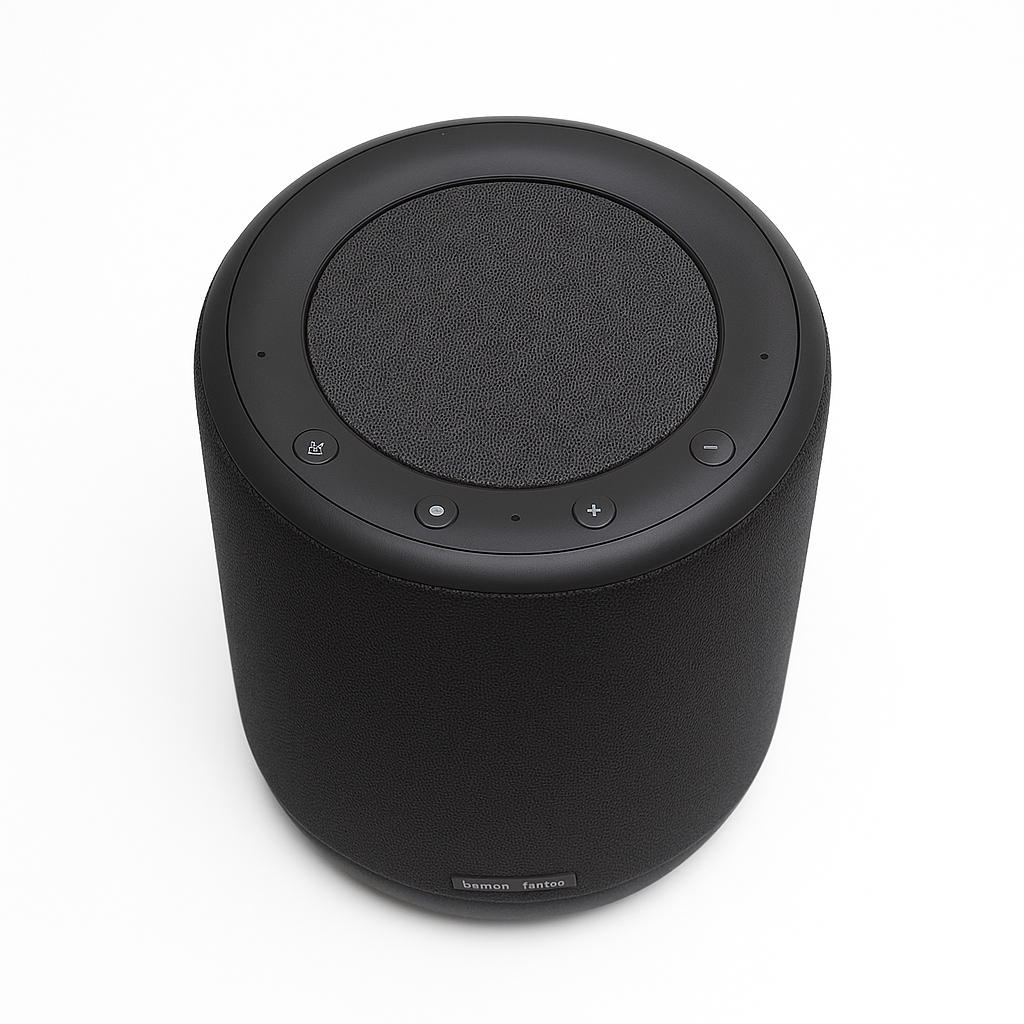
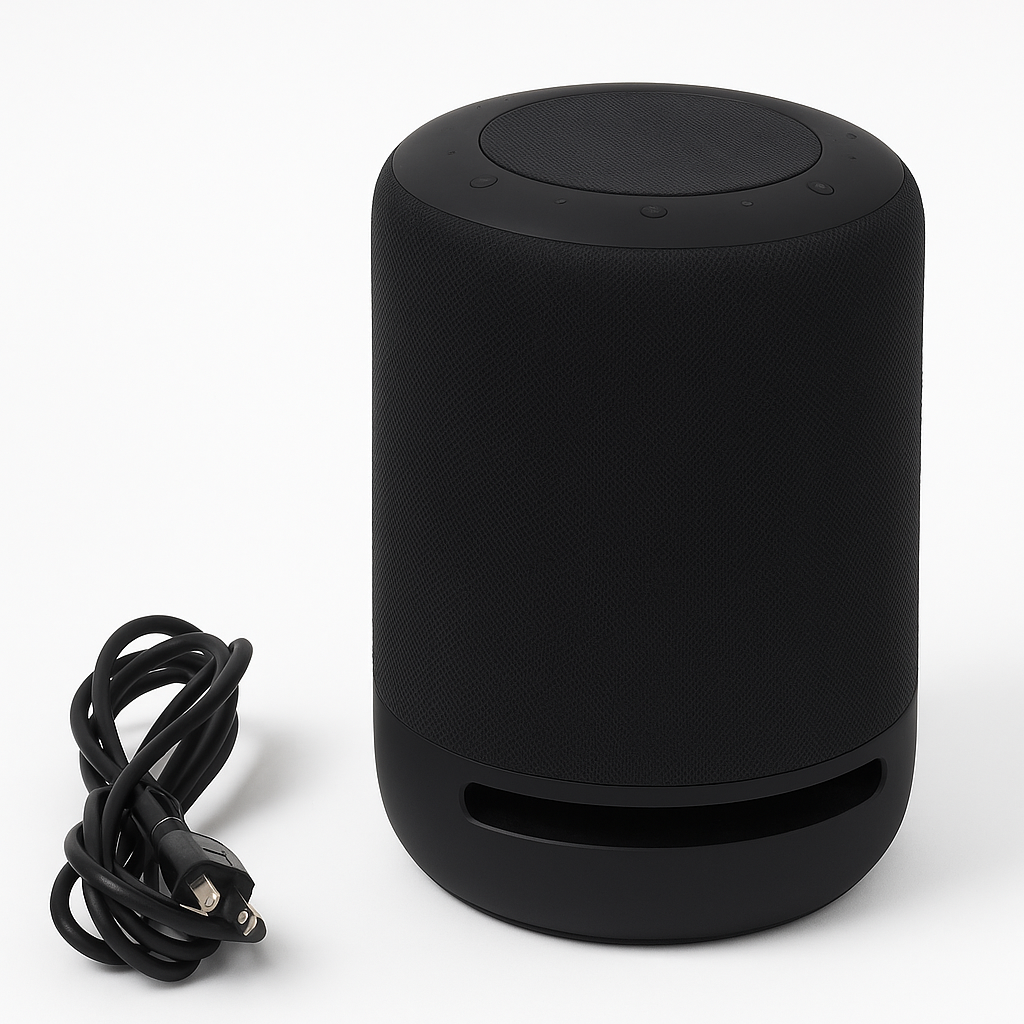
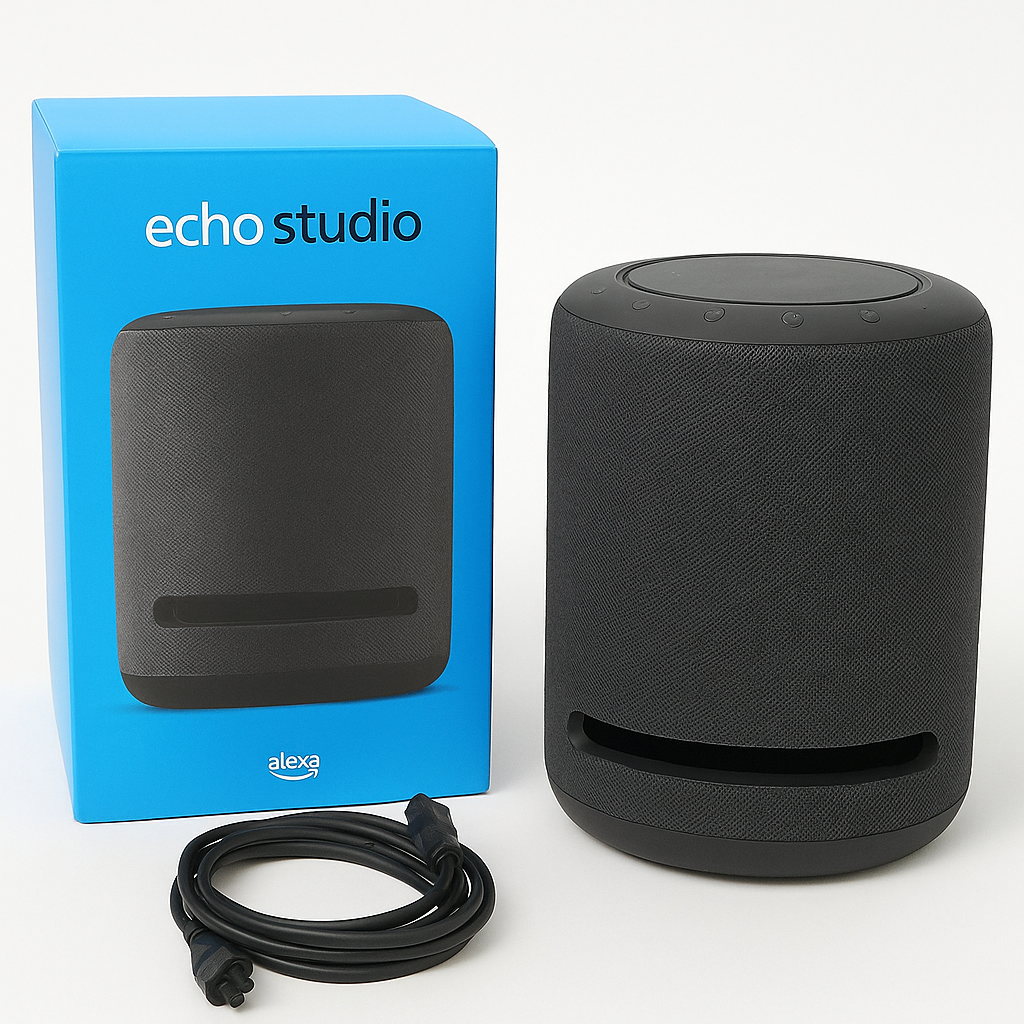
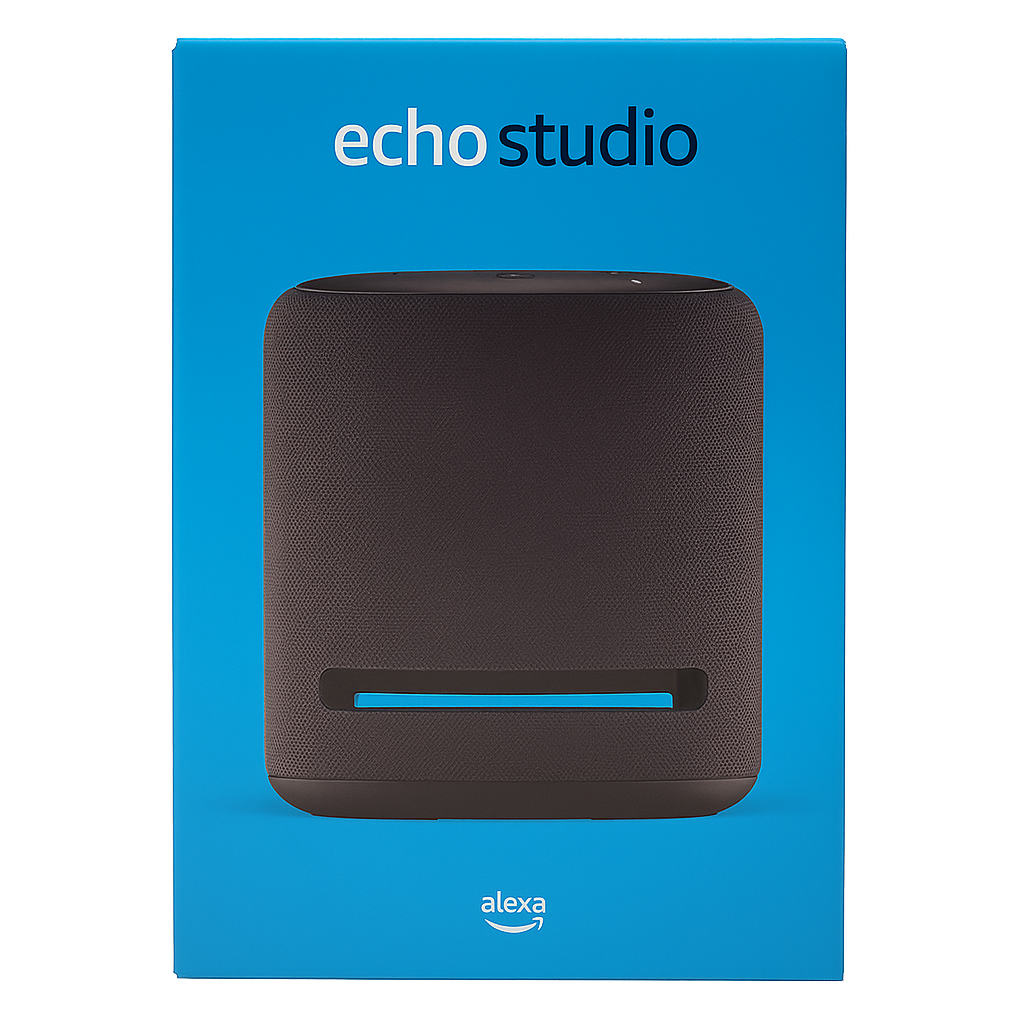
The Amazon Echo Studio is a next-generation smart speaker engineered for exceptional audio performance and smart functionality. If you’re looking for Smart Speaker with Dolby Atmos and Alexa, this device features five strategically placed speakers, producing powerful bass, dynamic midrange, and crisp highs. Thanks to Dolby Atmos and 3D spatial audio, you’ll enjoy immersive sound whether streaming music or watching movies.
More than just a speaker, Echo Studio includes a built-in Zigbee hub, allowing you to connect and control smart home devices like lights, locks, and sensors directly—no external hub needed. With Alexa voice control, manage your routines, get news updates, stream music, and control your entire smart home hands-free.
Designed to adapt to your space, the Echo Studio automatically senses the acoustics of your room and fine-tunes audio output in real-time. Whether you’re a music lover or smart home enthusiast, this speaker does it all.
Key Features of Smart Speaker with Dolby Atmos and Alexa
-
To begin with, enjoy 3D Audio with Dolby Atmos, delivering immersive, room-filling sound for music and movies.
-
In addition, the built-in Alexa voice assistant allows you to use voice commands for music, smart home control, and daily tasks.
-
Moreover, a built-in Zigbee smart home hub eliminates the need for an extra bridge, simplifying setup.
-
Meanwhile, automatic room adaptation ensures acoustically optimized sound tailored to your space.
-
Furthermore, with Wi-Fi and Bluetooth streaming, you can play from Amazon Music, Apple Music, Spotify, and more.
-
For expanded sound, use multi-room music to sync audio across your Echo devices.
-
Finally, advanced privacy protection features, including a microphone-off button and voice data controls, give you peace of mind.
Specifications of Smart Speaker with Dolby Atmos and Alexa
-
To start, the brand is Amazon, and the model is the powerful Echo Studio.
-
In terms of hardware, it features a 1-inch tweeter, three 2-inch midrange drivers, and a 5.25-inch woofer, engineered for immersive sound.
-
Moreover, the audio system supports 3D Audio, Dolby Atmos, and Spatial Audio Processing for cinematic listening.
-
When it comes to smart home integration, it includes Zigbee support and is Matter-ready via future update, along with Alexa routines.
-
Additionally, voice control is powered by Alexa, offering hands-free convenience.
-
For connectivity, it supports dual-band Wi-Fi, Bluetooth, and a 3.5mm/optical audio combo input.
-
As for size, the Echo Studio measures 8.1″ x 6.9″ and weighs 7.7 lbs (3.5 kg), making it compact yet powerful.
-
Finally, it comes in a sleek charcoal finish that complements any décor.
Works With Smart Speaker with Dolby Atmos and Alexa
-
To begin with, the speaker uses Alexa Voice Services, enabling hands-free control over music and smart devices.
-
In addition, it supports popular streaming platforms like Amazon Music, Spotify, Apple Music, Pandora, and Tidal.
-
Moreover, with a built-in Zigbee hub, it connects directly to smart devices such as lights, locks, plugs, and sensors.
-
Meanwhile, it integrates with SmartThings when paired with Alexa routines for broader home automation.
-
Finally, you can create Echo multi-room groups to synchronize music across multiple rooms.
Setup Instructions for Smart Speaker with Dolby Atmos and Alexa
-
First, plug in the Echo Studio to power it on.
-
Next, download and open the Amazon Alexa app on your smartphone.
-
Then, tap “Devices” > “+” > “Add Device” to begin setup.
-
After that, follow the on-screen prompts to connect it to your Wi-Fi network.
-
Finally, ask Alexa to play music, control smart devices, or manage routines hands-free.
Maintenance Tips for Lasting Performance
-
To begin with, keep the speaker in an open area to achieve the best acoustic results.
-
In addition, clean it with a dry microfiber cloth to maintain its sleek look.
-
Moreover, use the Alexa app to check for and install software updates regularly.
-
Finally, mute the microphone whenever privacy is a priority.






%20–%20Best%20OLED%20TV%20for%20Home%20Theater%20with%20Dolby%20Vision%20&%20HDMI%202.1&url=https://smarthomemaven.com/product/sony-a80k-oled-4k-tv-2025-best-oled-tv-for-home-theater-with-dolby-vision-hdmi-2-1/&media=https://smarthomemaven.com/wp-content/uploads/2020/12/Sony-A80K-OLED-TV-front-view-with-4K-display-on-white-background.png)
Reviews
There are no reviews yet.