
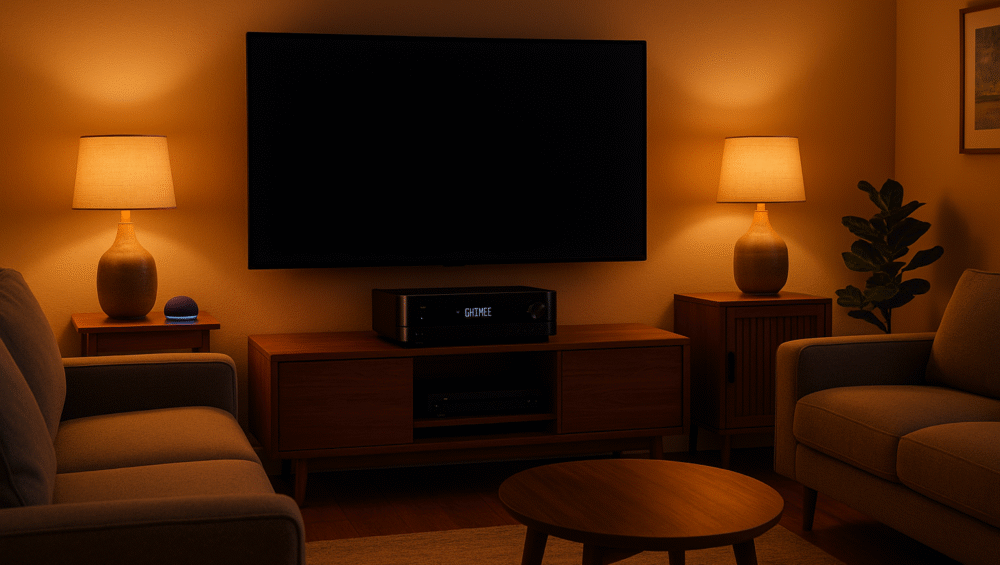
Smart home integration goes beyond lights and thermostats — your AV receiver can be the center of a voice-controlled entertainment system. With Amazon Alexa, you can design custom routines that power on the receiver, switch inputs, adjust volume, and dim lights for movie night — all with a single voice command or scheduled action.
In this guide, we’ll show you how to create effective Alexa routines with AV receivers, highlight the best compatible brands like Yamaha MusicCast and Denon HEOS, and share troubleshooting tips to ensure smooth, hands-free control of your home theater setup.
What You Can Do with Alexa Routines and AV Receivers
When setting up Alexa routines with AV receivers, you can control far more than just sound. These automations bring your entire home theater together:
Power on or off your AV receiver with a simple voice command or scheduled routine.
Set the volume to a preset level, perfect for movie night or casual music listening.
Switch to a specific input (like HDMI 2 for Fire TV) automatically.
Turn on your TV, receiver, and streaming device together, creating a unified start-up scene.
Dim lights and set a movie scene, syncing your audio with smart lighting.
Add thermostats and smart blinds for full ambiance and room comfort control.
✅ Takeaway: With the right setup, Alexa routines give you hands-free, one-command control of your entire entertainment space.

Brand Compatibility
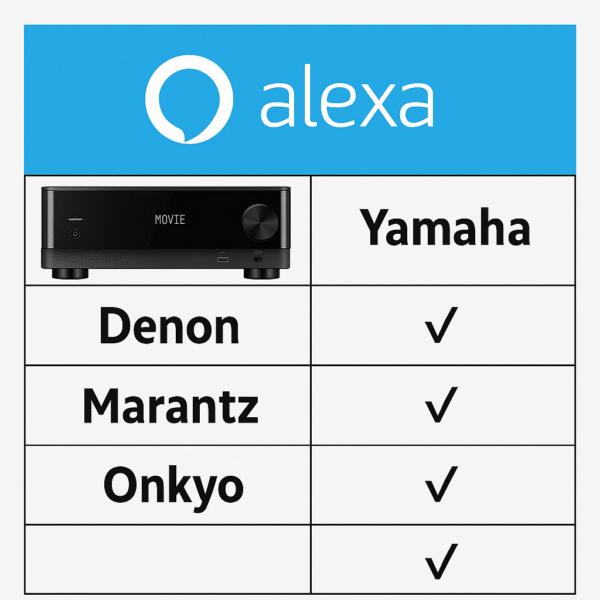
Not all receivers connect to Alexa the same way. Some use native skills, while others require apps or built-in integration. Here’s how the major brands compare when setting up Alexa routines with AV receivers.
Brand Integration Table
| Brand | Alexa Control Type | App Integration | Example Models |
|---|---|---|---|
| Yamaha | Native (MusicCast skill) | MusicCast Controller | RX-V6A, TSR-700 |
| Denon | Alexa Skill (HEOS) | HEOS App | AVR-S970H, X2800H |
| Marantz | Alexa Skill (HEOS) | HEOS App | Cinema 50, NR1510 |
| Onkyo | Alexa Built-in | Onkyo Controller | TX-NR7100, RZ50 |
✅ Insight: Yamaha offers the simplest integration, while Denon and Marantz rely on HEOS skills, and Onkyo goes further with Alexa built-in for direct voice control.
How to Set Up Alexa Routines with AV Receivers
Creating alexa routines with av receivers is simple once your devices are linked. Follow these steps for a seamless setup:
1. Set Up Your Receiver in the App
Yamaha: Download the MusicCast app and link it to Alexa via the skill.
Denon/Marantz: Use the HEOS app and enable the Alexa skill.
Rename your receiver with an intuitive name like “Living Room Receiver” for easy control.
2. Open the Alexa App and Create a Routine
Go to Alexa App > More > Routines.
Tap the + to start a new routine.
Choose a trigger: voice phrase, schedule, or a smart home event.
3. Add Receiver Actions
Tap Add Action > Smart Home > Control Device.
Select your AV receiver.
Choose commands like Power On, Set Volume, or Switch Input.
4. Expand Your Routine with Other Devices (Optional)
Add Hue lights, Fire TV, smart plugs, or thermostats.
Customize volume and lighting for activities like Movie Night, Music, or Gaming.
5. Save and Test Your Routine
Say: “Alexa, start movie night.”
Watch as your receiver, TV, lights, and more activate automatically.
✅ Result: With these steps, your alexa routines with av receivers can transform daily entertainment into a hands-free experience.
Example Alexa Routines
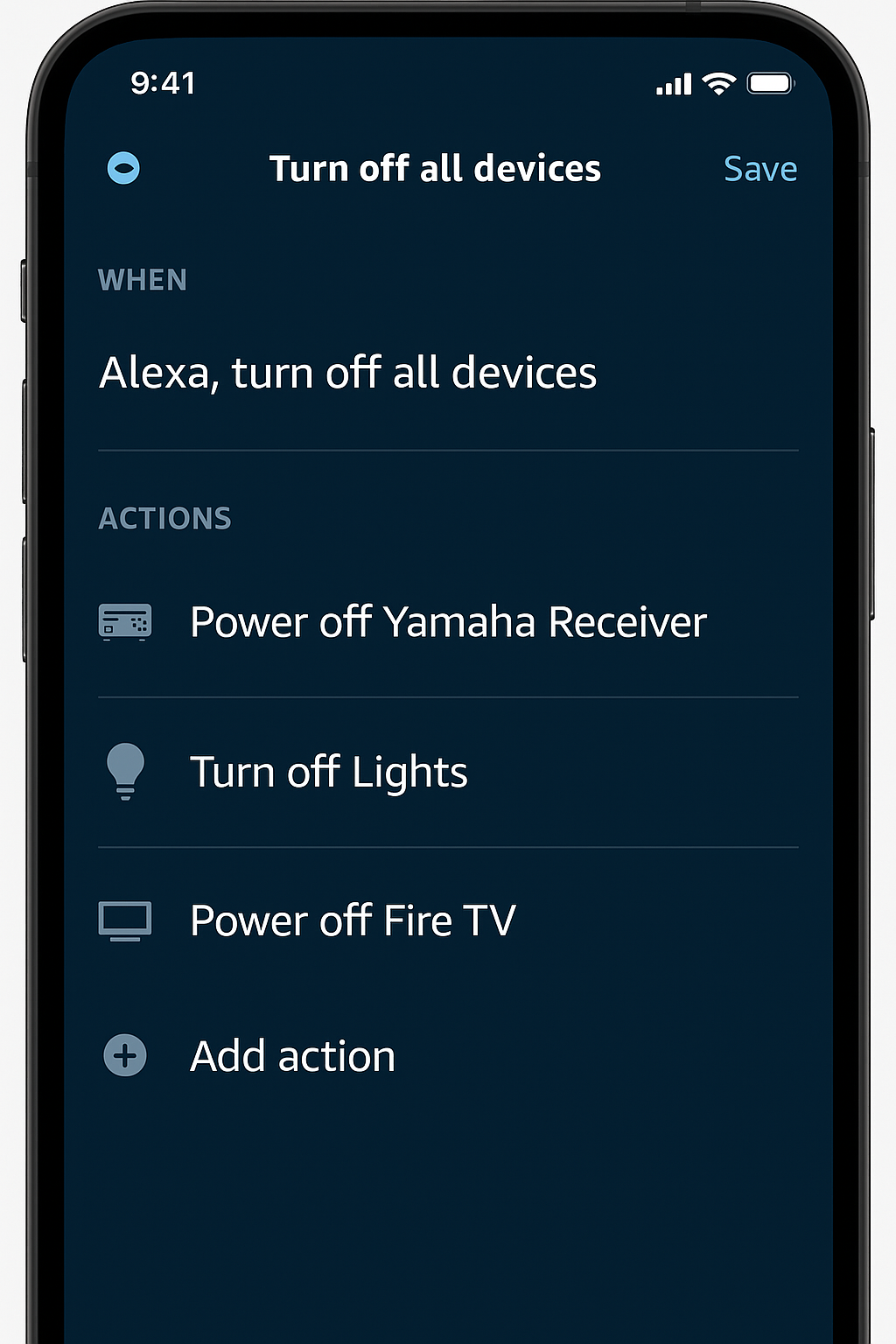
Once your devices are linked, you can create powerful automations. Here are three real-world examples of alexa routines with av receivers in action:
🎬 “Movie Night” Routine
Power on the Yamaha RX-V6A.
Set the volume to 30.
Switch input to HDMI 1.
Dim smart lights to 20%.
Turn on Fire TV for streaming.
🎵 “Party Mode” Routine
Power on the Denon receiver.
Switch source to Spotify.
Turn on all Hue lights in color mode.
Raise receiver volume to 45.
💤 “End of Day” Routine
Power off the AV receiver.
Turn off the TV.
Dim lights to 5%.
Lower the thermostat to night settings.
✅ Takeaway: With the right setup, alexa routines with av receivers can create scenes for movies, parties, or bedtime — all triggered by a single voice command.
Troubleshooting Alexa Routines with AV Receivers
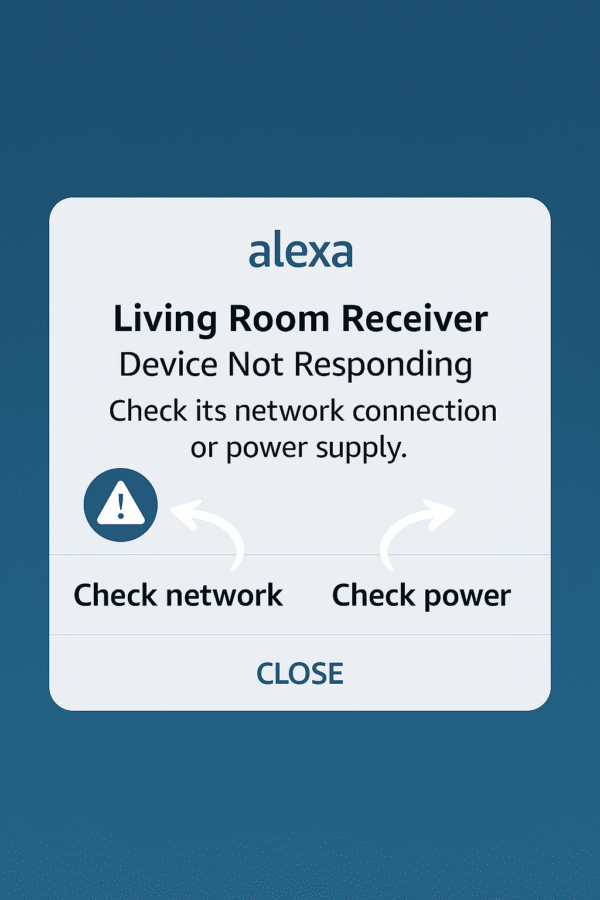
Even with the right setup, issues may appear. Here are common problems with alexa routines with av receivers and how to fix them:
| Issue | Fix |
|---|---|
| Alexa can’t find receiver | Make sure the skill is linked correctly and the receiver is online. |
| Volume won’t change | Check your receiver’s firmware and confirm Alexa device groupings. |
| Routine skips input switch | Use a custom Alexa action to send the exact HDMI command. |
| Power commands unreliable | Add a smart plug or IR blaster as a backup for power control. |
✅ Tip: Most problems with alexa routines with av receivers are solved by firmware updates, proper device naming, or adding IR support for older gear.
Conclusion: Alexa Routines with AV Receivers
Integrating your AV receiver into Alexa routines transforms your home theater into a true voice-activated experience. Whether you’re dimming lights for movie night, starting a workout playlist with volume presets, or powering everything down with one command, Alexa makes it simple.
Brands like Yamaha, Denon, Marantz, and Onkyo continue improving their Alexa compatibility. As a result, setting up alexa routines with av receivers is more accessible, reliable, and powerful than ever in 2025.
✅ Bottom Line: With the right setup, Alexa can give you hands-free control of your entire entertainment system.