

If you already own a Fire TV and a few Alexa-compatible devices, you’re halfway to building a smart home. The best part is that no expensive hubs or advanced technical skills are required. In 2025, Fire TV smart home integration has become easier and more powerful than ever, allowing you to control lights, thermostats, plugs, cameras, and routines directly from your TV screen or with simple voice commands.
In this guide, we’ll walk you through how to transform your Fire TV into a smart home control center using Alexa. From setup to daily use, you’ll learn how to create automation routines that streamline your lifestyle and make your home more connected than ever.
Step-by-Step Fire TV Smart Home Integration
1. Enable Alexa on Your Fire TV
To begin, activate Alexa on your Fire TV. Since Fire TV devices come with Alexa built-in, you can use the voice remote or the TV’s microphone to trigger commands such as “Alexa, turn on the lights.”
Navigate to Settings > Alexa > Preferences to manage device visibility and routine participation.
2. Set Up Smart Devices in the Alexa App
Next, open the Alexa app on your phone to connect compatible devices.
Go to Devices > Add Device
Choose the device type (light, plug, switch, thermostat, etc.)
Follow the prompts to complete setup and assign each device to the correct room
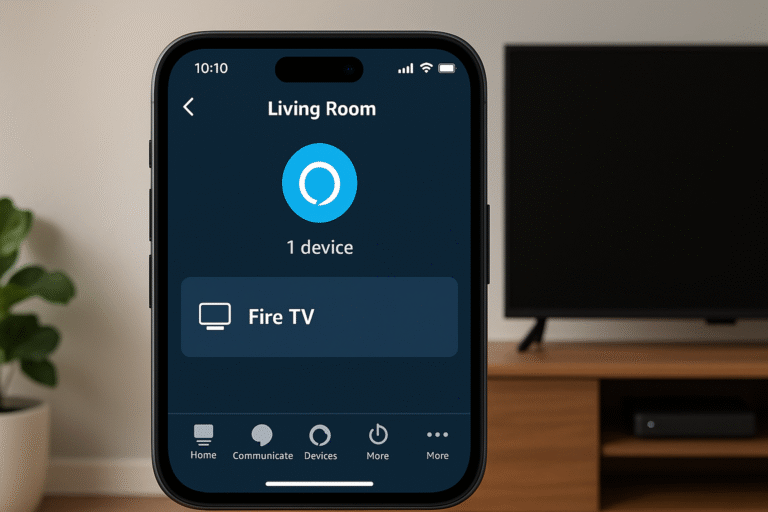
3. Group Devices with Your Fire TV
Finally, create device groups to unify controls and automation.
In the Alexa app, go to Devices > Groups
Create a group such as “Living Room” or “Bedroom”
Add your Fire TV along with other devices in that room (e.g., smart bulbs, soundbar, or thermostat)
✅ Once grouped, your Fire TV smart home integration allows you to control everything with a single voice command or routine. For example, saying “Alexa, Movie Night” could dim the lights, switch on the TV, and set your sound system automatically.
What Fire TV Can Control in a Smart Home
With Fire TV smart home integration, your television becomes more than just an entertainment hub — it also acts as a central controller for your connected devices. Here are some examples of how Alexa voice commands can simplify daily life:
| Smart Home Feature | Example Voice Commands |
|---|---|
| Lights (Hue, Kasa, etc.) | “Alexa, dim the lights” |
| Plugs & Switches | “Alexa, turn off the fan” |
| Thermostats (Ecobee, Nest) | “Alexa, set temperature to 72 degrees” |
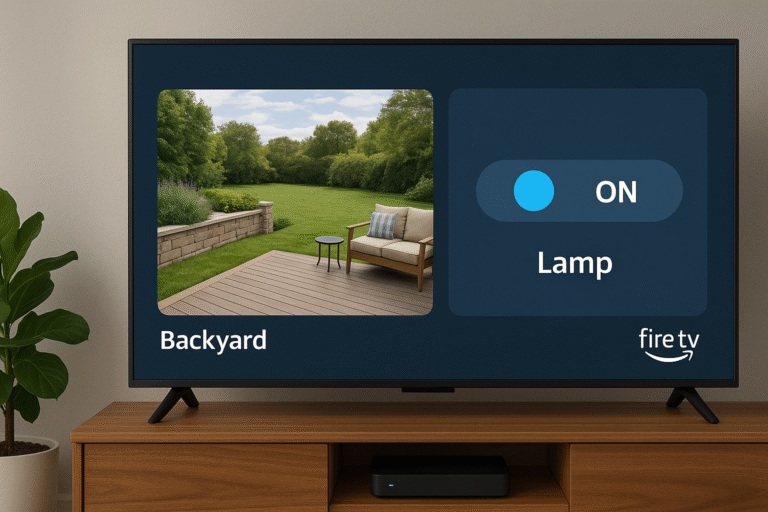
| Cameras (Ring, Blink) | “Alexa, show front door camera” |
| Speakers / Soundbars | “Alexa, play music in living room” |
✅ With these capabilities, Fire TV smart home integration allows you to manage entertainment, comfort, and security — all through simple voice commands.
Using Routines with Fire TV Home Integration
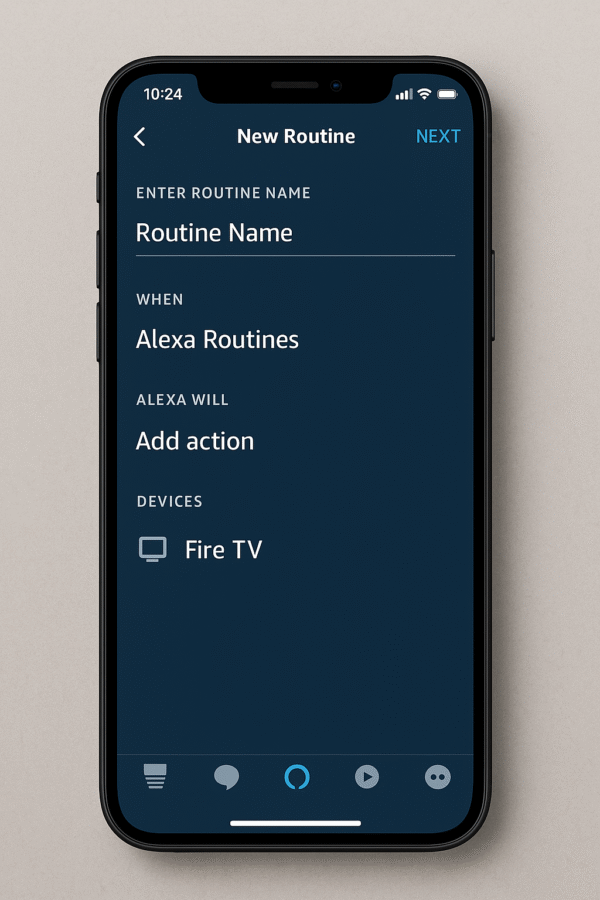
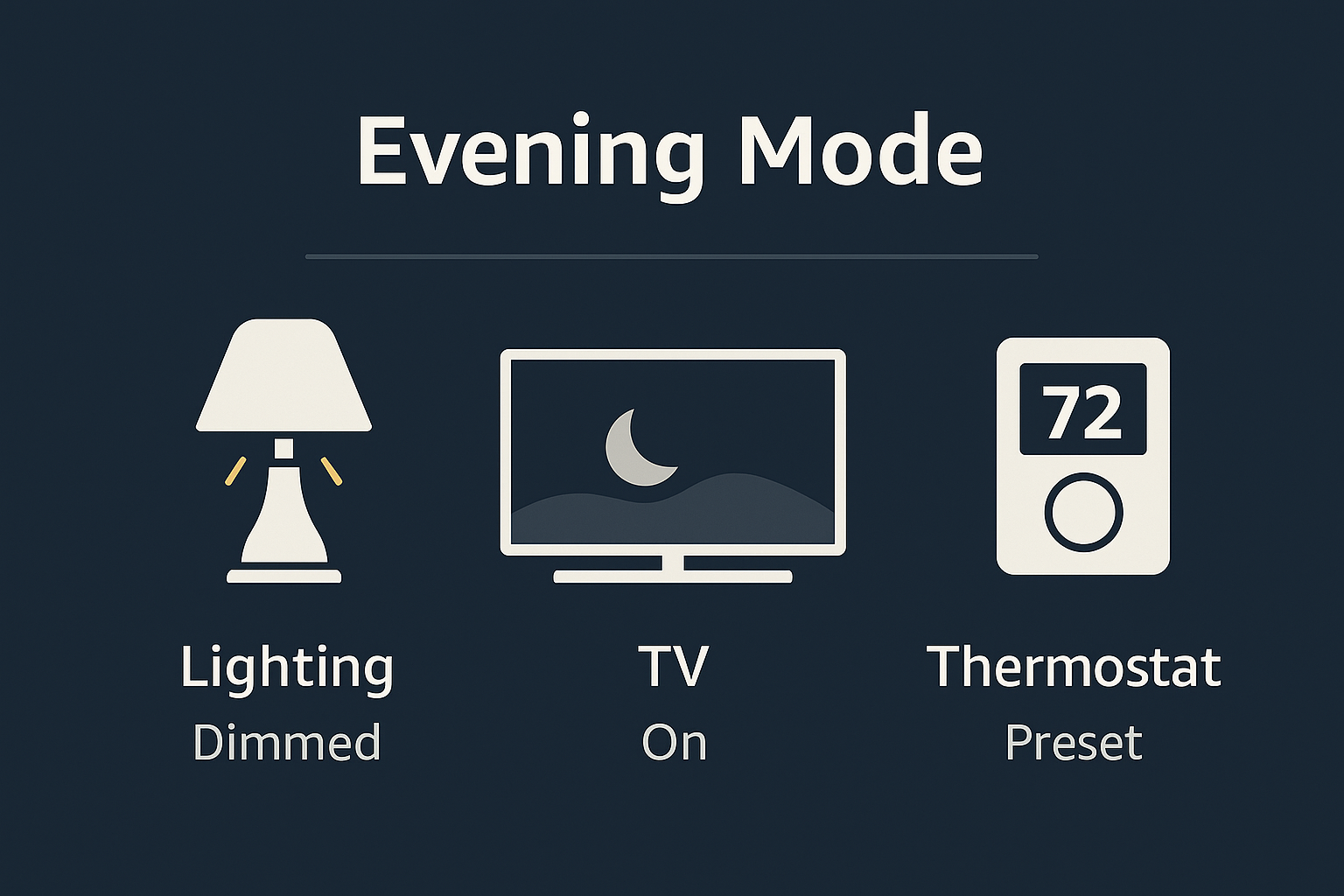
One of the most powerful aspects of Fire TV smart home integration is the ability to create routines. Routines let you automate multiple tasks with a single voice command or scheduled event, turning everyday actions into effortless experiences.
🔹 Example Routine: “Movie Night”
Trigger: “Alexa, movie night”
Actions:
Turn on Fire TV
Open Netflix
Dim smart lights to 30%
Set thermostat to 70°F
🔹 Example Routine: “Good Morning”
Trigger: Scheduled (7:30 AM)
Actions:
Turn on Fire TV and launch the news app
Raise blinds (if motorized)
Start the coffee maker via a smart plug
✅ With Fire TV smart home integration, these routines make daily living simpler, smarter, and more comfortable — all without needing to reach for a remote.
Managing Devices with Fire TV Home Integration
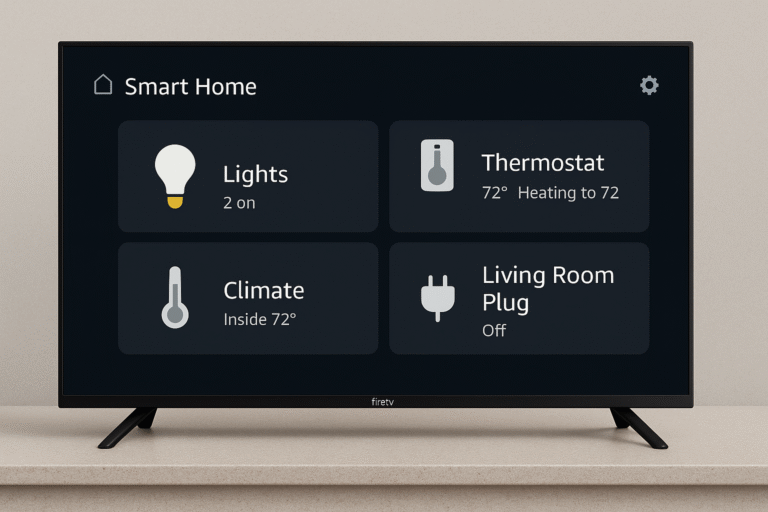
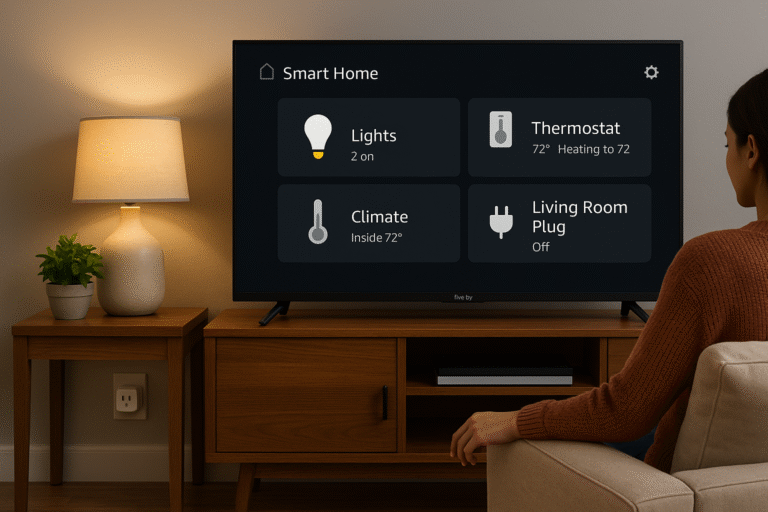
With Fire TV smart home integration, you can control connected devices directly from your TV. The built-in dashboard makes it easy to manage your entire smart home without switching apps.
Steps:
Use your Fire TV remote to navigate to:
Home > Settings > Smart HomeHere, you’ll see a dashboard of all Alexa-connected devices.
From this panel, you can:
Turn lights on or off
Adjust your thermostat
View security cameras
Trigger pre-set scenes or routines
✅ Pro Tip: You can also simply say, “Alexa, show my devices” on your Fire TV, and the panel will appear instantly.
Best Devices for Fire TV Home Integration
To get the most out of Fire TV smart home integration, pairing your TV with compatible devices ensures a smoother and more powerful experience. Here are some top recommendations:
Philips Hue / Govee Lights – Provide dimmable, color-changing lighting that can adapt to movie nights or routines.
TP-Link / Kasa Plugs – Let you control appliances, lamps, and fans through simple voice commands.
Ecobee Smart Thermostat – Adjusts room temperature automatically with Alexa voice control or scheduled routines.
Blink / Ring Cameras – Stream live camera feeds directly to your Fire TV, adding peace of mind to your setup.
Amazon Echo / Echo Show – Extend far-field microphone coverage across rooms, ensuring Alexa hears commands wherever you are.
✅ Together, these devices make Fire TV smart home integration not only about entertainment, but also about comfort, security, and convenience.
Pro Tips for Maximizing Smart Home Efficiency with Fire TV
To get the most out of Fire TV smart home integration, it’s important to organize devices and routines in ways that simplify daily use:
Name Devices Clearly – Use easy labels like “Living Room Light” instead of vague names like “Ceiling Light.”
Use Groups Wisely – Group devices by room (e.g., Living Room or Bedroom) so you can control multiple devices with a single phrase.
Explore Scenes in the Alexa App – Create custom scenes that set multiple device states with one command, such as dimming lights and turning on Fire TV together.
Enable Follow-Up Mode – Let Alexa listen for a second command without requiring you to repeat her name, streamlining conversations.
Use Scheduled Routines – Automate your day by scheduling routines (e.g., turn on the TV and lights in the morning) without speaking a command.
✅ By following these tips, you’ll make Fire TV smart home integration smoother, more intuitive, and perfectly tailored to your lifestyle.
Conclusion
In 2025, your Fire TV is no longer just for streaming Netflix or Prime Video. With Fire TV smart home integration, it becomes the central hub for your entire home — controlling lights, plugs, thermostats, cameras, and more with ease.
Moreover, setting up smart home routines through Fire TV takes only minutes, yet it can save hours of repetitive tasks over time. Whether you’re automating your morning routine, customizing movie nights, or helping family members manage their homes more effortlessly, Fire TV smart home integration makes it possible.
✅ Affordable, powerful, and accessible, Fire TV is one of the most effective smart home tools in 2025, combining entertainment with automation in a single device.