
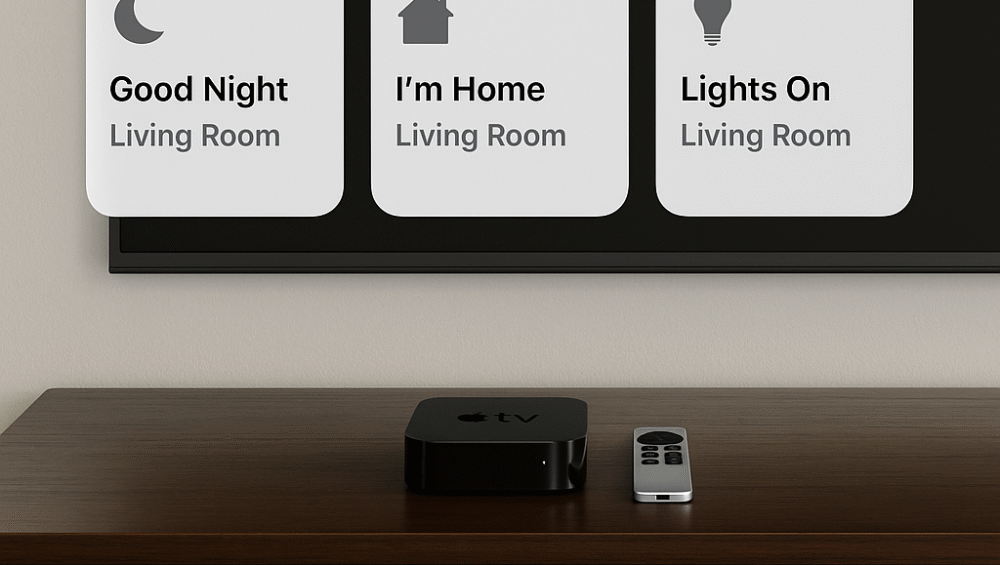
When building a smart home powered by Apple’s HomeKit, choosing the right streaming device is more important than ever—not just for entertainment, but as the central hub for automation and control. In 2025, a growing number of HomeKit-compatible streaming devices make integration easier, but the Apple TV 4K (3rd Gen) still stands out as the gold standard for performance, reliability, and ecosystem harmony.
In this guide, we’ll explore the best HomeKit-compatible streaming devices, highlight the key features that make them truly smart-home ready, and share how to maximize HomeKit functionality using Apple TV for a seamless, connected living experience.
What Makes HomeKit-Compatible Streaming Devices So Powerful
A HomeKit-compatible streaming device isn’t just for watching your favorite shows—it’s the command center for your entire smart home. These devices, especially the Apple TV 4K, seamlessly combine entertainment and automation into one intuitive interface.
Core Capabilities of HomeKit-Compatible Streaming Devices:
Act as a Home Hub: Run automations and routines remotely, even when you’re away from home.
Control Smart Devices: Manage lights, thermostats, locks, and cameras directly from your TV screen.
Integrate with Siri: Use voice commands to adjust settings, activate scenes, or check your smart home’s status.
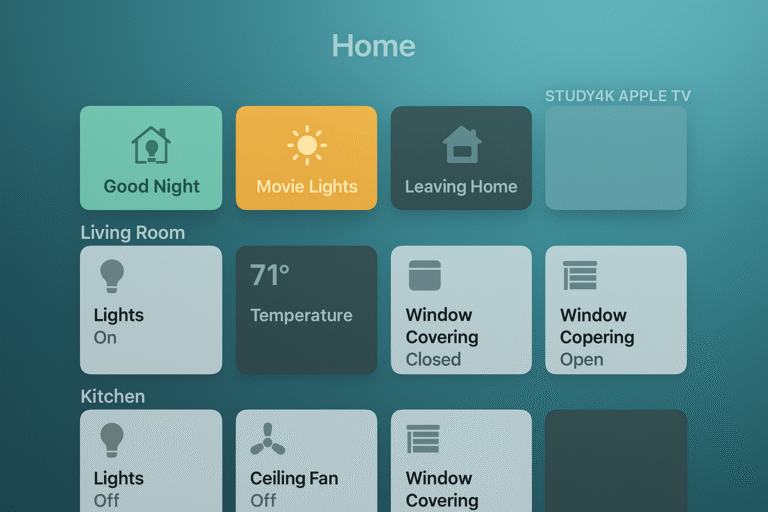
Launch Custom HomeKit Scenes: Trigger personalized environments—like Movie Night or Good Morning—with a single command or remote tap.
By combining convenience, automation, and control, HomeKit-compatible streaming devices turn your TV into the true heart of your connected home.
Comparing the Best HomeKit-Compatible Streaming Devices
When evaluating HomeKit-compatible streaming devices, it’s essential to understand which models truly integrate with Apple’s ecosystem and which only offer partial functionality. While some devices provide AirPlay or Siri compatibility, not all can serve as a Home Hub—a key feature for remote access and automation.
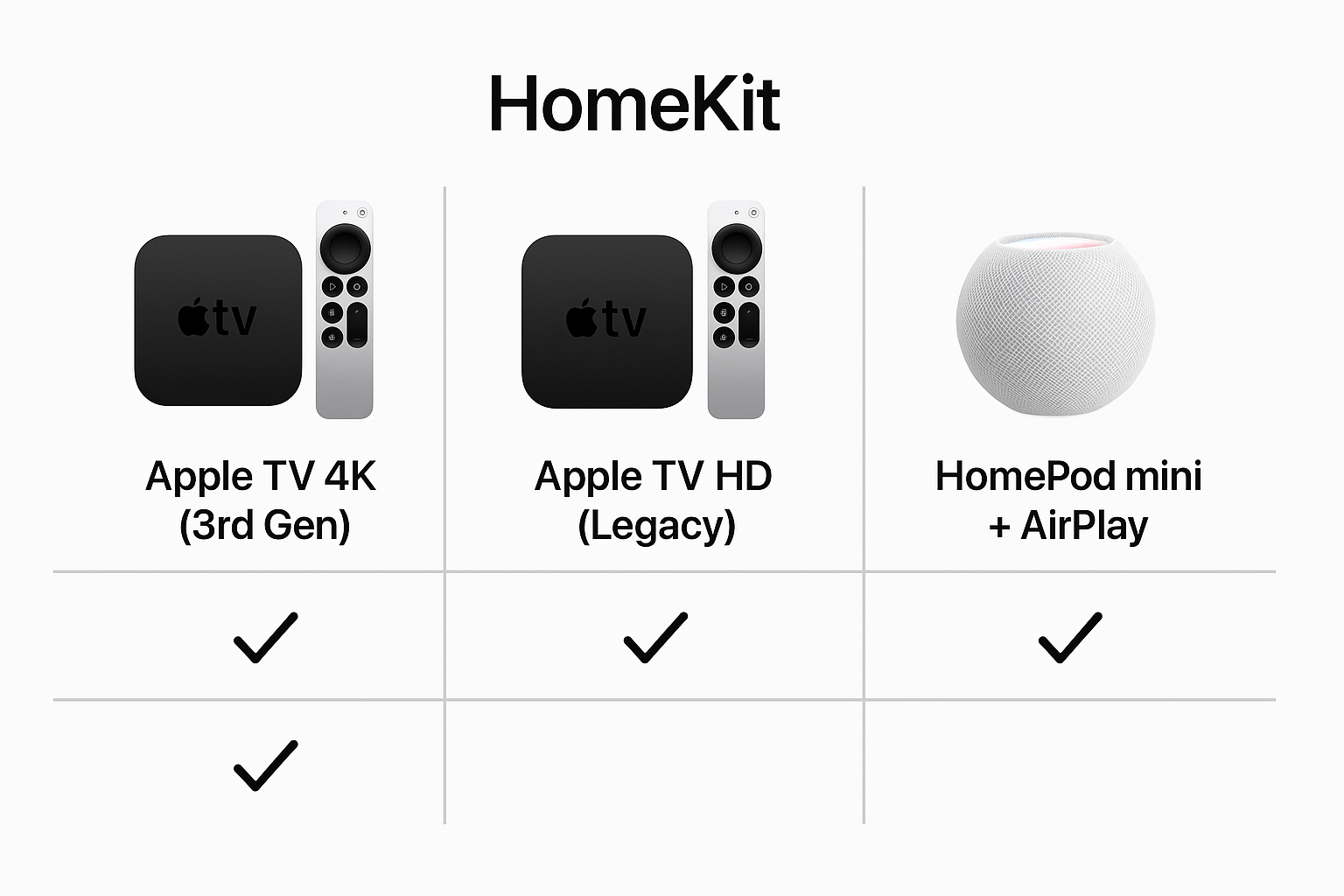
| Streaming Device | HomeKit Support | Hub Capability | Voice Assistant | Best For |
|---|---|---|---|---|
| Apple TV 4K (3rd Gen) | ✅ Native | ✅ Yes | Siri | Full Apple ecosystems |
| Apple TV HD (Legacy) | ✅ Native | ✅ Yes | Siri | Budget Apple users |
| HomePod mini + AirPlay | Indirect control | ❌ No | Siri | Audio streaming hub |
While devices like Roku and Fire TV offer limited HomeKit control via AirPlay, they lack true Home Hub capabilities, making the Apple TV lineup the superior choice for users who want full automation and seamless HomeKit integration.
For a fully connected setup, HomeKit-compatible streaming devices like the Apple TV 4K remain unmatched in reliability, voice integration, and smart home control.
Why Apple TV 4K Leads Among HomeKit-Compatible Streaming Devices
When it comes to HomeKit-compatible streaming devices, the Apple TV 4K stands out as the most complete and capable option. It’s not just a streaming box—it’s a smart home hub, automation controller, and security monitor all in one.
Key Advantages of Apple TV 4K:
Always-On Automations: Keep HomeKit routines running even when you’re away from home.
Secure Camera Notifications: Receive live alerts and video feeds directly on your TV screen.
Matter and Thread Support: Connect and control next-gen smart devices for a faster, more reliable ecosystem.
Flexible Control: Manage your home through the Home app or simply ask Siri for instant, hands-free access.
Practical Use Cases:
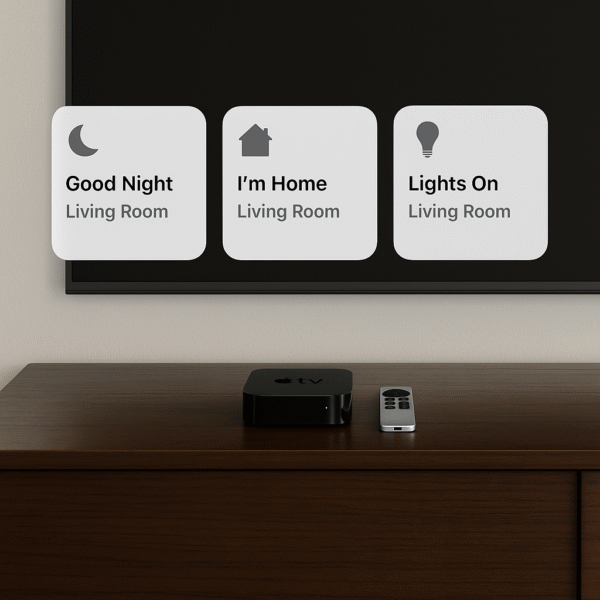
“Good Night” Scene: Say “Hey Siri, good night” to turn off lights, lower blinds, and lock doors simultaneously.
Baby Monitor View: Check your HomeKit camera feed from the couch while streaming your favorite show.
Smart Security Alerts: Get motion detection notifications in real-time—without pausing your Netflix session.
With its deep integration, secure performance, and wide protocol support, the Apple TV 4K remains the gold standard among HomeKit-compatible streaming devices in 2025.
How to Set Up Apple TV 4K as a Home Hub for HomeKit
Transforming your Apple TV 4K into a Home Hub unlocks the full power of your HomeKit-compatible streaming devices, enabling automation, remote access, and centralized control. Setup is quick and ensures your smart home runs smoothly—even when you’re not around.
Setup Steps:
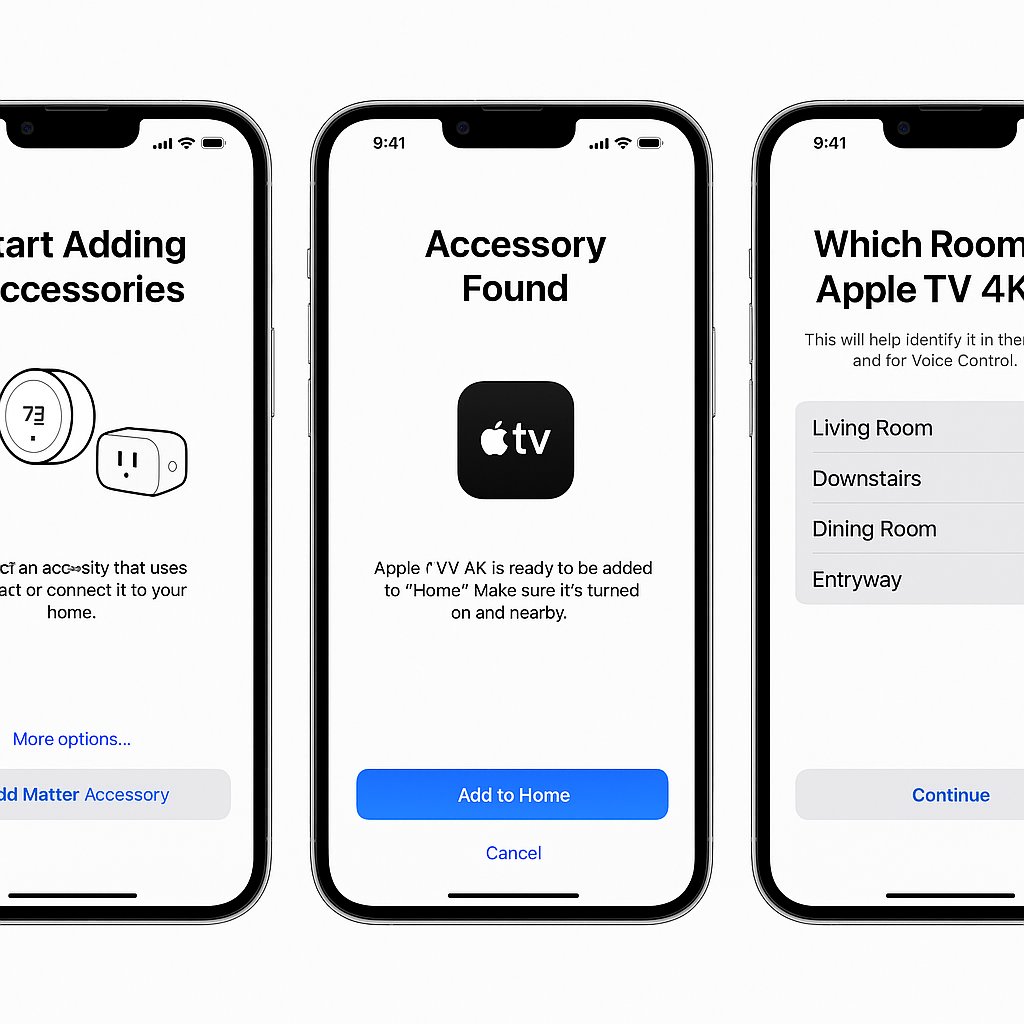
Open Settings → AirPlay and HomeKit on your Apple TV.
Tap “Room” and assign your TV to a specific room in your HomeKit layout.
Enable Home Hub Functionality to let Apple TV manage automations and remote device access.
Customize Scenes and Automations from the Home app on your iPhone or iPad.
Pro Tips:
Use Multiple Apple TVs to create multi-zone HomeKit access, ensuring stable automation coverage throughout your home.
Pair with HomePods for voice-first smart scenes, allowing you to say “Hey Siri” to control lighting, temperature, or entertainment anywhere.
By following these steps, your Apple TV 4K becomes the central command hub for all HomeKit-compatible streaming devices, merging convenience, control, and automation into one seamless ecosystem.
Smart Scene Ideas for HomeKit-Compatible Streaming Devices
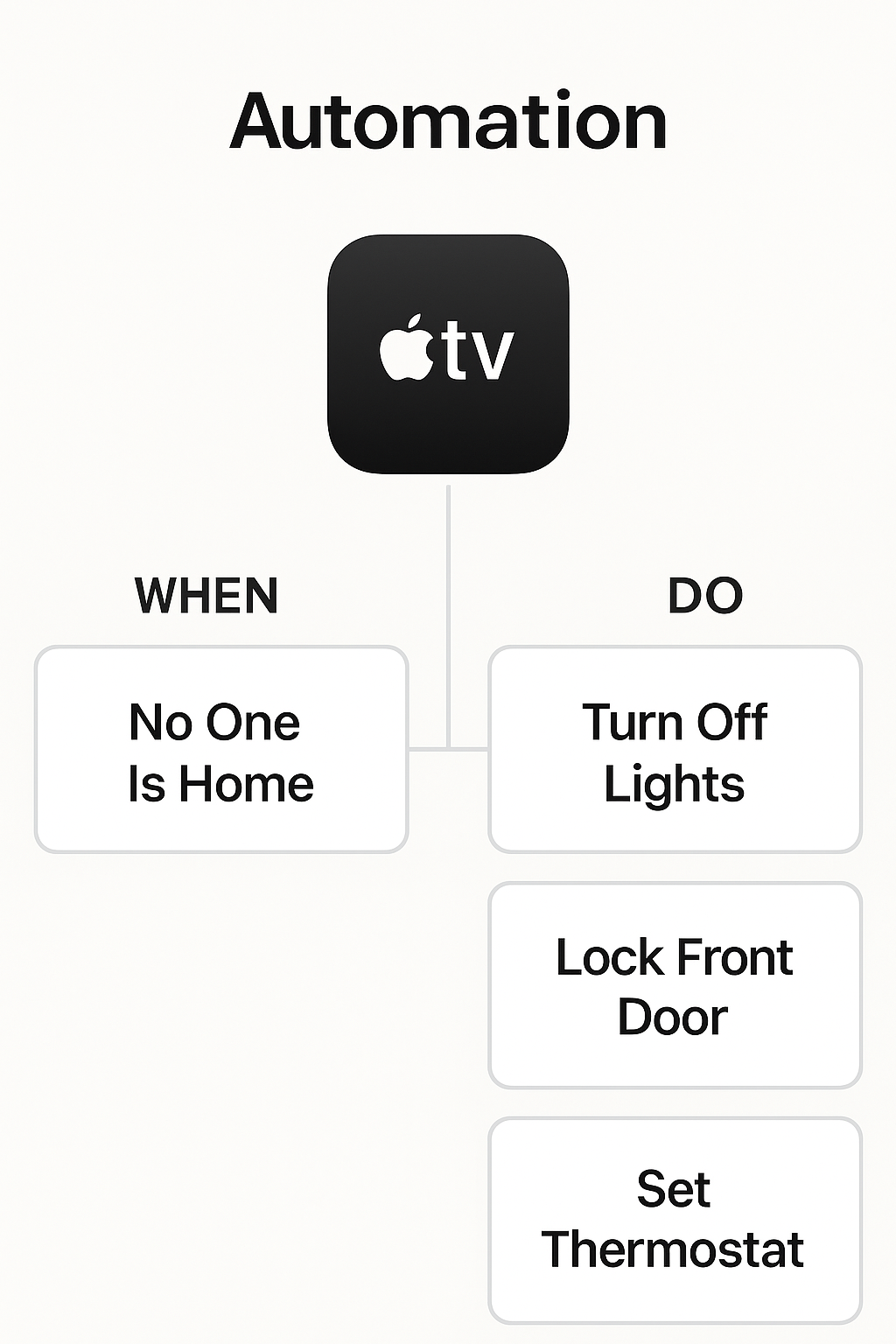
Once your Apple TV 4K is configured as a Home Hub, you can create intelligent HomeKit scenes and automations that make your everyday routines effortless. These scenes combine lighting, entertainment, and environmental control into one seamless experience—all triggered through Siri or automatically.
Smart Scene Examples:
“Movie Night” – Turn on the TV and ambient lights for a cozy viewing setup.
“Relax” – Lower the shades and dim the lighting to unwind after a long day.
“Doorbell Mode” – Automatically pause all speakers and mute the TV when someone rings the doorbell.
“Good Morning” – Start your day with the TV news, bright lights, and an adjusted thermostat for comfort.
Presence Detection Automation – Use your iPhone’s location to turn on or off the TV and related smart devices automatically when you enter or leave home.
With these scenes in place, your HomeKit-compatible streaming devices—especially the Apple TV 4K—work together to create a smart, adaptive environment that responds intuitively to your daily habits.
Bonus Ecosystem Features
When using your Apple TV as the central HomeKit hub, you gain access to advanced automation, real-time monitoring, and seamless control across all your HomeKit-compatible streaming devices and accessories. This setup ensures your home responds intelligently to your voice, habits, and environment.
Key Benefits of Using Apple TV as a Hub:
Full HomeKit Secure Video Access: Monitor live feeds and review recordings from compatible cameras directly on your TV.
Unified Scene Control: Use your Siri Remote or HomePod to activate scenes like Movie Night or Relax instantly.
Multi-Room Audio Sync: Enjoy synchronized sound across your AirPlay 2 audio zones, from living room to kitchen.
Works Seamlessly With:
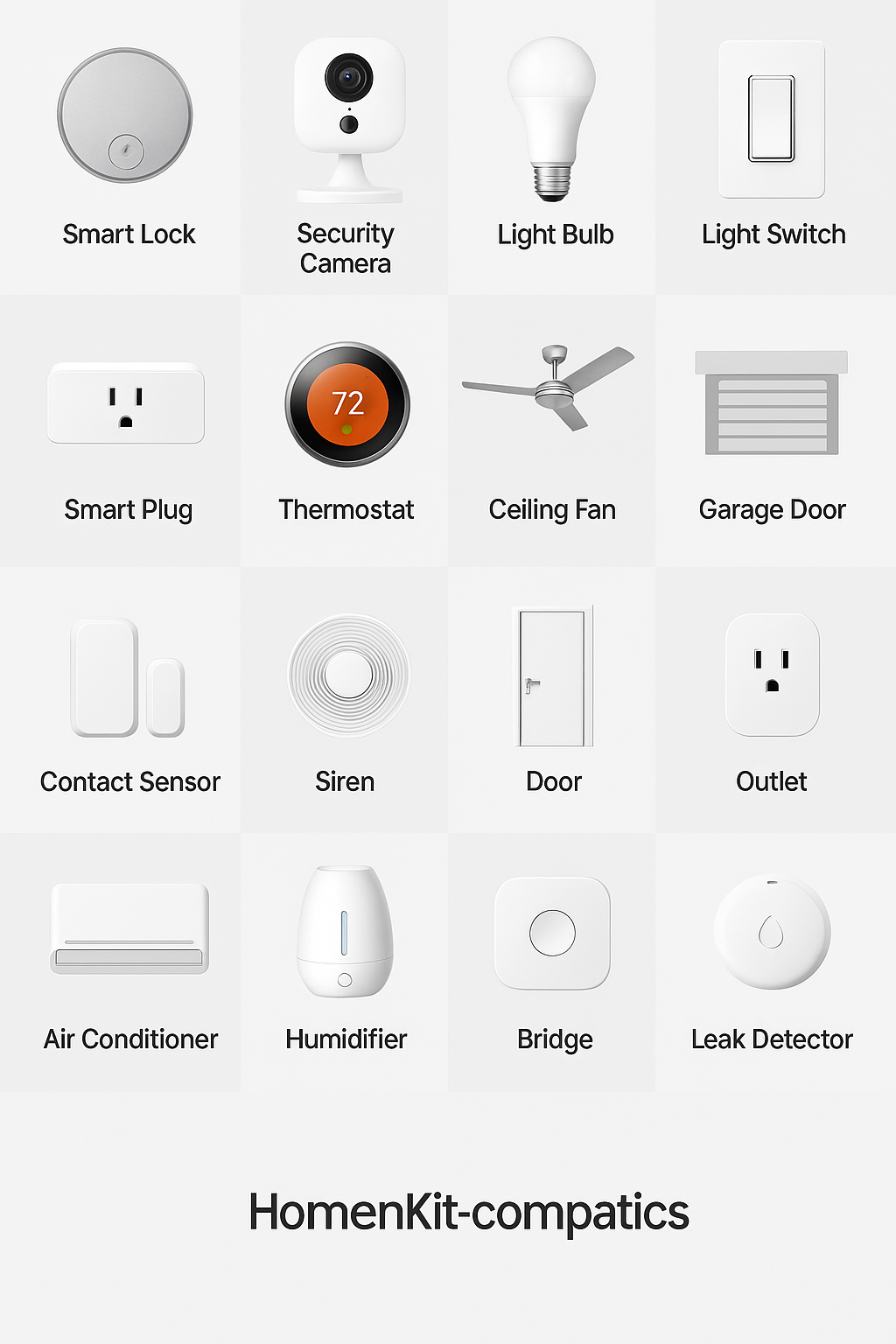
Ecobee Thermostats – Adjust temperature automatically based on time or presence.
Eve Energy Smart Plugs – Track energy usage and automate appliance schedules.
Logitech Circle View Camera – Get secure video notifications and stream feeds directly on your Apple TV.
By combining these accessories with your Apple TV Home Hub, you create a responsive, secure, and fully integrated smart home powered by the most reliable HomeKit-compatible streaming device available.
Conclusion: The Apple TV 4K Tops the List of HomeKit-Compatible Streaming Devices
The Apple TV 4K (3rd Gen) isn’t just a premium streaming device—it’s a powerful smart home hub that anchors your connected ecosystem. With full support for HomeKit, Thread, and Matter, it delivers unmatched reliability and compatibility, making it the best HomeKit-compatible streaming device in 2025.
Whether you’re just starting your smart home journey or expanding an existing setup, the Apple TV 4K offers everything you need—automation precision, voice control through Siri, and deep ecosystem integration that other streamers simply can’t match. It’s not only the center of your entertainment system but the brain of your entire smart home.