

As smart homes become increasingly voice-enabled, having a smart TV with Alexa speaker is no longer a luxury—it’s becoming the new standard for connected living. In 2025, smart TVs with built-in Alexa functionality are transforming home entertainment, offering both convenience and control in one device. These TVs don’t just play your favorite shows—they listen, respond, and integrate seamlessly with your entire smart home ecosystem.
In this guide, we’ll explore what “Alexa built-in” truly means, highlight the top models available today, and compare them to traditional Echo speakers to help you understand their strengths and limitations. Moreover, we’ll share practical setup tips and usage insights so you can make the most of your voice-enabled entertainment system. Whether you’re designing a smart home from scratch or upgrading an existing setup, this post will help you choose the best smart TV with Alexa speaker for your needs.
What Makes a Smart TV with Alexa Speaker Different
Modern smart TVs with Alexa speakers go far beyond simple voice search. They serve as fully integrated voice assistants, allowing you to interact naturally with your home and entertainment setup—all without needing a separate Echo device.
Core Features
Far-field microphones for accurate, hands-free voice commands from anywhere in the room.
Full Amazon Alexa integration for controlling smart home devices, adjusting lighting, or managing thermostats.
Support for Alexa routines, reminders, timers, and shopping lists, making your TV a multitasking assistant.
Speaker output that responds like an Echo device, capable of delivering both responses and alerts audibly.
Key Difference
You don’t need an external Echo speaker—your TV itself becomes the Alexa hub, capable of managing commands, devices, and routines independently.
As a result, a smart TV with Alexa speaker transforms into the centerpiece of your connected home, combining entertainment, automation, and voice control in one streamlined device.
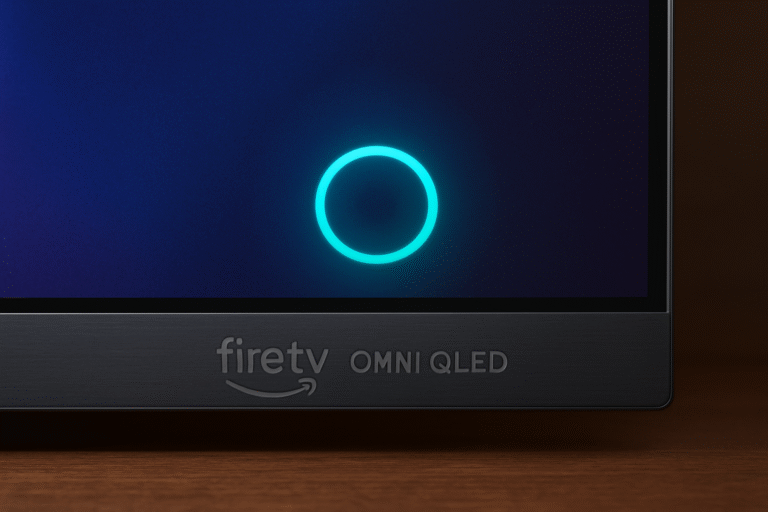
Top Smart TVs with Built-In Alexa (2025 Picks)
Fire TV Omni QLED (43–75 inches)
If you’re looking for a smart TV with Alexa speaker that delivers best-in-class integration, the Fire TV Omni QLED stands out. It offers native Alexa support with far-field voice microphones, allowing hands-free control without the need for a remote. Moreover, it can function like an Echo speaker—responding to Alexa queries and controlling your environment directly from the screen. For Prime Video fans and Amazon ecosystem users, this model offers seamless compatibility and rich QLED visual performance, making it a compelling choice for budget-conscious buyers.
Why Buy: Affordable, deeply integrated with Amazon services, and packed with smart-home and visual features.
Samsung QN90C Neo QLED
For those seeking a smart TV with Alexa speaker that blends luxury with versatility, the Samsung QN90C Neo QLED is a top contender. This model includes both Bixby and Alexa built-in, giving you the flexibility to toggle between assistants as needed. In addition, its Q-Symphony sound technology synchronizes TV speakers with compatible Samsung soundbars for a more dynamic audio experience.
The QN90C also shines in gaming and smart home automation, delivering low input lag, vibrant HDR performance, and deep Alexa integration for controlling connected devices.
Why Buy: A premium smart TV with Alexa speaker featuring cutting-edge display technology, robust gaming features, and exceptional compatibility across multiple smart ecosystems.

LG C3 OLED
The LG C3 OLED is a standout smart TV with Alexa speaker functionality, offering users the flexibility of both Alexa and Google Assistant integration. With LG ThinQ AI, it supports advanced automation features, letting you control compatible smart devices, check system statuses, and even set custom routines—all through your voice.
Moreover, the C3 impresses with HDMI 2.1 ports, Dolby Vision, and Dolby Atmos support, ensuring stunning visuals and immersive audio. Whether you’re streaming, gaming, or automating your home, this OLED delivers performance and intelligence in equal measure.
Why Buy: A premium smart TV with Alexa speaker offering top-tier image quality, robust smart controls, and the freedom to choose your preferred voice assistant.

What You Can Do with a Smart TV with Alexa Speaker
A smart TV with Alexa speaker offers far more than voice search—it gives you full hands-free control over entertainment and smart home functions. With just a few simple commands, you can manage your TV, connected devices, and media playback effortlessly.
Basic Controls
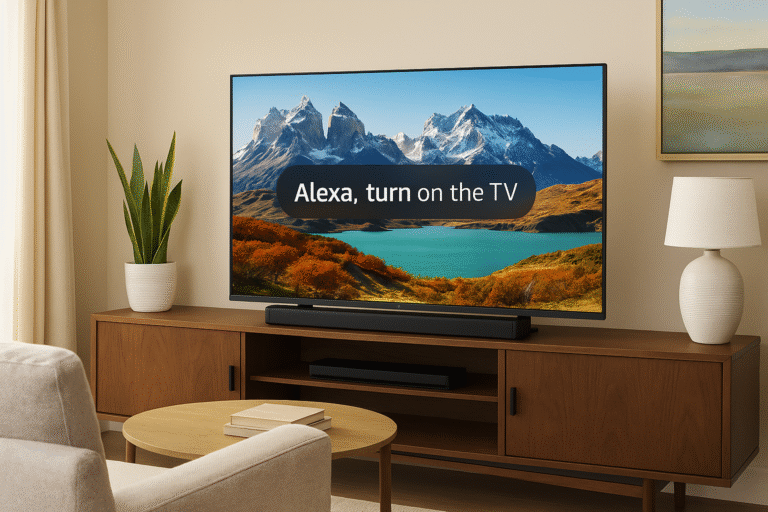
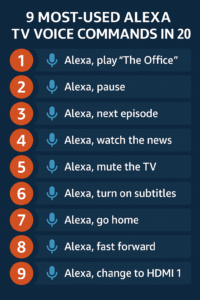
“Alexa, turn up the volume.”
“Alexa, switch to HDMI 1.”
“Alexa, open Netflix.”
Smart Home Commands
“Alexa, dim the lights.”
“Alexa, show the front door camera.”
“Alexa, set the thermostat to 72 degrees.”
Entertainment Commands
“Alexa, play Stranger Things on Netflix.”
“Alexa, rewind 30 seconds.”
“Alexa, turn on subtitles.”
With these voice prompts, your smart TV with Alexa speaker becomes an intuitive hub for your entertainment system—simplifying everyday actions and creating a seamless, hands-free experience.
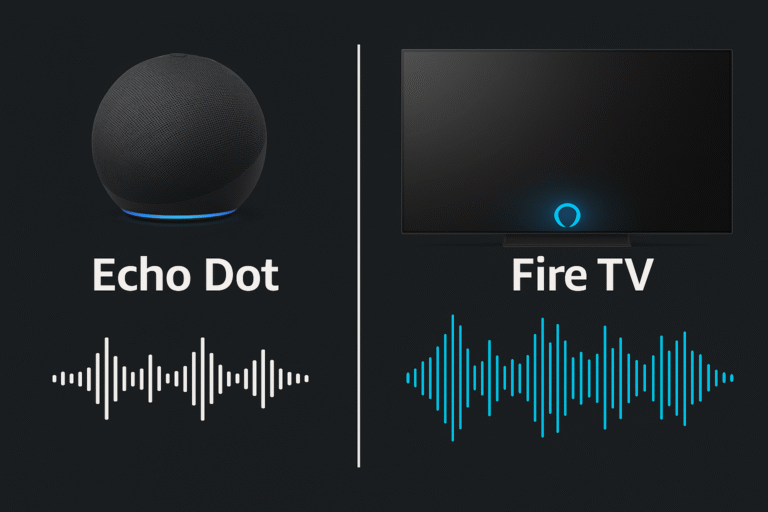
Alexa TV vs Echo Speaker: Feature Comparison
When choosing between a smart TV with Alexa speaker and a dedicated Echo device, it’s important to understand how each performs in terms of functionality, sound, and convenience. While both deliver hands-free Alexa access, their strengths cater to different needs.
| Feature | Alexa TV | Echo Speaker |
|---|---|---|
| Hands-Free Commands | ✅ Yes | ✅ Yes |
| Always-On Listening | ⚠️ Limited when TV is off | ✅ Yes |
| Audio Quality | 🎵 Decent (TV speakers) | 🎵 Better (Echo Studio) |
| Portability | ❌ No | ✅ Yes |
| Routine Compatibility | ✅ Yes | ✅ Yes |
Verdict
A smart TV with Alexa speaker delivers impressive convenience and integrated control, making it ideal for hands-free entertainment and home automation. However, dedicated Echo speakers still offer superior audio depth, always-on access, and greater versatility, especially for music lovers or multi-room setups.
In short, TVs handle the visuals—while Echo devices master the sound.
How to Set Up Alexa on Your TV
Setting up Alexa TV voice control takes just a few minutes and unlocks the full potential of your smart TV with Alexa speaker. Once connected, you’ll be able to control your entertainment, smart devices, and routines completely hands-free.
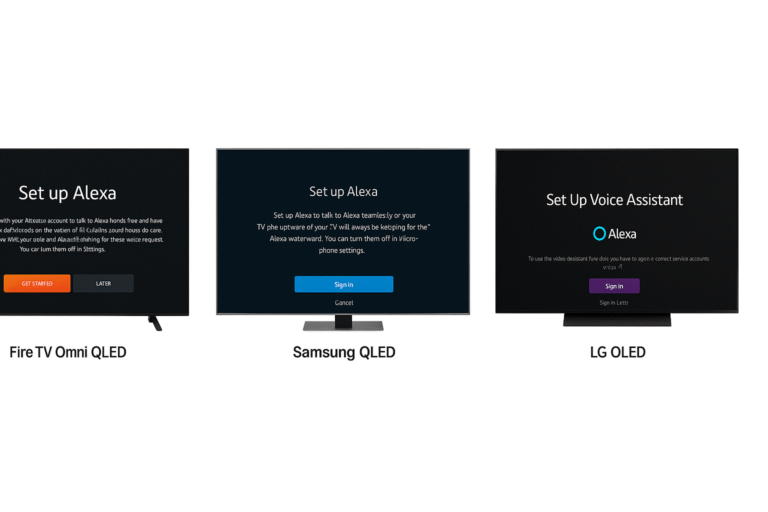
Fire TV Omni QLED
Navigate to Settings → Alexa.
Enable Hands-Free Listening for wake-word detection.
Link your Amazon account to sync preferences, routines, and skills.
Samsung QLED (QN90C, QN95C, etc.)
Open the Smart Hub → Voice Assistants menu.
Choose Alexa as your preferred assistant.
Sign in with your Amazon account to activate Alexa voice control.
LG OLED (C3, G3, etc.)
Open the ThinQ App on your mobile device.
Go to Alexa Settings and enable the assistant.
Assign your TV to a room for smoother smart home integration.
Once setup is complete, your smart TV with Alexa speaker can respond to commands like, “Alexa, turn on the lights,” or “Alexa, play Netflix.” It’s the ultimate blend of entertainment and automation—all from one device.
Managing Privacy on Your Smart TV
While having Alexa TV voice control built into your television is convenient, it’s equally important to manage your privacy settings. Thankfully, most smart TVs with Alexa speakers give you direct control over when and how the microphone listens.
How to Mute or Limit Alexa Listening
Physical Mic Toggle (Fire TV Omni): Use the mic on/off switch located on the TV to disable voice pickup completely.
Remote Settings (Samsung & LG): Access Alexa privacy settings through your TV’s menu or remote options to control microphone behavior.
Pro Tip:
You can adjust Alexa to only listen after the wake word or disable it entirely via the Privacy Settings in your Alexa app or TV menu.
By taking these steps, you’ll enjoy all the benefits of a smart TV with Alexa speaker—while maintaining full control over your personal privacy.

Expanding Your Smart Home with a Smart TV with Alexa Speaker
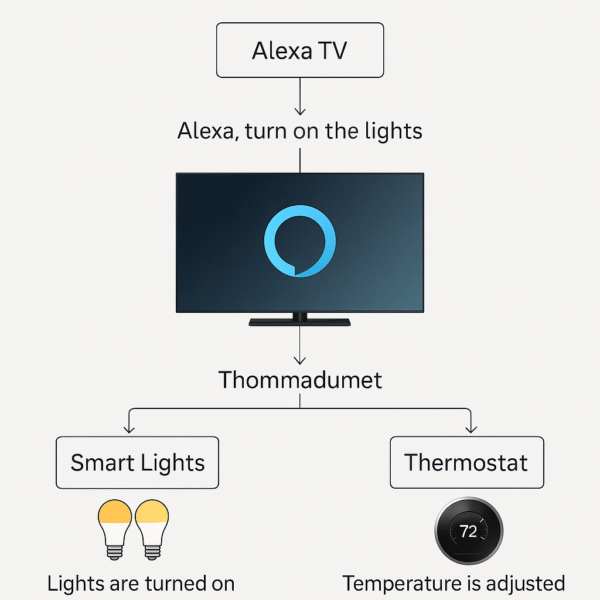
A smart TV with Alexa speaker becomes even more powerful when it’s integrated with other Alexa-enabled devices. By connecting your TV to smart home products, you can create automated scenes, enhance entertainment, and simplify daily routines—all through voice control.
Combine Your Alexa TV With:
Smart Lights – Set the mood for movie night by dimming or color-shifting your lights automatically.
Security Cameras – View live camera feeds directly on your TV screen with a simple command like “Alexa, show the front door.”
Echo Speakers – Sync your Echo devices for multi-room audio, ensuring sound flows naturally across your home.
Custom Routines – Trigger complete scenes such as “Alexa, it’s game time” to turn on the TV, adjust lighting, and optimize sound in one seamless action.
When combined strategically, a smart TV with Alexa speaker transforms from an entertainment device into the central hub of your smart home, creating an immersive, connected experience that feels effortless.
Why Choose a Smart TV with Alexa Speaker in 2025
If you’re aiming for a more integrated smart home experience, choosing a smart TV with Alexa speaker is a wise decision. These TVs provide hands-free control, full access to your Alexa ecosystem, and—even better—they can act as a central voice-command speaker for routine tasks.
In 2025, standout models like the Fire TV Omni QLED, Samsung QN90C, and LG OLED C3 lead the pack. Which one is right for you depends on your priorities—whether that’s budget, display quality, or automation flexibility.
Want to go deeper? Don’t miss:
Top Alexa TV Routines for Smart Homes in 2025