
The best hands-free TVs for seniors are no longer just a luxury — they’re a practical solution for easier, more accessible entertainment. In today’s tech-centric world, smart TVs have evolved beyond traditional remotes, offering built-in voice command features that allow users to turn on the TV, open apps, change channels, or adjust volume with simple voice prompts.
This guide explores the top TV options that make life easier for elderly users, including models with Alexa Built-In, Roku Voice, and Google Assistant integration. With these, seniors can enjoy streaming, news, and daily entertainment without the frustration of small buttons or complicated remotes.
Why Choose Hands-Free TVs for Seniors
The best hands-free TVs for seniors bring more than just entertainment — they provide accessibility and convenience that traditional remotes can’t match. With built-in voice features, these TVs deliver:
Ease of Use – No complicated remotes or confusing menus to navigate.
Accessibility – Perfect for seniors with mobility limitations or vision impairments.
Hands-Free Convenience – Eliminate the need to search for or handle remotes altogether.
✅ By choosing one of the best hands-free TVs for seniors, families can create a simpler, more enjoyable, and stress-free entertainment experience.
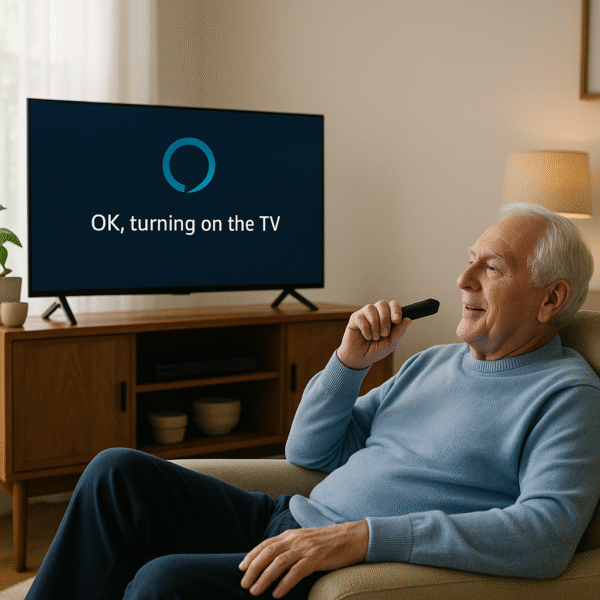
Top Picks: Best Hands-Free TVs for Seniors in 2025
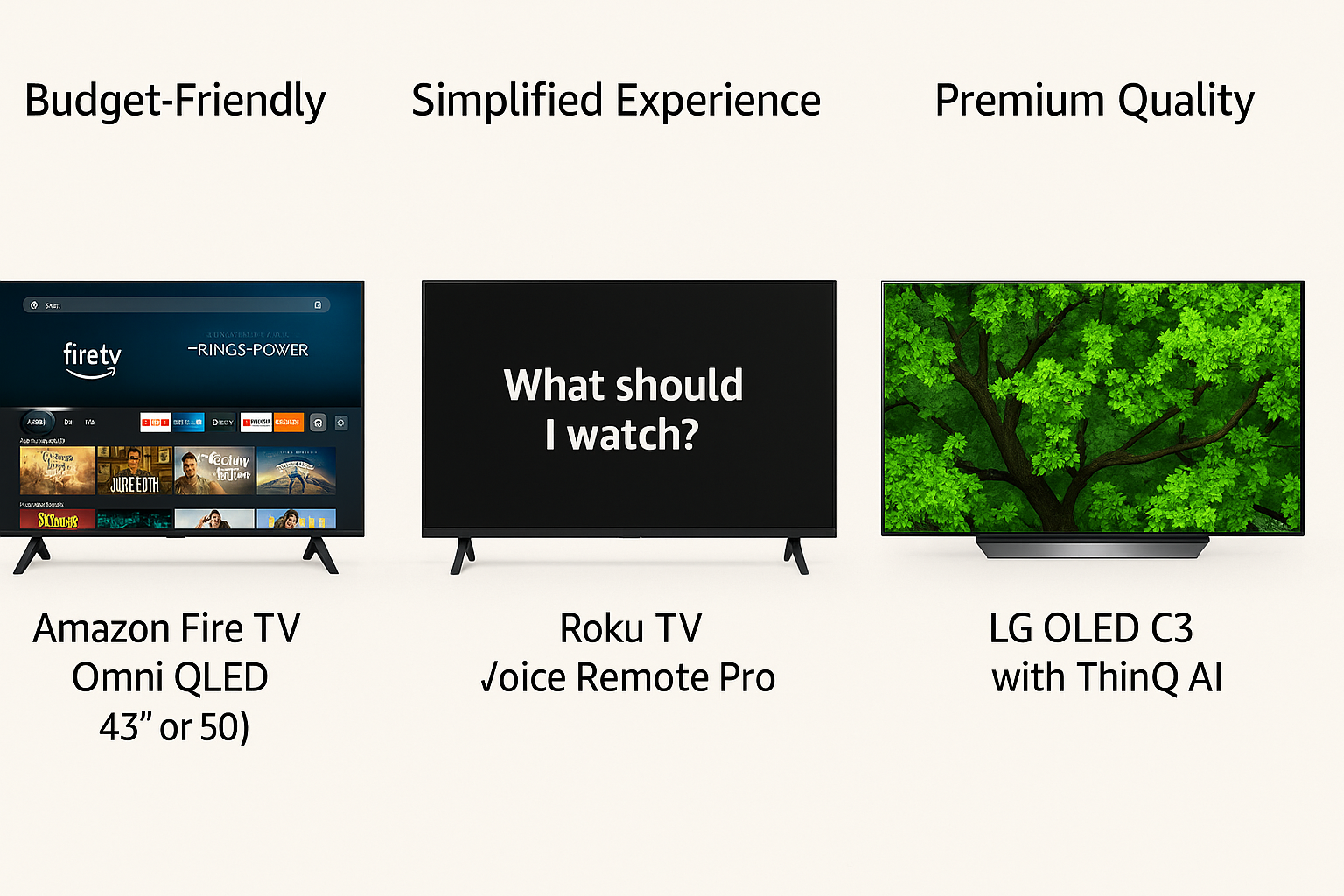
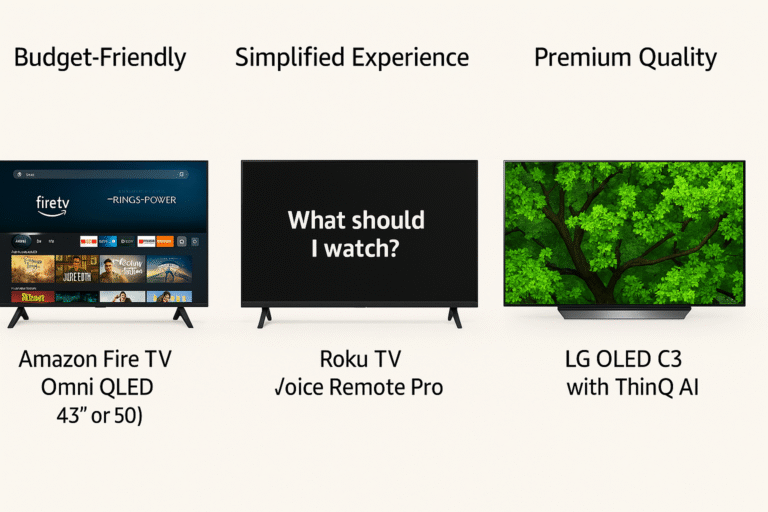
When selecting the best hands-free TVs for seniors, it’s important to balance ease of use, accessibility, and reliability. Here are three standout models:
🔹 1. Amazon Fire TV Omni QLED (43″ or 50″)
Built-in Alexa with far-field microphones for true hands-free control
Native support for voice routines that automate daily actions
Simple interface with large text and clear menus
Works seamlessly with Echo devices for expanded smart home control
Best For: Seniors who want easy voice-first navigation without extra remotes
🔹 2. Roku TV with Voice Remote Pro
Easy-to-use remote featuring a voice mic button for simple commands
Find My Remote function — perfect if the remote is misplaced
Straightforward operating system with large on-screen icons
Best For: Seniors who prefer a familiar remote but still want voice convenience
🔹 3. LG OLED C3 with ThinQ AI
Built-in Alexa and Google Assistant for flexible voice control
Voice-enabled navigation through apps and menus
AI Picture Pro automatically enhances clarity and brightness
Best For: Seniors who value premium visuals and don’t mind a little setup assistance
✅ These three models represent the best hands-free TVs, each offering a blend of voice control, accessibility, and convenience depending on the user’s needs.
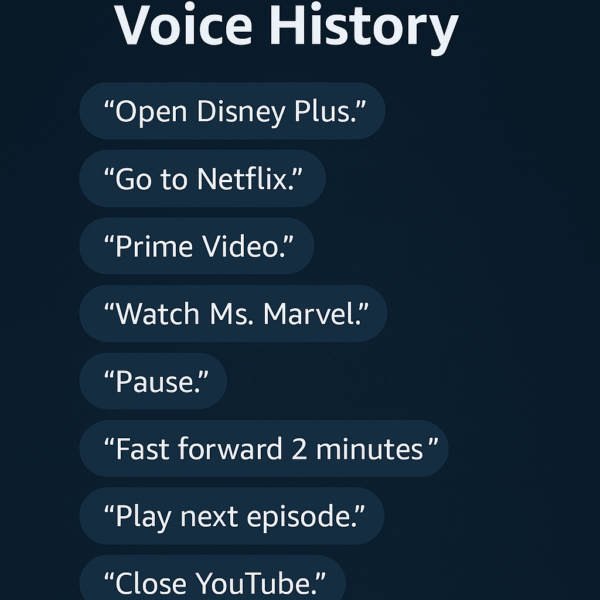
Example Voice Commands for Hands-Free TVs
The best hands-free TVs for seniors make entertainment and daily use simple through clear, natural voice prompts. Here are some examples seniors might use:
“Alexa, turn on the TV.” – Powers on the Fire TV Omni QLED without needing a remote.
“Alexa, play Jeopardy on Prime Video.” – Instantly launches a favorite show.
“Alexa, increase volume to 25.” – Adjusts volume hands-free to a precise level.
“Hey Roku, show me local news.” – Opens the news channel with Roku Voice Remote Pro.
“Alexa, switch to HDMI 2.” – Changes the TV input easily for devices like DVD players or game consoles.
✅ Tip: For added convenience, create simple Alexa routines like “TV Time” that automatically turn on the TV and dim the lights together. This makes the best hands-free TVs for seniors even easier to use.
Tips for Helping Seniors Use Voice-Controlled TVs
To get the most out of the best hands-free TVs for seniors, a few adjustments can make daily use much easier and more accessible:
Use Large Font Settings – Increase text size for menus, captions, and apps to improve readability.
Enable “Simple Mode” – In Fire TV or Roku settings, streamline the interface for fewer menus and quicker access.
Pair a Smart Speaker – Add an Echo Dot or similar device to ensure clearer voice pickup and better response.
Label Routines Clearly – Give Alexa routines easy names like “Watch TV” or “News Time” so they’re simple to remember.
Position the TV Strategically – Place the TV near central seating to improve far-field microphone detection for hands-free commands.
✅ These tips ensure that the best hands-free TVs for seniors deliver not only entertainment but also accessibility, comfort, and independence.
Streaming App Support on Hands-Free TVs
The best hands-free TVs for seniors should make it effortless to enjoy favorite streaming apps without navigating complex menus. Here’s how Alexa, Roku Voice, and Google Assistant compare across popular services:
| Service | Fire TV (Alexa) | Roku Voice | Google Assistant |
|---|---|---|---|
| Netflix | ✅ Yes | ✅ Yes | ✅ Yes |
| Prime Video | ✅ Seamless | ✅ Yes | ✅ Yes |
| YouTube | ✅ Yes | ✅ Yes | ✅ Yes |
| Hulu | ✅ Yes | ✅ Yes | ✅ Yes |
✅ Tip: With the best hands-free TVs for seniors, you can skip confusing menus by using simple voice commands like “Play NCIS on Paramount+.”
Price and Best Use Cases: Hands-Free TVs
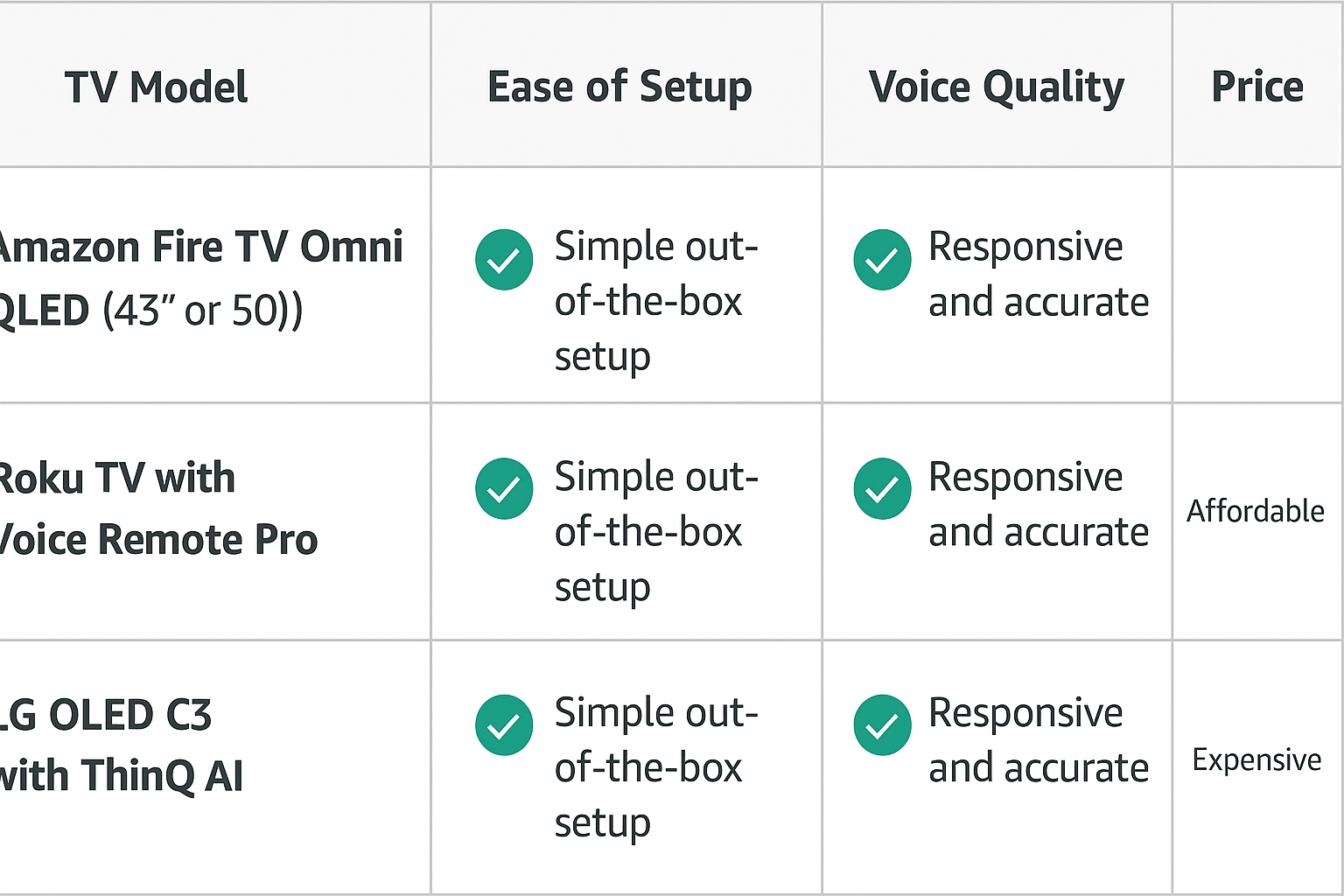
When evaluating the best hands-free TVs for seniors, cost and use case play a big role. Here’s how the top models compare in 2025:
| TV Model | Best For | Price Range |
|---|---|---|
| Fire TV Omni QLED | Voice-first, Echo-ready setup | ~$449 |
| Roku Voice Pro TV | Simplicity and budget value | ~$299 |
| LG OLED C3 | Premium visuals + smart AI | ~$1,399 |
✅ For seniors who want hands-free convenience without complexity, the Fire TV Omni QLED strikes the best balance of price, features, and accessibility.
Conclusion: Best Hands-Free TVs for Seniors
For seniors who want a simpler way to enjoy their favorite shows, the best hands-free TVs for seniors combine accessibility, voice control, and smart features in one package. The Fire TV Omni QLED leads the way with full hands-free Alexa support, while the Roku Voice Remote Pro provides a more budget-friendly option with a straightforward setup.
By pairing these TVs with smart speakers or creating easy voice routines, seniors of all tech comfort levels can enjoy modern television without frustration or complicated remotes.
✅ With the right choice, the best hands-free TVs for seniors can transform entertainment into an effortless, accessible, and enjoyable part of daily life.