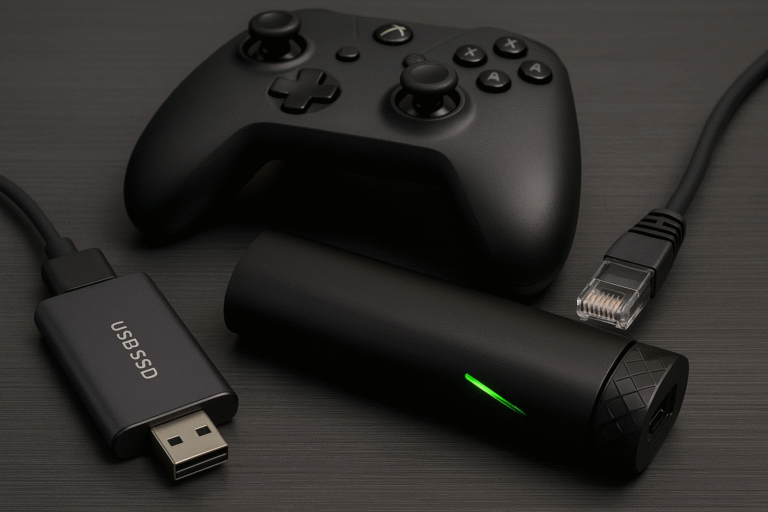
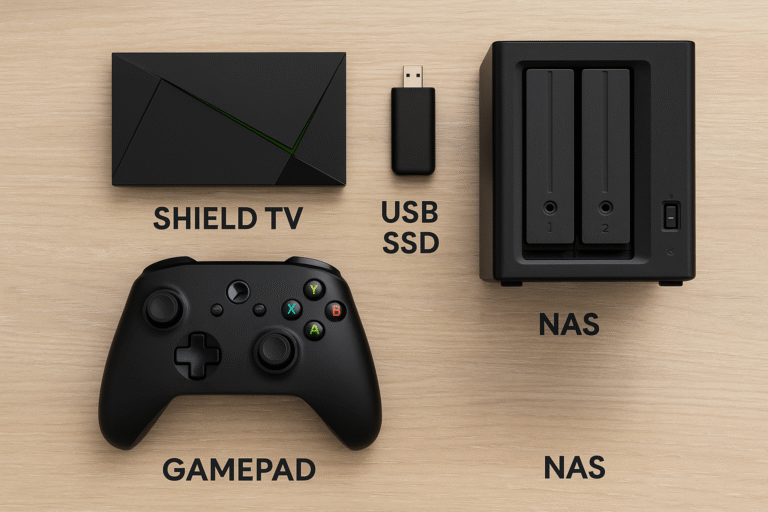
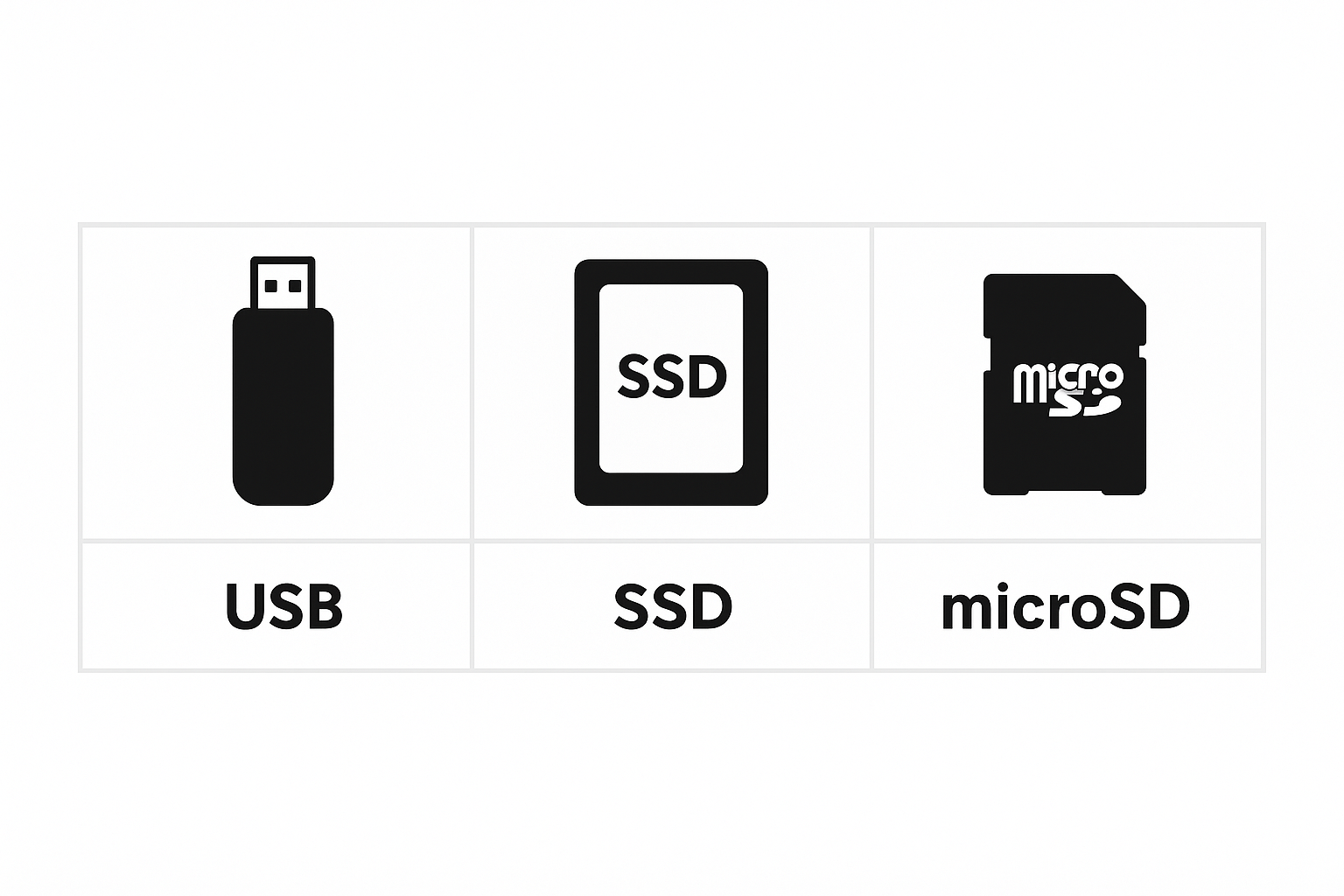
This article explores the best TV boxes with expandable storage, highlighting models that support USB drives, microSD cards, or network-attached storage (NAS). Moreover, it examines how each device performs in terms of speed, storage capacity, and app compatibility. Whether you’re using Plex, Kodi, or Netflix, these TV boxes with expandable storage deliver the flexibility and performance needed for a seamless entertainment experience.
Why Expandable Storage Matters
Modern apps, games, and 4K content are now more demanding than ever, pushing the limits of built-in storage on many devices. As a result, streaming boxes with only 8–16GB of internal space often struggle to keep up with today’s performance needs.
Furthermore, users with large Plex libraries, extensive cached streaming data, or game emulators quickly run out of room. That’s why choosing TV boxes with expandable storage is essential—it provides the flexibility to add more apps, store media files, and create backups without sacrificing speed or performance.
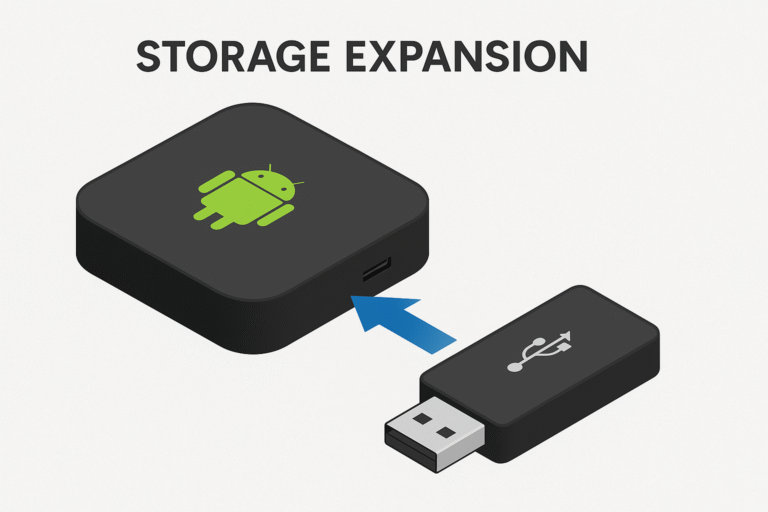
Top Android TV Boxes with Expandable Storage
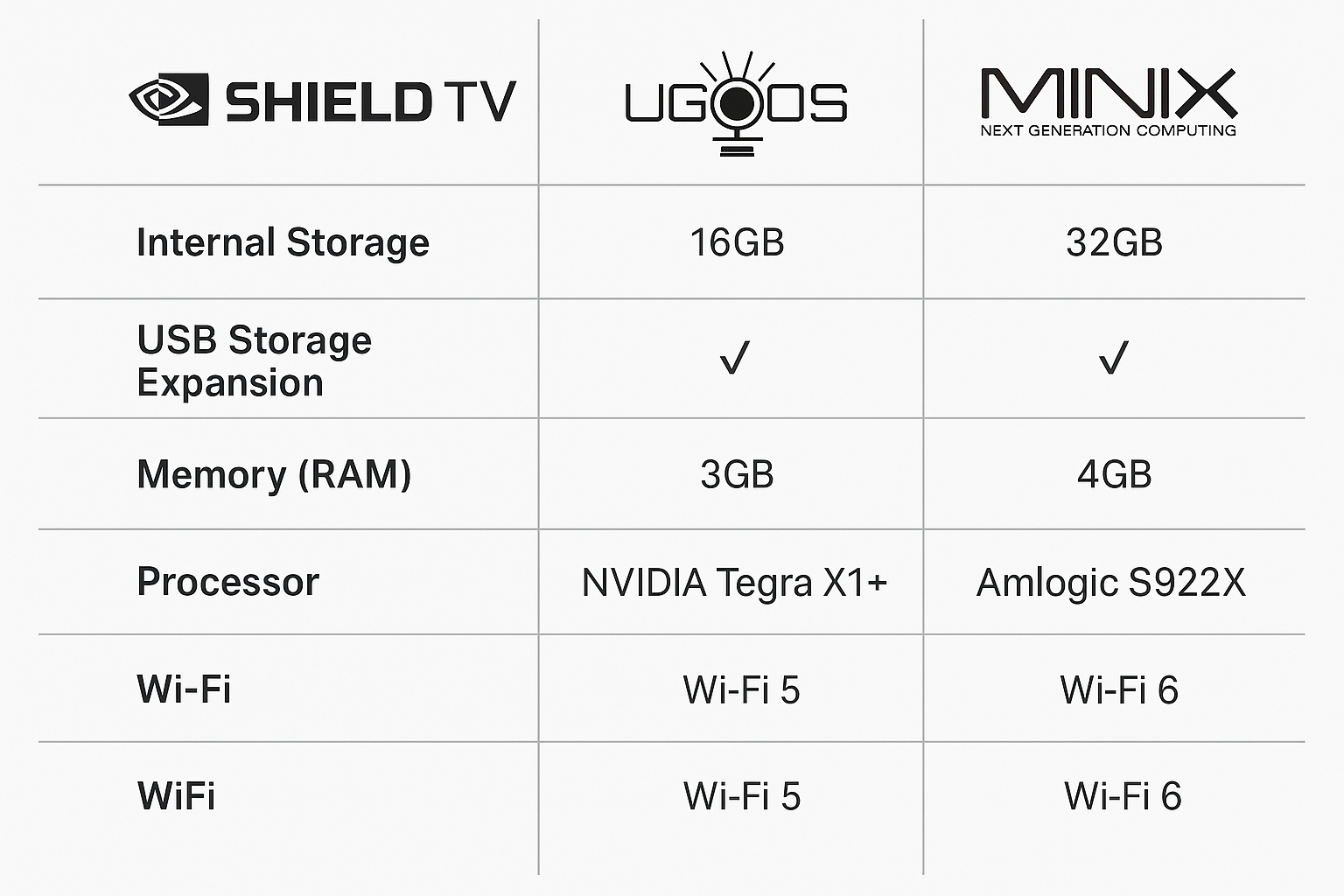
NVIDIA Shield TV Pro
Features two USB 3.0 ports for connecting flash drives, SSDs, or external HDDs.
Supports exFAT, NTFS, and FAT32 file formats for maximum compatibility.
Seamlessly expands storage for Plex media libraries, app installations, and game ROMs without slowing performance.
MINIX NEO U22-XJ
Equipped with both USB 3.0 and microSD slots for versatile expansion.
Powered by the Amlogic S922X-J CPU, ensuring smooth performance and 4K playback.
Optimized for Kodi users and local media playback, making it a top pick for enthusiasts.
Ugoos AM6 Plus
Offers multiple USB ports and TF card support for easy media access.
Ideal for sideloaded apps, Plex servers, and NAS streaming setups.
Supports storage expansion up to 2TB, providing exceptional capacity for power users.
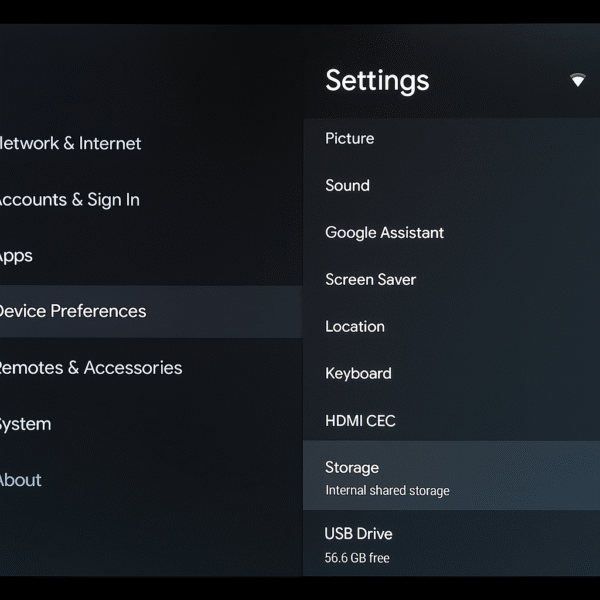
How to Expand Storage on Your Android TV Box:
Plug in your drive: Connect an SSD, USB 3.0 flash drive, or external HDD to your Android TV box.
Open settings: Go to Settings → Device Preferences → Storage.
Select storage mode: Choose either “Set up as device storage” (to install apps) or “Use as external storage” (for media files).
Format and confirm: Follow the on-screen instructions to format the drive and confirm setup for immediate use.
Tip: For the best performance on your TV boxes with expandable storage, always use high-speed USB 3.0 drives or SSDs.
Practical Uses for TV Boxes with Expandable Storage:
Store and Stream 4K Plex Libraries: Keep your entire movie collection locally for buffer-free playback and faster access.
Run Emulated Games: Use apps like RetroArch or Dolphin to enjoy classic console titles directly from expanded storage.
Download Offline Content: Save Netflix, Prime Video, or YouTube videos for offline viewing without consuming internal space.
Archive Smart Home Footage: Back up camera recordings and security footage from your smart home system to ensure long-term storage and quick retrieval.
Recommended External Drives for TV Boxes with Expandable Storage:
Samsung T7 Shield SSD – Fast and Rugged:
Delivers lightning-fast read/write speeds and a durable rubberized design, perfect for high-performance Android TV setups and 4K Plex playback.WD My Passport 2TB – Budget-Friendly and Portable:
Offers ample capacity for movies, apps, and backups while remaining lightweight and affordable, making it ideal for everyday use.SanDisk Ultra Fit – Compact Flash Drive:
Features a low-profile design that fits discreetly into USB ports, providing reliable storage expansion without cluttering your entertainment center.
Internal vs External Storage – Comparison for Android TV Streamer Picks
| Feature | Internal Storage | External USB Storage |
|---|---|---|
| Speed | ⚡ Faster – ideal for app loading and system performance | ⚙️ Slightly slower (USB 3.0) but still reliable for media playback |
| Expandable | ❌ No – fixed capacity | ✅ Yes – easily expand with USB or SSD |
| Plex Support | ✅ Yes – excellent for local libraries | ✅ Yes – works well for large Plex setups |
| Removability | ❌ Fixed – cannot be swapped | ✅ Easy to swap – plug and play flexibility |
Summary:
While internal storage provides slightly faster access speeds, external USB storage offers the flexibility and capacity modern users need. For those managing large media libraries or apps, TV boxes with expandable storage are the smarter choice.
Final Verdict
If you’re looking for a future-proof Android TV box that evolves with your expanding content, games, and smart home ecosystem, the NVIDIA Shield TV Pro stands out as the best expandable media box in 2025. Thanks to its dual USB 3.0 ports, powerful Android TV OS integration, and flawless app and media management, it delivers a premium experience. Ultimately, it’s the clear leader for users who want to go beyond basic streaming and build a truly smart entertainment hub.