
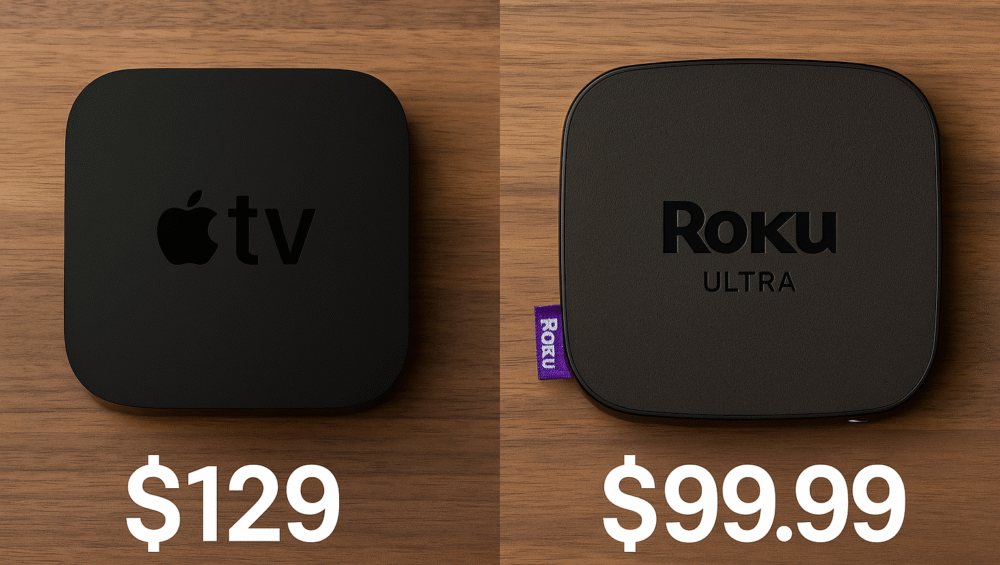
In today’s world of smart streaming devices, the Apple TV 4K (3rd Gen) and Roku Ultra stand out as top contenders. Both deliver powerful performance, elegant design, and convenient voice control. However, when it comes to full ecosystem compatibility, which one truly earns the title of the best streamer for HomeKit in 2025?
In this detailed comparison, we’ll explore their strengths step by step. We’ll look at smart home integration, automation capabilities, and voice assistant support — comparing Siri and Roku Voice. We’ll also assess streaming performance, content variety, and how each handles privacy and data control.
Whether you’re setting up your first Apple Home or want a seamless connection with your iPhone and Siri, this guide will help you find the best streamer for HomeKit that fits your connected lifestyle.
HomeKit & Smart Home Integration
Apple TV 4K
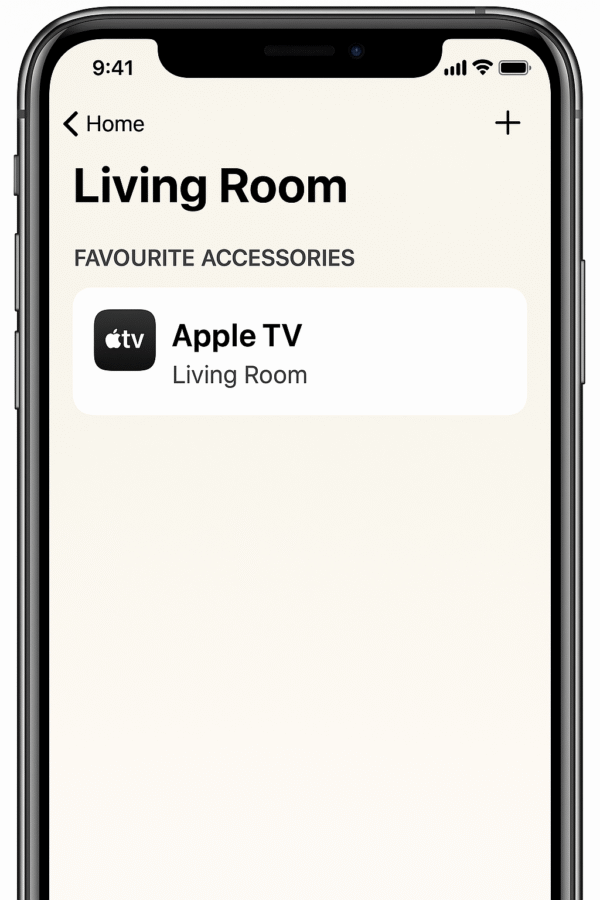
Native HomeKit hub functionality built-in
Supports automations and scenes directly in the Apple Home app
Acts as a Thread Border Router for Matter-compatible smart devices
Offers direct control from iPhone, iPad, Mac, and Apple Watch
Roku Ultra
Lacks native HomeKit integration
Limited AirPlay 2 and HomeKit support via AirPlay + HomeBridge workaround
No Thread support or advanced HomeKit automations
✅ Verdict: When it comes to choosing the best streamer for HomeKit, the Apple TV 4K easily takes the lead for Apple ecosystem users seeking seamless smart home integration.
Voice Assistant: Siri vs Roku Voice
Apple TV 4K
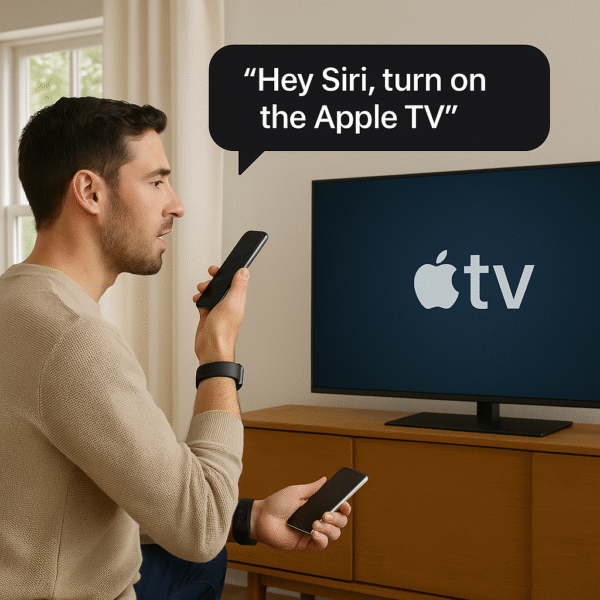
Features full Siri voice assistant integration for effortless control
Can manage other HomeKit devices with commands like “Turn off the lights and start Netflix”
Triggers HomeKit scenes directly using Siri voice commands
Roku Ultra
Includes a Roku Voice Remote for basic voice navigation and content search
Lacks Siri integration entirely
Works externally with Alexa and Google Assistant, but not natively with HomeKit
✅ Verdict: For users seeking the best streamer for HomeKit, Apple TV 4K provides seamless Siri voice control and full HomeKit command support — something Roku Ultra simply can’t match.
Streaming Features & Content Access
Apple TV 4K
Supports 4K HDR10+, Dolby Vision, and Dolby Atmos for premium visual and audio quality
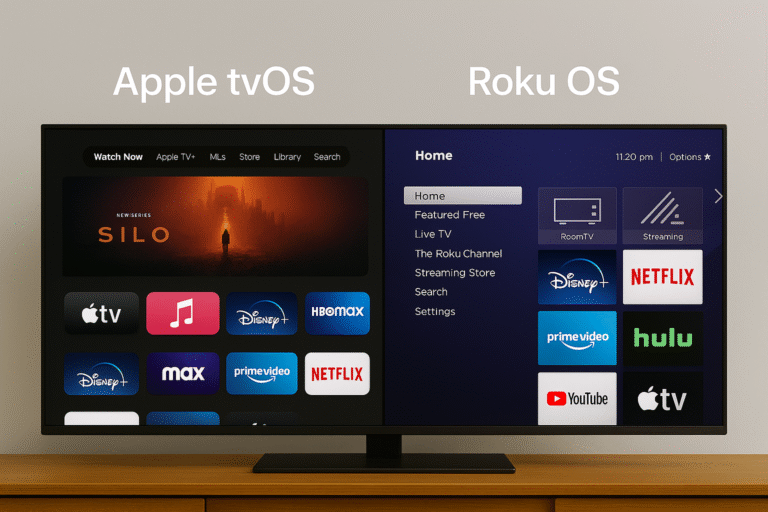
Runs on tvOS 17 with a polished and responsive interface
Includes Apple Arcade, Fitness+, and Apple Music for all-in-one entertainment
Works seamlessly with Netflix, Disney+, Amazon Prime, and YouTube
Offers SharePlay, AirPlay 2, and Apple One integration for a complete ecosystem experience
Roku Ultra
Delivers 4K HDR10+ and Dolby Vision (available on 2022 and newer models)
Features a broad, platform-neutral app catalog supporting all major streaming services
Comes with the Apple TV app pre-installed for cross-platform access
Includes a Voice Remote with a headphone jack for private listening sessions
✅ Verdict: When choosing the best streamer for HomeKit, Apple TV 4K excels through deeper ecosystem integration and seamless Apple service connectivity, while Roku Ultra shines for users wanting broad, platform-agnostic content compatibility.
Privacy & Data
Apple TV 4K
Offers an industry-leading privacy framework across all apps and services
Provides zero ad tracking and no cross-app data sharing
Ensures encrypted HomeKit data and on-device Siri processing for complete user privacy
Roku Ultra
Uses ad tracking and content recommendations on the home screen by default
Collects usage data for targeted advertising unless manually disabled in settings
✅ Verdict: For those prioritizing privacy and security, Apple TV 4K is the best streamer for HomeKit, offering unmatched data protection and ad-free smart home integration — ideal for privacy-conscious users.
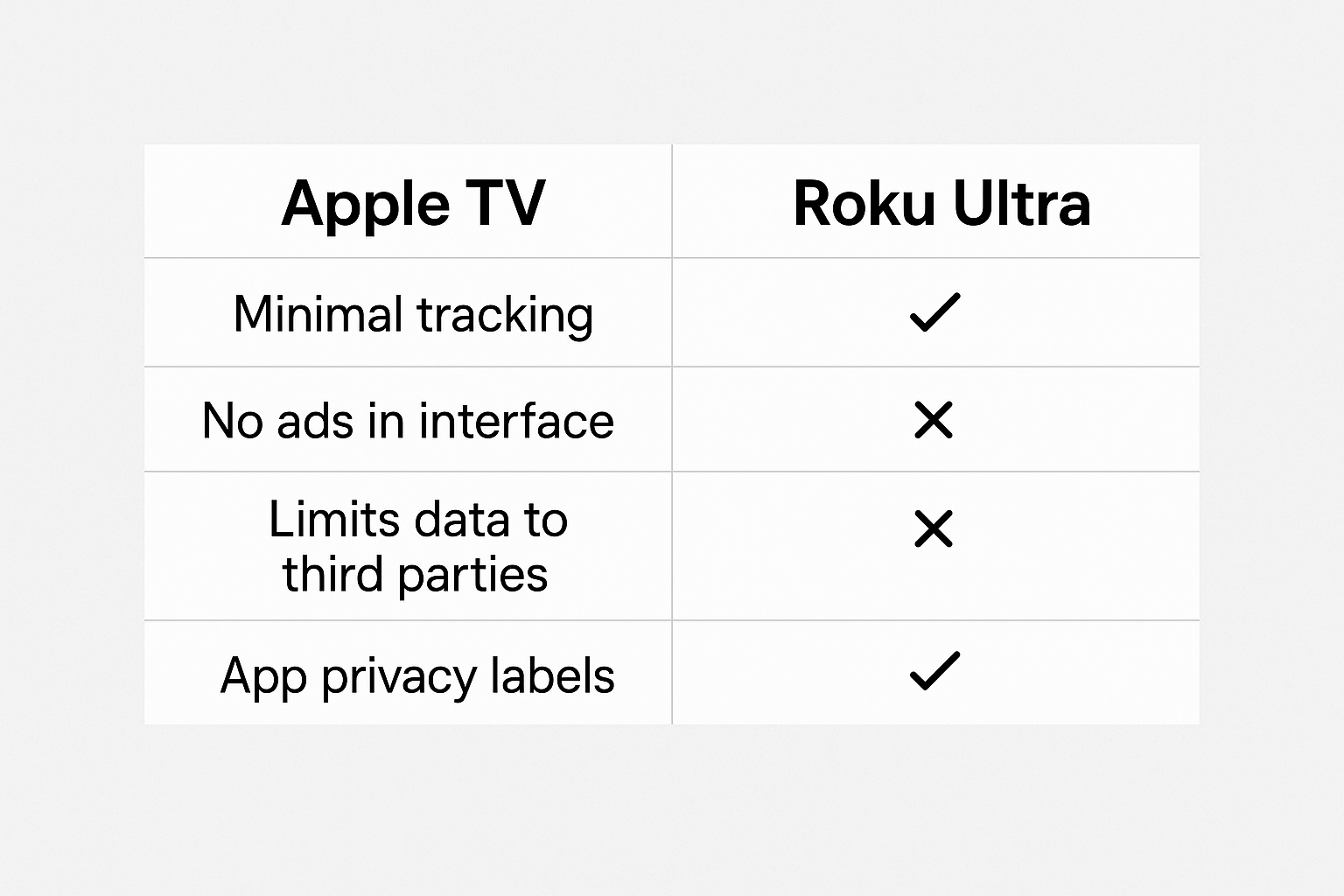
Feature Comparison: Apple TV 4K (3rd Gen) vs Roku Ultra (2023 Model)
| Feature | Apple TV 4K (3rd Gen) | Roku Ultra (2023 Model) |
|---|---|---|
| Price | $129–$149 | $79–$99 |
| HomeKit Support | ✅ Full integration | ⚠️ Minimal (AirPlay only) |
| Voice Assistant | Siri | Roku Voice |
| Ecosystem Fit | Apple Ecosystem | Multi-platform |
✅ Verdict:
Choose Apple TV 4K if you’re invested in the Apple ecosystem and want the best streamer for HomeKit.
Choose Roku Ultra if you prefer broad compatibility and a more budget-friendly option without deep smart home integration.
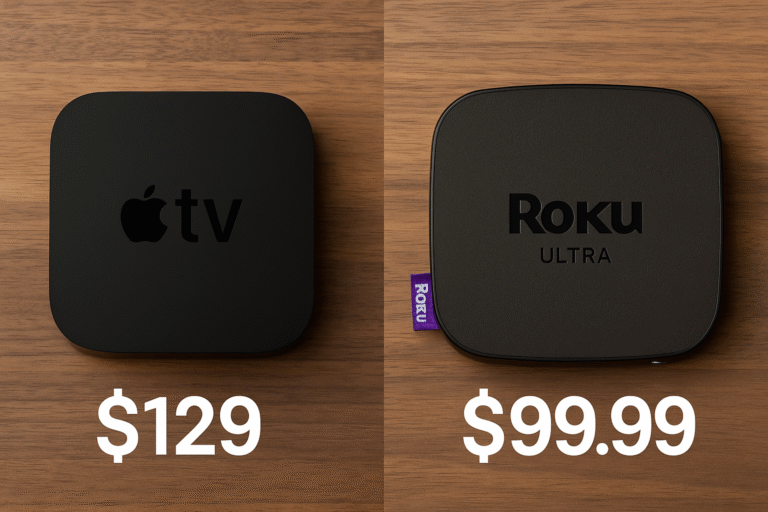
Final Thoughts: Which One Should You Buy?
If your home already runs on Apple devices like the iPhone, HomePod mini, and HomeKit lights or sensors, the Apple TV 4K is the most logical upgrade. It acts as the central hub for all your automations, supporting Thread networking, secure video streaming, and native Siri control — making it the best streamer for HomeKit in connected Apple households.
Meanwhile, the Roku Ultra still offers excellent value for users seeking fast, affordable streaming with access to a wide range of apps. However, its limited HomeKit compatibility makes it less suitable for automation-focused setups or homes that rely heavily on Apple’s ecosystem.