
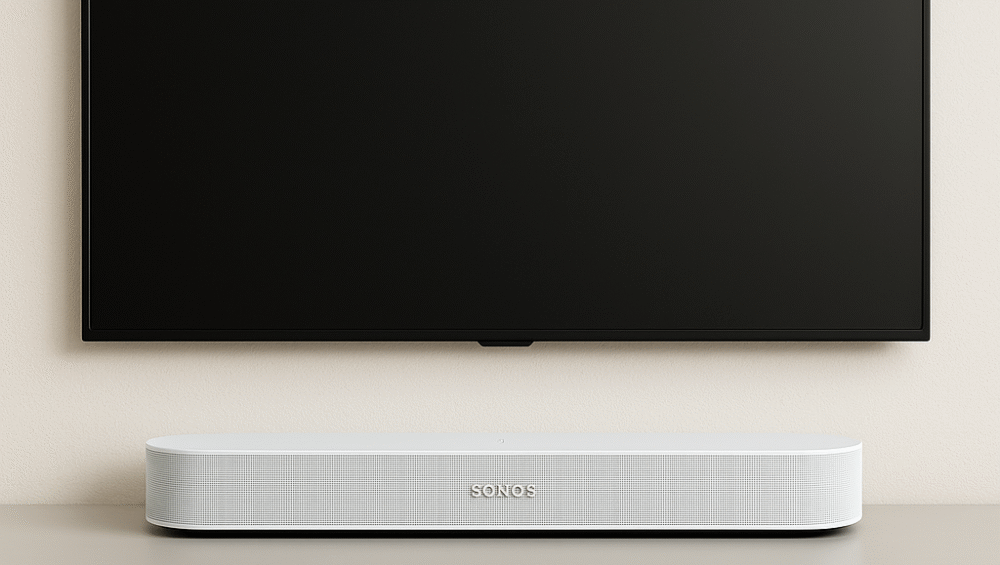
In 2025, as the demand for smart, compact, and powerful audio solutions continues to rise, the Sonos Beam Gen 2 Dolby Atmos soundbar stands out as one of the most advanced options available. Whether you’re watching blockbuster movies, bingeing your favorite TV shows, or streaming high-fidelity music, the Sonos Beam Gen 2 Dolby Atmos delivers a truly cinematic and immersive experience in a sleek, space-saving design.
In this comprehensive Sonos Beam Gen 2 review, we’ll explore its Dolby Atmos performance, design, smart features, and setup tips, showing why it remains one of the top contenders in the smart sound system market for 2025.
Design and Build Quality
The Sonos Beam Gen 2 Dolby Atmos carries forward Sonos’s signature minimalist design, featuring a sleek polycarbonate grille that fits effortlessly into modern interiors. At just 25.6 inches wide, it’s compact enough for apartments, studios, or small living rooms, yet powerful enough to deliver room-filling sound.
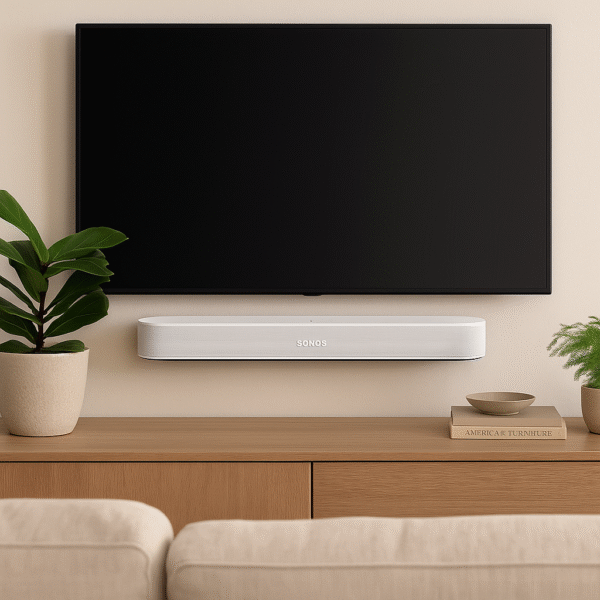
Its versatile form factor allows for wall-mounting or console placement directly beneath your TV, ensuring both aesthetic balance and optimal audio projection. While the tactile touch controls are simple and responsive, most users will prefer managing playback through voice commands or the Sonos mobile app, making the Sonos Beam Gen 2 Dolby Atmos as intuitive as it is elegant.
Key Features of the Sonos Beam Gen 2 Dolby Atmos
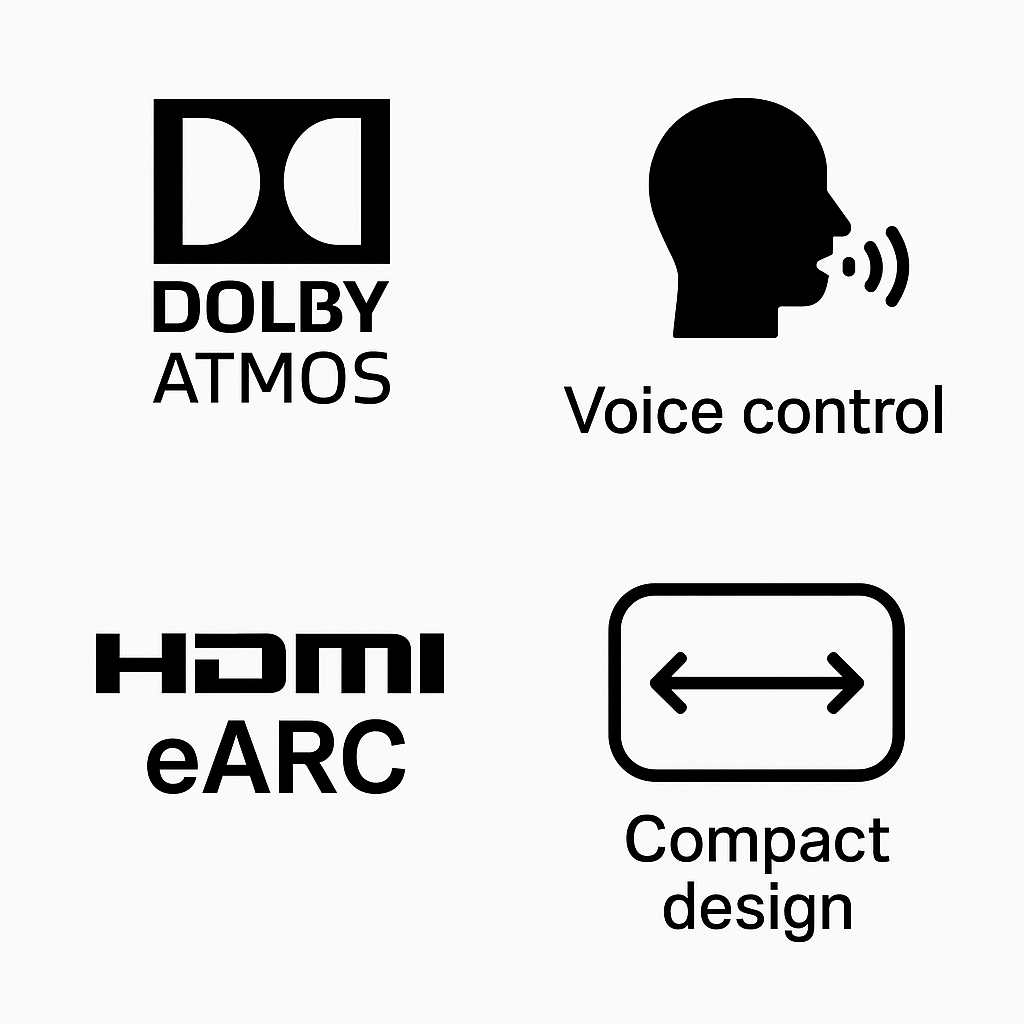
1. Dolby Atmos Technology – Adds Spatial Sound Dimension
One of the defining highlights of the Sonos Beam Gen 2 Dolby Atmos is its support for immersive 3D sound technology. Through virtual height channels, the Beam reflects sound off walls and ceilings to simulate overhead effects, surrounding you in rich, multidimensional audio. This feature transforms movie nights, gaming sessions, and concerts into cinematic experiences. Compared to standard stereo, Dolby Atmos adds remarkable depth and realism, especially when streaming from Netflix, Disney+, or Apple TV+.
2. Smart Voice Control – Hands-Free Operation with Alexa and Google Assistant
Equipped with built-in Amazon Alexa and Google Assistant, the Sonos Beam Gen 2 Dolby Atmos functions as both a soundbar and smart assistant. You can control playback, adjust volume, skip tracks, check the weather, or even manage connected smart home devices—all using simple voice commands. This dual-assistant capability transforms the Beam into a central hub for voice-controlled entertainment and automation.
3. Compact Design – Ideal for Smaller Spaces
Unlike large, bulky sound systems, the Sonos Beam Gen 2 Dolby Atmos is designed to deliver powerful sound in a compact form. Its minimalist build makes it perfect for apartments, bedrooms, or home offices, where space efficiency matters but audio quality cannot be compromised.
4. HDMI eARC – High-Quality Audio with a Single-Cable Setup
The inclusion of HDMI eARC ensures support for high-bandwidth audio formats, including Dolby Atmos, using just one HDMI cable. This setup not only simplifies installation but also enhances audio clarity and synchronization, making the Sonos Beam Gen 2 an effortless yet high-performance upgrade for any home theater.
Sound Performance
Despite its compact design, the Sonos Beam Gen 2 Dolby Atmos delivers room-filling sound that rivals many larger sound systems. Featuring a custom five-speaker array—including a center tweeter for crisp dialogue and four elliptical midwoofers for balanced tone—it produces a rich, full-bodied sound ideal for both movies and music.
Powered by an upgraded CPU, the Sonos Beam Gen 2 Dolby Atmos uses phased array beamforming to widen the soundstage and sharpen directional accuracy. As a result, movie lovers enjoy clear, dynamic dialogue and precise effects, while music enthusiasts appreciate tight bass, smooth midrange, and refined treble across genres.
Although it doesn’t include a dedicated subwoofer, the Sonos Beam Gen 2 Dolby Atmos still performs exceptionally well in small to medium-sized rooms. Moreover, users can easily expand the system by pairing it with the Sonos Sub (Gen 3) or Sonos One SL speakers, creating a true surround sound setup that perfectly complements its Dolby Atmos immersion.
Sonos Beam Gen 2 vs Sonos Arc – Key Differences
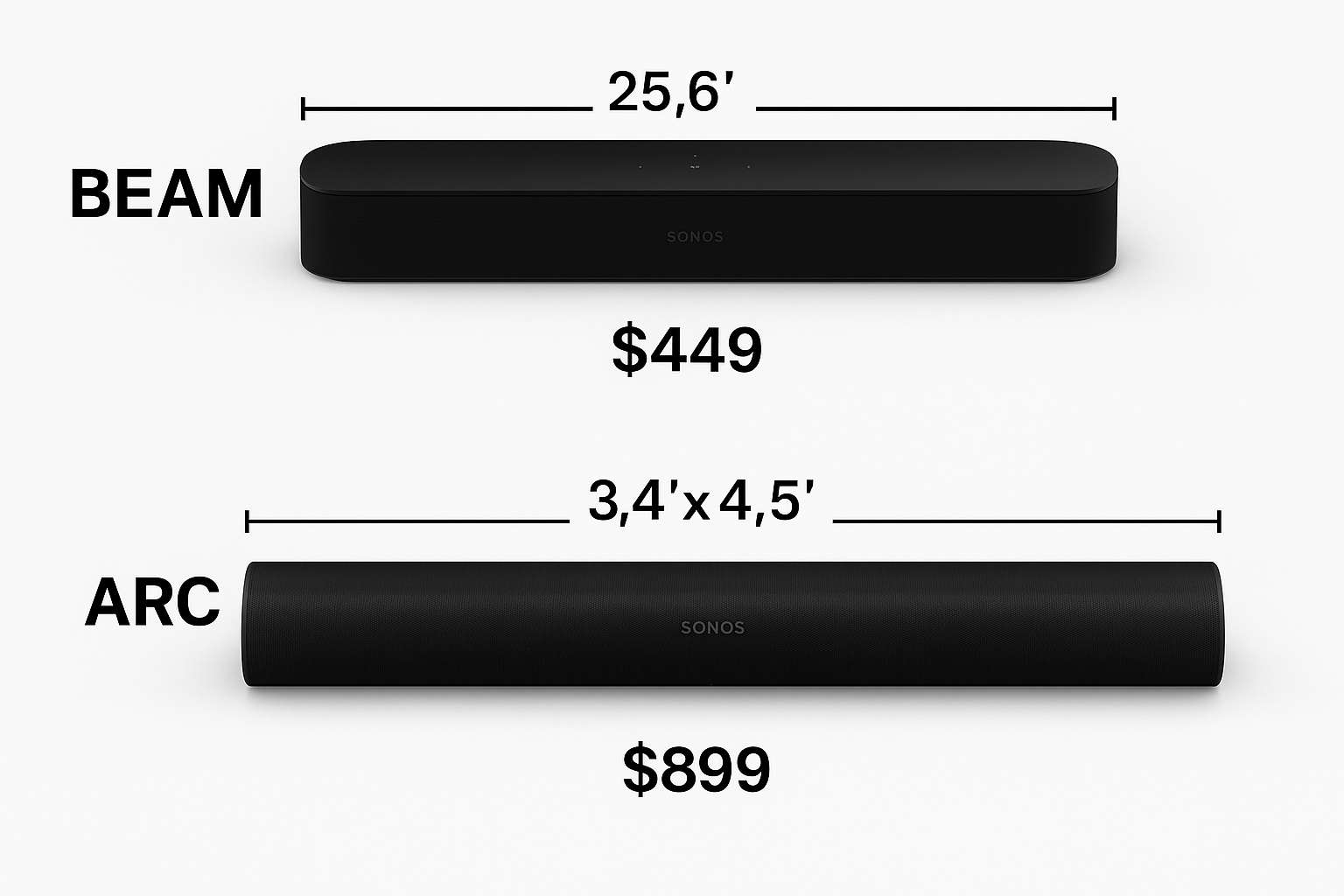
If you’re deciding between the Sonos Beam Gen 2 vs Arc, understanding how they differ in size, performance, and price can help you pick the right soundbar for your setup.
| Feature | Sonos Beam (Gen 2) | Sonos Arc |
|---|---|---|
| Price | ~$450 | ~$899 |
| Dolby Atmos | Yes | Yes |
| Size | 25.6 inches | 45 inches |
| Ideal For | Smaller rooms and apartments | Large living spaces or home theaters |
| Subwoofer Included | No | No |
The Sonos Beam Gen 2 Dolby Atmos is ideal for compact living areas and budget-conscious buyers who still want cinematic, immersive audio. In contrast, the Sonos Arc delivers greater power, deeper bass, and a broader soundstage, making it perfect for expansive home theater setups.
In short, choose the Beam Gen 2 if you want a sleek, space-saving Dolby Atmos soundbar, and go for the Arc if you’re aiming for maximum performance and room-filling sound.
Sonos Beam Gen 2 Dolby Atmos Setup Guide
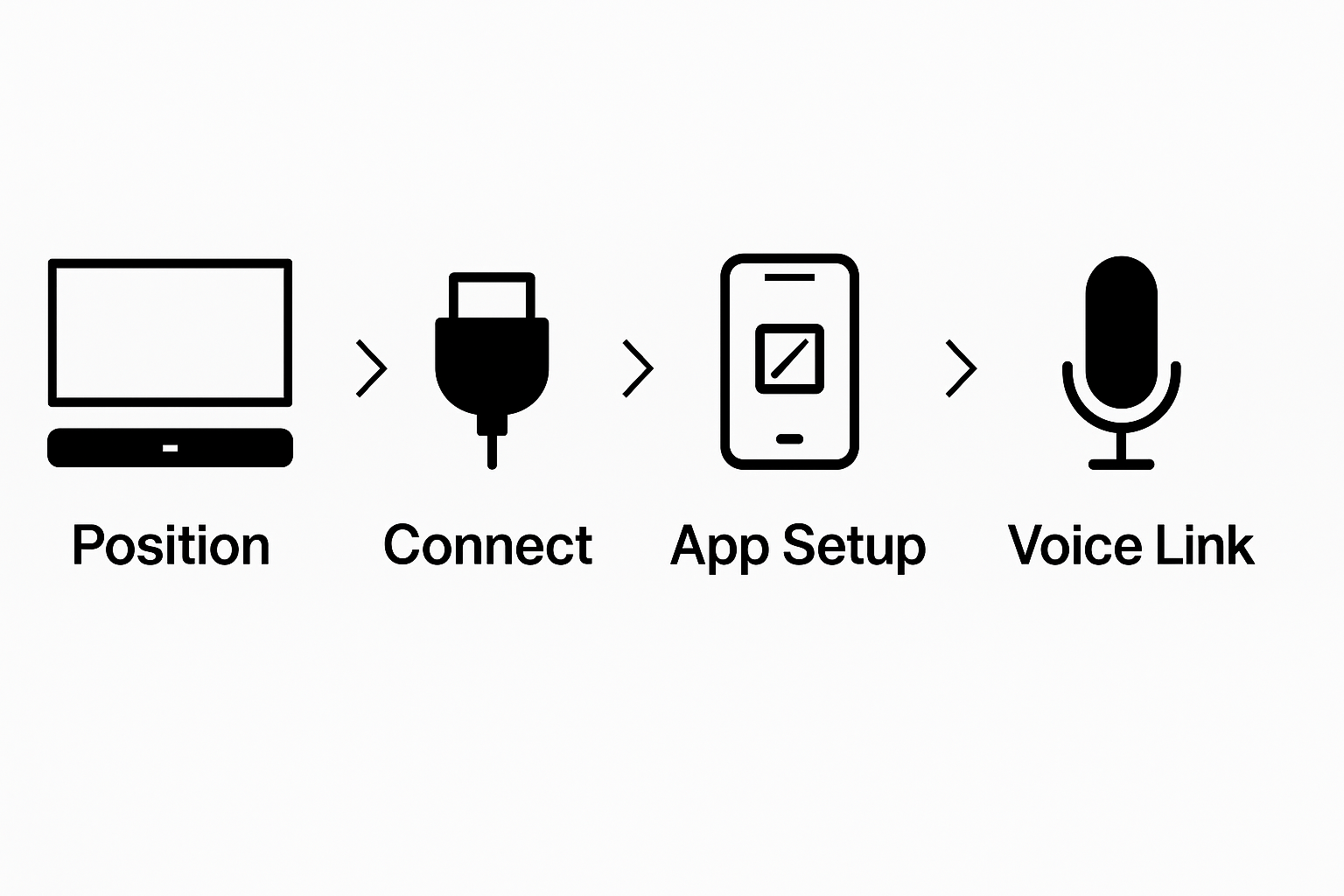
Setting up the Sonos Beam Gen 2 Dolby Atmos is refreshingly straightforward and takes only a few minutes.
Positioning: Begin by placing the soundbar directly beneath your TV, ensuring there are no obstructions blocking the front grille or speakers.
Connection: Next, use the included HDMI cable to connect the Beam to your TV’s HDMI ARC or eARC port for optimal audio quality and Dolby Atmos support.
App Setup: Then, download and open the Sonos app on your smartphone to walk through the guided installation process and connect the Beam to your Wi-Fi network.
Voice Assistant: Afterward, select either Alexa or Google Assistant, and follow the on-screen prompts to link your voice assistant account for hands-free control.
Optional: Finally, if you’re using an iOS device, run Trueplay Tuning to automatically calibrate the soundbar to your room’s acoustics, ensuring balanced, immersive performance.
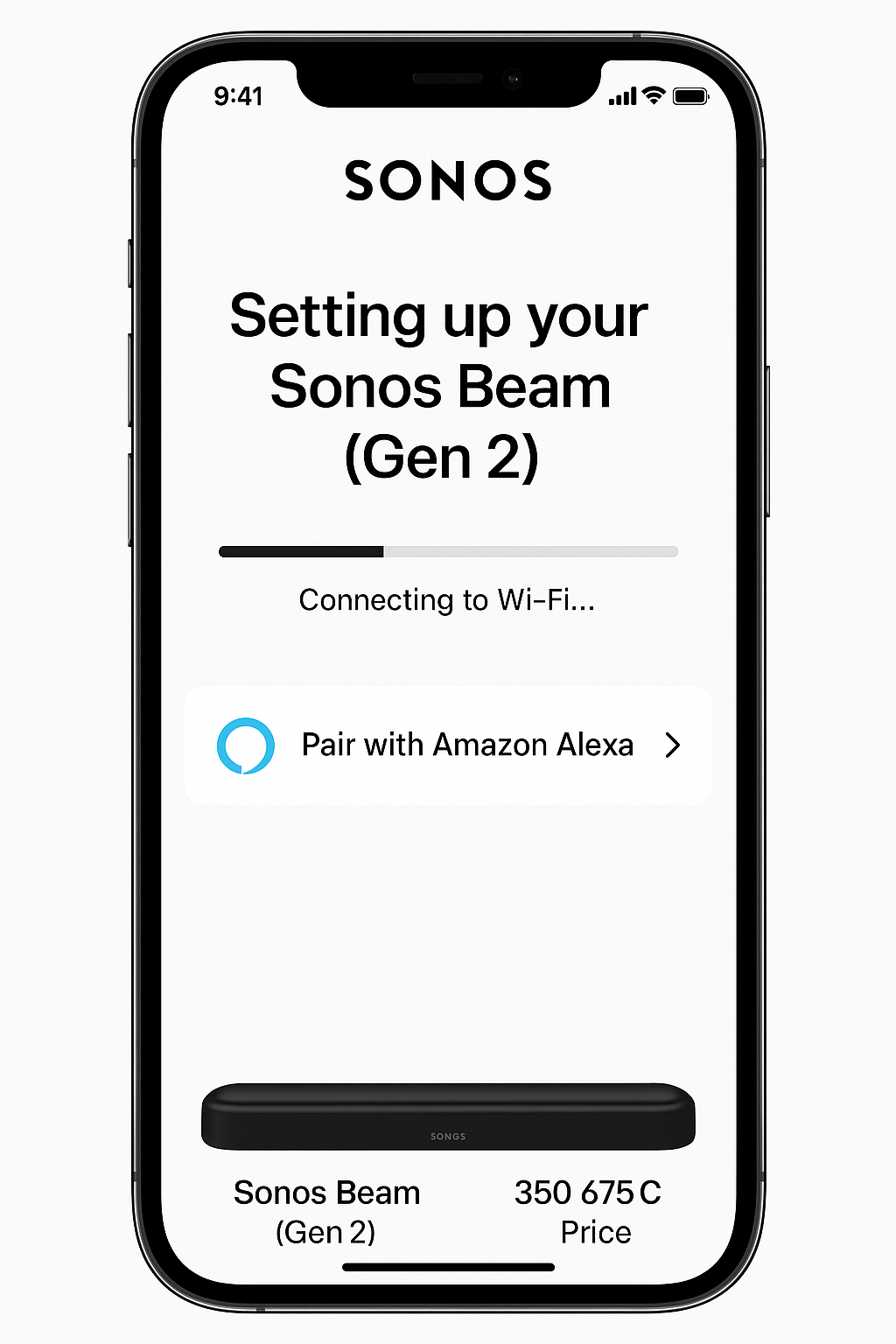
How to Complete the Sonos Beam Gen 2 Alexa Setup
Setting up Alexa on your Sonos Beam Gen 2 takes just a few minutes. Follow these simple steps to enable full voice control and enjoy hands-free entertainment.
Open the Sonos App and navigate to “Settings.”
Tap “Services & Voice” and select “Add a Voice Assistant.”
Choose Amazon Alexa from the available options.
Log into your Amazon account and follow the on-screen prompts to link Alexa with your Sonos Beam.
That’s it! Your setup is complete.
You can now enjoy full voice functionality—try saying:
“Alexa, play jazz in the living room.”
With your Sonos Beam Gen 2 Alexa setup, you can now control music, adjust volume, and manage your smart home completely hands-free.
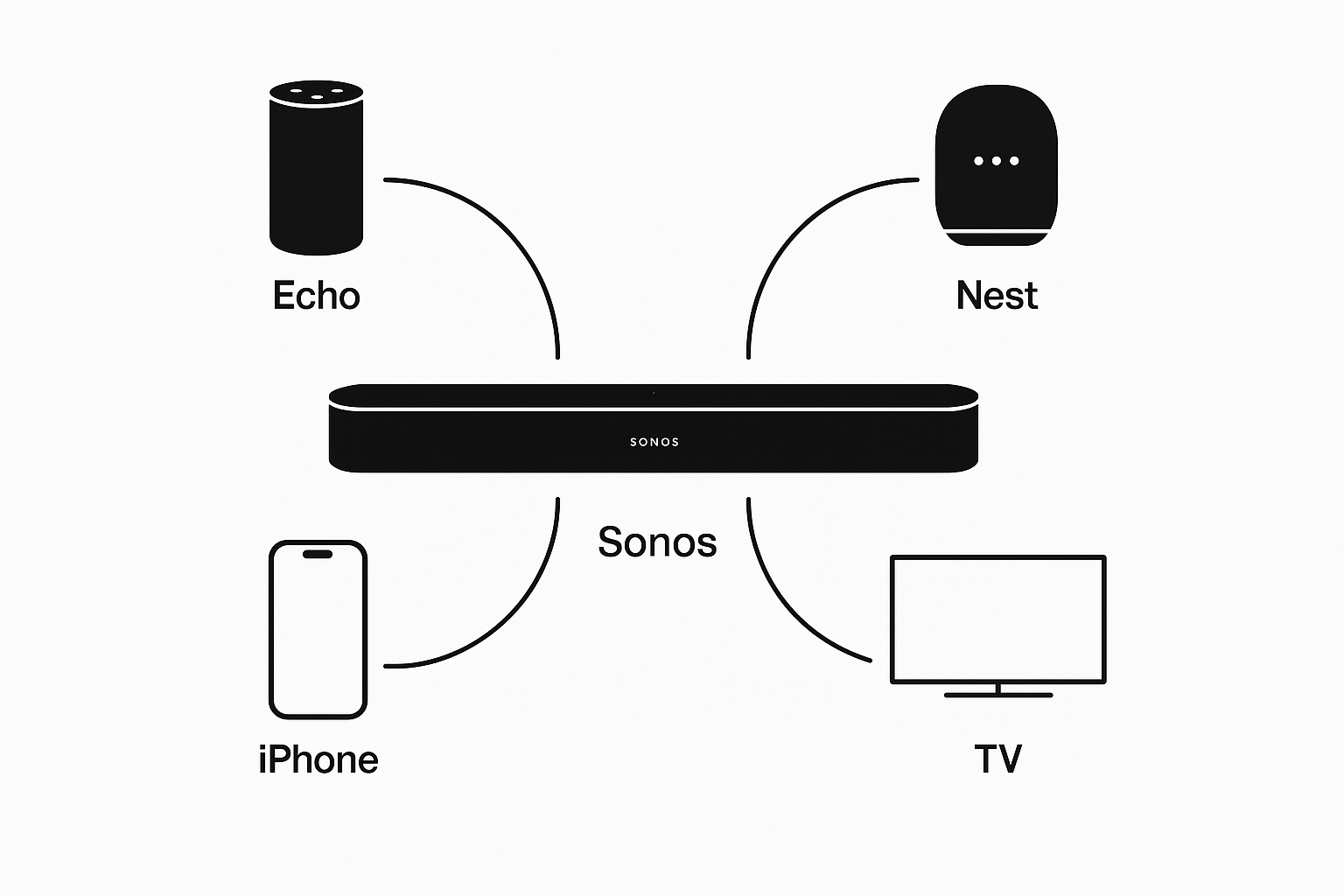
Integration with Smart Home Ecosystems
The Sonos Beam Gen 2 Dolby Atmos also stands out for its connectivity and smart ecosystem integration, making it an effortless addition to any modern setup. It supports Apple AirPlay 2, enabling quick and easy casting from iPhones, iPads, or Macs with a simple tap. Furthermore, it’s fully compatible with Amazon Echo, Google Nest, and most smart TVs, allowing it to function as a central hub of your connected home.
Additionally, you can boost convenience through custom routines and automations. For instance, create a command like “Movie time” to power on the soundbar and dim your lights simultaneously. You can even configure it to automatically lower the volume when your smart doorbell rings.
With this level of smart integration, the Sonos Beam Gen 2 Dolby Atmos isn’t just an audio upgrade—it becomes a seamless, intelligent part of your smart living environment.
Is It the Best Smart Soundbar of 2025?
If you’re searching for the best smart soundbar 2025 under $500, the Sonos Beam Gen 2 Dolby Atmos easily checks all the right boxes. It delivers premium sound quality, Dolby Atmos immersion, and built-in voice assistant support, all wrapped in a sleek, space-saving design.
Why It Stands Out:
Premium Audio: Experience rich, dynamic sound enhanced by Dolby Atmos for a cinematic feel.
Smart Integration: Full Alexa and Google Assistant compatibility for hands-free control.
Compact Design: Fits perfectly in smaller living rooms, bedrooms, or apartments.
Future-Ready Connectivity: Includes HDMI eARC, Apple AirPlay 2, and smart home automation support.
While it may not fully replace a dedicated surround sound system, the Beam Gen 2 Dolby Atmos offers top-tier performance and versatility that make it one of the best soundbars under $500 for modern homes.
Final Thoughts
The Sonos Beam Gen 2 Dolby Atmos delivers an ideal mix of intelligence, sound quality, and value for modern homes. Whether you’re upgrading a home theater or setting up your first smart sound system, this compact yet powerful soundbar is a worthy investment.
With Dolby Atmos technology, it produces immersive spatial sound that enhances movies and music alike. In addition, its built-in smart voice control allows for hands-free operation, while the sleek and compact design ensures it fits effortlessly into any space. Moreover, the inclusion of HDMI eARC connectivity guarantees high-quality audio and easy setup.
Overall, the Sonos Beam Gen 2 Dolby Atmos proves that premium sound doesn’t require a premium price tag. Therefore, for anyone looking to upgrade their sound experience without overspending, it remains one of the best smart soundbars under $500—a top choice in 2025 for both casual listeners and audiophiles.
3 Comments
I’ve had the Beam (Gen 2) for a couple of months now, and the Dolby Atmos upgrade really makes a difference—especially for action movies. Voices are clear even at lower volumes, and pairing it with my Sonos One speakers for surrounds was seamless. Totally worth it for a smaller living room.
Bought this to replace my old Samsung soundbar, and it’s night and day. The app control, easy setup, and how it blends into my smart home system make it feel like a premium upgrade. If you already have other Sonos products, it’s a no-brainer.
I’m not super technical, but the Beam Gen 2 was easy to set up and sounds amazing right out of the box. Music playback is rich, TV dialogue is crystal clear, and it looks sleek under the TV. Glad I invested in something that will last.