

Description
Meta Quest 3S (256GB) – Affordable Mixed Reality VR Headset with Snapdragon XR2 Gen 2 & Gaming Performance and App Compatibility – Smart Home Maven
Description
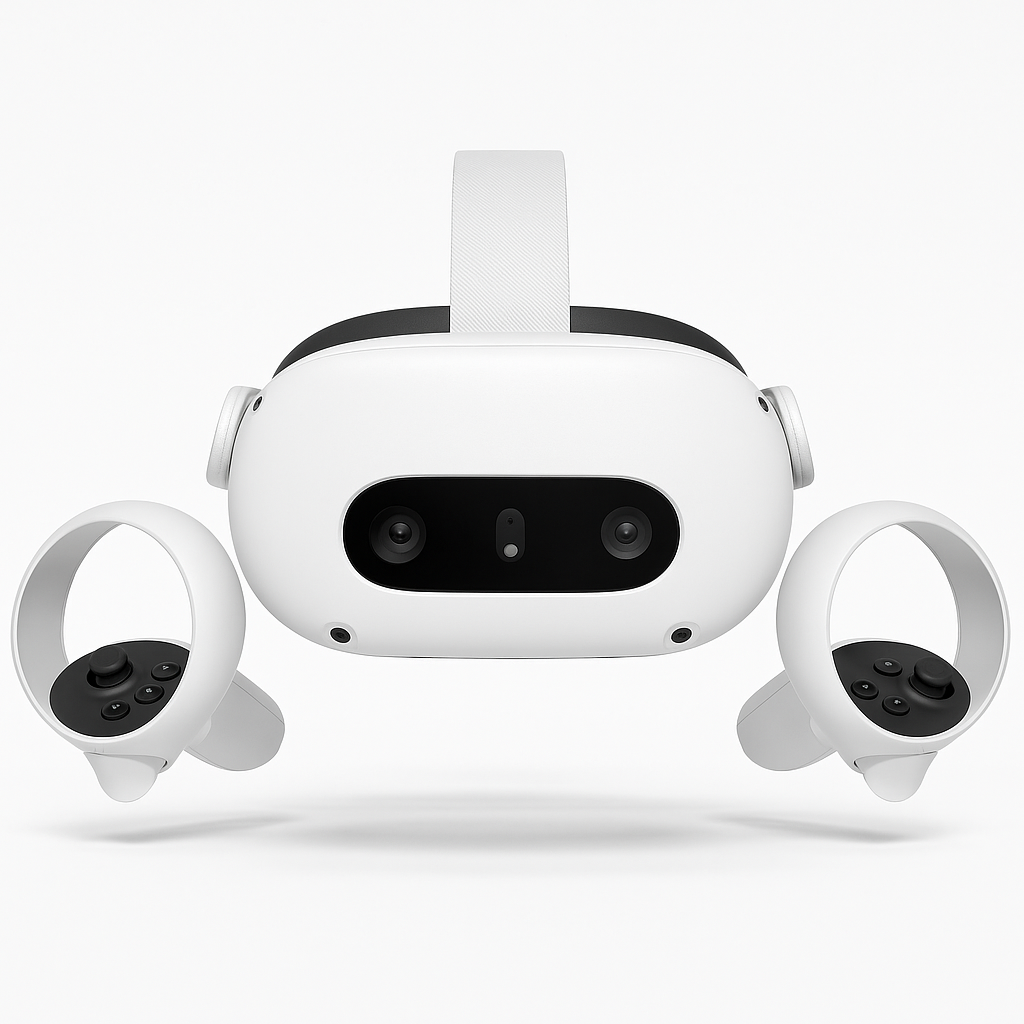
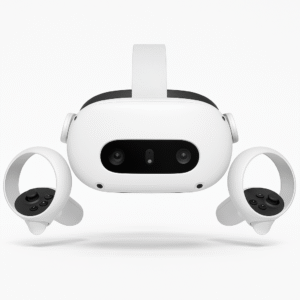
The Meta Quest 3S (256GB) is designed to make next-generation VR and mixed reality accessible to more players. Powered by the Snapdragon XR2 Gen 2 processor, the same chip found in the Quest 3, it offers smooth gameplay, faster performance, and improved visuals. These improvements are compared to the Quest 2. Meta Quest 3S strives to deliver a seamless experience in both gaming performance and app compatibility.
Its high-resolution display ensures crisp, immersive worlds. Meanwhile, full-color passthrough mixed reality lets users blend digital objects with their physical surroundings. Paired with the Touch Plus controllers featuring TruTouch haptics, interactions feel more natural and immersive.
With 256GB of storage, the Quest 3S provides plenty of room for popular VR titles, fitness apps, and productivity software. While it is slightly less premium than the Quest 3 in materials and optics, it still delivers a strong balance of affordability and performance. This makes it the perfect entry point into standalone VR/MR.
Key Features – Meta Quest 3S Gaming Performance and App Compatibility
-
High-Resolution Display → To begin with, enjoy sharp visuals and improved clarity that enhance Meta Quest 3S gaming performance and app compatibility.
-
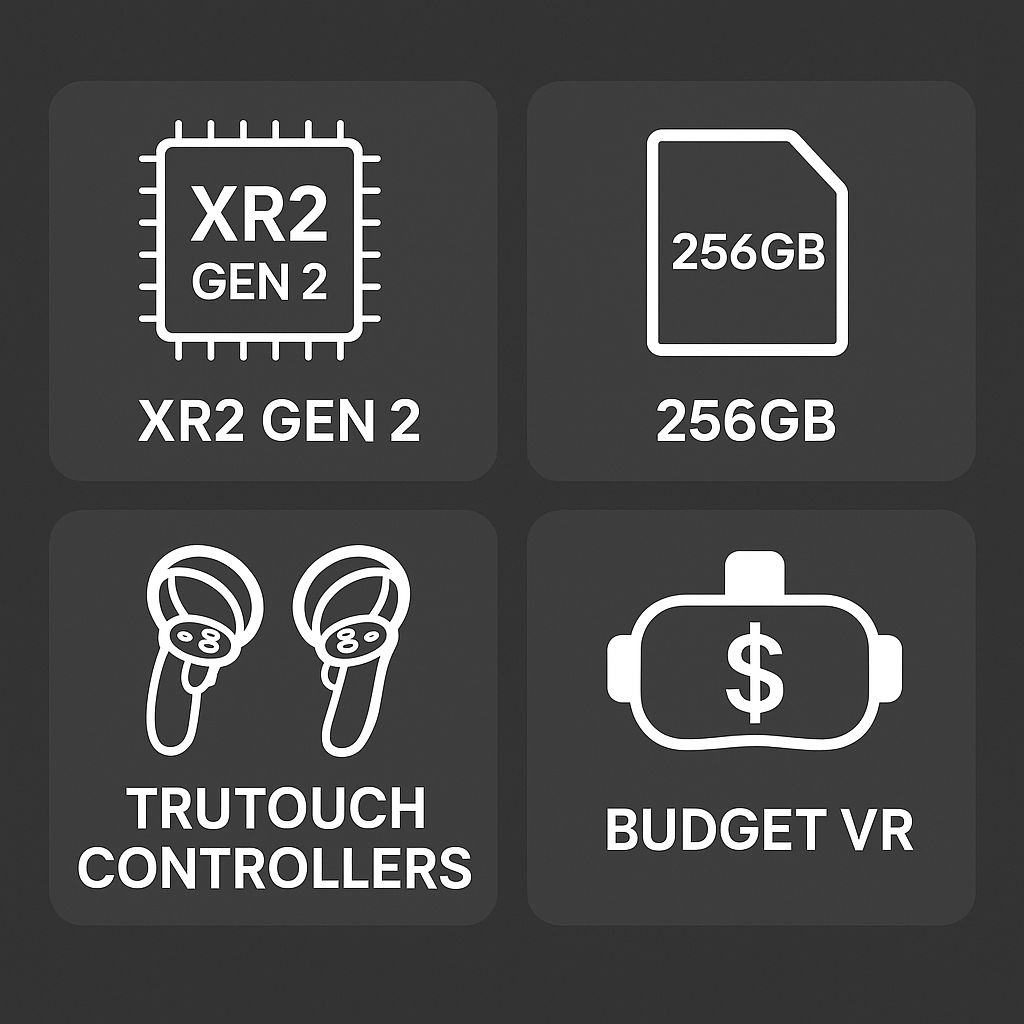
Snapdragon XR2 Gen 2 Processor → In addition, the upgraded chipset delivers faster and more efficient performance across VR and MR apps.
-
256GB Storage → Moreover, plenty of storage space ensures smooth downloads and room for large VR games, apps, and media.
-
Mixed Reality Passthrough → At the same time, full-color passthrough unlocks immersive MR experiences for productivity and entertainment.
-
Touch Plus Controllers → Furthermore, TruTouch haptics provide realistic feedback, elevating interactions in supported games and apps.
-
Hand Tracking 2.0 → Likewise, natural controller-free interaction improves usability for creative and productivity tools.
-
Standalone Design → Additionally, no PC, sensors, or wires are required, making setup and use effortless.
-
Affordable Price Point → Finally, the 3S offers an entry-level mixed reality option that balances cost.
Specifications
-
Model → The Meta Quest 3S (256GB) balances affordability with strong Meta Quest 3S gaming performance and app compatibility.
-
Processor → Powered by Snapdragon XR2 Gen 2, it delivers smoother VR and MR performance for immersive experiences.
-
Display → It features a high-resolution LCD, sharper than Quest 2, though less advanced than Quest 3 OLED.
-
Refresh Rate → Supports up to 120Hz in select apps, improving Meta Quest 3S gaming performance and app compatibility.
-
Storage → The 256GB storage provides plenty of space for large VR games, media, and essential apps.
-
RAM → 8GB of memory enables smooth multitasking and better responsiveness across apps and VR workloads.
-
Audio → Integrated spatial speakers and a 3.5mm jack ensure immersive sound for both gaming and MR apps.
-
Tracking → With 6 DoF inside-out tracking and passthrough, it allows precise movement in VR and MR spaces.
-
Controllers → Touch Plus controllers feature TruTouch haptics, enhancing Meta Quest 3S gaming performance and app compatibility.
-
Battery Life → Runs for 2–3 hours per charge, supporting both short gaming sessions and productivity tasks.
-
Weight/Design → Slightly bulkier than Quest 3, but budget-friendly.
Compatibility & Use Cases
-
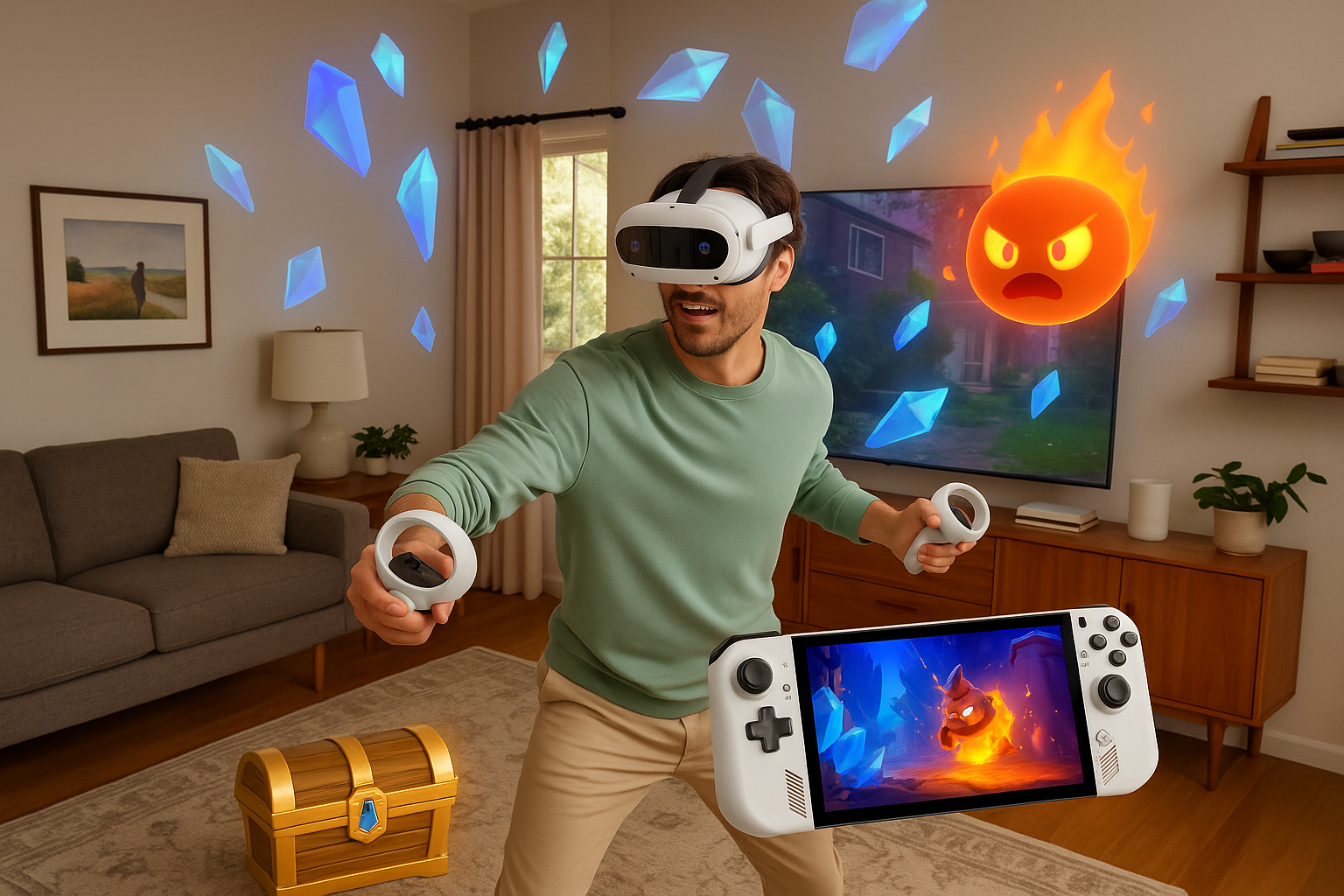
Gaming → To begin with, enjoy VR hits like Beat Saber, Asgard’s Wrath 2, and Resident Evil 4 VR, showcasing impressive Meta Quest 3S gaming performance and app compatibility.
-
Mixed Reality → In addition, the full-color passthrough supports productivity, fitness, and MR apps, blending virtual and real experiences.
-
Meta Quest Store + PCVR → Moreover, access a huge library of VR titles from the Meta Quest Store, plus PC VR streaming via Air Link or cable.
-
Entry-Level Users → Finally, it’s ideal for newcomers who want advanced VR features at a lower cost.
Setup & Maintenance Guide – Meta Quest 3S Gaming Performance and App Compatibility
-
Charge Devices → First, fully charge the headset and controllers to ensure optimal usage.
-
Initial Pairing → Next, pair the device with the Meta Quest app on your smartphone for setup.
-
Account Login → Then, sign in with your Meta account to unlock full features and access.
-
Safety Configuration → In addition, configure guardian boundaries for safe VR and MR play areas.
-
App Installation → Moreover, download VR and MR apps directly to the headset, highlighting the strong Meta Quest 3S gaming performance and app compatibility.
-
Maintenance Tips → Finally, clean lenses regularly, avoid direct sunlight, and store the headset in its case when not in use.

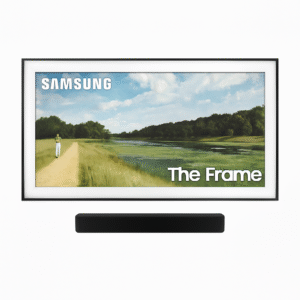



%20–%20Gaming%20Performance%20&%20App%20Compatibility&url=https://smarthomemaven.com/product/meta-quest-3s-256gb-gaming-performance-app-compatibility/&media=https://smarthomemaven.com/wp-content/uploads/2025/08/Product-Only-Image-Square-White-Background-Front-facing-clean-shot-of-Quest-3S-with-controllers.png)


%20–%20Best%20Lifestyle%204K%20QLED%20Art%20Mode%20TV%20with%20Customizable%20Bezels&url=https://smarthomemaven.com/product/samsung-frame-tv-2025-best-lifestyle-4k-qled-art-mode-tv-with-customizable-bezels/&media=https://smarthomemaven.com/wp-content/uploads/2020/12/Samsung-Frame-TV-in-Art-Mode-4K-QLED-lifestyle-display-on-white-background.png)
Reviews
There are no reviews yet.