
Description
August Smart Lock (3rd Gen, No Connect) – Keyless Door Access with Smartphone Control Work with Alexa or Google Home – Smart Home Maven
Description
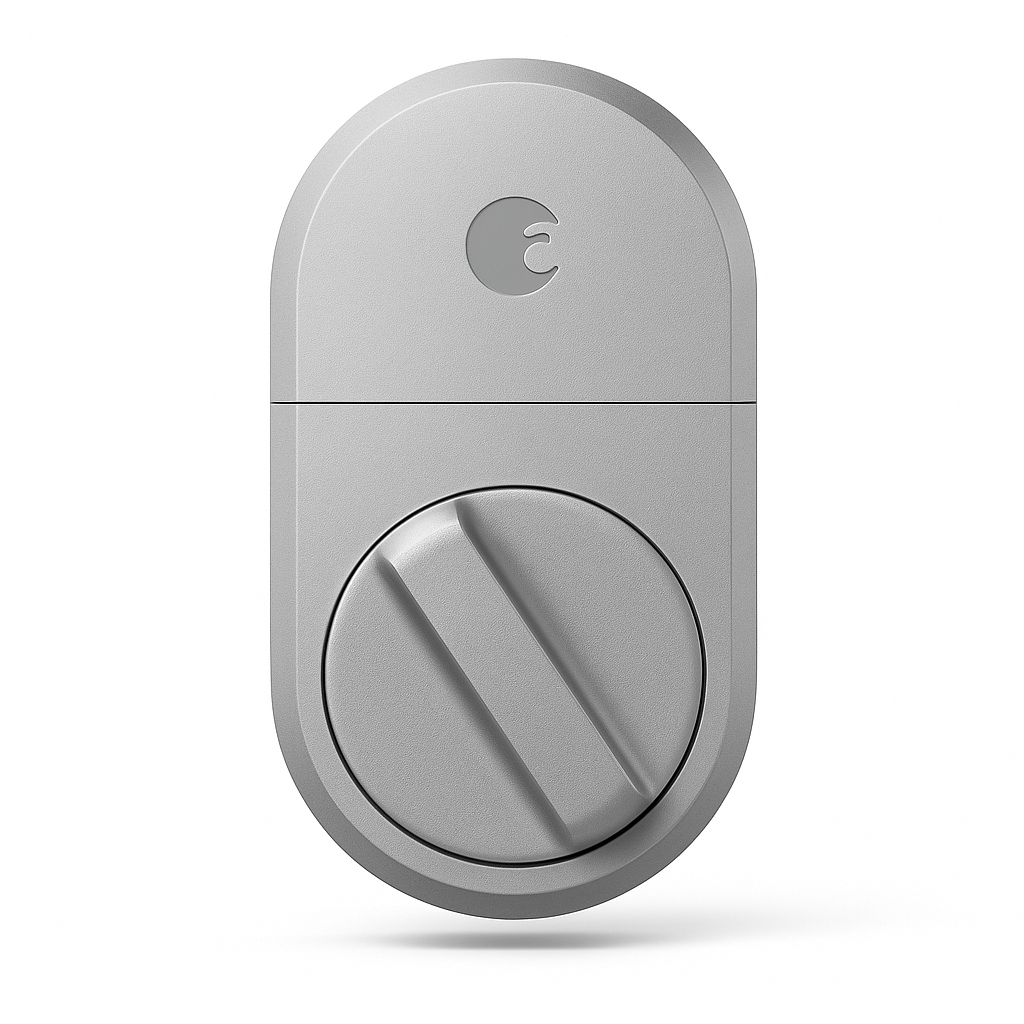
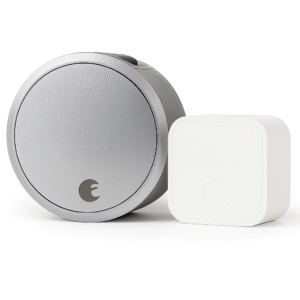
Are you wondering if the August Smart Lock 3rd Gen works with Alexa or Google Home? Upgrade your entryway with the August Smart Lock (3rd Gen, No Connect), a streamlined smart lock that turns your existing deadbolt into a keyless entry system. Installation takes just minutes—no need to replace your keys or door hardware.
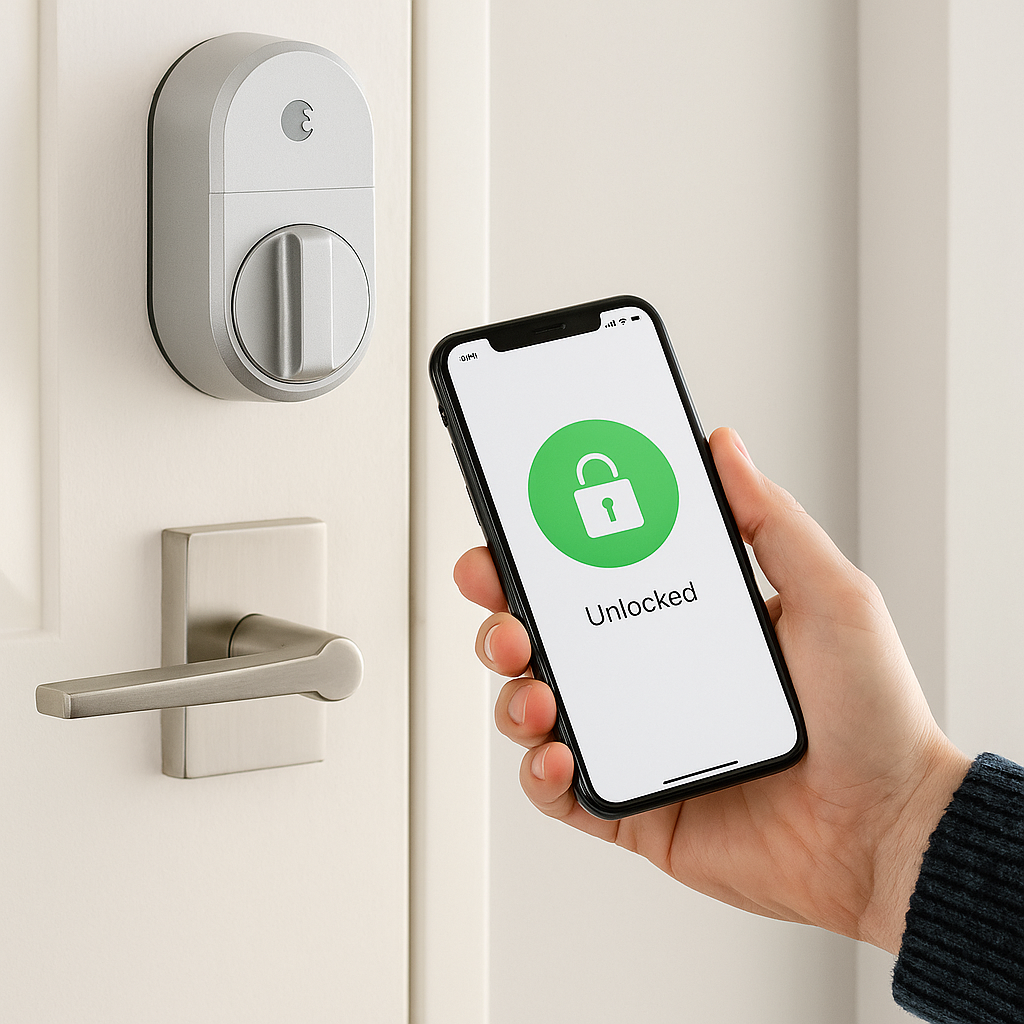
Using Bluetooth connectivity, the lock allows you to lock and unlock your door via the August app on your smartphone. You can also grant temporary or permanent digital keys to family, friends, or service providers. Its auto-lock and auto-unlock features mean your door secures itself when you leave and unlocks when you return.
While the No Connect model does not include Wi-Fi (requires August Connect Wi-Fi Bridge, sold separately, for remote access), it’s an affordable and secure solution for those who want local smartphone access and keyless convenience.
Key Features – August Smart Lock 3rd Gen Work with Alexa or Google Home
-
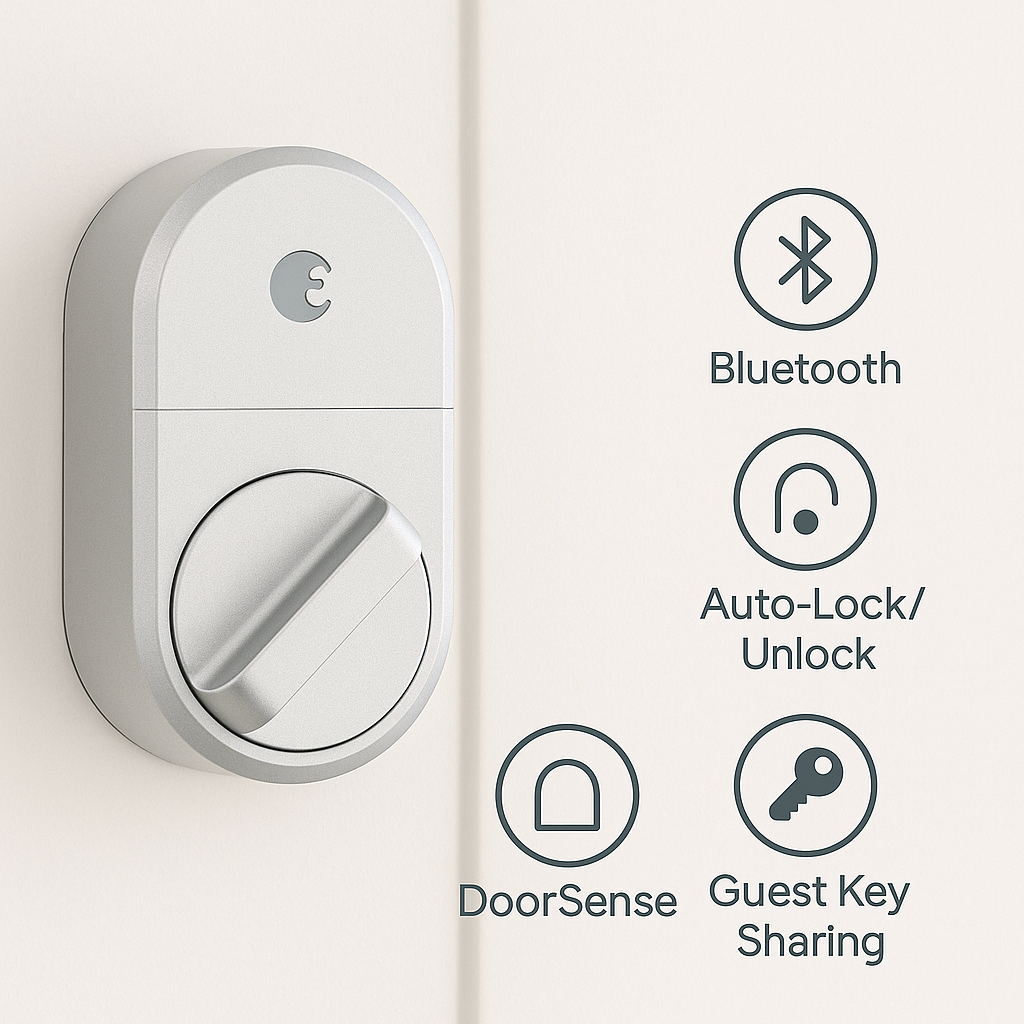
To begin with, Keyless Entry allows you to unlock and lock your door using your smartphone via Bluetooth.
-
In addition, Easy Installation makes setup simple, as it works with your existing deadbolt in just minutes.
-
Moreover, Auto-Lock & Auto-Unlock provide hands-free convenience when leaving or arriving home.
-
With Guest Keys, you can share digital access with family, friends, or trusted service providers.
-
Furthermore, DoorSense™ Technology monitors whether your door is securely closed for added peace of mind.
-
Thanks to its Compact Design, it offers a smaller profile compared to previous August models.
-
As an Affordable Smart Lock, it delivers smart entry features at a lower cost without built-in Wi-Fi.
-
Finally, it is Upgradeable—by adding the August Connect Bridge, the August Smart Lock 3rd Gen works with Alexa or Google Home, enabling full remote access and voice assistant integration.
Specifications
-
To start, the Model is the August Smart Lock (3rd Gen, No Connect).
-
Additionally, Connectivity is limited to Bluetooth only, as it does not include built-in Wi-Fi.
-
Moreover, Remote Access requires the August Connect Bridge (sold separately).
-
For Power Source, it runs on 4 × AA batteries that are both long-lasting and easy to replace.
-
In terms of Compatibility, it works with iOS and Android devices through the August app.
-
Furthermore, Smart Home Support is limited, but expandable with the August Connect, ensuring that the August Smart Lock 3rd Gen works with Alexa or Google Home.
-
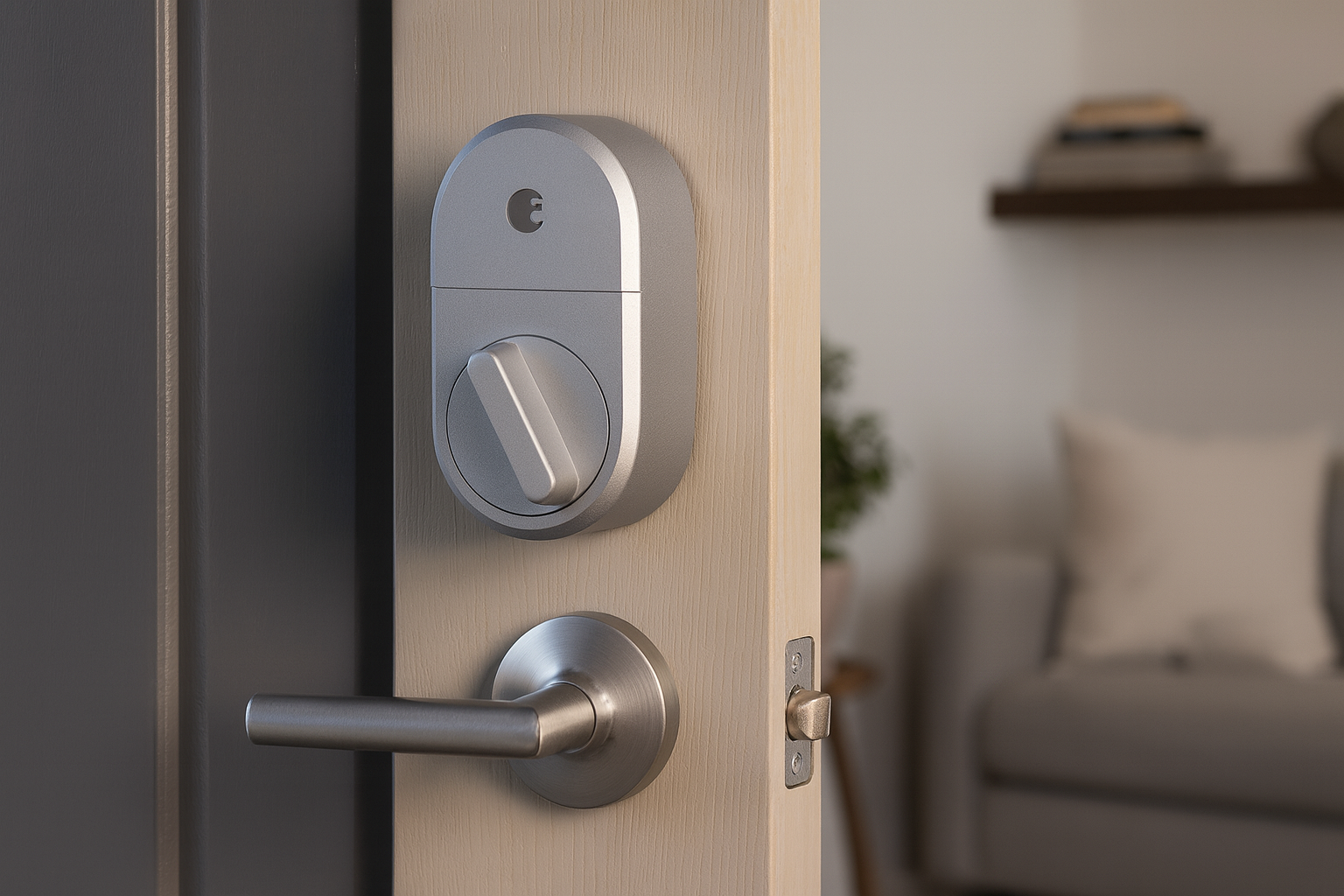
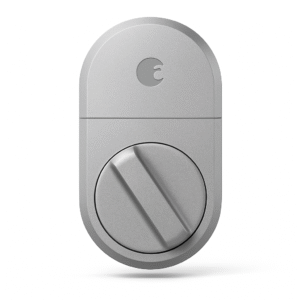
Installation is retrofit-friendly, attaching securely to the interior side of an existing deadbolt.
-
Finally, Finish Options include a sleek matte silver design, making it a stylish yet functional upgrade.
Compatibility & Use Cases
-
To begin with, it is perfect for renters or homeowners who prefer not to change their existing exterior locks.
-
In addition, it works well for Bluetooth-only, local access setups that prioritize simplicity.
-
Moreover, it is ideal for anyone seeking affordable keyless entry without the need for built-in Wi-Fi.
-
Finally, by expanding with the August Connect Bridge, the August Smart Lock 3rd Gen works with Alexa or Google Home, enabling seamless voice control and broader smart home integrations.
Setup & Maintenance Guide – August Smart Lock 3rd Gen Work with Alexa or Google Home
-
First, install the August Smart Lock onto the interior side of your existing deadbolt without replacing the exterior hardware.
-
Next, download the August Home app and pair the lock via Bluetooth for quick setup.
-
Then, configure auto-lock/unlock features and add digital guest keys for family, friends, or service providers.
-
Additionally, for expanded functionality, add the August Connect Bridge, which enables remote access and ensures voice control and smart home automations.
Maintenance Tips:
-
To keep it running smoothly, replace the batteries every 3–6 months.
-
Moreover, recalibrate the lock in the app if alignment shifts occur.
-
Finally, clean the exterior hardware as needed to maintain its sleek look and reliable performance.




%20–%20Best%20Retrofit%20Wi-Fi%20Smart%20Lock%20for%20Apartments&url=https://smarthomemaven.com/product/august-wi-fi-smart-lock-4th-generation-best-retrofit-wi-fi-smart-lock-for-apartments/&media=https://smarthomemaven.com/wp-content/uploads/2025/05/August-Home-Silver-Wi-Fi-Connected-Smart-Keyless-Entry-Door-Lock-2.png)


Reviews
There are no reviews yet.