
Description
Bose Smart Soundbar 600 with Dolby Atmos – Compact Soundbar Featuring TrueSpace & Built-In Voice Control – Smart Home Maven
Description
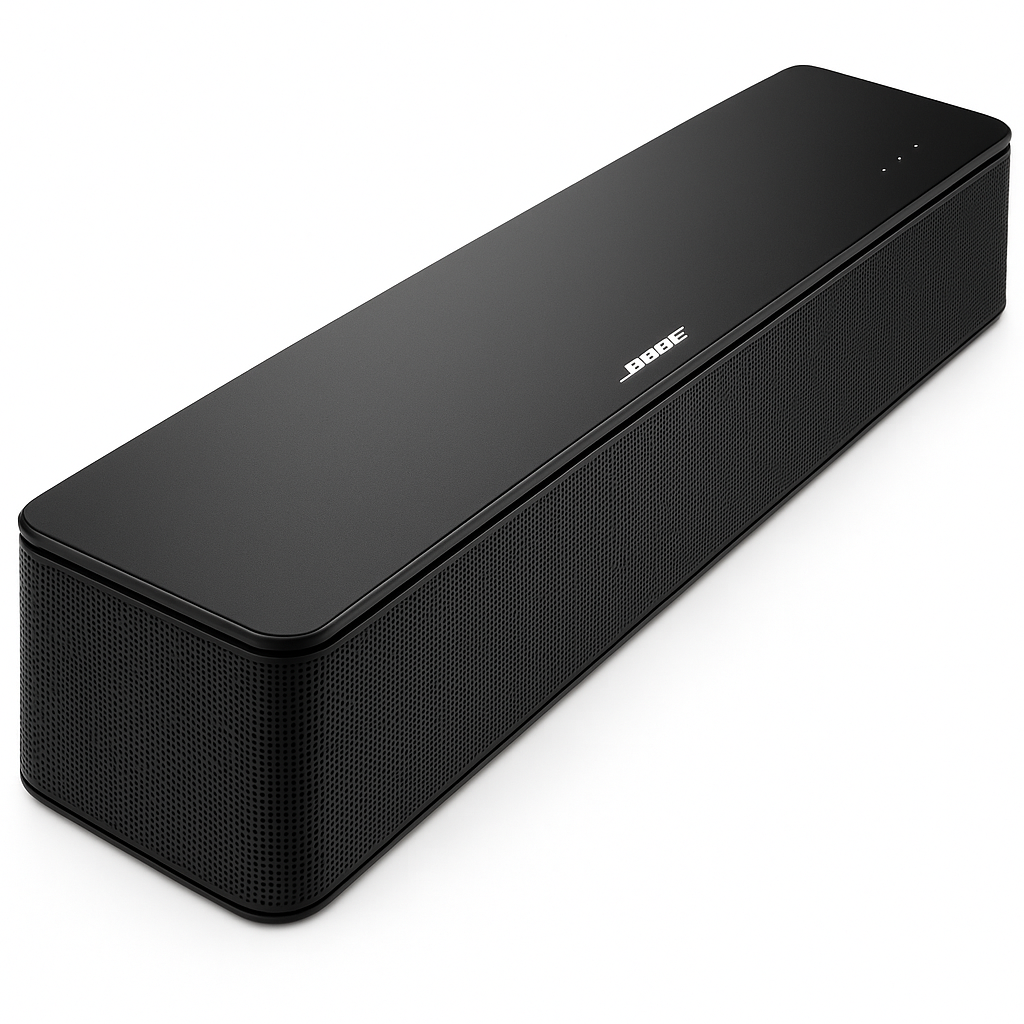
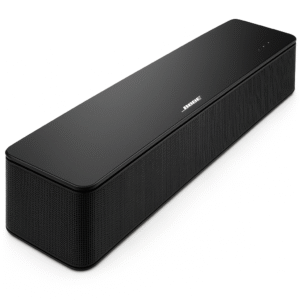
The Bose Smart Soundbar 600 is a sleek, high-performance Dolby Atmos soundbar engineered to deliver immersive audio from a compact design. Equipped with two up-firing drivers and Bose’s exclusive TrueSpace processing, it creates realistic overhead sound effects even from stereo sources.
Designed for a modern smart home, it supports streaming via Wi‑Fi (AirPlay 2, Spotify Connect, Chromecast) and Bluetooth, and includes built-in Amazon Alexa and Google Assistant support for hands-free control. With room-matching spatial audio and voice-enabled TV control via Voice4Video, it’s a top-tier solution for compact yet cinematic home theatre setups.
Key Features of Bose Smart Soundbar 600 with Dolby Atmos
The Bose Smart Soundbar 600 with Dolby Atmos delivers premium sound in a compact design, making it an excellent choice for modern home entertainment. Below are the standout features that highlight its versatility and performance:
Immersive Dolby Atmos Sound
-
To begin with, it includes real upward-firing drivers that create overhead audio effects, adding a true cinematic dimension.
-
Furthermore, with Bose TrueSpace up-mixing, even non-Atmos content is enhanced to sound more immersive.
Smart Voice Control
-
In addition, it features built-in Alexa and Google Assistant, enabling hands-free control for music playback, TV functions, and smart devices.
Seamless Streaming Options
-
Moreover, the soundbar supports Wi-Fi, AirPlay 2, Spotify Connect, Chromecast, and Bluetooth, allowing you to stream content from virtually any device.
Voice4Video Technology
-
Equally important, with Voice4Video, you can control not only your soundbar but also your TV and set-top box using simple voice commands.
Personal Surround & Bose Ecosystem
-
Additionally, the soundbar works with Bose SimpleSync, pairing seamlessly with Bose headphones or earbuds for Personal Surround Mode.
Compact Design
-
For space-conscious users, its compact size (27.3″ × 2.2″ × 4.1″) makes it easy to fit under most TVs or mount on a wall.
Flexible Connectivity
-
Finally, it includes HDMI eARC and optical input, along with a remote and necessary cables, ensuring hassle-free setup.
Specifications of Bose Smart Soundbar 600 with Dolby Atmos
The Bose Smart Soundbar 600 with Dolby Atmos combines compact design with advanced features to create a truly immersive audio solution. Here are the detailed specifications that showcase its capabilities:
Audio Channels
-
To begin with, the soundbar delivers 3.0.2 channels through five transducers, including upward-firing drivers, for powerful, room-filling sound.
Dimensions & Weight
-
Furthermore, its sleek design measures 27.3″ × 2.2″ × 4.1″ and weighs approximately 6.9 lbs, making it ideal for both TV stands and wall mounts.
Audio Formats
-
In addition, it supports Dolby Atmos for cinematic immersion and includes TrueSpace up-mixing technology to enhance non-Atmos content.
Connectivity Options
-
Moreover, it offers versatile connections including HDMI eARC, Optical, Wi-Fi, Bluetooth, Apple AirPlay 2, Chromecast, and Spotify Connect, ensuring compatibility with any setup.
Voice Control
-
Equally important, built-in Amazon Alexa and Google Assistant provide seamless hands-free voice control for music, TV, and smart home devices.
Included in the Box
-
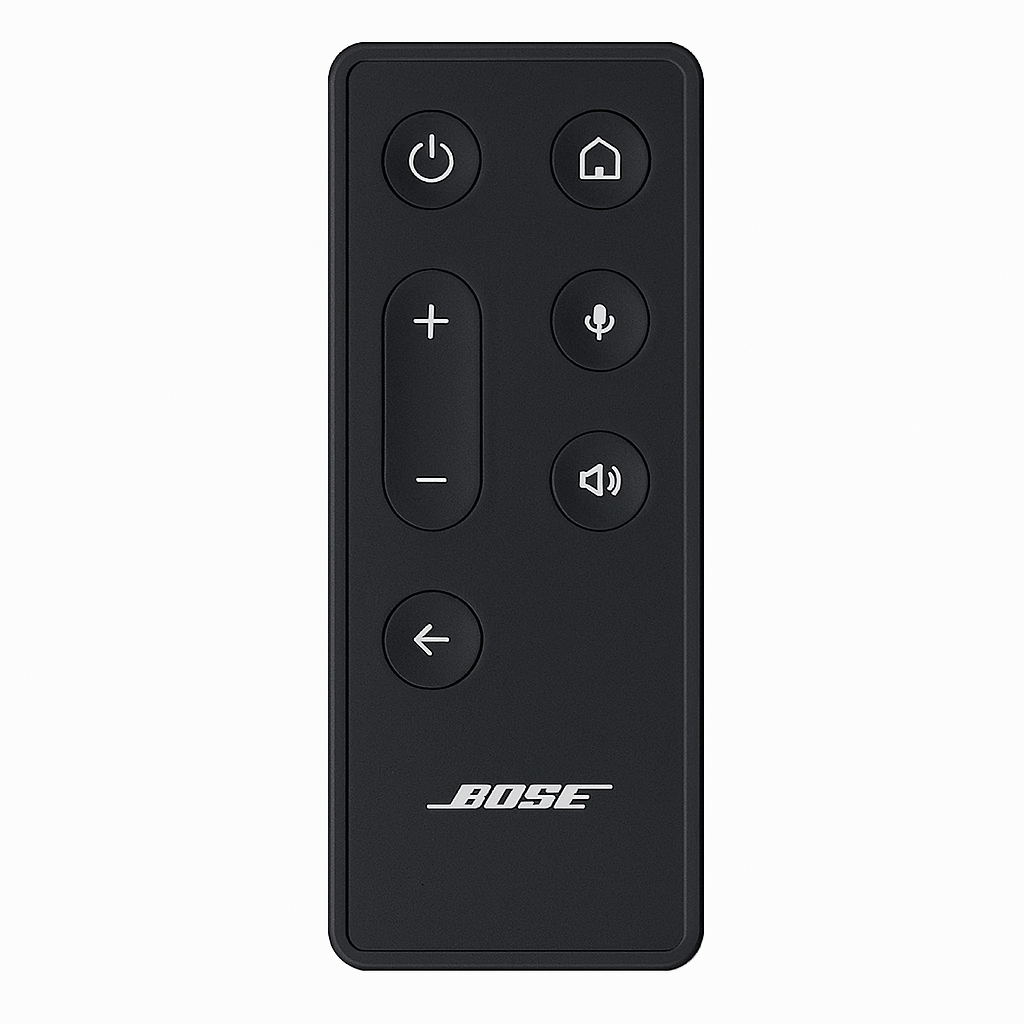
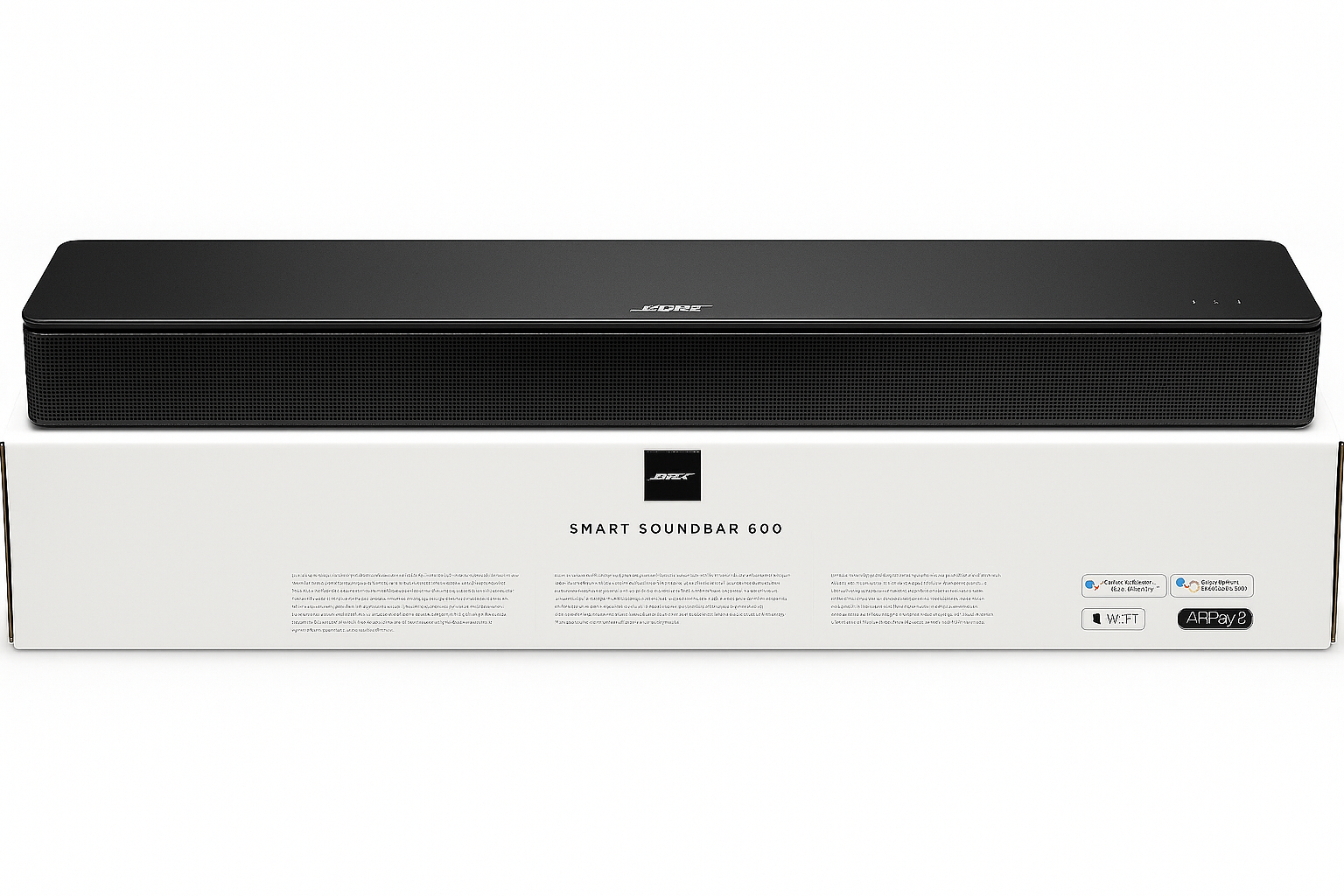
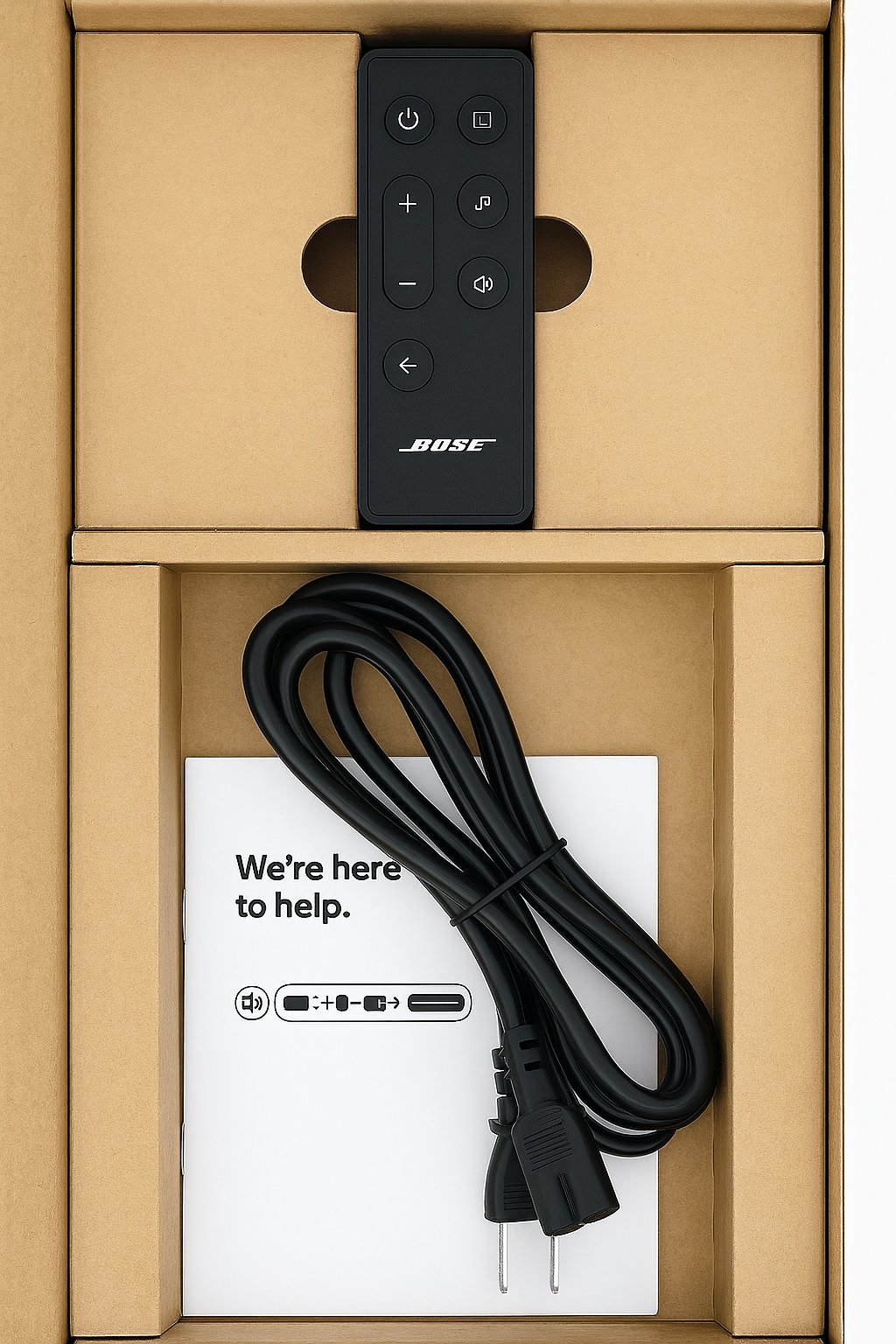
With purchase, you’ll receive the soundbar, HDMI and optical cables, remote control, and power cord, allowing quick and easy setup.
Expandability
-
Finally, the system can be expanded with optional Bose bass modules, surround speakers, or Ultra Open Earbuds, creating a complete home theater experience.
“Works With” Compatibility of Bose Smart Soundbar 600 with Dolby Atmos
The Bose Smart Soundbar 600 with Dolby Atmos is designed for versatility, ensuring seamless integration into smart homes and entertainment setups. Because of its wide compatibility, it adapts easily to your lifestyle.
Voice Assistants
-
To begin with, it works with both Amazon Alexa and Google Assistant, giving you hands-free control over music, volume, and smart devices.
Streaming Platforms
-
Furthermore, it supports Apple AirPlay 2, Spotify Connect, and Chromecast, ensuring easy access to all your favorite content.
TV & Set-Top Integration
-
In addition, the soundbar is Voice4Video-compatible, allowing you to control TVs and set-top boxes directly with voice commands.
Bose Ecosystem
-
Moreover, it pairs seamlessly with Bose SimpleSync speakers and headphones, as well as the Bose Bass Module and surround speakers, for an expanded audio experience.
HDMI eARC/ARC TVs
-
Finally, it connects effortlessly to HDMI eARC/ARC-enabled TVs, guaranteeing smooth setup and superior sound quality.
Setup & Maintenance Guide for Bose Smart Soundbar 600 with Dolby Atmos
The Bose Smart Soundbar 600 with Dolby Atmos is designed to deliver immersive audio in a sleek, modern form. To ensure a smooth installation and long-lasting performance, follow these setup and maintenance steps.
Setup Steps
-
First, place the soundbar directly under your TV or mount it using optional brackets for a clean look.
-
Next, connect it via HDMI eARC or use the included optical cable for compatibility with most TVs.
-
After that, power on the system and launch the Bose Music app for guided setup.
-
Furthermore, follow the in-app instructions to connect to Wi-Fi and configure your preferred voice assistants.
-
In addition, enable Voice4Video in the app to control your TV using simple voice commands.
-
Moreover, pair your mobile devices or stream content via AirPlay 2, Bluetooth, Spotify Connect, or Chromecast.
-
Finally, for a surround-sound experience, link the soundbar with a Bose bass module, surround speakers, or Ultra Open Earbuds.
Maintenance Tips
To keep the Bose Smart Soundbar 600 with Dolby Atmos performing at its best:
-
Update firmware regularly through the Bose Music app to access new features and fixes.
-
Dust gently with a microfiber cloth while avoiding liquids to preserve its finish.
-
If add-ons disconnect, use the app to resolve reconnection issues quickly.
-
Finally, restart the soundbar if you experience streaming lags or performance issues.







Reviews
There are no reviews yet.