
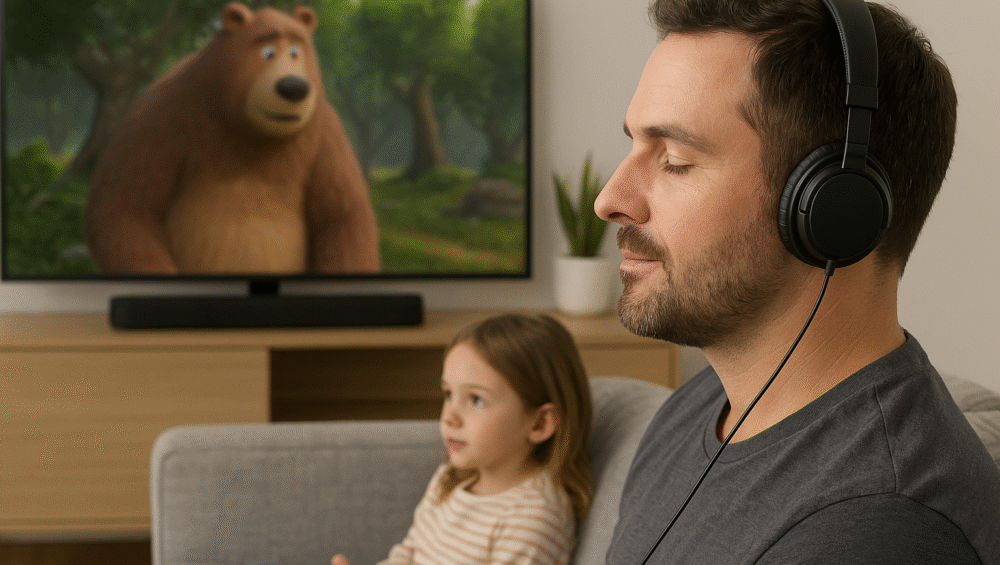
In 2025, streaming devices continue to evolve, but the roku ultra private listening feature makes the Roku Ultra especially unique. Unlike other streamers, it allows viewers to enjoy personal audio experiences without disturbing others, whether during late-night movies, music sessions, or family-friendly content.
Roku Ultra Private Listening – How It Works
With roku ultra, you can stream TV audio directly to your headphones, ensuring a personal and immersive sound experience. Moreover, Roku offers two convenient methods:
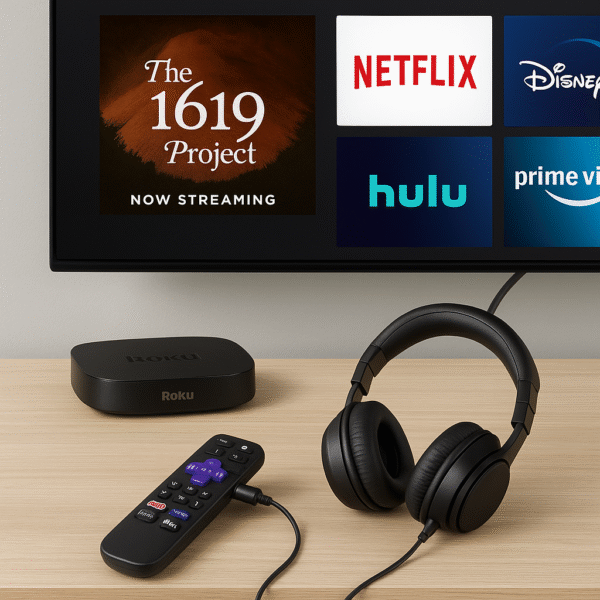
Roku Voice Remote Pro – plug in headphones using the 3.5mm headphone jack for a direct connection.
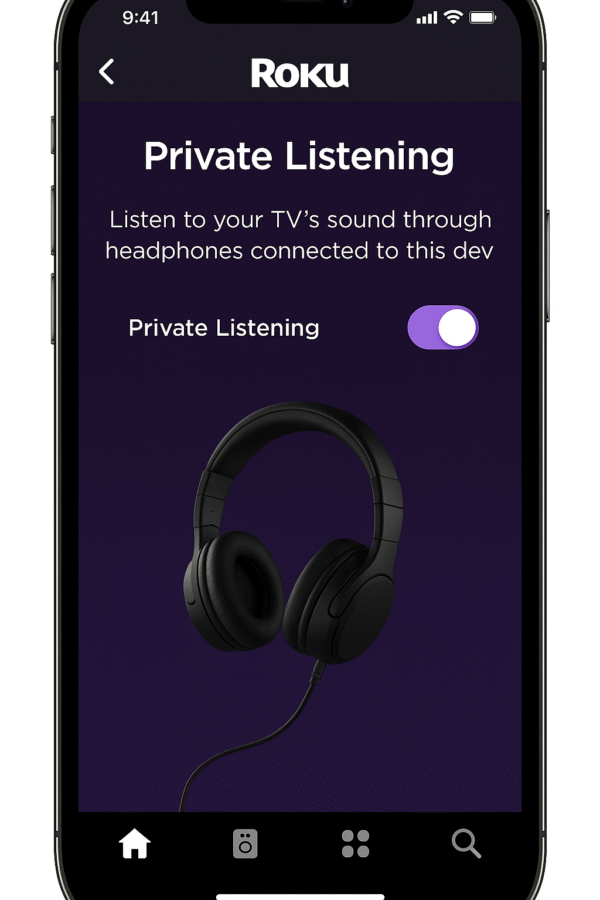
Roku Mobile App – stream audio wirelessly to your phone, which then connects to Bluetooth or wired headphones.
Therefore, the roku ultra private listening feature provides both wired and wireless flexibility, making it suitable for different listening preferences.
Roku Ultra Private Listening – Setup Methods
Setting up roku ultra is simple, and Roku offers two convenient ways to enjoy private audio.
Method 1: Using the Roku Remote Headphone Jack
Plug wired headphones into the Roku Voice Remote Pro.
Audio instantly switches from the TV speakers to your headphones.
Adjust the volume separately using the remote for personalized control.
Method 2: Using the Roku Mobile App
Open the Roku App on your iOS or Android smartphone.
Tap the headphone icon to activate private listening mode.
Connect Bluetooth headphones to your phone, and the audio syncs wirelessly for smooth playback.
Therefore, the roku ultra private listening feature ensures flexibility, whether you prefer wired control with the remote or wireless freedom through the app.
Why Roku Ultra Stands Out for Private Listening
When comparing roku ultra to alternatives like the Fire TV Cube and Apple TV 4K, the differences become immediately clear.
| Feature | Roku Ultra | Fire TV Cube | Apple TV 4K |
|---|---|---|---|
| Wired Headphone Support | ✅ Yes, via remote | ❌ Not supported | ❌ Not supported |
| Bluetooth Headphone Support | ✅ Yes, via Roku app | ✅ Yes, but limited | ✅ Yes, AirPods only optimal |
| Multi-User Audio Streaming | ✅ Yes, with Roku app | ❌ Not available | ❌ Not available |
| Remote with Volume + Mute | ✅ Yes, included | ✅ Yes, included | ✅ Yes, included |
✅ Best suited for night watchers, shared apartments, dorm rooms, and parents who value personal audio without disruption.
Therefore, the roku ultra feature stands out as the most flexible and user-friendly option for private audio.
Troubleshooting Tips
Even though roku ultra private listening is reliable, a few simple adjustments can ensure the best performance every time.
Keep the Roku remote charged – especially if you are using the Voice Remote Pro with wired headphones.
Ensure your phone and Roku stay on the same Wi-Fi network to maintain smooth app syncing.
Switch to wired headphones through the remote if you experience lag or audio delays with Bluetooth.
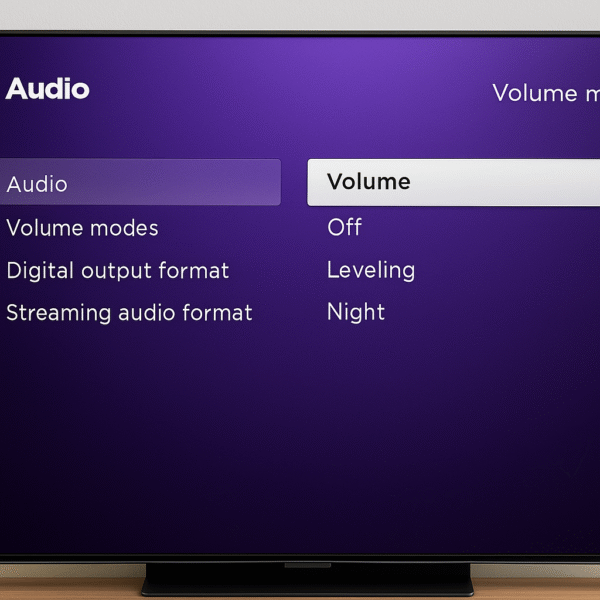
Enable volume leveling under Settings > Audio to avoid sudden loud volume jumps during playback.
Therefore, by following these roku ultra private listening tips, you can enjoy a seamless, consistent, and private audio experience without interruptions.
Everyday Use Cases
The roku ultra private listening feature is not just for late-night TV; instead, it enhances everyday streaming in practical ways.
Multi-room audio control – switch between TV speakers and headphones without interrupting playback, keeping everyone comfortable.
Private music streaming – use the Roku app with Spotify or other music platforms to listen quietly while others sleep.
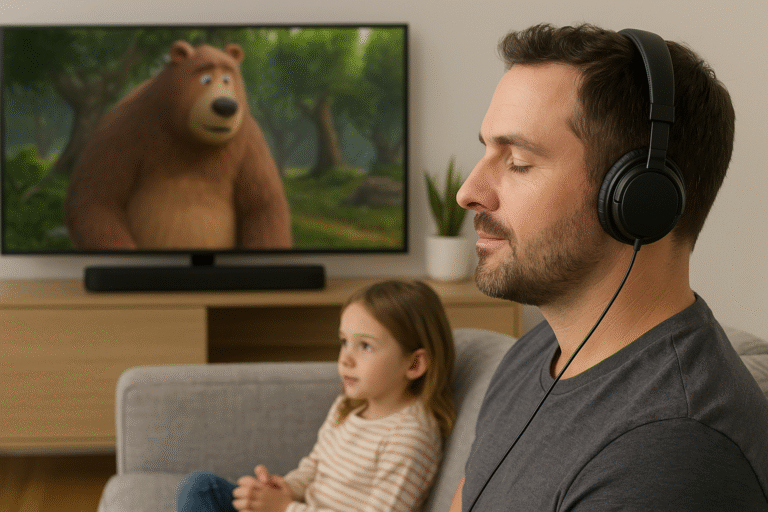
Kids content audio – keep cartoons or kids’ shows like Peppa Pig private, so they do not disturb other rooms.
Therefore, the roku ultra private listening option makes the Roku Ultra a versatile device for families, roommates, and shared living spaces.
Final Verdict
Yes — thanks to its dual private listening options, the Roku Ultra stands out as one of the most versatile streaming devices of 2025 for quiet and personal entertainment.
Moreover, you don’t need extra hardware or complicated Bluetooth setups. Instead, whether you prefer wired headphones via the remote or wireless ones through the app, the roku ultra private listening feature makes personal audio simple, flexible, and reliable.
Therefore, for users who value discreet streaming and private sound control, the Roku Ultra remains the best choice in its class.