
When it comes to HDR (High Dynamic Range) formats, the debate of dolby vision vs hdr10+ is more important than ever for 4K content. Both formats promise brilliant contrast, brighter highlights, and rich color depth, but they are not handled equally by all devices.
Moreover, the way each brand maps HDR content—especially in non-ideal viewing conditions like projectors—can create noticeable differences in picture quality. Therefore, in this post, we will compare how Sony and Panasonic Blu-ray players manage HDR tone mapping, metadata interpretation, and real-world playback performance.
Dolby Vision vs HDR10+ – Why Tone Mapping Matters
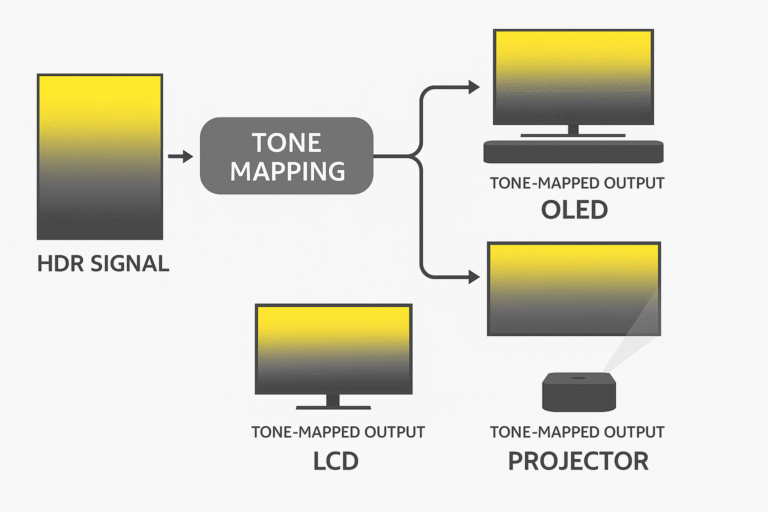
In the dolby vision vs hdr10+ debate, tone mapping plays a critical role in how HDR content appears on your display. Simply put, tone mapping is the process of adjusting HDR content so it fits within the capabilities of your screen, including brightness, contrast range, and color reproduction.
However, poor tone mapping can quickly ruin the HDR effect, leading to:
Washed-out highlights that lose sparkle and detail.
Crushed shadow detail where dark areas become muddy.
Unnatural color temperatures that make the image look inaccurate.
Therefore, effective tone mapping ensures that both Dolby Vision and HDR10+ content delivers balanced, lifelike visuals across a wide range of displays.
Dolby Vision vs HDR10+ – Key Technical Differences
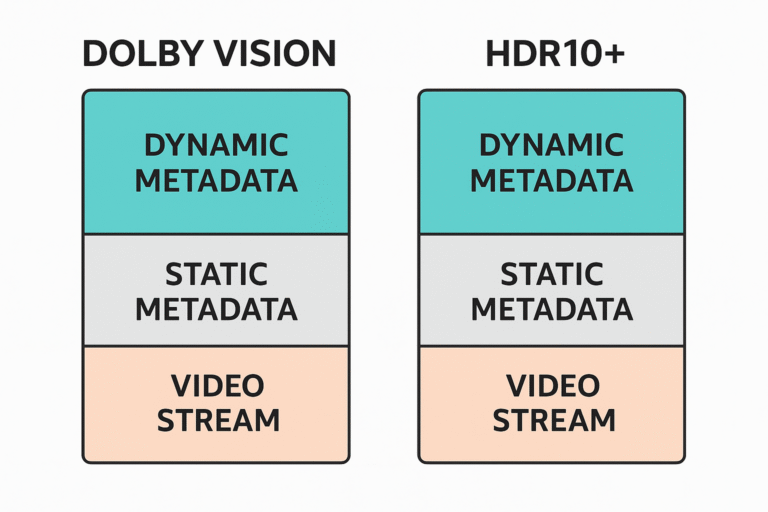
When comparing dolby vision vs hdr10+, their technical specifications reveal how each format handles HDR content differently.
| Feature | Dolby Vision | HDR10+ |
|---|---|---|
| Metadata Type | Dynamic (frame-by-frame) for precise adjustments | Dynamic (scene-by-scene) with less granularity |
| Licensing | Proprietary, licensed by Dolby Laboratories | Open standard, no licensing fees |
| Peak Brightness | Supports up to 10,000 nits | Supports up to 4,000 nits |
| Content Sources | Widely available on Netflix, Disney+, and UHD Blu-ray | Common on Amazon Prime and UHD Blu-ray |
Therefore, while Dolby Vision provides finer control and higher brightness potential, HDR10+ offers a more open and cost-effective alternative.
Panasonic HDR Optimizer – The Smart Edge
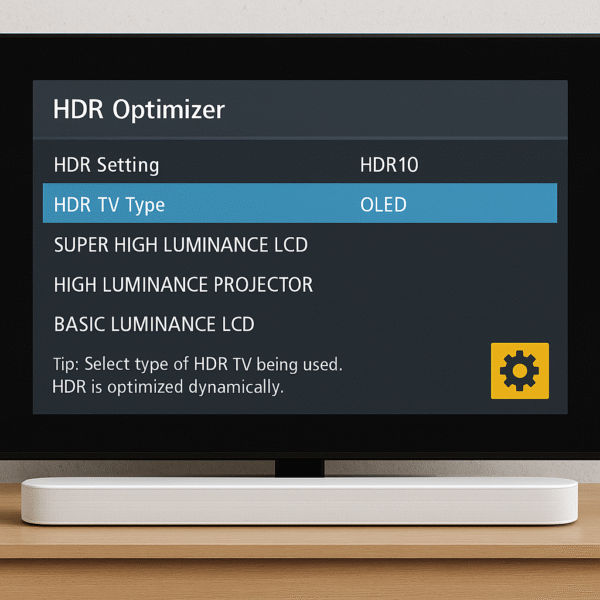
In the dolby vision vs hdr10+ discussion, Panasonic Blu-ray players like the DP-UB820 bring an additional edge through their HDR Optimizer engine. This proprietary system enhances playback quality on displays that struggle with HDR.
It excels at:
Static tone mapping for displays that lack advanced HDR controls.
Scene-by-scene brightness remapping to improve visibility.
Intelligent contrast lifting designed specifically for projectors.
✅ Best For:
OLED or older 4K TVs without native Dolby Vision support.
Projectors that cannot process dynamic metadata effectively.
Owners who want fine control over tone mapping and image presentation.
Therefore, Panasonic’s HDR Optimizer ensures that both Dolby Vision and HDR10+ content looks balanced and natural across more challenging display setups.
Sony HDR Processing – Straightforward but Limited
In the dolby vision vs hdr10+ comparison, Sony Blu-ray players such as the UBP-X800M2 take a more streamlined approach. These devices support Dolby Vision and HDR10, yet they do not support HDR10+ and offer no advanced tone mapping controls.
Instead, Sony players rely entirely on the TV or projector’s internal processing to interpret and map HDR metadata. While this method works smoothly with modern TVs that feature strong HDR handling, it proves less flexible in certain situations:
Older TVs that lack effective HDR tone mapping.
Projectors with a limited HDR brightness range.
Therefore, Sony’s strategy keeps playback simple and display-dependent, but it falls short of the fine-grained flexibility that Panasonic’s HDR Optimizer provides.
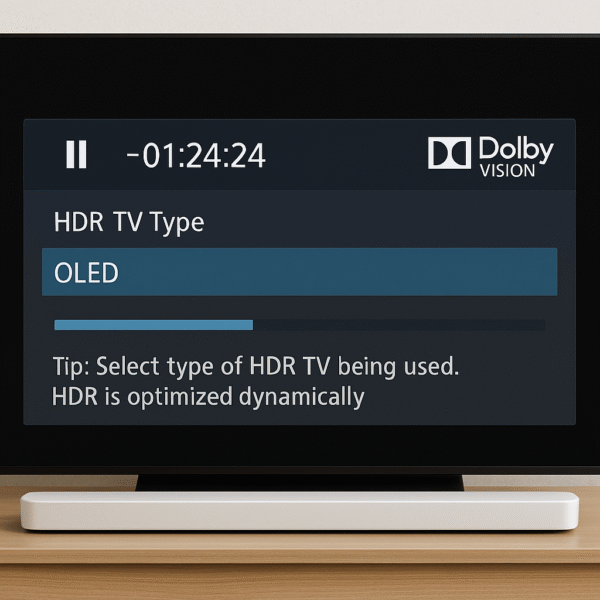
In the dolby vision vs hdr10+ debate, Sony Blu-ray players are best suited for users who prefer simplicity over customization.
✅ Best For:
TVs that already support Dolby Vision well, ensuring smooth playback without external tone mapping.
Plug-and-play setups where user customization is unnecessary and the display handles most HDR adjustments.
Therefore, Sony players fit perfectly into setups where the display’s HDR processing is strong, but they are less ideal for older TVs or projectors that need extra tone mapping assistance.
Real-World Comparison: Panasonic vs Sony HDR
When examining dolby vision vs hdr10+ performance across different displays, Panasonic and Sony Blu-ray players reveal distinct strengths and weaknesses.
| Scenario | Panasonic UB820 | Sony UBP-X800M2 |
|---|---|---|
| Projector Display Output | ✅ Excellent contrast and highlight detail | ⚠️ Moderate highlights, crushed blacks |
| OLED Display Performance | ✅ Crisp colors with customizable tone mapping | ⚠️ Clean playback but limited controls |
| Tone Mapping Adjustability | ✅ Extensive with brightness sliders | ❌ None – TV or projector handles it |
Therefore, in the dolby vision vs hdr10+ debate, Panasonic players excel when flexibility and fine control are required, while Sony players shine in modern plug-and-play TV setups that already manage HDR well.
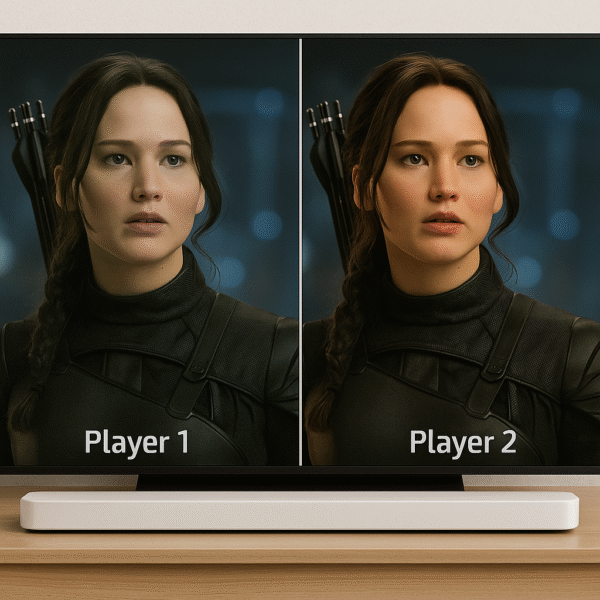
✅ Verdict: Panasonic offers superior flexibility for fine-tuning HDR, especially on displays lacking dynamic metadata capabilities
Dolby Vision vs HDR10+ – Setup Tips for Best Results
To get the most out of the dolby vision vs hdr10+ formats, proper setup is just as important as choosing the right player.
If you use a projector, prioritize players with tone mapping support, as Panasonic clearly outperforms Sony in this area.
Disable “dynamic contrast” on TVs to preserve the original HDR creator’s intent without artificial alterations.
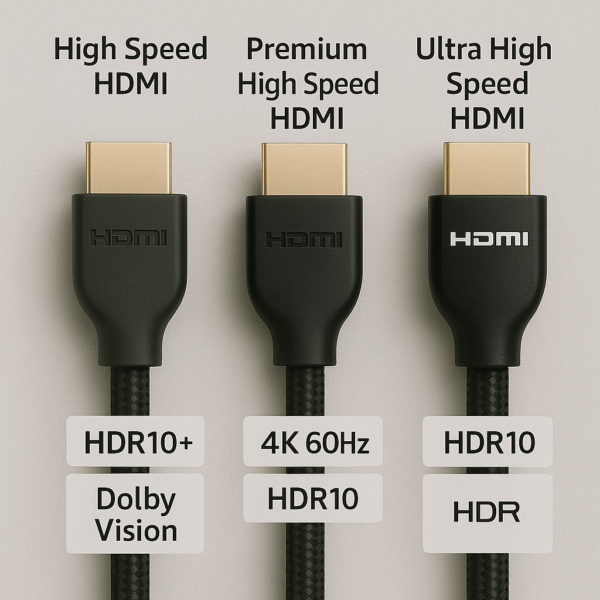
Use high-speed HDMI 2.0 or 2.1 cables to guarantee signal integrity and ensure HDR content displays at full quality.
Therefore, following these steps will help ensure that both Dolby Vision and HDR10+ perform at their highest potential, regardless of your display type.
Dolby Vision vs HDR10+ – Final Verdict
When weighing the dolby vision vs hdr10+ debate, the best choice often depends on your display type and viewing needs.
| HDR Format | Best Brand Implementation |
|---|---|
| Dolby Vision | ✅ Sony – ideal if your TV already supports DV well |
| HDR10+ | ✅ Panasonic – thanks to its HDR Optimizer |
| Projector Use | ✅ Panasonic UB820 – superior tone mapping |
| Plug-and-Play | ✅ Sony X800M2 – simple, reliable experience |
Therefore, Panasonic is the better choice for home theaters and projectors that need tone mapping assistance, while Sony is best for users with modern Dolby Vision-enabled TVs who prefer a straightforward, plug-and-play experience without heavy customization.