
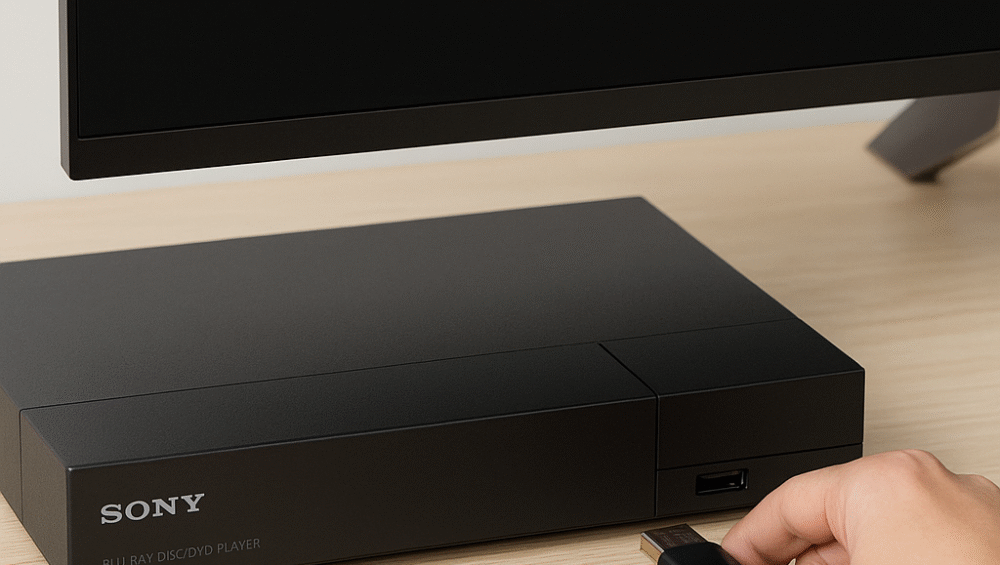
When investing in a 4K Blu-ray player, performance depends not only on hardware quality but also on firmware support. In fact, consistent updates are crucial for unlocking new features, fixing bugs, and ensuring long-term value.
Moreover, the sony vs panasonic blu-ray player debate becomes especially relevant because both brands are considered the most trusted names in the Blu-ray landscape. However, their strategies differ when it comes to firmware updates and support longevity.
Therefore, in this comparison, we will evaluate each brand’s update frequency, supported features, past release track records, and overall user-friendliness to determine which one offers the best long-term experience.
Sony vs Panasonic Blu-ray Player – Why Firmware Updates Matter
In the sony vs panasonic blu-ray player discussion, it is important to note that firmware updates play a major role in shaping long-term performance. Updates do much more than fix small glitches; they directly impact how your player handles modern content and features.
Specifically, firmware updates can:
Enable support for new HDR standards such as Dolby Vision or HDR10+.
Fix compatibility issues with certain discs and displays.
Improve loading times, menu navigation, and error handling for smoother playback.
Add streaming service support or security patches, keeping the device secure and versatile.
Therefore, whether you choose Sony or Panasonic, the quality and frequency of firmware updates can significantly influence the overall value of your Blu-ray player.
Sony vs Panasonic Blu-ray Player – Panasonic Firmware Track Record
In the sony vs panasonic blu-ray player comparison, Panasonic stands out for its strong commitment to long-term firmware support.
Notable Models:
Panasonic DP-UB820
Panasonic DP-UB420
Track Record:
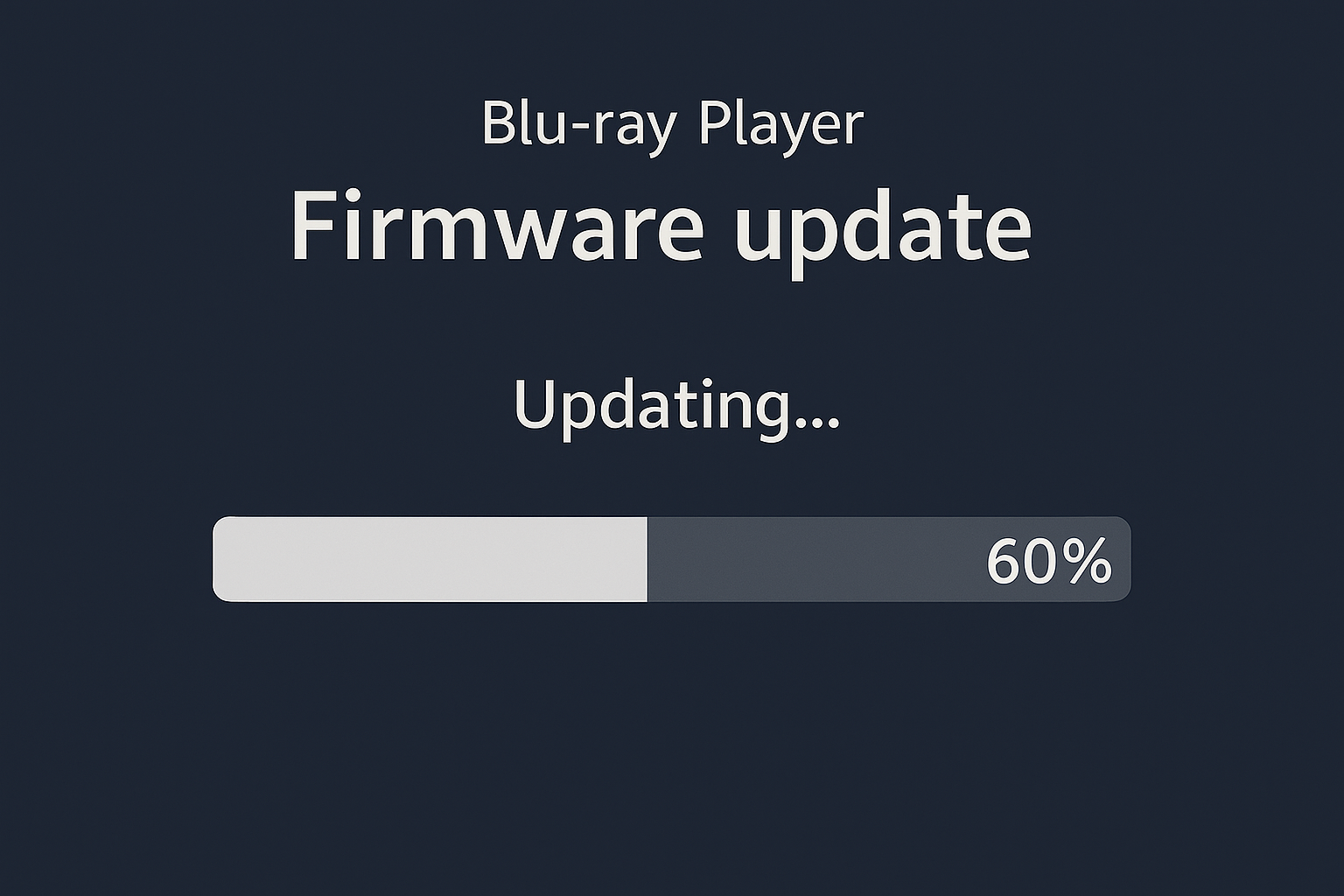
Regular updates issued every 6–12 months, keeping devices relevant.
Major format support added, such as the HDR10+ Optimizer and streaming app tweaks.
Updates made available via USB or network download, ensuring easy access.
✅ Firmware Benefits Include:
HDR optimization refinements for better tone mapping.
Region-free playback fixes in select global firmware versions.
Ongoing support for flagship models dating back to 2018–2023, extending their value.
Therefore, Panasonic’s update strategy proves especially beneficial for home theater users who want continuous improvements and long-term reliability.
Sony vs Panasonic Blu-ray Player – Sony Firmware Track Record
In the sony vs panasonic blu-ray player debate, Sony players follow a different path when it comes to firmware support. While reliable, their update cycle is generally less aggressive compared to Panasonic.
Notable Models:
Sony UBP-X800M2
Sony UBP-X700
Track Record:
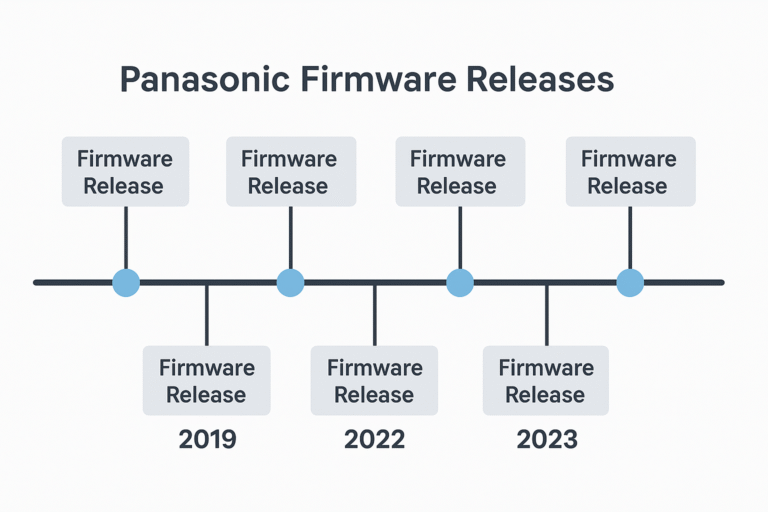
Updates issued less frequently, around every 12–18 months.
Past updates included a Dolby Vision toggle and disc playback enhancements.
Most updates require a USB installation, with no automatic Wi-Fi updates available on certain models.
✅ Firmware Benefits Include:
Wider disc compatibility across UHD and standard Blu-rays.
Stability improvements for UHD disc menu navigation.
⚠️ Limitations:
Slower rollout schedules compared to Panasonic.
Fewer enhancements overall, which may leave older models without newer features.
Therefore, while Sony ensures core stability and playback reliability, Panasonic clearly offers more frequent updates and deeper feature improvements for home theater enthusiasts.
How to Update Firmware – Step-by-Step
When comparing the sony vs panasonic blu-ray player experience, the update process itself highlights key differences in convenience and accessibility.
For Panasonic Players:
Navigate to [Setup] > [Player Settings] > [Firmware Update].
Choose Network Update for automatic upgrades or USB Update if preferred.
Follow the on-screen instructions to complete the process.
For Sony Players:
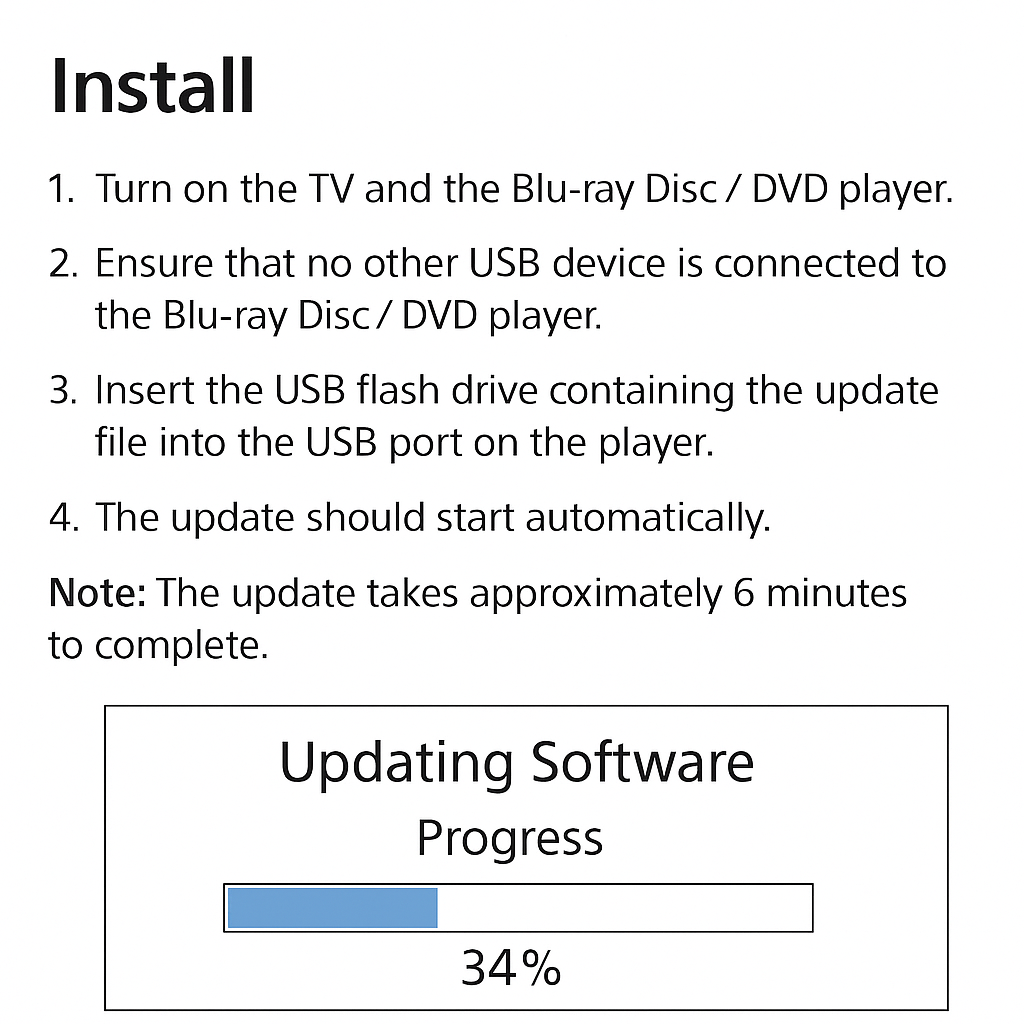
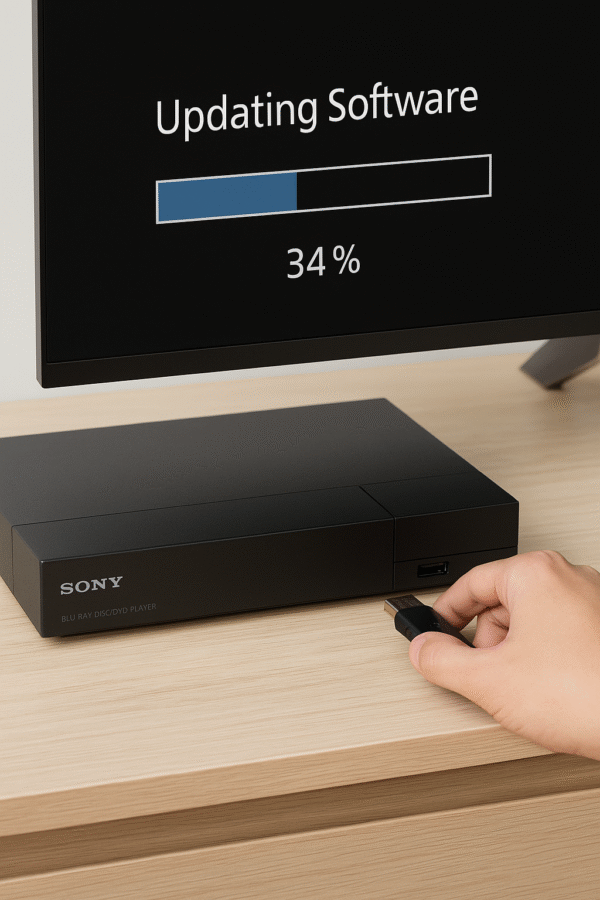
Visit the Sony support site and download the firmware onto a USB stick.
Insert the USB into the Blu-ray player.
Navigate to [Setup] > [Software Update] > [USB Update] and run the installer.
✅ Pro Tip: Always check changelogs before updating, as they list important enhancements, fixes, and new feature support.
Therefore, Panasonic offers a more user-friendly, network-ready process, while Sony requires manual updates via USB, which may feel less convenient for casual users.
Final Verdict – Firmware Support Winner
When evaluating the sony vs panasonic blu-ray player debate, the contrast in firmware support strategies becomes very clear.
| Category | Panasonic UB820 | Sony X800M2 |
|---|---|---|
| Update Frequency | ✅ Higher, regular releases | ❌ Lower, slower cycles |
| Feature Enhancements (HDR, UI) | ✅ Frequent improvements | ⚠️ Occasional updates only |
| Ease of Update | ✅ Easier via network update | ❌ USB-only installation |
| Legacy Support Longevity | ✅ Better long-term support | ⚠️ Mixed, shorter cycles |
Therefore, Panasonic clearly wins in terms of firmware support, offering broader improvements, more consistent updates, and longer support lifecycles. Meanwhile, Sony maintains stability but lacks the same pace and depth of enhancements.