

Description
Sonos Arc – Best Dolby Atmos Soundbar for Large TVs with Voice Control & Multi-Room Audio – Smart Home Maven
Description
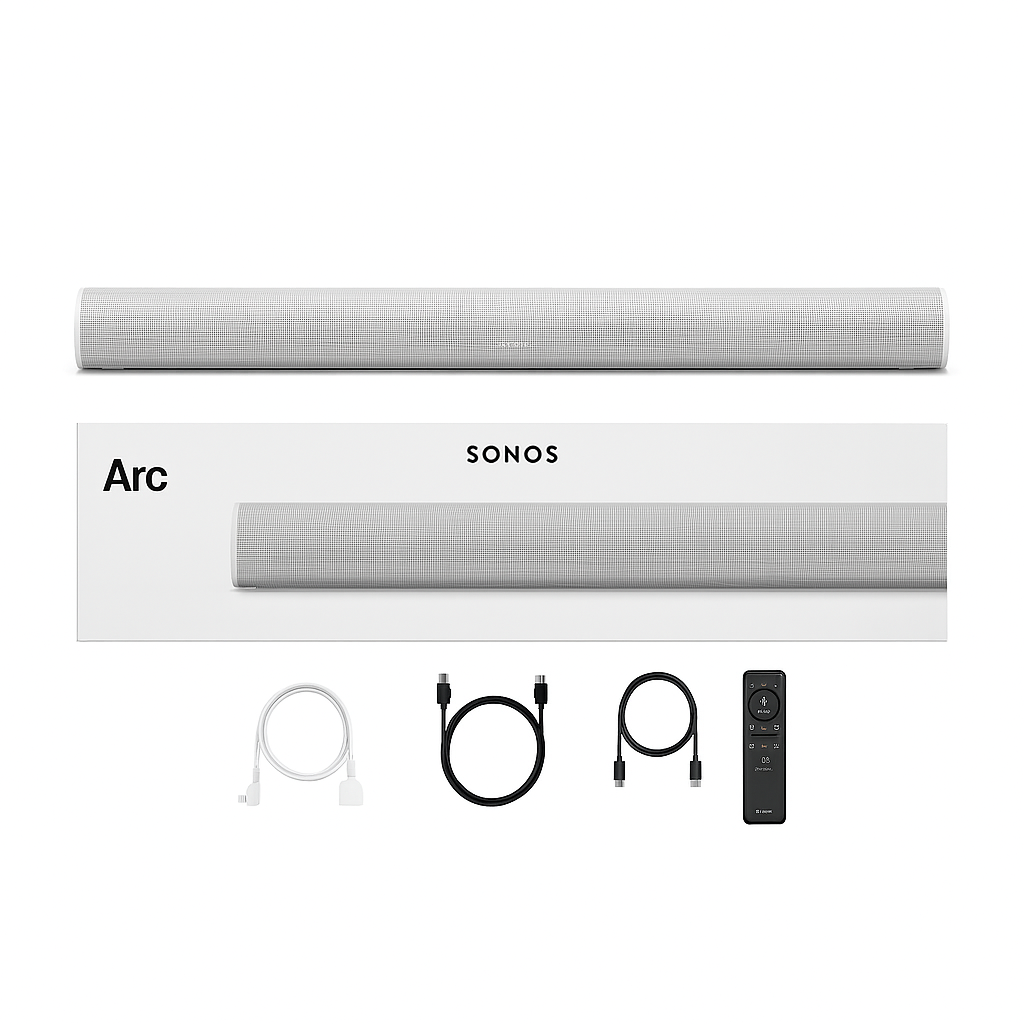
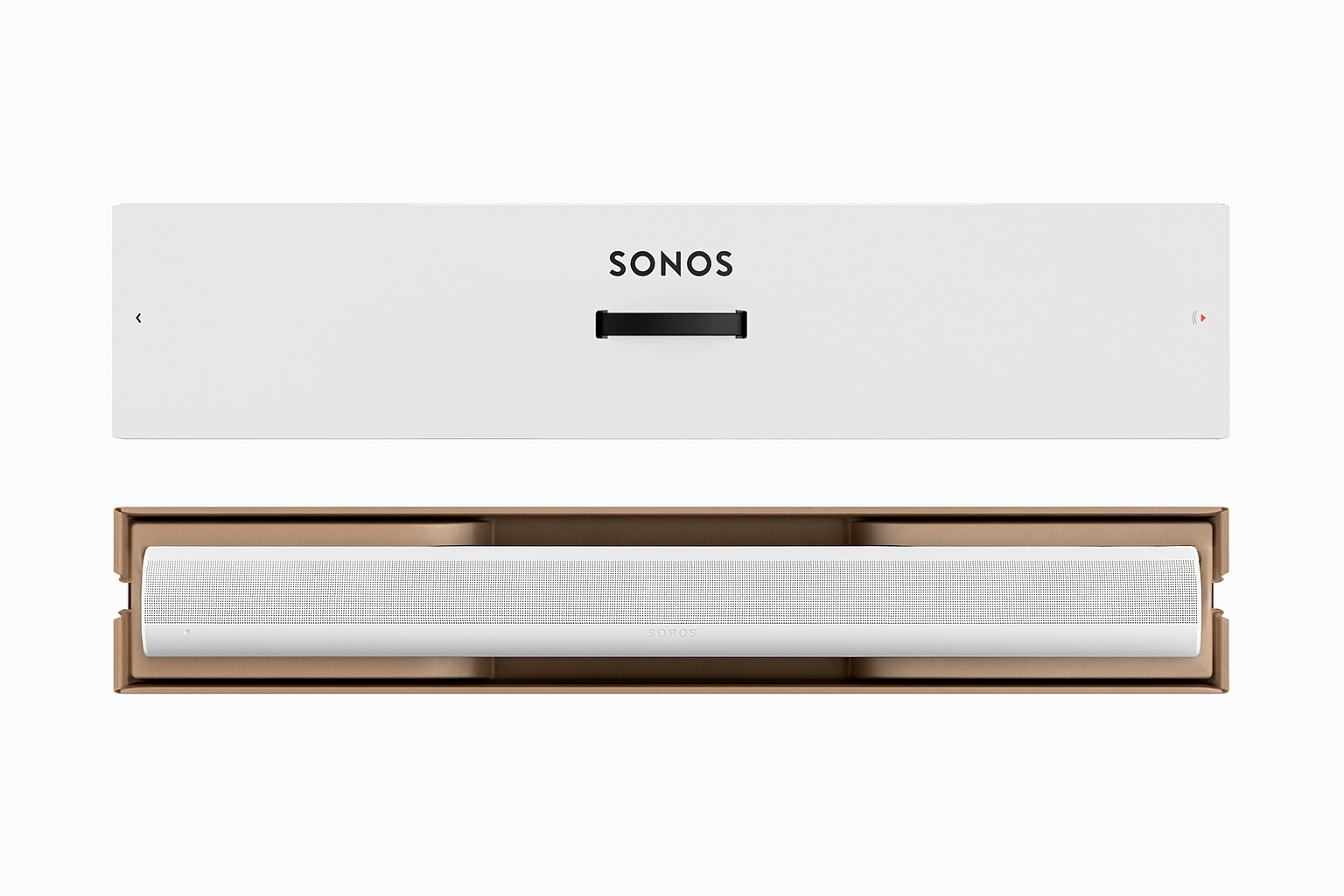
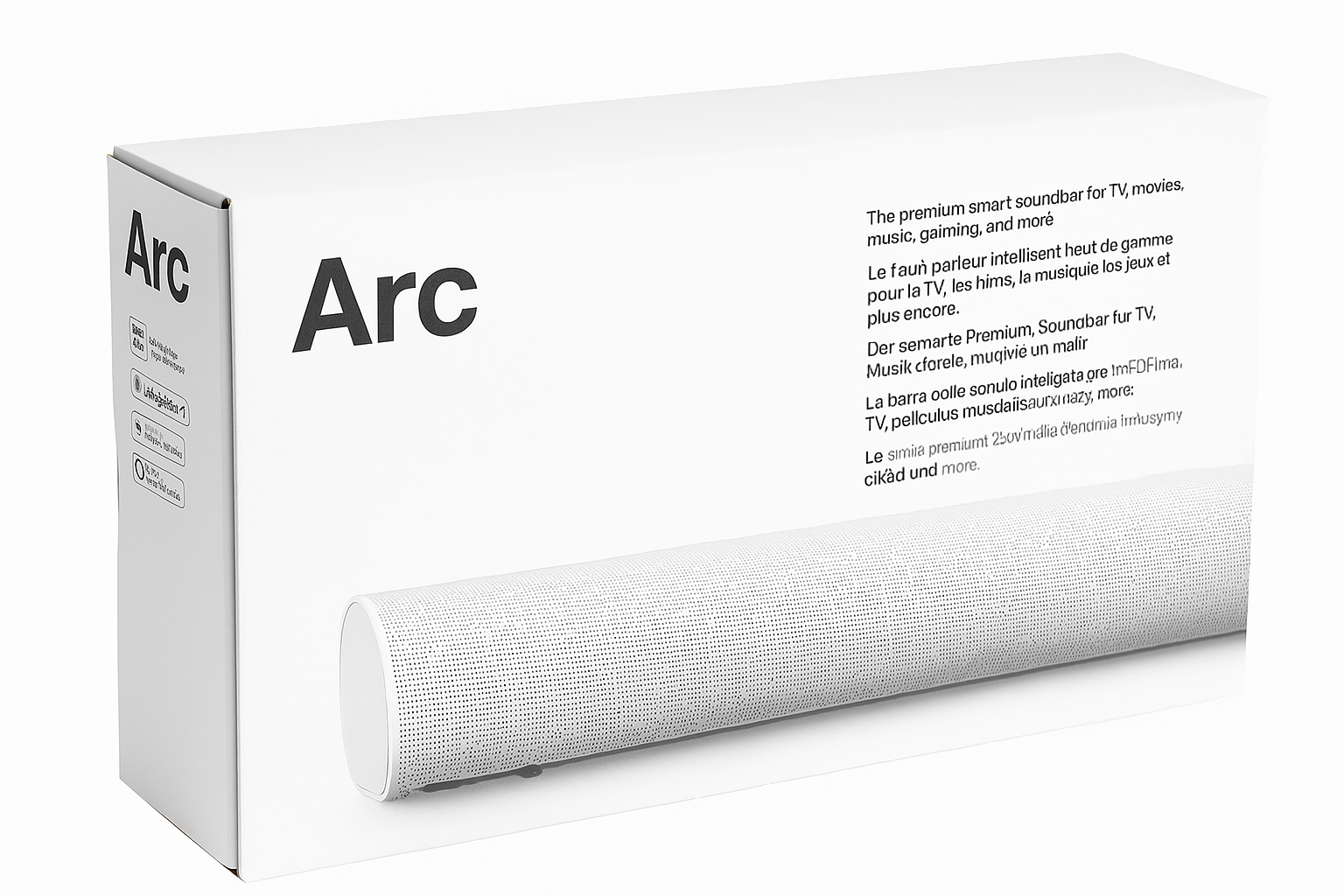
The Sonos Arc is a flagship Dolby Atmos soundbar designed to deliver immersive, theater-quality sound right in your home. To begin with, its eleven high-performance drivers, including upward-firing speakers, create a three-dimensional soundscape. They deliver room-filling clarity and deep, dynamic bass—making it one of the best Dolby Atmos soundbars for large TVs.
In addition, the Arc is built to be as smart as it is powerful. With Amazon Alexa and Google Assistant built in, you can control your entertainment and connected smart devices using simple voice commands. Moreover, support for Apple AirPlay 2 ensures seamless audio streaming from iOS devices.
Furthermore, with Trueplay tuning technology, the Arc automatically optimizes its sound output based on your room’s acoustics. For added flexibility, it pairs perfectly with other Sonos speakers for multi-room audio. It can be expanded with a Sonos Sub and surround speakers to create a full 5.1.2 setup.
Finally, its elegant design and minimalist aesthetic allow it to blend beautifully into any living room. It delivers premium sound with smart convenience.
Key Features
-
To begin with, enjoy true Dolby Atmos support, delivering immersive 3D audio that places you right at the center of the action—perfect for the best Dolby Atmos soundbar for large TVs.
-
In addition, the eleven-driver array with upward-firing channels creates cinematic sound with stunning clarity and depth.
-
Moreover, built-in Alexa and Google Assistant provide effortless voice control for music, TV, and smart home commands.
-
For added flexibility, it supports Apple AirPlay 2 and Wi-Fi streaming, ensuring smooth playback from your favorite devices and apps.
-
Furthermore, you can expand your system with a Sonos Sub and rear speakers to build a complete surround sound setup.
-
On top of that, Trueplay room calibration (iOS required) fine-tunes audio performance based on your space.
-
Additionally, its sleek, minimalist design fits seamlessly whether wall-mounted or placed on a TV console.
-
Finally, with touch controls, LED status indicators, and full compatibility with the Sonos S2 app, you gain complete multi-room audio management.
Specifications
-
Audio Channels: Delivers 5.0.2 immersive surround sound powered by 11 Class-D digital amplifiers, making it one of the best Dolby Atmos soundbars for large TVs.
-
Drivers: Equipped with 8 woofers and 3 tweeters for full-range, cinematic audio.
-
Dimensions (W×H×D): Measures 45″ × 3.4″ × 4.5″, perfectly sized to complement larger TVs.
-
Weight: Solid build at 13.78 lbs, ensuring stable placement under or mounted near your TV.
-
Connectivity: Offers HDMI eARC for high-quality audio transfer, plus Optical support (via adapter) and Wi-Fi connectivity.
-
Voice Assistants: Built-in support for Amazon Alexa and Google Assistant for hands-free control.
-
Streaming Support: Compatible with AirPlay 2, Spotify, Sonos Radio, and more for effortless music and media playback.
-
App Control: Managed easily through the Sonos S2 App (iOS & Android).
-
Room Tuning: Features Trueplay tuning (iOS only) to optimize sound based on room acoustics.
-
Finish Options: Available in Matte Black or Matte White to match your home décor.
Works With Compatibility
-
First and foremost, it integrates with Amazon Alexa, giving you effortless voice control for playback and smart commands.
-
In addition, it works seamlessly with Google Assistant, expanding your voice assistant options.
-
Moreover, support for Apple AirPlay 2 allows you to stream audio directly from iPhones, iPads, or Macs.
-
For added flexibility, the Sonos S2 app enables multi-room audio control across your Sonos ecosystem.
-
Furthermore, you can pair it with the Sonos Sub and Sonos One SL speakers to create a powerful 5.1.2 surround sound system.
-
On top of that, it connects to HDMI eARC or ARC-enabled TVs for lossless, high-quality audio.
-
Additionally, iPhones and iPads can be used for Trueplay tuning, ensuring sound is optimized for your space.
-
Finally, it runs on stable Wi-Fi (2.4GHz) networks, making it a top choice among the best Dolby Atmos soundbars for large TVs.
Setup + Maintenance Guide
Setup Steps:
-
First, place the Sonos Arc under your TV or mount it on the wall using the Arc Wall Mount (sold separately).
-
Next, connect it to your TV via HDMI eARC (or optical with the included adapter).
-
Then, plug the Arc into power and open the Sonos S2 App.
-
After that, follow the in-app setup process to connect the soundbar to Wi-Fi and assign your preferred voice assistant.
-
Moreover, use Trueplay Tuning (iOS only) to calibrate audio and optimize sound for your specific room layout.
-
In addition, expand your system by adding other Sonos speakers for multi-room audio or a full surround sound setup.
-
Finally, enjoy streaming via AirPlay 2, Spotify Connect, or voice control, making the Sonos Arc one of the best Dolby Atmos soundbars for large TVs.
Maintenance Tips:
-
To begin with, always keep the software updated through the Sonos app.
-
In addition, wipe the soundbar with a dry, soft cloth—avoid using harsh chemicals.
-
Moreover, restart the system occasionally to maintain optimal wireless performance.
-
Finally, recalibrate Trueplay Tuning if you move the Arc or significantly change your room setup, and ensure Wi-Fi stability for uninterrupted streaming.







%20–%20Best%20Premium%20Streaming%20Device%20with%20Alexa%20&%20Dolby%20Vision&url=https://smarthomemaven.com/product/amazon-fire-tv-cube-3rd-gen-best-premium-streaming-device-with-alexa-dolby-vision/&media=https://smarthomemaven.com/wp-content/uploads/2020/12/Fire-TV-Cube-3rd-Gen-–-Hands-Free-4K-Streaming-Smart-Home-Hub.png)

Reviews
There are no reviews yet.