
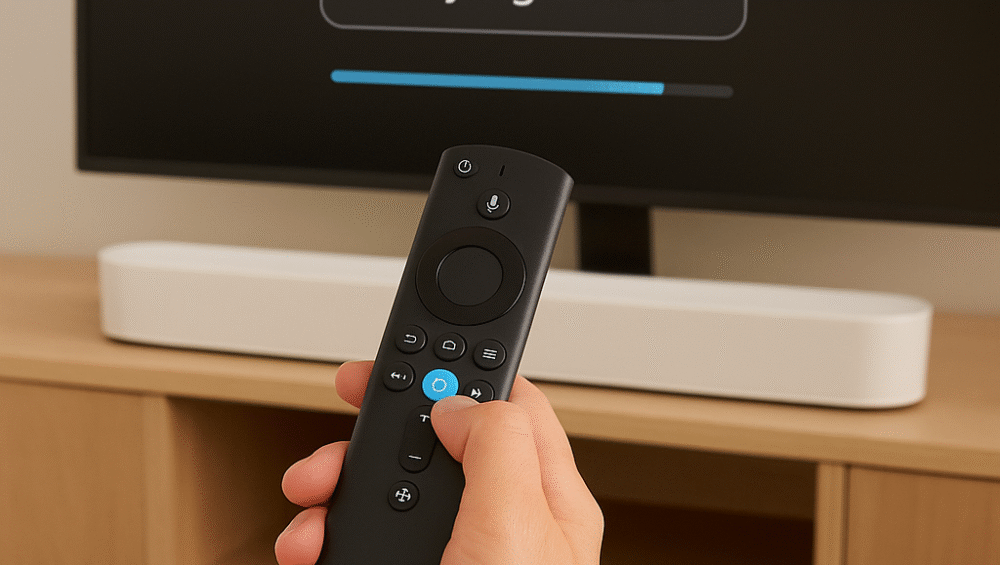
If you’re building a voice-controlled home theater with the Sonos Beam Gen 2, you may wonder how well it integrates with Fire TV and Alexa. Fortunately, the setup works seamlessly when connected properly. Moreover, by using HDMI eARC/ARC, the Beam pairs smoothly with Fire TV devices such as the Fire TV Cube, Fire TV Stick 4K Max, and more.
Therefore, in this guide, you’ll learn how to connect and control, troubleshoot common setup issues, and explore voice commands that unlock true hands-free functionality.
Sonos Beam with Fire TV Alexa – Step-by-Step Setup
To properly configure your sonos beam with fire tv alexa, follow these steps for seamless connectivity and control:
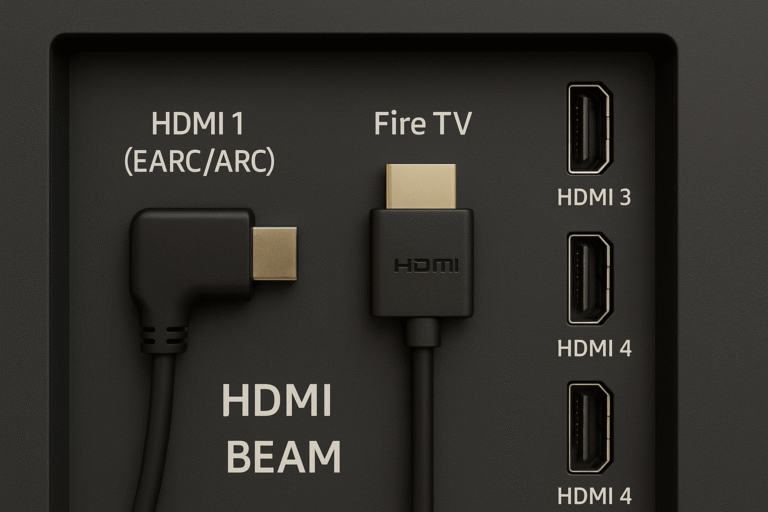
Use the HDMI eARC or ARC port on your TV.
Connect the Sonos Beam using the included HDMI cable.
If your TV lacks ARC, use the optical adapter (note: voice control will be limited).
Plug your Fire TV device into another HDMI input on the TV.
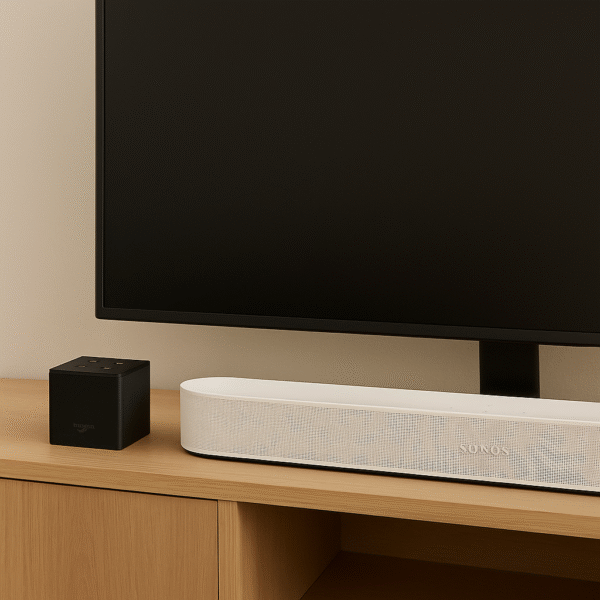
Example: Fire TV Cube in HDMI 1, Beam in HDMI eARC for optimal integration.
Enable CEC (Consumer Electronics Control) on your TV.
This is required for Alexa to control volume and power.
Look for it under different brand names: Anynet+ (Samsung), Simplink (LG), Bravia Sync (Sony).
Therefore, by ensuring correct HDMI connections and enabling CEC, your setup will function smoothly for hands-free control and premium sound.
Voice Control with Fire TV and Alexa
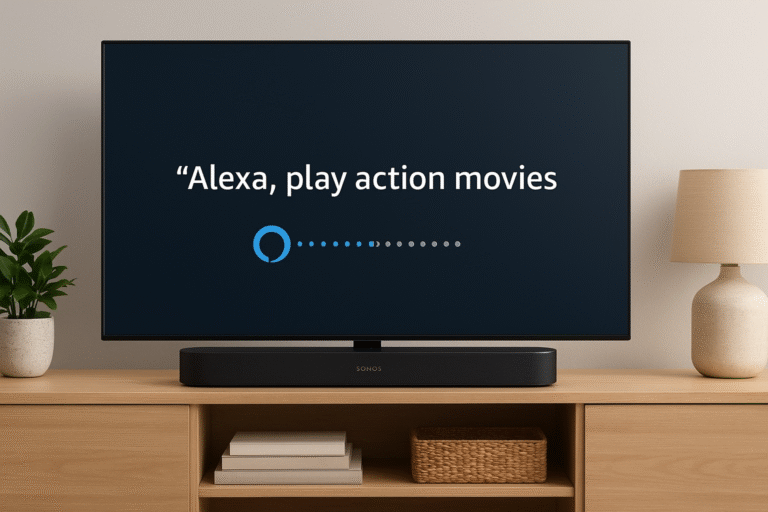
Once your sonos beam with fire tv alexa setup is complete, the Beam can respond to a wide range of hands-free commands, making your home theater easier to control. For example, you can say:
“Alexa, turn on the TV.”
“Alexa, switch to HDMI 1.”
“Alexa, play The Rings of Power on Fire TV.”
“Alexa, rewind 30 seconds.”
“Alexa, turn up the volume on Sonos Beam.”
Therefore, with proper setup, your Sonos Beam and Fire TV combination becomes a fully voice-controlled entertainment hub.
Before your setup can function properly, a few essentials must be in place.
✅ Requires:
Sonos Beam with Alexa enabled in the Sonos App.
Fire TV device linked to the same Alexa account for smooth integration.
Alexa App installed with all necessary device permissions accepted.
Therefore, by confirming these requirements, you ensure that your connection will deliver a seamless voice-controlled home theater experience.
Sonos Beam with Fire TV Alexa – Using the Voice Remote
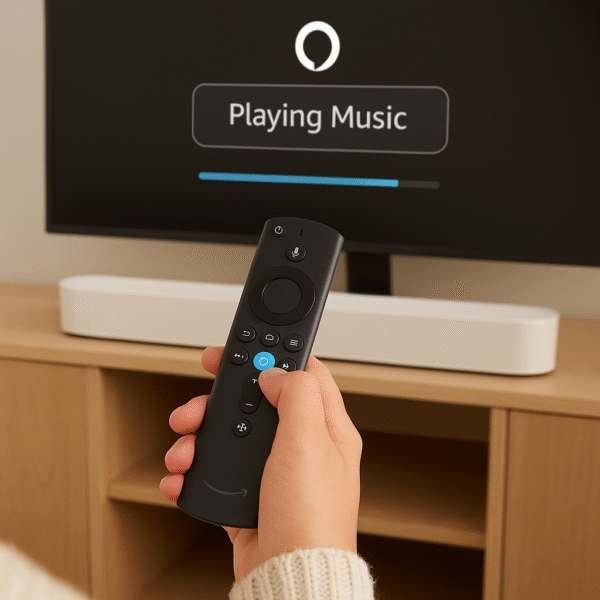
When paired correctly, the Alexa Voice Remote enhances the experience by adding flexible control options.
Control volume directly, provided that HDMI-CEC is enabled on your TV.
Trigger Alexa routines that also include your Sonos Beam for smart home automation.
Navigate the Fire TV interface while enjoying audio playback through the Beam.
✅ Tip: You can still speak directly to the Sonos Beam for room-wide voice control, while using the Alexa Voice Remote for more private voice queries.
Therefore, combining the remote ensures both hands-free and hands-on convenience.
Sonos Beam with Fire TV Alexa – Fire TV Cube Advantage
When paired with the Fire TV Cube (3rd Gen), the sonos beam with fire tv alexa setup gains even deeper functionality. This is because the Cube adds features that go beyond standard Fire TV sticks.
Acts as a dedicated Alexa speaker with an IR blaster for controlling TVs, soundbars, and other devices.
Supports hands-free Fire TV control, even when the Sonos Beam is muted.
Delivers tighter integration with HDMI-CEC devices, making your setup smoother and more responsive.
✅ Ideal For: Users who want a completely hands-free experience with both Fire TV and Sonos Beam, ensuring effortless voice control across the entire entertainment system.
Troubleshooting Guide
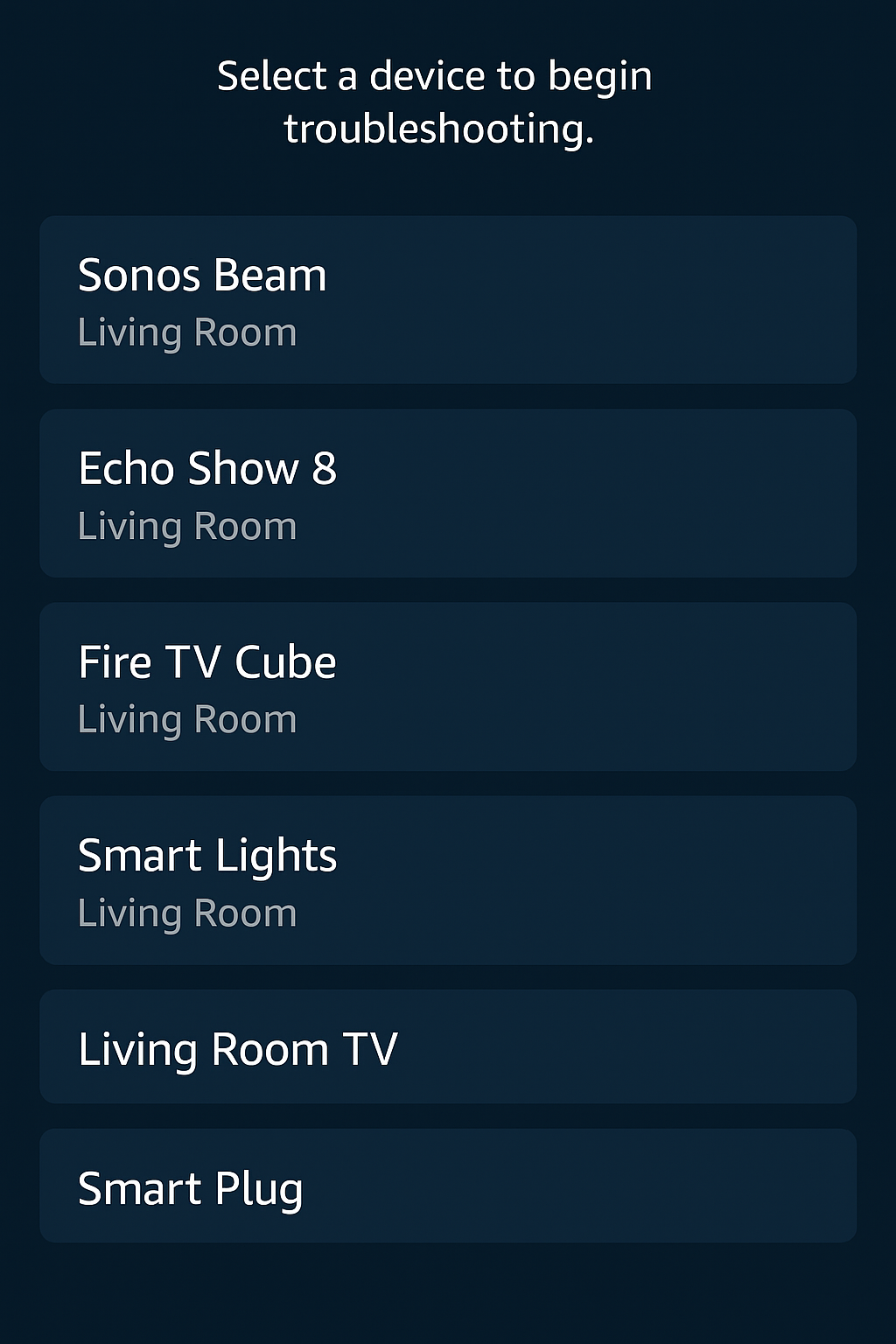
Even with proper setup, your sonos beam with fire tv alexa connection may occasionally run into issues. Fortunately, most problems are easy to fix.
If voice commands don’t work:
Ensure that Fire TV, Sonos Beam, and Alexa are all using the same account.
Check your TV’s CEC settings to confirm they’re enabled.
Re-enable the Sonos and Fire TV skills in the Alexa app.
If the TV doesn’t switch on:
Verify that HDMI control settings are turned on.
Try specific voice commands such as: “Alexa, switch input to Fire TV.”
Therefore, by double-checking accounts, HDMI-CEC settings, and Alexa skills, your setup should quickly return to smooth hands-free operation.
Final Verdict
Yes — the Sonos Beam Gen 2 works exceptionally well with Fire TV and Alexa Voice Remote, delivering responsive controls and an immersive home theater experience. Moreover, whether you’re watching movies, playing games, or automating your smart home, the setup enhances entertainment with dynamic sound and seamless Alexa integration.
Therefore, for anyone seeking a future-ready, voice-controlled entertainment hub, pairing the Sonos Beam with Fire TV Alexa is one of the smartest investments you can make in 2025.