
The Sonos Beam Gen 2 delivers immersive sound and built-in Amazon Alexa support, turning your living room into more than just an entertainment space. Instead, it becomes a voice-powered smart home control center. Moreover, to unlock its full potential, you need to know the most effective alexa commands for sonos beam that simplify daily use.
Therefore, in this guide, we’ll cover the top 5 voice commands every Sonos Beam user should know, along with bonus use cases and setup tips designed to take your listening and smart home experience to the next level.
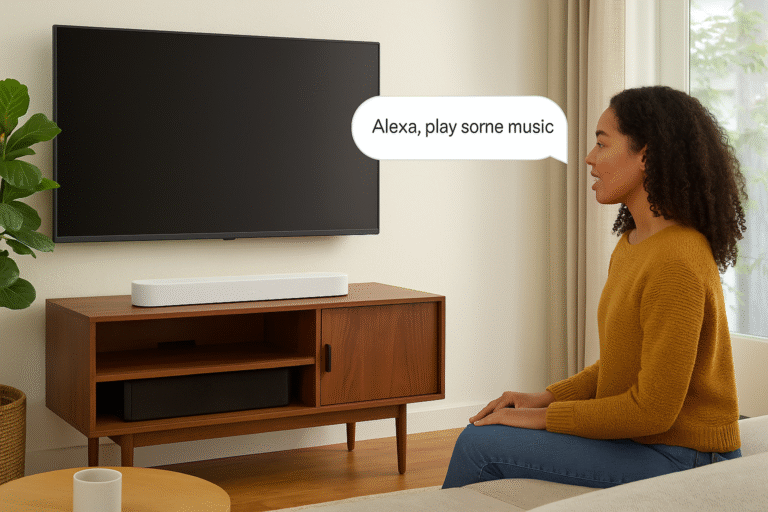
Alexa Commands for Sonos Beam – Music Playback
First, one of the most essential commands for sonos beam is music streaming. This go-to command allows you to enjoy hands-free playback across your favorite platforms. Moreover, the Sonos Beam Gen 2 supports a wide range of music services, including:
Spotify
Amazon Music
Apple Music (via AirPlay)
Pandora
TIDAL
✅ Example Command: “Alexa, play chill jazz on Sonos Beam.”
Therefore, with a single voice request, you can turn your Sonos Beam into a personal music hub that adapts to your mood or activity.
Alexa Commands for Sonos Beam – Volume Control
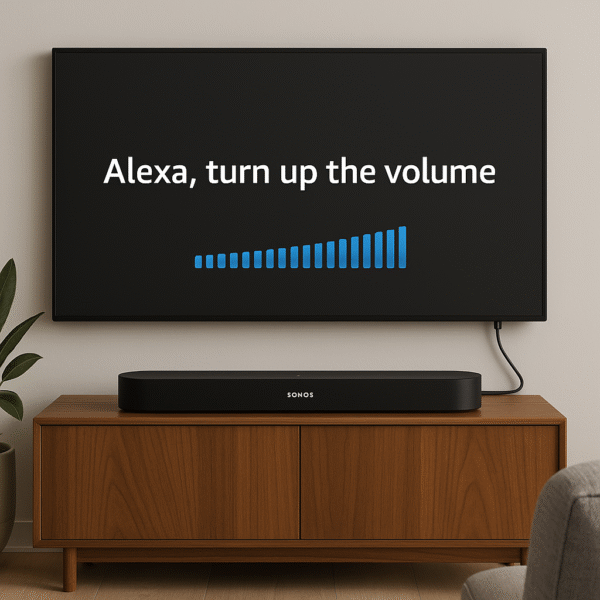
Next, another must-have in the list of alexa commands for sonos beam is precise volume control. Whether you’re watching a movie or streaming music, being able to adjust sound levels instantly is essential for comfort.
Common volume-related commands include:
“Alexa, volume up/down on Sonos Beam.”
“Alexa, mute Sonos Beam.”
✅ Pro Tip: These commands are especially useful for hands-free control during cooking, cleaning, or late-night movie sessions, when grabbing the remote isn’t convenient.
Therefore, volume management becomes effortless with just your voice, ensuring the Sonos Beam adapts perfectly to any situation.

Alexa Commands for Sonos Beam – Smart Home Routines
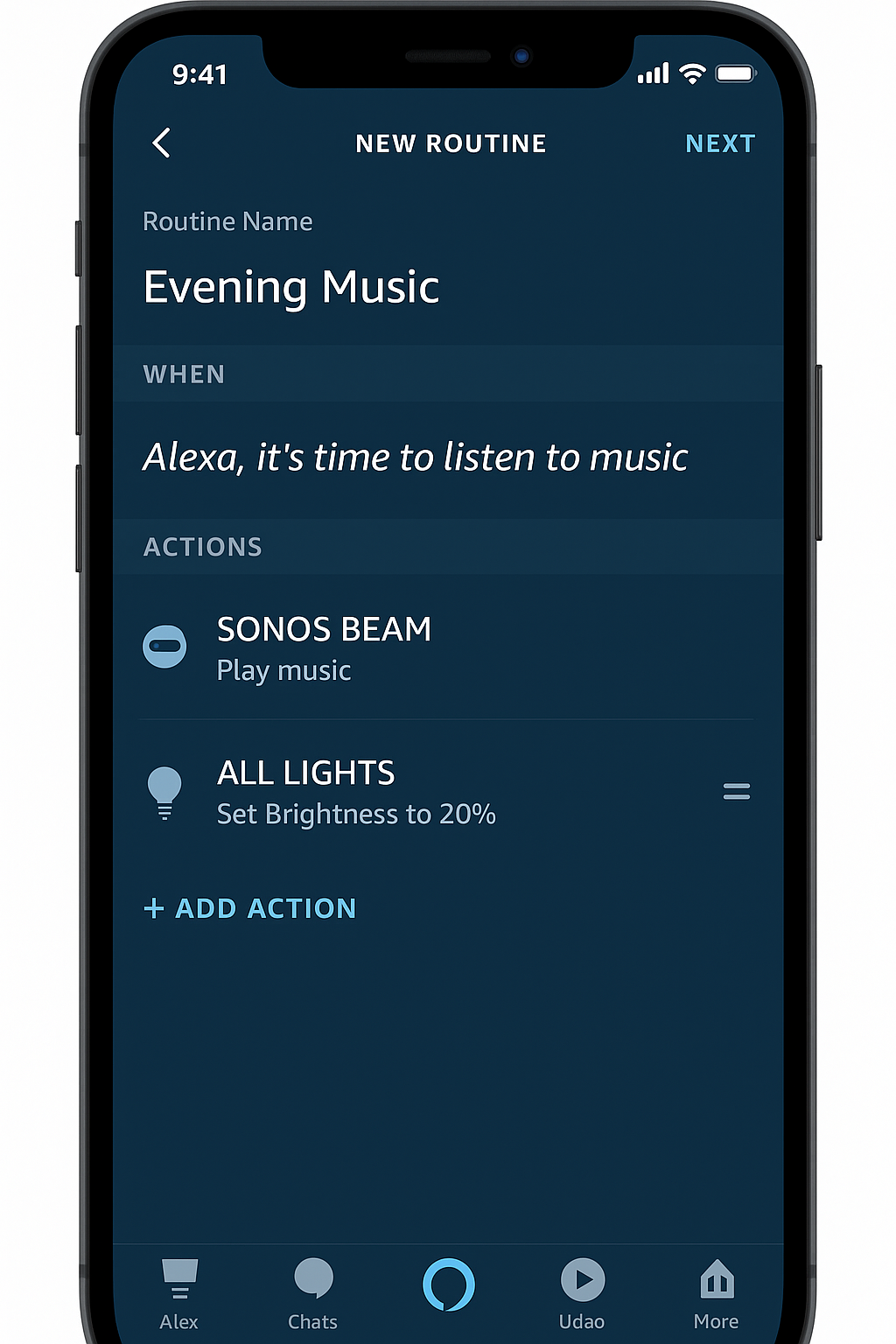
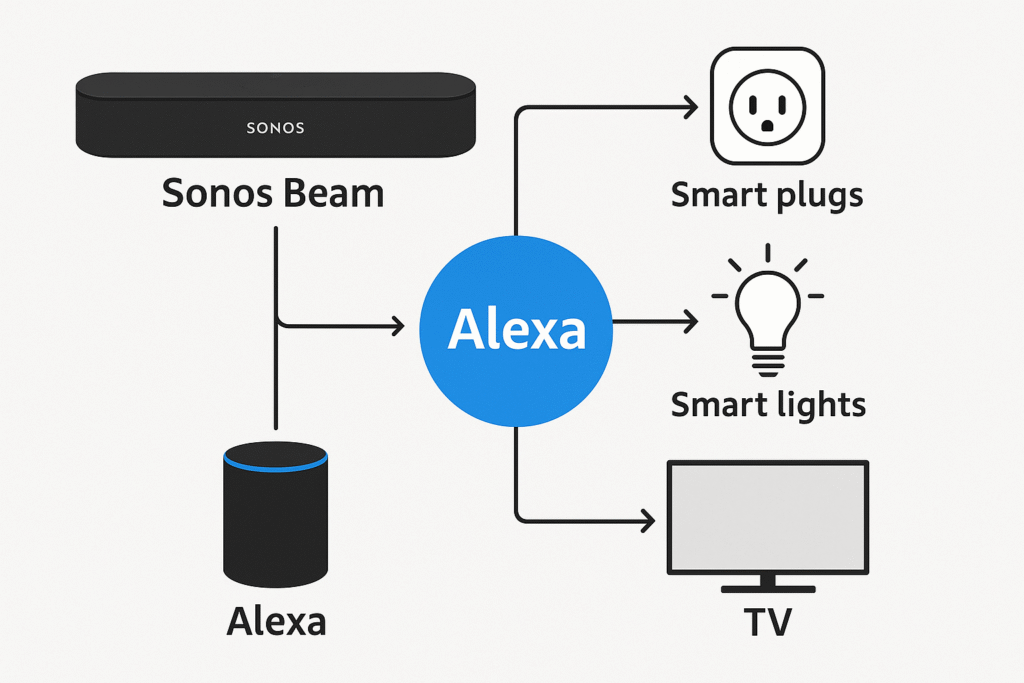
Moreover, one of the most powerful commands for sonos beam involves Alexa routines. By linking your Sonos Beam Gen 2 with smart lighting, TVs, and plugs, you can create customized automation scenes that elevate daily living.
For example, a routine might include:
Lowering the lights to set the mood.
Turning on your TV automatically.
Switching to HDMI input for instant entertainment.
Setting Beam volume to 50 for balanced sound.
✅ Pro Tip: With these automations, the Sonos Beam becomes a central command hub for smart home control, uniting audio and connected devices into one seamless experience.
Alexa Commands for Sonos Beam – TV Control
In addition, another valuable use of alexa commands for sonos beam is controlling your TV through HDMI-CEC and eARC. When the Sonos Beam Gen 2 is properly connected via HDMI, Alexa can manage basic TV functions hands-free.
Requires a compatible TV with CEC enabled.
Ideal for users who want to reduce remote clutter.
✅ Delivers a streamlined entertainment experience, allowing you to power on, adjust volume, or switch inputs with just your voice.
Therefore, integrating TV controls into your Sonos Beam with Alexa setup creates a more convenient and simplified home theater system.
Media Info & Playback Control
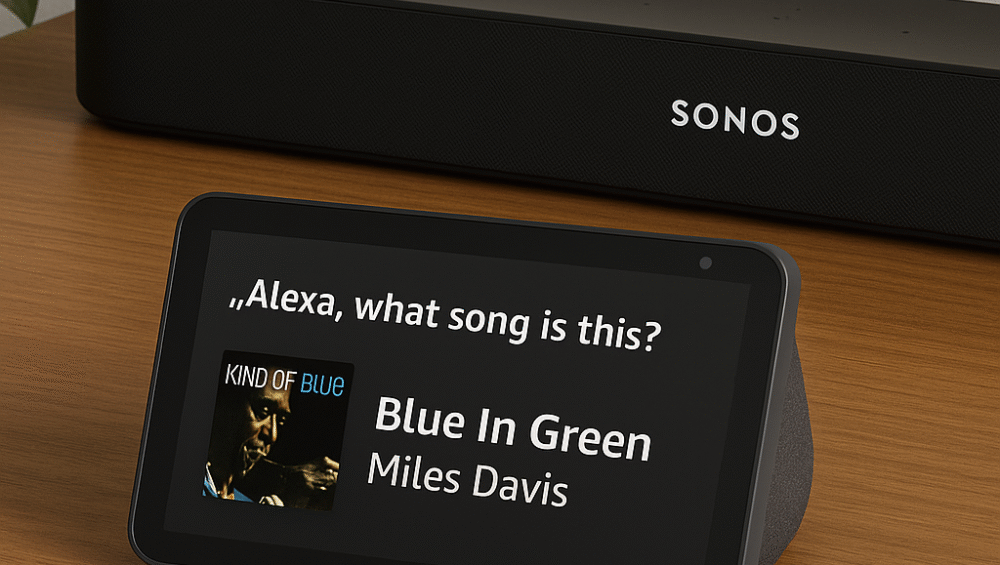
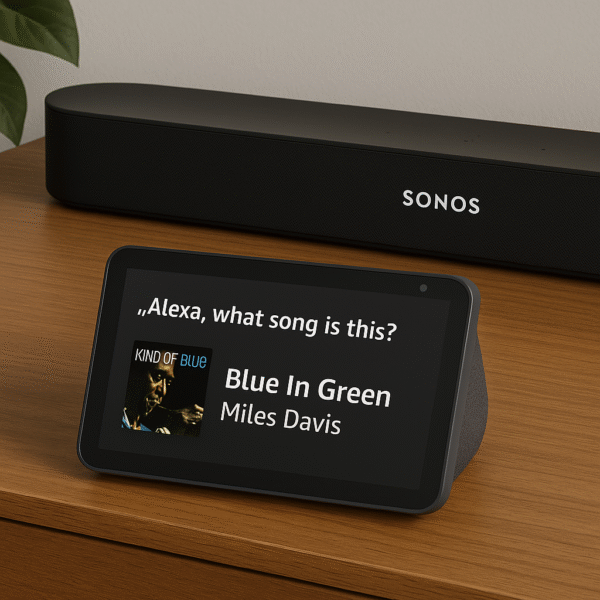
Finally, the last essential set of alexa commands for sonos beam focuses on media information and playback control. With these, you can stay updated on what’s playing and adjust content effortlessly.
“Alexa, what’s the artist?” – Get real-time details on songs.
“Alexa, skip this song.” – Move to the next track instantly.
“Alexa, stop playing on Sonos Beam.” – End playback on command.
✅ Pro Tip: These commands are great for discovering new music on radio or playlists and for managing shared audio zones in multi-room setups.
Therefore, by combining media queries with playback controls, your Sonos Beam with Alexa becomes even more interactive and personalized.
Alexa Commands for Sonos Beam – Pro Tips for Better Use
To make the most of your sonos beam, you can apply a few simple tweaks in the Alexa app that improve daily performance and convenience.
Name your Beam clearly, such as “Living Room”, to simplify voice requests.
Use Alexa Groups to link the Beam with lights, plugs, or Echo devices for synchronized control.
Enable Alexa Preferred Speaker so all music requests automatically play on the Beam.
Sync with Fire TV or Echo Show for multi-device experiences, blending sound and visuals seamlessly.
Therefore, by adjusting these settings, your Sonos Beam Gen 2 becomes an even more intuitive centerpiece for smart home and entertainment control.
Final Thoughts
Ultimately, whether you’re jamming to a favorite playlist or setting the mood for movie night, Alexa voice control adds both hands-free convenience and smart functionality to the Sonos Beam Gen 2. Moreover, by experimenting with these alexa commands for sonos beam, you can transform your audio setup into a true smart home hub.
Next Steps: Explore the best Alexa routines for Sonos to combine Beam with lights, plugs, and TVs.
Advanced Use: Try using Alexa with Sonos in multiple rooms for a seamless, whole-home listening experience.
Therefore, with the right Alexa commands and routines, your Sonos Beam evolves into more than just a soundbar — it becomes a central controller for entertainment and automation.