
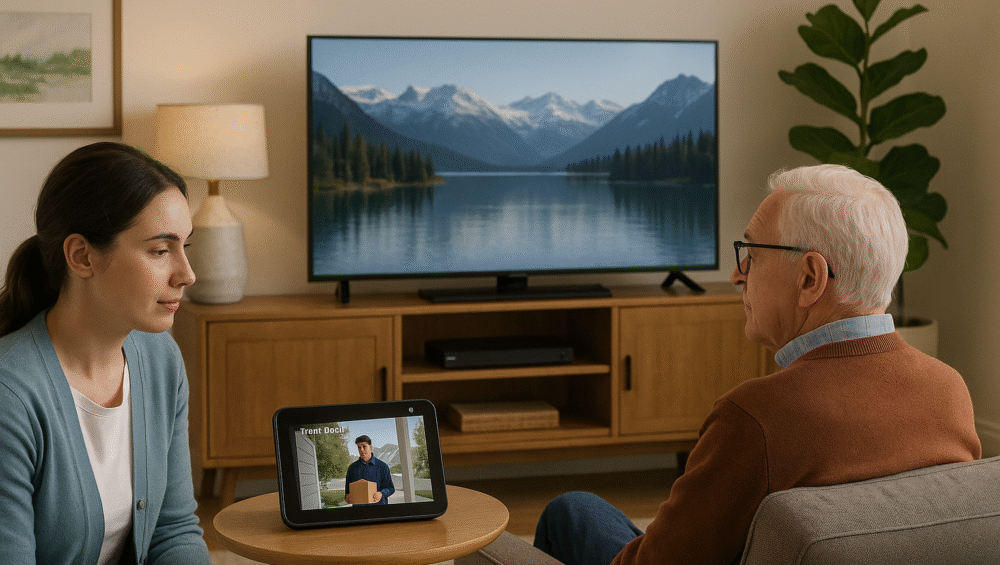
Technology should simplify life — especially for seniors and those who support them. In 2025, an automated TV setup for elderly viewers using Alexa and Fire TV makes entertainment both accessible and empowering, while also giving caregivers valuable peace of mind.
Moreover, by combining voice commands, smart routines, and alternative controls, seniors can enjoy TV without complicated remotes or confusing menus. This guide will walk you through building a voice-controlled, routine-ready TV experience tailored for elderly users, covering clear command options, remote-free alternatives, smart automation, and safety-focused features.
Why an Automated TV Setup Matters
Seniors often struggle with common barriers such as:
Small or complex remotes that are difficult to use
Poor vision or hearing that makes on-screen menus challenging
Forgetting TV inputs or volume levels, leading to frustration
However, an automated TV setup for elderly viewers eliminates these issues by using Alexa-enabled TVs like the Fire TV Omni QLED, which provide:
Hands-free voice commands for simple control without remotes
Routine-based automation that remembers preferred inputs and volume levels
Visual and audio confirmations to reassure seniors that their commands have worked
✅ Together, these features create a more accessible, stress-free entertainment experience for seniors while reducing the need for caregiver assistance.
Step-by-Step Automated TV Setup for Elderly Users
1. Choose the Right TV
To begin, select a model designed for simplicity. The Fire TV Omni QLED (43” or 50”) is recommended since it’s affordable and fully voice-ready. With built-in Alexa, no separate Echo device is required.
2. Set Up Alexa Voice Commands
Next, connect the TV to Wi-Fi, then link it to the Alexa app. Be sure to enable Follow-Up Mode, which allows seniors to issue multiple commands without repeating “Alexa” every time.
3. Name Devices Clearly
After setup, rename devices with simple, recognizable labels. For example, use “Living Room TV” or “Bedroom Lights” instead of technical terms like HDMI 1. Rename sources as “DVD Player” or “Game Console” for easier recall.
4. Enable Simple Routines
Finally, create Alexa routines that automate multiple actions at once. For instance:
Trigger: “Alexa, TV time”
Actions: Turn on TV, adjust volume, and launch the preferred streaming app.
✅ By following these steps, you’ll build an automated TV setup for elderly users that makes entertainment accessible, intuitive, and stress-free.

Example Voice Commands for an Automated TV Setup
With an automated TV setup for elderly viewers, Alexa makes everyday entertainment effortless. Below are simple voice commands seniors can use:
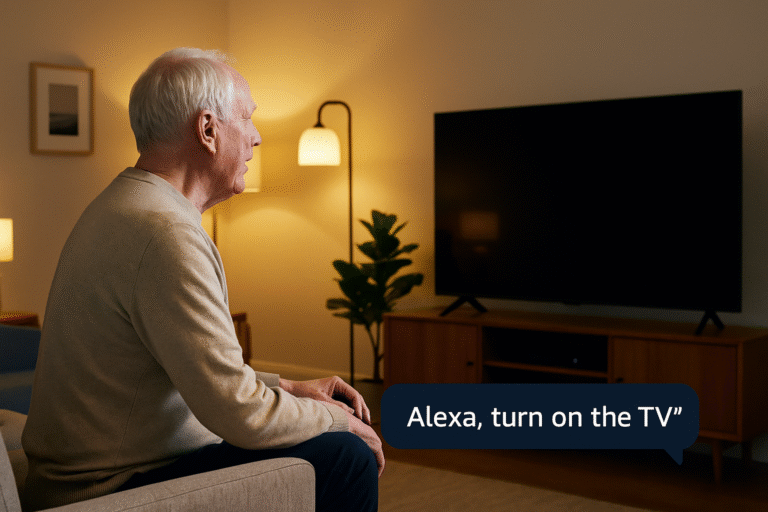
“Alexa, turn on the TV.” – Powers on the display hands-free.
“Alexa, louder.” / “Alexa, volume down.” – Adjusts volume without buttons.
“Alexa, play the news.” – Starts a favorite news channel or app.
“Alexa, open YouTube.” – Launches YouTube instantly.
“Alexa, turn on subtitles.” – Enables captions for easier viewing.
“Alexa, switch to DVD Player.” – Changes input to the DVD player.
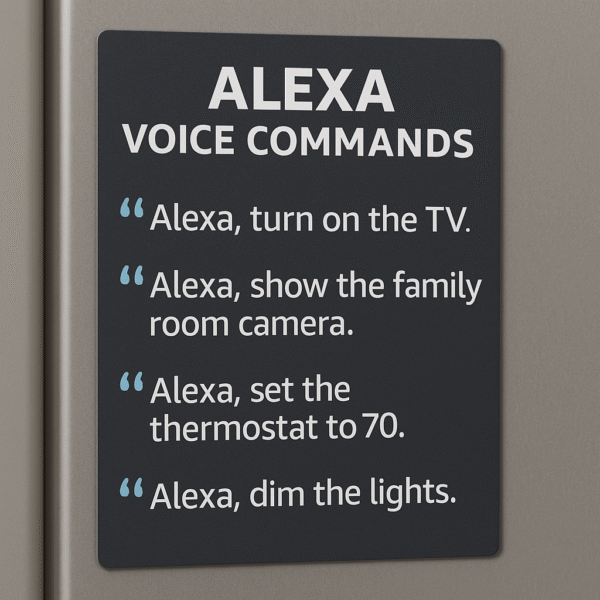
✅ Pro Tip: Print out a list of 5–10 useful commands and place it near the TV. This gives seniors a quick reference for daily use and helps them feel more confident with voice control.
Example Alexa Routines for an Automated TV Setup
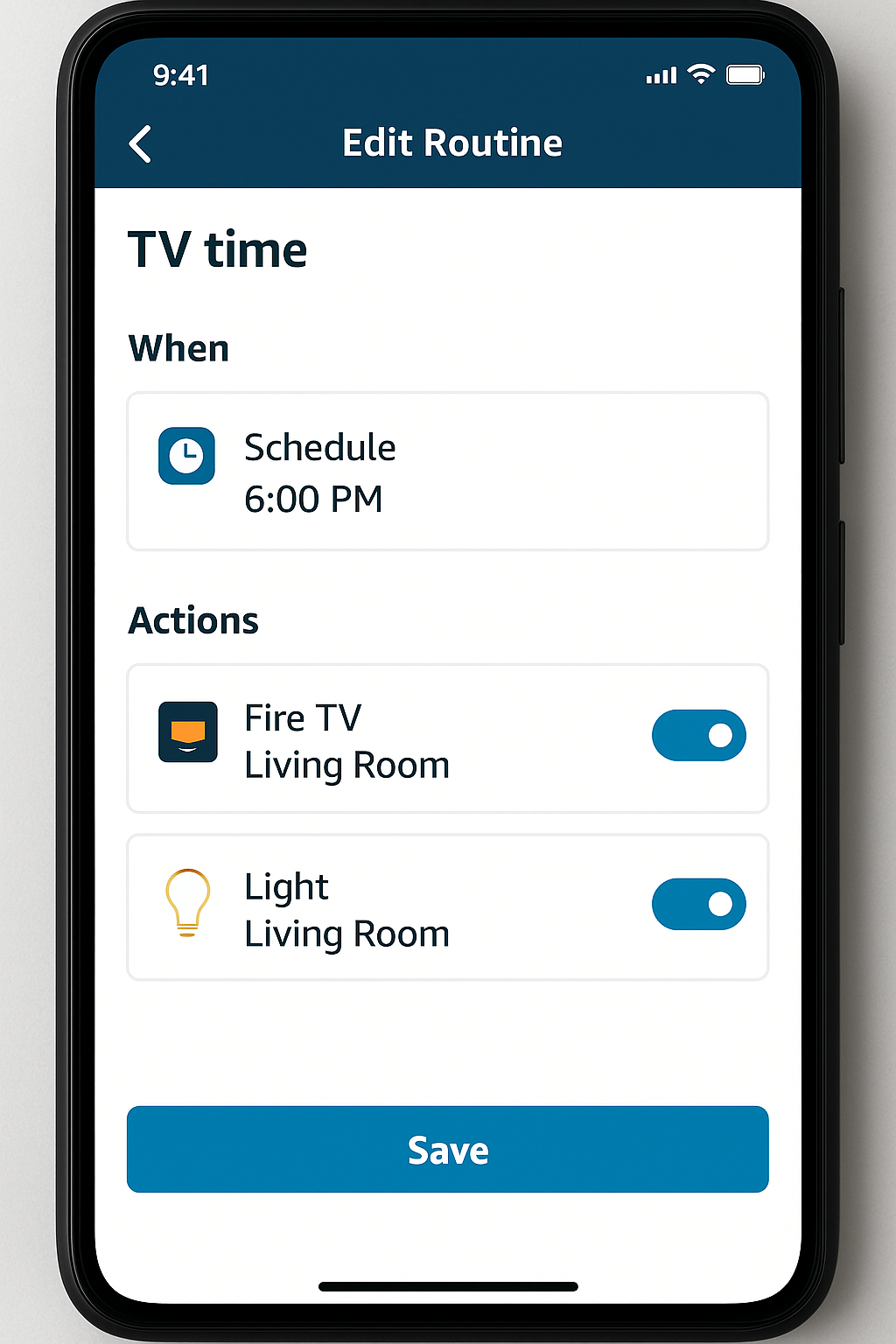
Routines make an automated TV setup for elderly viewers even more accessible by combining multiple actions into one simple trigger. Below are practical examples:
| Routine | Trigger | Actions |
|---|---|---|
| TV Time | Voice or scheduled time | Turn on TV, launch preferred app, dim lights for viewing comfort |
| News Hour | 8:00 AM daily | Launch news app automatically and raise volume for clear listening |
| Bedtime | 9:30 PM (voice or button) | Turn off TV, switch off lights, and lower thermostat for a safe sleep routine |
✅ Pro Tip: Keep these routines short and easy to remember. A single phrase like “Alexa, TV Time” can save seniors from multiple steps while making entertainment simpler and safer.
Helpful Accessories for an Automated TV Setup
In addition to voice commands, a few accessories can make an automated TV setup for elderly viewers even more accessible and stress-free:
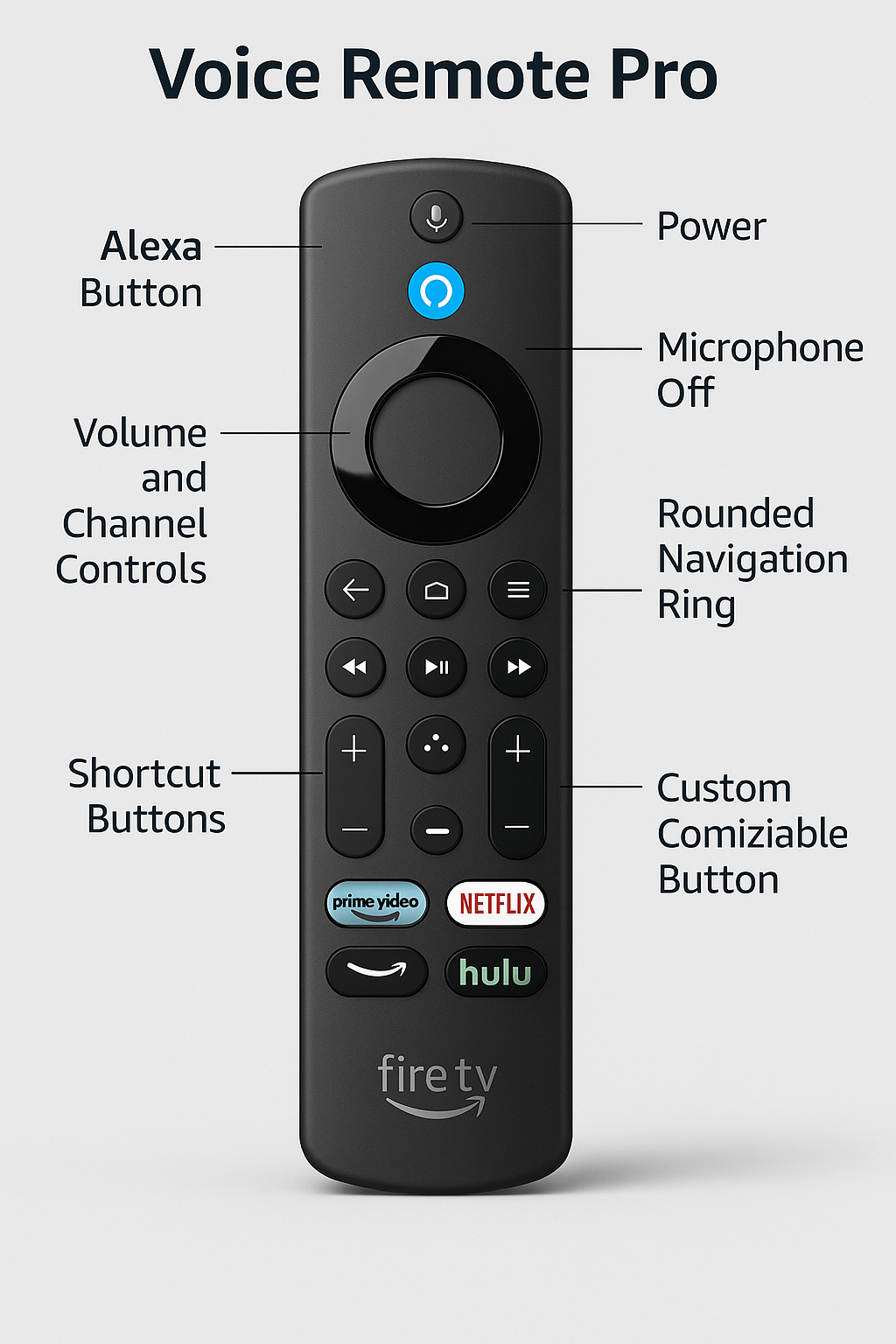
Fire TV Voice Remote Pro – Features a built-in mic, larger buttons, and backlit keys, making it easier to navigate in low light.
Echo Show + Fire TV Pairing – Adds visual control with on-screen menus and even allows camera calling for family check-ins.
Alexa Voice-Activated Buttons – Provide one-tap triggers for routines, such as Bedtime Mode, so seniors don’t need to remember multiple steps.
✅ Together, these accessories ensure that seniors can enjoy a simpler, safer, and more intuitive TV experience.
Optional Smart Accessories for Caregiver Support
An automated TV setup for elderly viewers becomes even more powerful when paired with other smart devices. These additions enhance both convenience and safety:
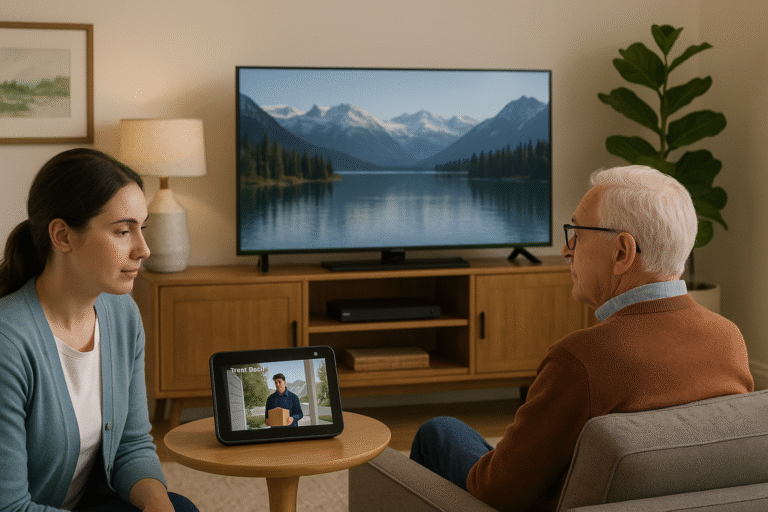
Ring Camera + Fire TV – Display the front door camera feed directly on the TV, so seniors can see who’s visiting without leaving their seat.
Smart Plugs – Allow lamps or fans to be scheduled as part of TV routines, ensuring the room is well-lit or comfortable at the right times.
Smart Thermostats – Automatically adjust the temperature when TV time begins, helping maintain comfort without extra steps.
✅ By combining these devices, seniors get a streamlined entertainment hub that also supports daily living and peace of mind.
Conclusion: Why an Automated TV Setup Matters
With the right Alexa configuration, Fire TV becomes a safe, easy, and joyful part of daily life for seniors. From simplified voice controls to fully automated routines, an automated TV setup for elderly users reduces stress while offering convenience for both seniors and caregivers.
Moreover, whether you’re installing a smart TV in a family living room, a retirement apartment, or an assisted living space, Alexa-enabled TVs in 2025 deliver greater accessibility, control, and peace of mind. This makes them an essential component of a modern, supportive smart home environment.