
Amazon Alexa has evolved far beyond simply turning on lights or playing music. In 2025, smart TV automation is more accessible than ever, thanks to customizable routines that link Fire TV with lighting, sound systems, and other smart devices. With a single voice command, you can now create a multi-device experience tailored for movie nights, gaming sessions, or everyday living.
This guide highlights the best Alexa routines for smart TV automation and explains how to set them up using Fire TV and Echo devices. By following these steps, you’ll streamline your entertainment setup and unlock a smarter, more connected home experience.
What Are Alexa Routines?
Alexa routines are customizable, voice- or event-triggered automations that can control multiple smart home devices and services at once. When paired with Fire TV, the best Alexa routines for smart TV provide several clear advantages:
Automate your entertainment setup – Turn on Fire TV, adjust lights, and set the thermostat in a single step.
Eliminate the need for remotes or manual toggling – Enjoy hands-free control without juggling multiple devices.
Create consistent smart home scenes – Ensure the same perfect setup every time, whether for movie night, gaming, or daily routines.
✅ By leveraging the best Alexa routines for smart TV, you simplify your entertainment system while making your entire home smarter and more consistent.
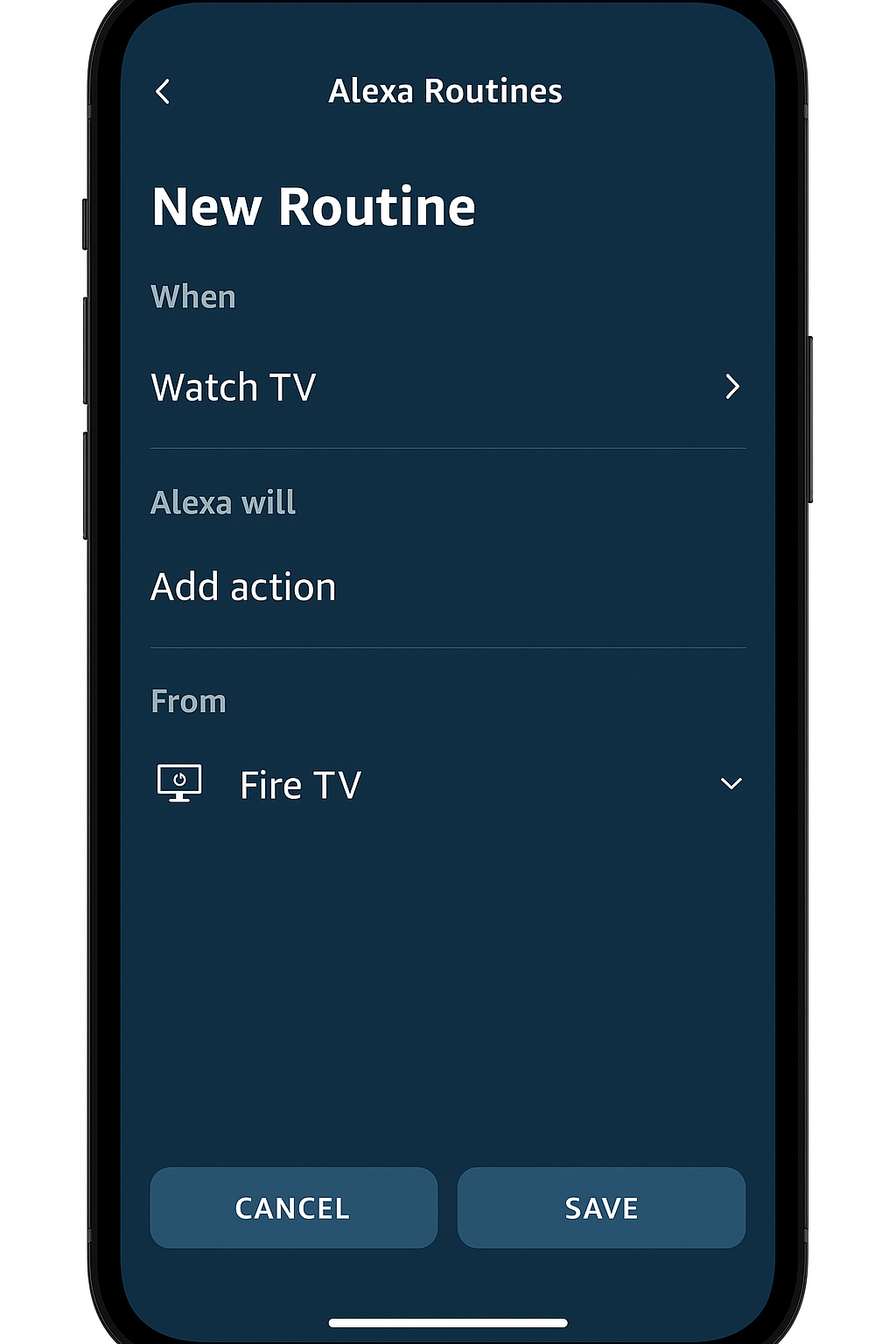
How to Set Up Routines for Smart TV
Before you begin, make sure you have the following:
Requirements:
Alexa app installed on your phone
Fire TV signed in with the same Amazon account as your Echo device
(Optional) Smart lights, plugs, thermostats, or speakers for added automation
Steps:
Open the Alexa app and go to More > Routines.
Tap the “+” icon to create a new routine.
Set a Trigger, such as a voice command (“Alexa, movie night”) or a scheduled time.
Add Actions, which can include:
Launching Netflix on Fire TV
Setting volume to 20
Turning lights on or dimming brightness
Adjusting the thermostat
Save the routine and test it to confirm everything works smoothly.
✅ With these steps, you’ll unlock the best Alexa routines for smart TV, making your setup more convenient, consistent, and perfectly customized to your lifestyle.
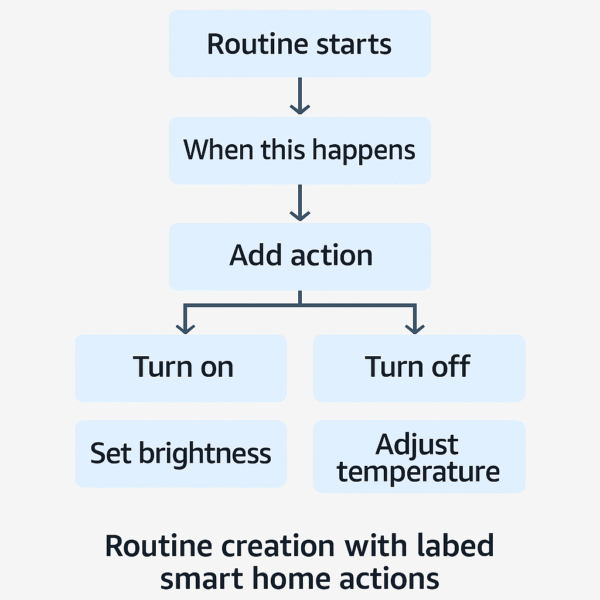
Best Alexa Routine Templates with Fire TV
To get the most out of your setup, here are four of the best Alexa routines for smart TV that simplify entertainment, gaming, mornings, and bedtime.
🔹 1. Movie Night Routine
Trigger: “Alexa, movie night”
Actions:
Turn on Fire TV
Open Netflix or Disney+
Dim Philips Hue lights to 20%
Set soundbar to Movie mode
🔹 2. Game Time Routine
Trigger: “Alexa, game time”
Actions:
Switch Fire TV to HDMI 2 (game console)
Change Philips Hue to a blue tone
Boost volume to 40
Turn off overhead lights in the living room
🔹 3. Good Morning News Routine
Trigger: Schedule or voice command (“Alexa, good morning”)
Actions:
Turn on Fire TV
Open a news app or Prime Video news brief
Announce the weather forecast
Turn on kitchen lights
🔹 4. Sleep Mode Routine
Trigger: “Alexa, sleep mode” or scheduled time
Actions:
Turn off Fire TV
Lower volume
Dim lights to 5% or shift to a red hue
Play white noise via Echo speaker
✅ These four routines highlight how the best Alexa routines for smart TV can create immersive entertainment scenes, energize mornings, and wind down evenings — all with a single command.
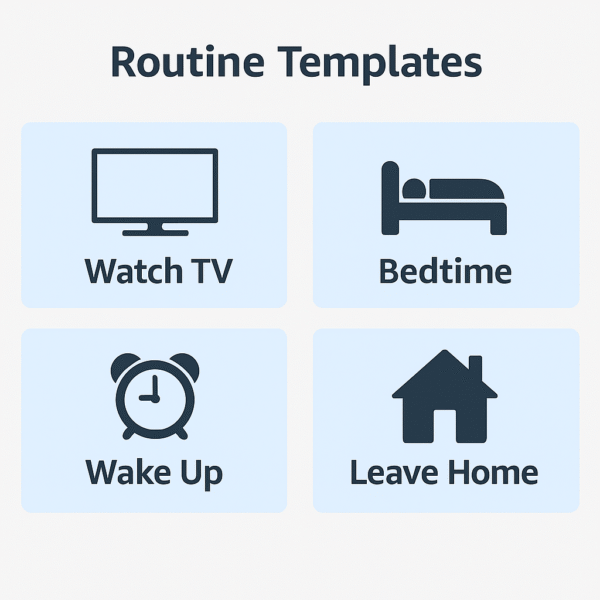
Example Triggers for the Best Alexa Routines for Smart TV
When creating routines, short and natural phrases work best. The best Alexa routines for smart TV respond more reliably when triggers are simple and conversational. Here are some effective examples:
“Alexa, movie night” – Launches your movie routine instantly.
“Alexa, it’s game time” – Switches to your gaming setup.
“Alexa, turn on the news” – Starts your morning news routine.
“Alexa, bedtime” – Activates your sleep mode settings.
✅ Pro Tip: Use natural language and short trigger phrases for better recognition and smoother automation.
Device Compatibility
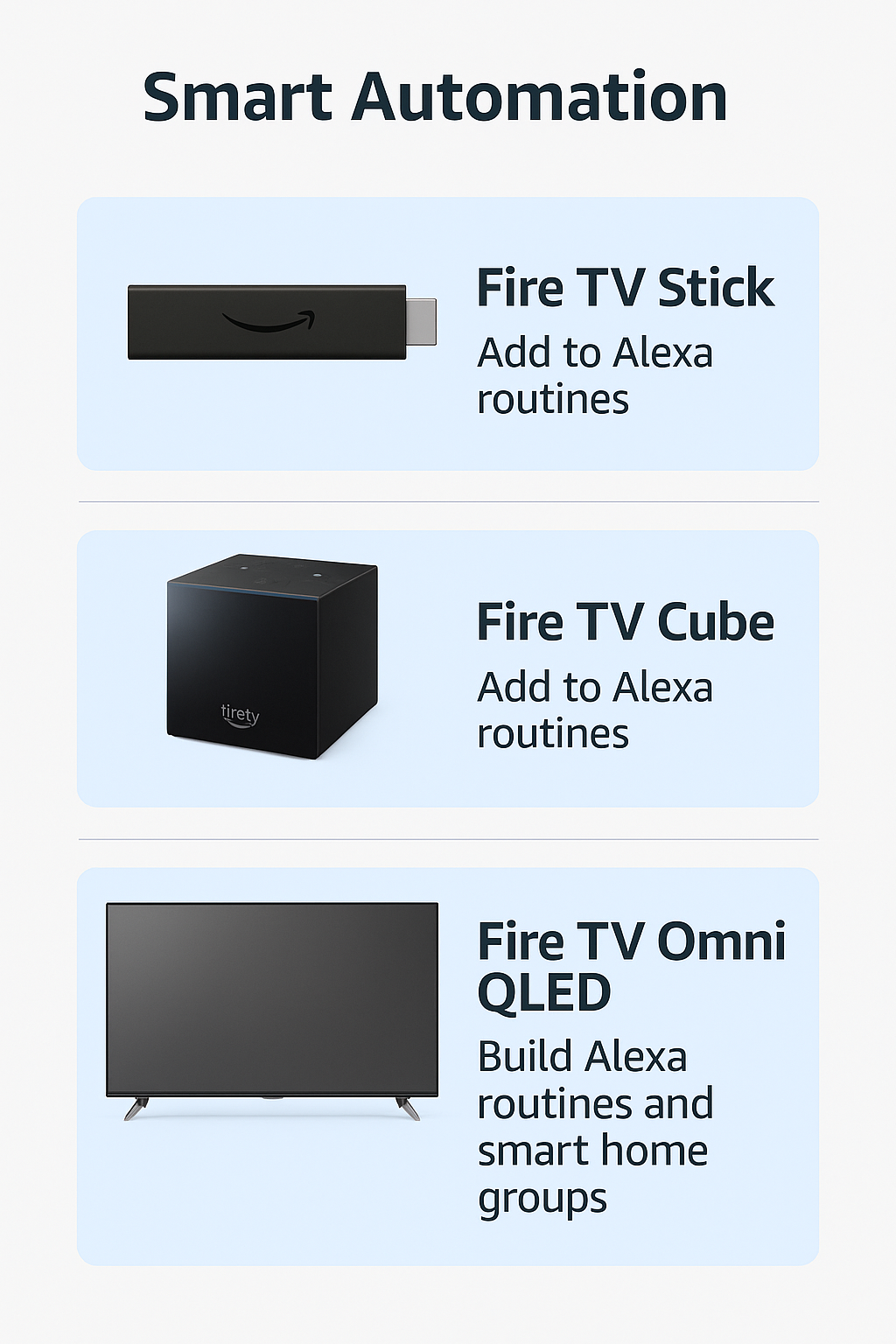
Not every Fire TV device handles routines in the same way. To take full advantage of the best Alexa routines for smart TV, here’s how the top models compare:
| Device | Alexa Routine Support | Notes |
|---|---|---|
| Fire TV Omni QLED | ✅ Full native support | Built-in Alexa with on-screen device control panel |
| Fire TV Stick 4K Max | ✅ Via Echo link | Requires an Echo device for voice input and routines |
| Fire TV Cube | ✅ Full control | Built-in speaker, far-field mics, and IR blaster |
✅ Takeaway: For the smoothest experience with the best Alexa routines for smart TV, the Fire TV Cube and Omni QLED are the most complete solutions, while the Fire TV Stick 4K Max works best when paired with an Echo.
Pro Tips for Smarter TV Routines
To unlock the full potential of the best Alexa routines for smart TV, try these advanced techniques:
Use Groups in the Alexa app – Assign your Fire TV, Echo, and smart lights to the same room for unified control with a single command.
Add Custom Actions – Go beyond defaults by creating routines like “Alexa, launch HBO Max on Fire TV” for instant access.
Pair with Alexa-Enabled Soundbars – Combine Fire TV with smart soundbars to create an immersive, theater-like experience.
Try Geolocation Triggers – Automate routines based on your location, such as “When I arrive home, turn on Fire TV.”
✅ These tips make the best Alexa routines for smart TV not just convenient, but also more personalized, powerful, and dynamic.
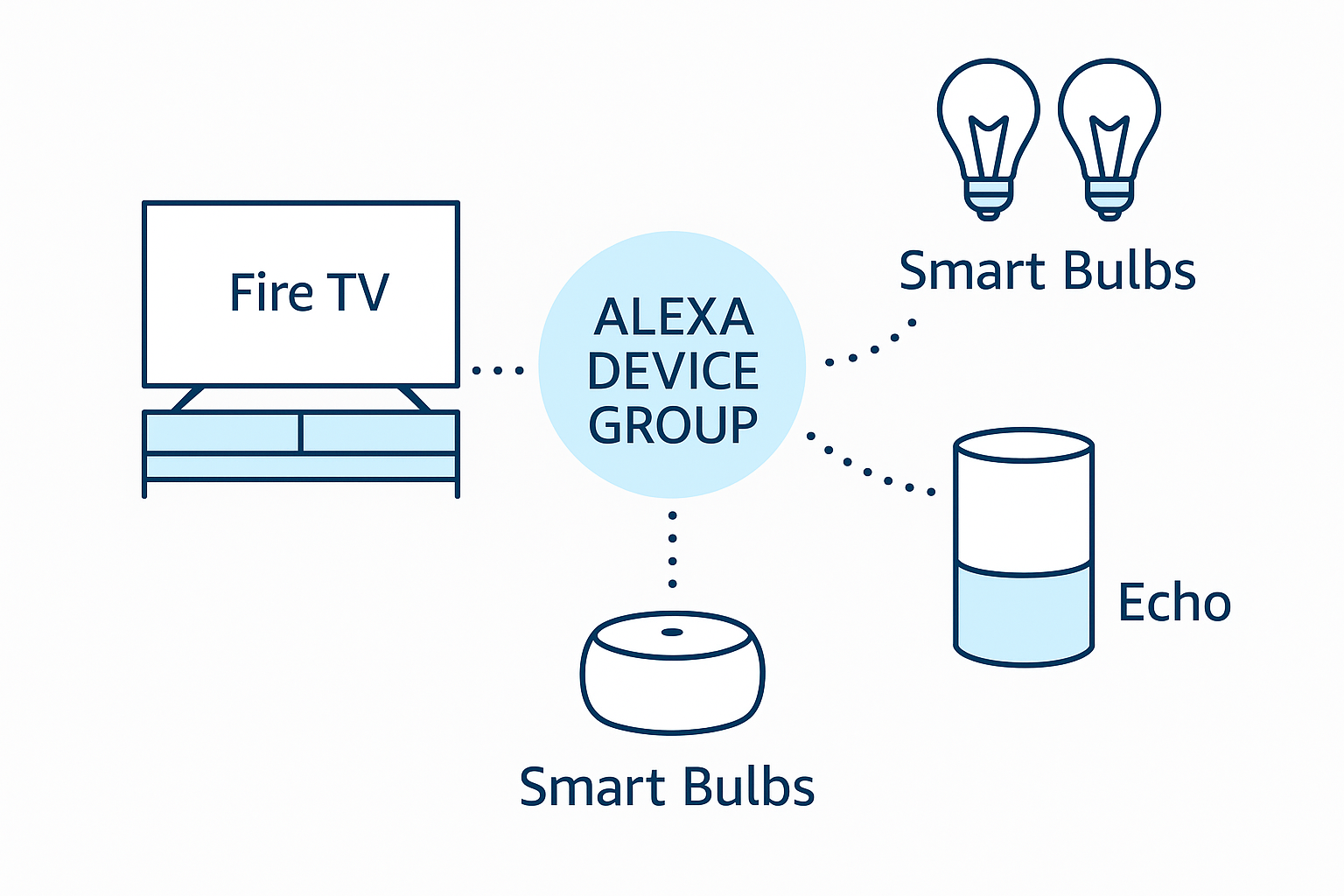
Alexa routines with Fire TV unlock a true smart home theater experience. By linking Fire TV with Echo devices and other Alexa-enabled products, the best Alexa routines for smart TV allow you to automate entertainment around your lifestyle — from immersive movie nights to streamlined morning news setups.
Moreover, whether you’re a tech enthusiast looking for advanced automation or someone who simply wants a hands-free way to enjoy entertainment, these routines put simplicity and control at the heart of your living room.
✅ With the best Alexa routines for smart TV, your Fire TV becomes more than a streaming device — it transforms into the command center of your smart home.