
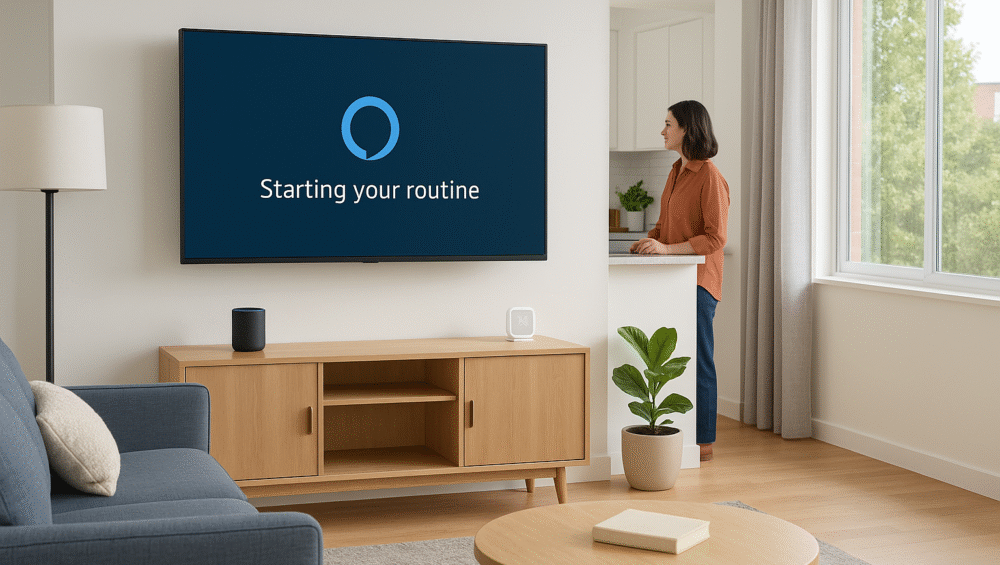
The way Alexa routines control TV in 2025 shows just how far smart home technology has come. Imagine walking into your apartment and saying “Alexa, movie night.” Instantly, the lights dim, the TV powers on, and Netflix launches — all without you lifting a remote. What once felt like science fiction is now a practical, everyday reality.
In this blog, we’ll break down exactly how Alexa routines control TV, which devices support this feature best, and how you can maximize hands-free home entertainment with smart setups.
How Alexa Routines Control TV and More
The way Alexa routines control TV is by chaining multiple actions together under a single command, schedule, or device trigger. This makes entertainment setups simpler and more consistent for everyday use.
Examples:
“Alexa, good morning” – Turns on the lights, starts the coffee maker, and powers on your TV.
“Alexa, game time” – Switches the receiver to HDMI 1, boosts the volume, and dims the lights.
✅ With this flexibility, Alexa routines control TV while also managing the rest of your smart home, creating seamless scenes tailored to your lifestyle.
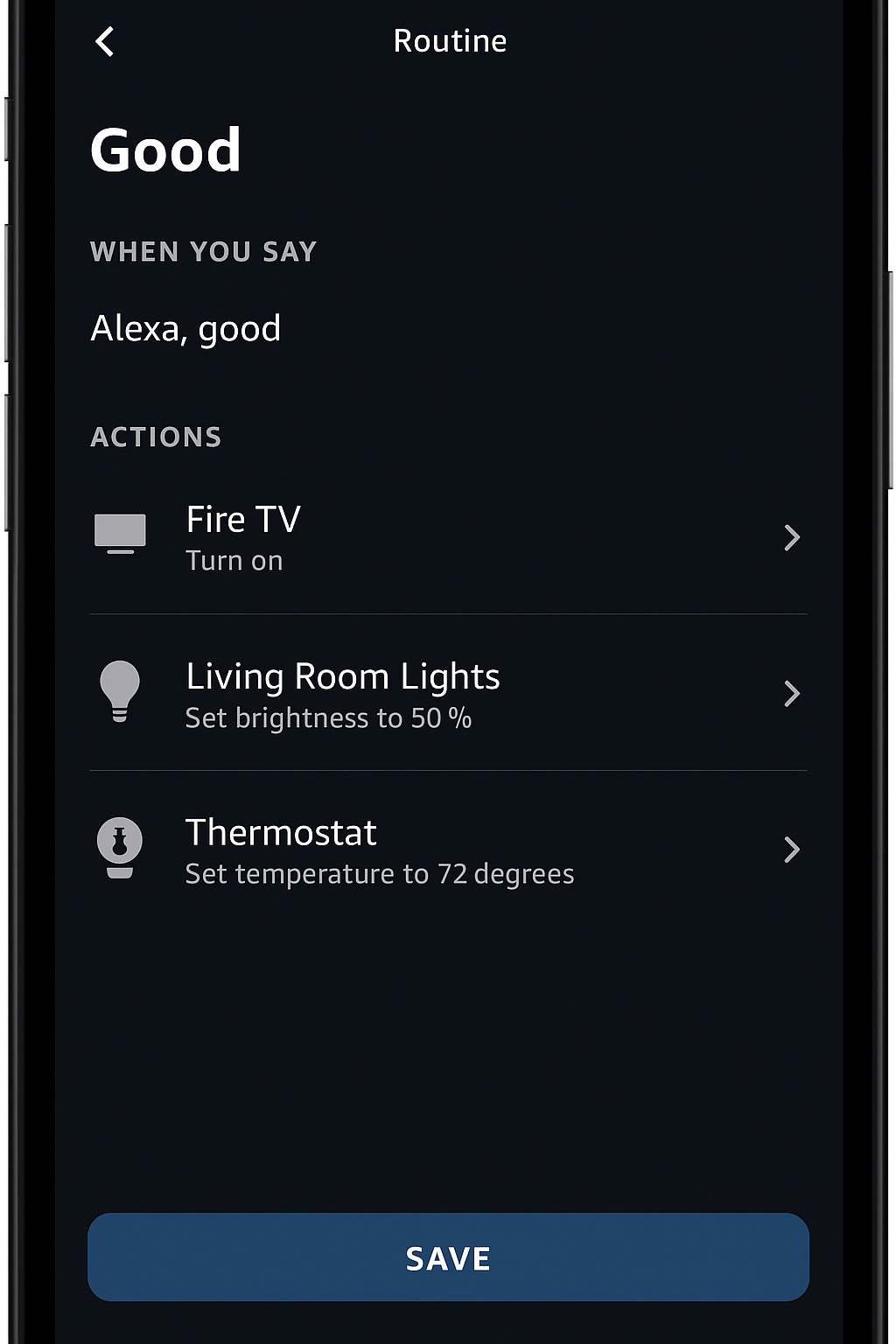
Can Alexa Routines Control TV on Every Model?
Yes — but the experience depends on your TV model and how it supports Alexa. Some televisions include Alexa natively, while others require linking through an Echo device or a companion app.
🔹 TVs With Alexa Built-In (Best Experience)
Amazon Fire TV Omni QLED
Toshiba Fire TV
Insignia Fire TV
LG TVs with ThinQ + Alexa (limited routine control)
With these models, you can:
Turn the TV on/off with your voice
Switch inputs between HDMI sources
Launch apps like Netflix, Prime Video, or Disney+
Adjust volume hands-free
Integrate directly into Alexa routines with no extra hub required
🔹 TVs That Require Alexa Device Link
Samsung Neo QLED / Frame (via SmartThings)
Sony Bravia (via Alexa skill)
Roku TVs (limited integration)
✅ With either setup, you can make Alexa control TV actions like powering on, launching apps, or creating scenes — but TVs with built-in Alexa offer the smoothest, hub-free experience.
Examples of How Alexa Routines Control TV
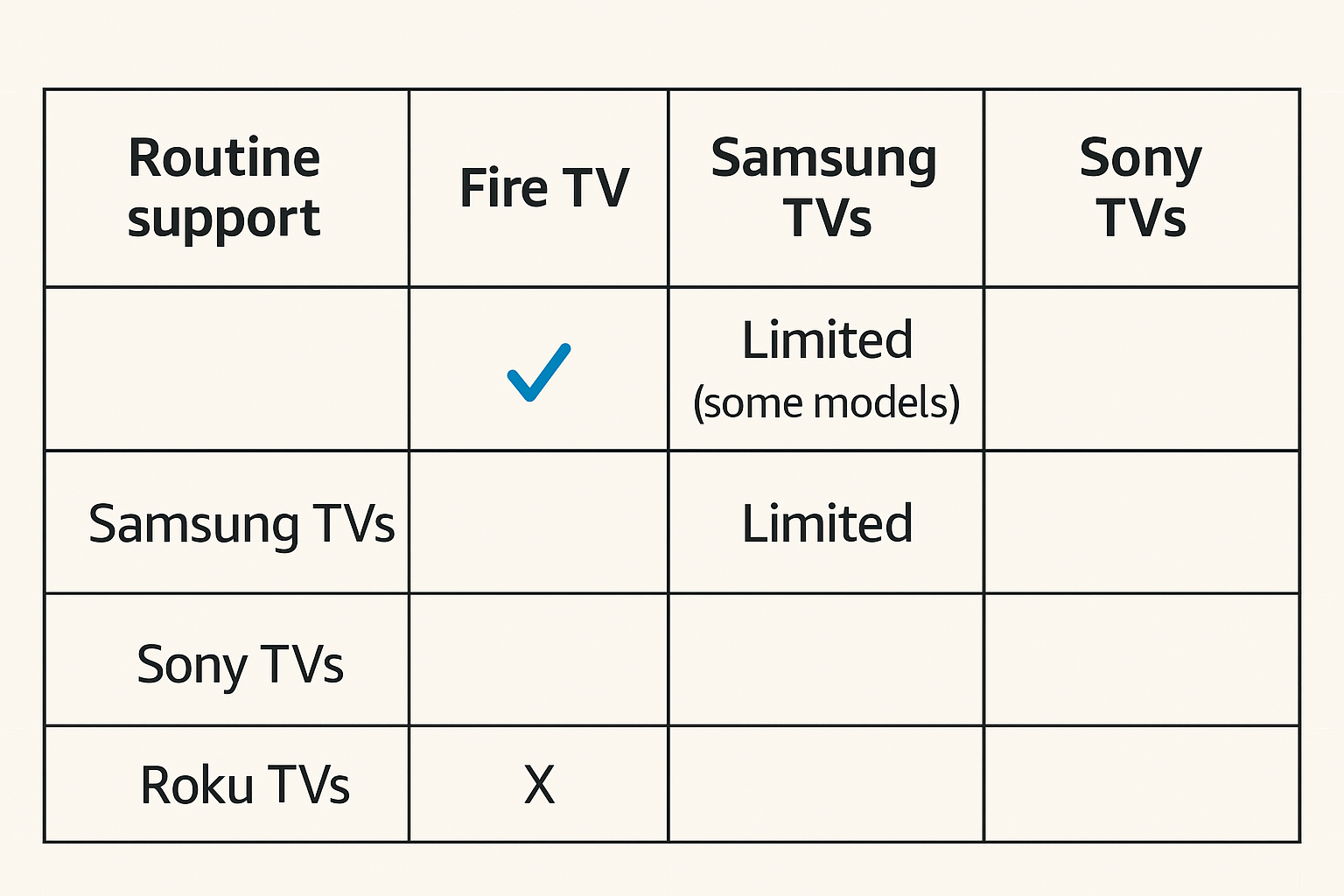
To understand how Alexa routines control TV, it helps to look at real-world scenarios. Here are three common routines that bring entertainment and automation together:
1. Movie Night
Trigger Phrase: “Alexa, movie night”
Actions: Dims the lights, powers on Fire TV, launches Netflix, and switches your soundbar to Movie Mode.
2. Morning News
Trigger: Scheduled for 7:00 AM every weekday
Actions: Turns on Fire TV, plays Alexa’s news briefing, announces the weather, and opens smart blinds.
3. Game Time
Trigger Phrase: “Alexa, it’s game time”
Actions: Switches to HDMI 2 for console play, sets volume to 30, and changes Philips Hue lights to a colorful RGB theme.
✅ These examples show that Alexa routines control TV while also syncing with lights, sound, and even blinds to create a complete smart home experience.
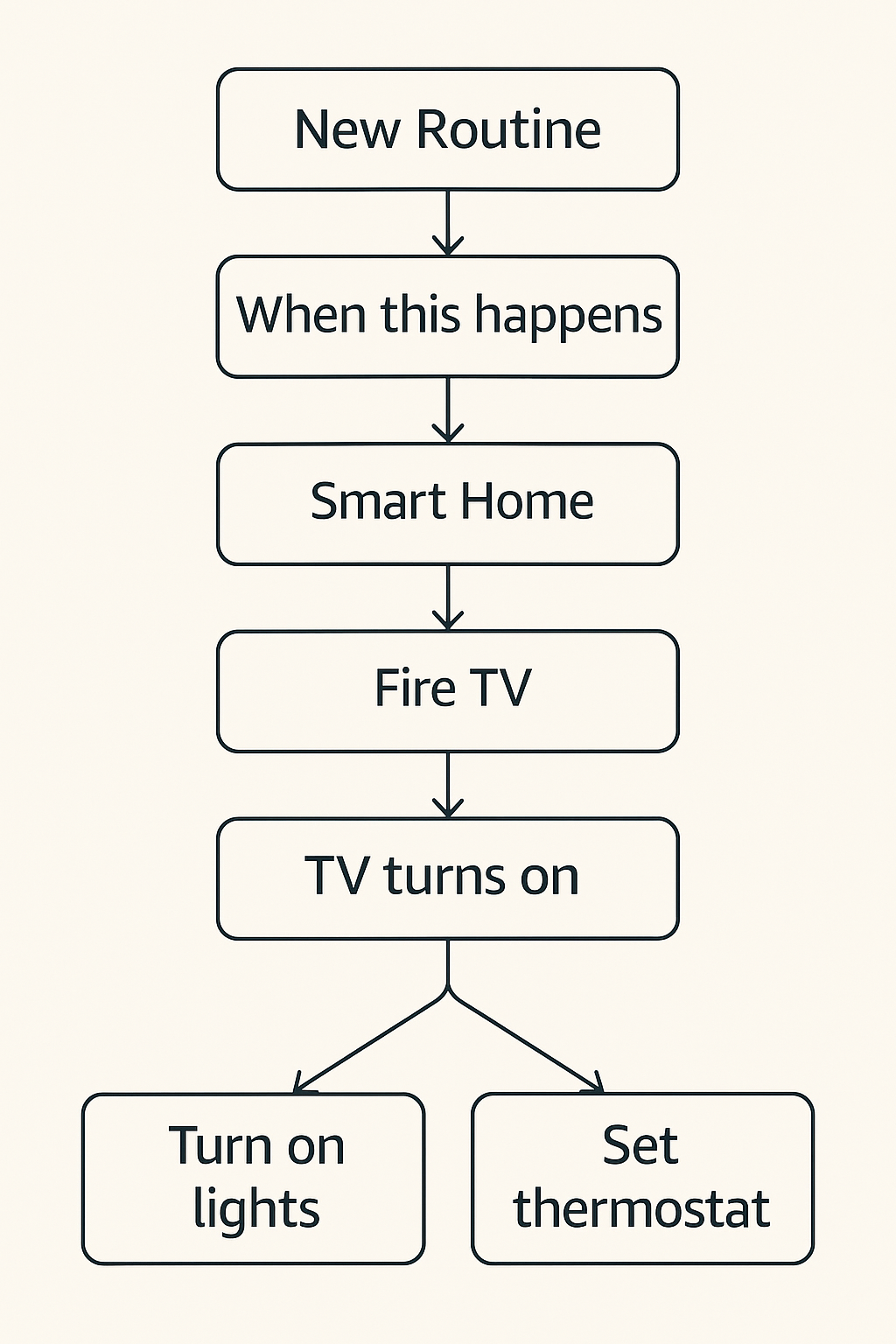
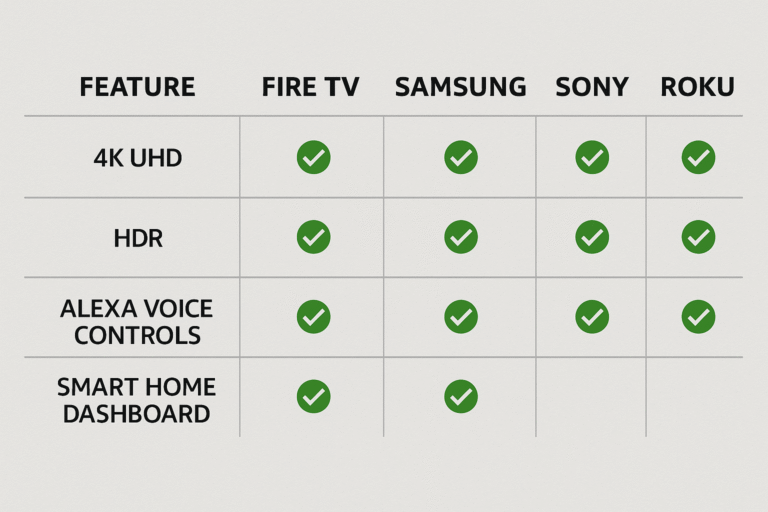
TV Compatibility: How Alexa Routines Control TV Across Models
Not every TV handles Alexa routines the same way. Some offer native support, while others require linking through apps or hubs. Here’s how the major platforms compare in 2025:
| TV Model | Routine Integration | Voice Activation | Smart Home Hub Support |
|---|---|---|---|
| Fire TV Omni QLED | ✅ Native — full Alexa routine support | ✅ Hands-free with built-in mics | ✅ Yes, acts as a hub |
| LG OLED (ThinQ + Alexa) | ⚠️ Partial — requires ThinQ + Alexa link | ✅ Via remote microphone | ✅ Through ThinQ app |
| Samsung Neo QLED | ⚠️ Limited — works via SmartThings link | ✅ Remote-based commands | ✅ SmartThings ecosystem |
| Roku TVs | ❌ Very limited routine support | ✅ Voice-enabled remote | ❌ No hub functionality |
✅ Takeaway: If you want seamless integration where Alexa routines control TV directly — with hands-free activation and hub-like features — the Fire TV Omni QLED is the clear winner.
How to Set Up Alexa Routines
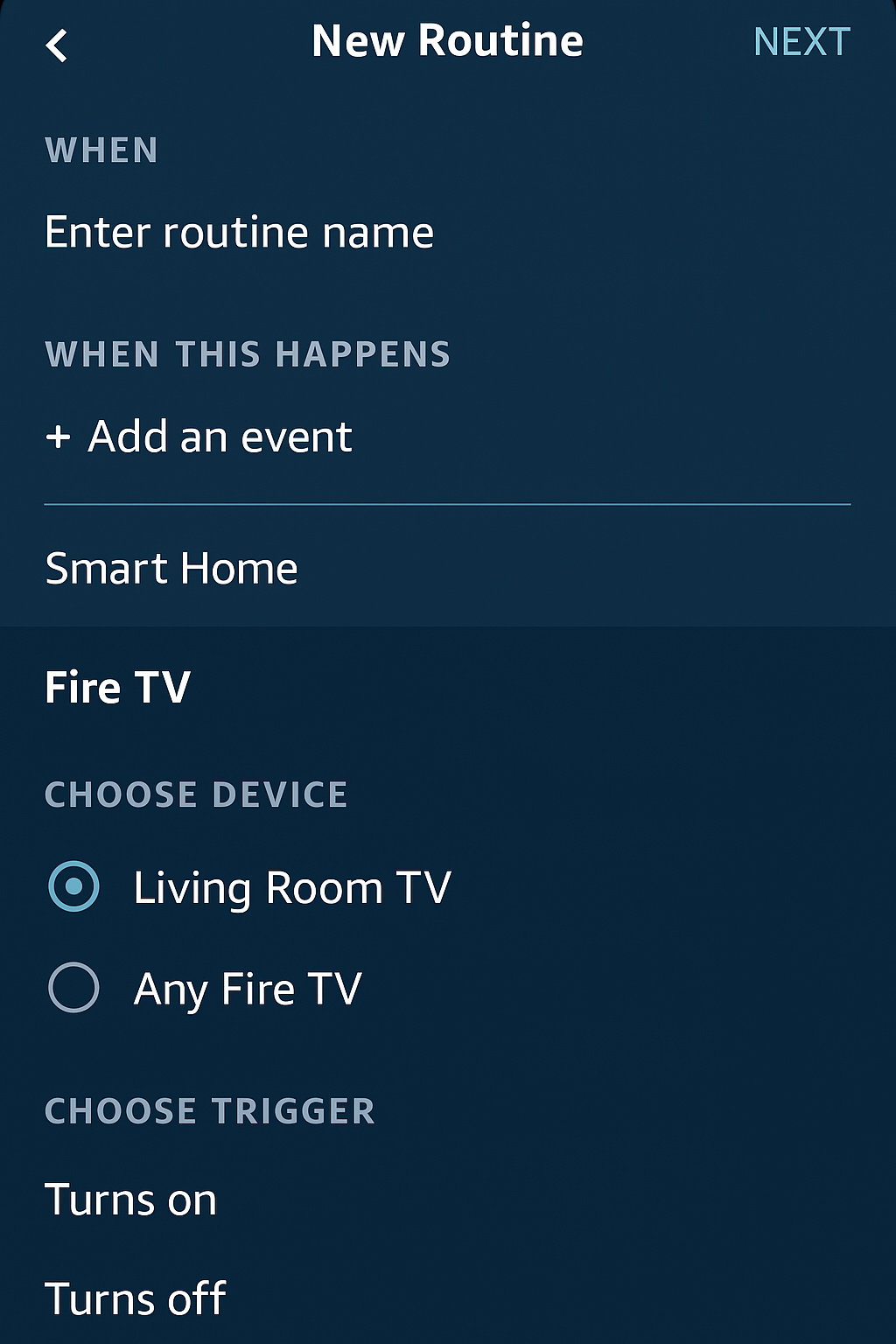
It only takes a few steps to make Alexa routines control TV actions alongside your other smart devices. Follow this setup process in the Alexa app:
Step-by-Step Setup:
Open the Alexa App → Tap More → Select Routines.
Tap the “+” icon to create a new routine.
Choose a trigger (voice command, time schedule, or device state).
Add Actions such as:
Smart Home → Select your TV device → Power On or Set Volume.
Custom → Type “Launch Netflix on Fire TV.”
Add extra devices like smart lights, plugs, or thermostats for a complete scene.
Tap Save — your routine is now active.
✅ Tip: Group your TV and Echo devices under the same room in the Alexa app to ensure smoother voice command responses and faster routine execution.
Things to Know When Using Alexa Routines
While Alexa routines control TV smoothly on most modern models, there are a few technical details to keep in mind:
CEC or eARC Support Required – Your TV must support HDMI-CEC or eARC to respond to power-on commands from routines.
Standby Mode Limitations – Some TVs only respond to Alexa when in standby mode rather than fully powered off.
App Launching Requirements – Launching apps through Alexa may require enabling a specific Alexa skill or ensuring an Echo device is on the same network.
✅ By understanding these small limitations, you’ll get the most reliable performance when setting up routines that let routines control TV actions.
Benefits of Using Alexa Routines to Control TV
When set up correctly, the way Alexa routines control TV creates a smoother, more accessible home entertainment experience. Key advantages include:
No Need for Wall Switches – Voice commands and routines manage your entire entertainment setup without rewiring.
Perfect for Renters – Avoid installing hubs or switches; everything works through Alexa and compatible devices.
Enhanced Accessibility – Ideal for seniors or users with disabilities who benefit from hands-free control.
Multi-Device Sync – Trigger lights, TV, blinds, and music together with a single phrase.
✅ With these benefits, Alexa routines control TV while also unifying your smart home into one simple, reliable system.
Conclusion: Alexa Routines Control TV in 2025
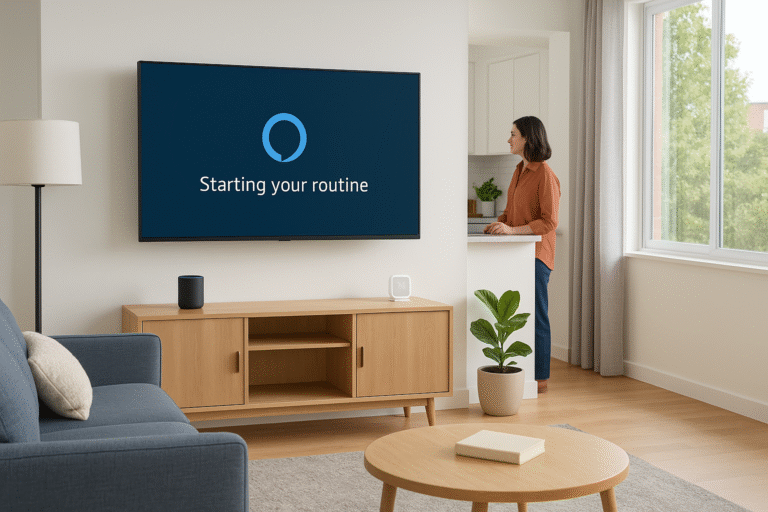
In 2025, Alexa routines control TV with ease, turning everyday viewing into a fully automated experience. With models like the Fire TV Omni QLED, seniors, families, and tech enthusiasts alike can enjoy a setup that feels smooth, intuitive, and completely hands-free. Whether it’s catching the morning news, starting a movie night, or syncing your TV with smart lighting, Alexa routines blend entertainment and home automation into one seamless flow.
✅ For the best results, choose a TV with native Alexa integration — ideally one with hands-free voice control and smart hub functionality, such as the Fire TV Omni QLED series. This ensures the most reliable, responsive, and convenient way to let routines control TV in your home.