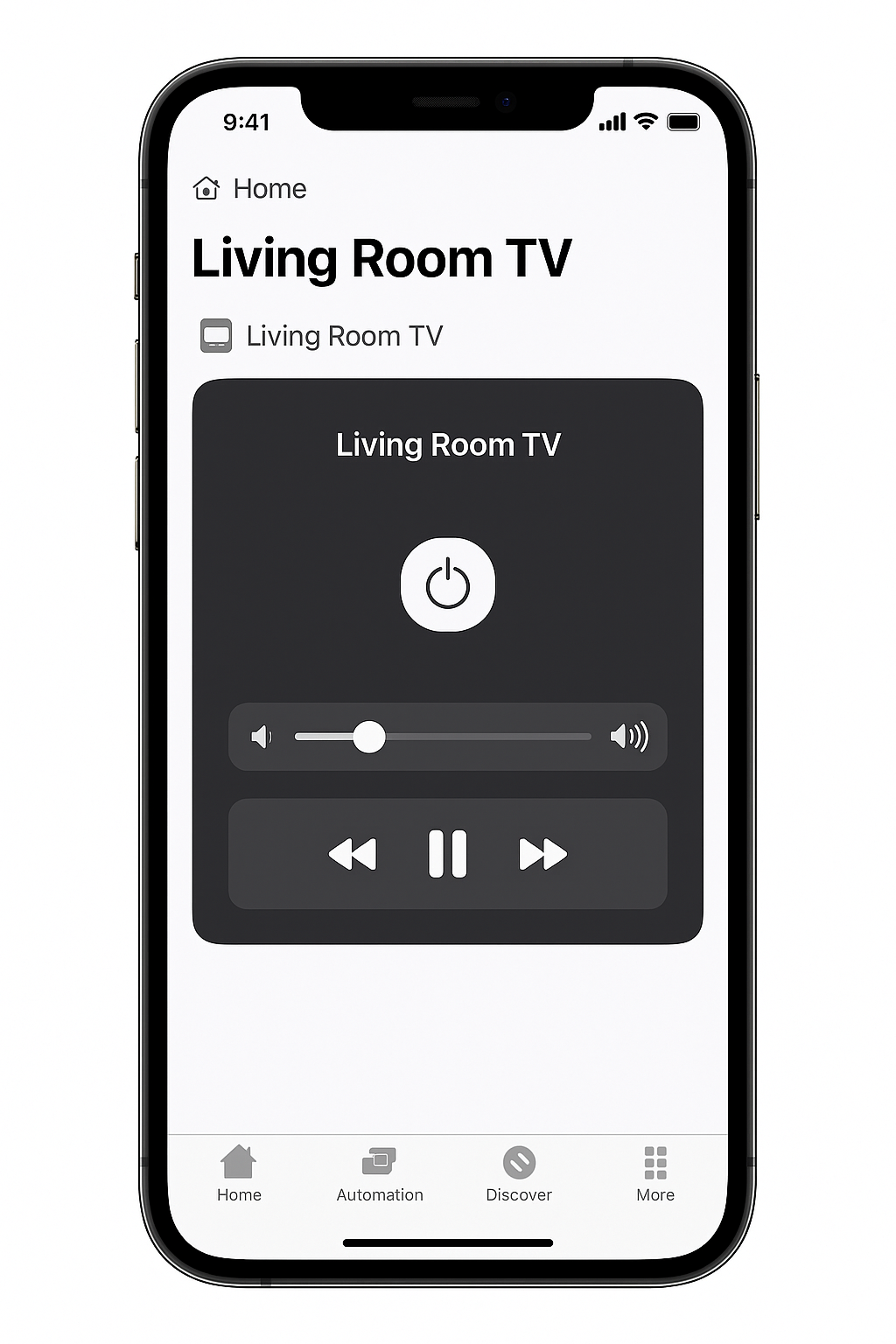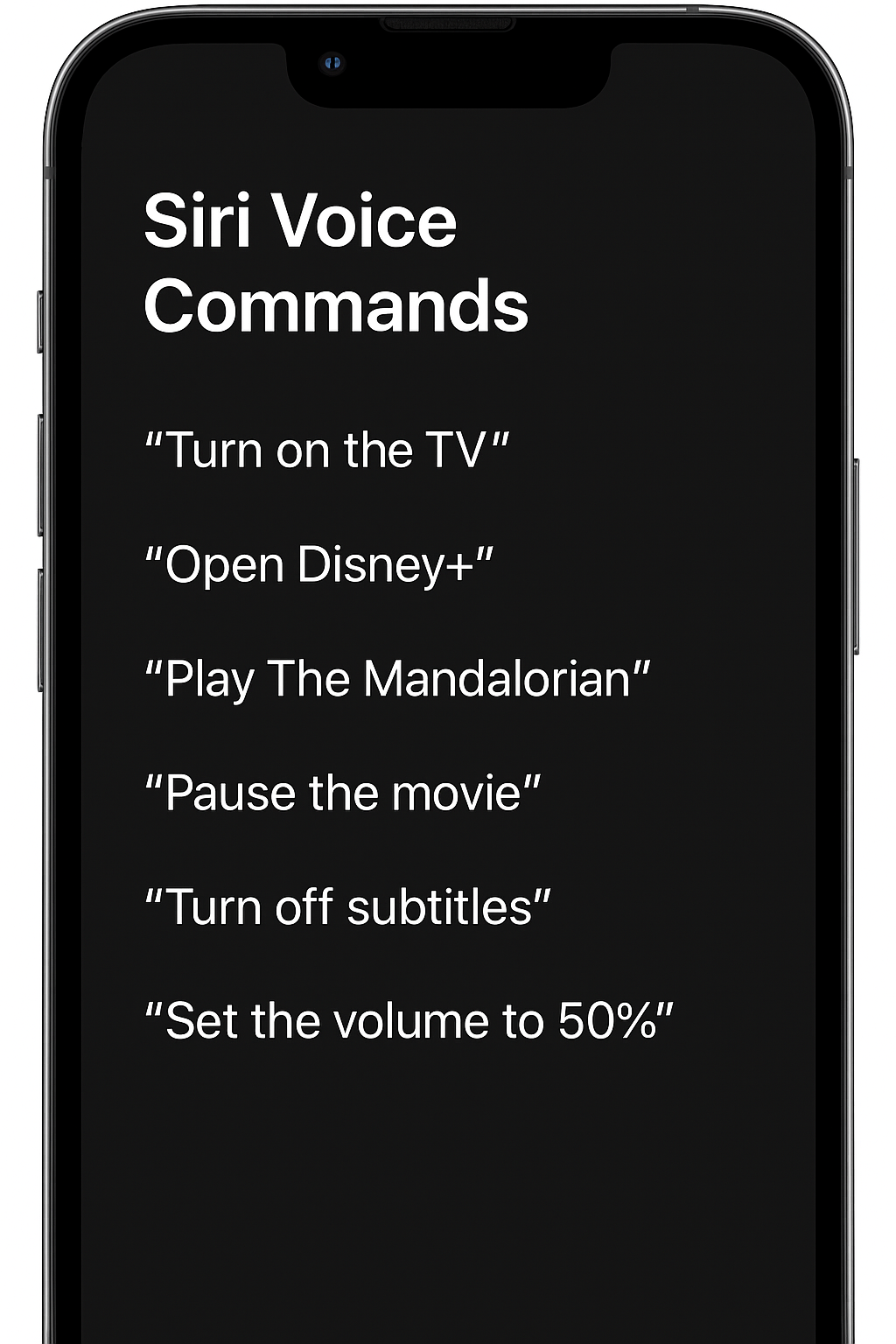
If you’re part of the Apple ecosystem, choosing smart TVs with Siri integration can completely elevate your smart home experience. In 2025, several modern smart TVs now offer direct or indirect Siri compatibility, enabling you to control your TV, automate scenes, and manage connected devices effortlessly with simple voice commands.
In this guide, we’ll explore how Siri interacts with each model, and highlight why these TVs are the perfect fit for Apple-focused smart homes seeking seamless voice control and ecosystem harmony.
How Siri Integration Works — Smart TVs with Siri Integration
The biggest advantage of smart TVs with Siri integration is their native compatibility with Apple HomeKit, making control simple and intuitive.
Native Support via HomeKit
Works seamlessly with iPhone, iPad, HomePod, and Apple Watch.
Lets you use Siri voice commands to turn the TV on or off, change inputs, adjust volume, or launch apps.
Allows full automation by combining your TV with other smart devices in HomeKit scenes — for example, “Hey Siri, movie night” can dim the lights, close blinds, and start your favorite streaming service automatically.
With Siri integration, your TV becomes more than just a screen — it becomes part of your intelligent home ecosystem.
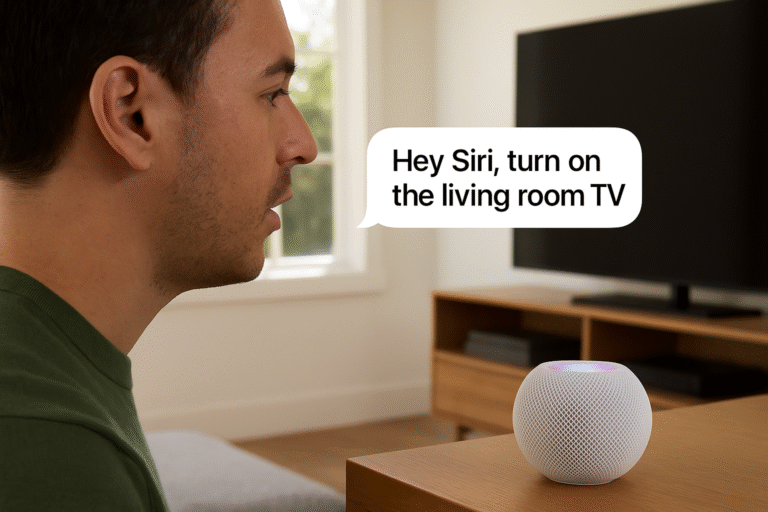
Top Picks — Smart TVs with Siri Integration
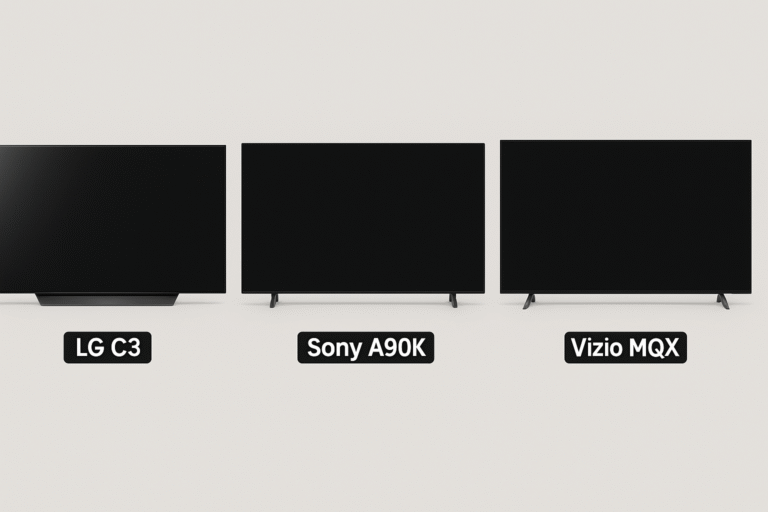
When choosing among the smart TVs with Siri integration, these models stand out for their seamless Apple ecosystem support, premium display quality, and intuitive smart control.
LG C3 OLED evo
Offers full HomeKit and AirPlay 2 support for effortless Apple connectivity.
Works flawlessly with iPhone, iPad, and Mac devices.
Delivers Dolby Vision, 120Hz refresh rate, and HDMI 2.1 for smooth gaming and movie playback.
Integrates Siri via HomeKit, enabling hands-free control and automated Home scenes.
Sony A90K OLED TV
Part of the Bravia XR series, featuring AirPlay 2 and HomeKit compatibility.
Responds easily to Siri voice commands through connected Apple devices.
Known for its cinematic image quality, deep contrast, and vibrant HDR visuals.
Perfect for Apple users who value both performance and cross-platform flexibility.
Vizio MQX Series (2025 Edition)
A budget-friendly option offering HomeKit integration for Apple households.
Works with Siri commands via the Home app for essential voice controls.
Includes AirPlay 2 streaming support for direct playback from iOS devices.
Ideal for those wanting smart TVs with Siri integration at an affordable price.
Each of these smart TVs blends stunning visuals with Apple-friendly convenience — creating a unified, voice-controlled entertainment experience.
Voice Commands & Automations
With smart TVs with Siri integration, voice control goes far beyond basic commands — it connects your entire home experience.
Everyday Siri Commands:
Say “Hey Siri, turn on the TV” to power up your screen hands-free.
Ask Siri to pause, play, or adjust volume, or even switch HDMI inputs instantly.
Create Custom Automations:
Set up automations like:
“When I say Movie Night, dim the lights and turn on Netflix.”
Combine TV actions with smart lighting, shades, or sound systems in your Home app.
Setup Requirements:
The TV must be added to the Home app on your iPhone or iPad.
Assign the TV to a specific room (e.g., Living Room or Bedroom) for better organization and scene control.
💡 Once configured, smart TVs with Siri integration let you manage your entire entertainment setup with a single voice command.
Why It Matters — Smart TVs with Siri Integration
The true power of smart TVs with Siri integration lies in how they simplify daily living through automation, accessibility, and convenience.
Automate Entire Scenes: Combine your TV, lights, and shades into a single Siri command — for example, “Hey Siri, movie time.”
Hands-Free Control: Perfect for moments when your hands are full, like cooking or relaxing, allowing effortless control from across the room.
Accessibility Benefits: Ideal for users who rely on voice commands or assistive technology, offering a more inclusive smart home experience.
Enhanced Functionality: Adds Siri voice control to TVs that were once remote-only, transforming them into connected, interactive smart displays.
💡 In essence, smart TVs with Siri integration blend entertainment, comfort, and accessibility — creating a smarter, more personalized home environment.
Gaming & Home Scenes — Smart TVs with Siri Integration
With smart TVs with Siri integration, gaming setups can be transformed into immersive, automated experiences controlled entirely by voice.
Smart Scene Example: “Game Night”
Activate your Game Mode preset using a custom Siri Shortcut.
Siri triggers multiple actions at once:
Turns on the TV and switches to the Xbox input.
Adjusts smart lighting to a cool, focused tone.
Enables Game Mode for reduced input lag and optimized visuals.
The HomePod automatically becomes your audio source via eARC pass-through on Apple TV, delivering rich, lag-free sound.
💡 With these automations, smart TVs with Siri integration turn gaming into a seamless, cinematic experience — no remotes, no menus, just pure play.
Security & Privacy Benefits
Apple places a strong focus on privacy, and that extends to smart TVs with Siri integration. Every command and connection is designed to keep your home secure.
End-to-End Encrypted Commands: All Siri interactions are encrypted from your device to Apple’s servers, ensuring no one else can access or intercept your requests.
No Tracking or Profiling: Apple does not track, record, or profile your Siri voice queries — maintaining your full privacy during every interaction.
Enhanced Home Security: Enable two-factor authentication (2FA) for your Home app to protect against unauthorized access and ensure only trusted devices can control your smart home.
💡 With Apple’s privacy-first approach, smart TVs with Siri integration offer both intelligent automation and peace of mind — keeping your home connected and secure.
Optimization Tips
To get the most reliable performance from smart TVs with Siri integration, a few setup tweaks can make a big difference:
Keep Firmware Updated: Always update your TV’s firmware to ensure the latest HomeKit and Siri compatibility features work smoothly.
Use Apple TV as a Home Hub: Set your Apple TV as the HomeKit hub to unlock remote control, automation, and scheduling capabilities.
Name Devices Clearly: Assign distinct, simple names to each TV (e.g., “Living Room TV”, “Bedroom OLED”) for faster and more accurate Siri responses.
💡 Following these steps ensures your smart TVs with Siri integration respond instantly, sync perfectly, and stay future-ready in your Apple smart home.
Why Siri-Compatible TVs Are Worth It
With smart TVs with Siri integration, your television becomes more than just a screen — it becomes the central command hub of your Apple smart home.
Whether you’re a movie lover dimming the lights for a film, a gamer launching Game Mode with a phrase, or a smart home enthusiast orchestrating entire scenes, Siri-compatible TVs deliver effortless control.
💬 Just say the word — and your entire entertainment setup responds, creating a seamless, voice-driven experience that blends convenience, automation, and Apple’s signature elegance.