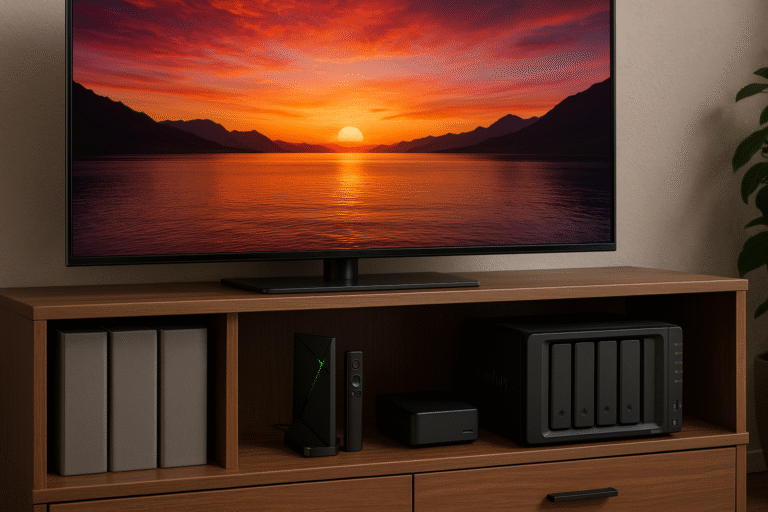
This post compares the top streaming box for Plex library setups in 2025, highlighting transcoding, server use, and high-bitrate streaming. Among all tested devices, the NVIDIA Shield TV Pro clearly stands out as the most versatile all-in-one Plex powerhouse for seamless media playback and storage.
What Makes a Great Plex Device?
Plex users need devices that can stream, serve, and transcode content smoothly with minimal lag. In 2025, the ideal streaming box for Plex library includes:
High-performance CPU/GPU for fast and efficient processing
Direct Play and hardware-accelerated transcoding for flawless playback
USB or NAS connectivity to expand media storage options
Ethernet support for stable, high-bitrate 4K streaming without buffering
Best Streaming Boxes for Plex Library in 2025
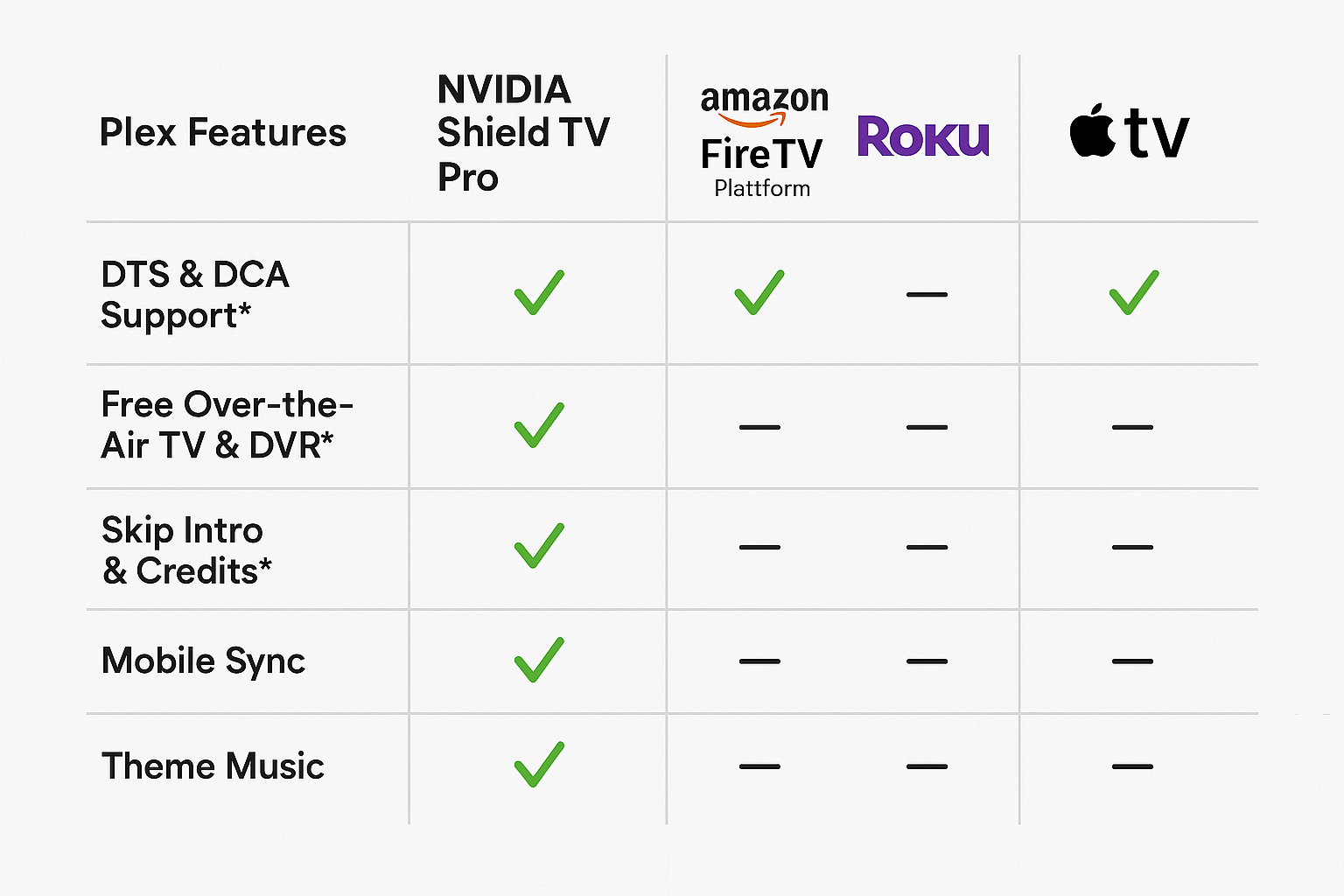
NVIDIA Shield TV Pro
Plex Server Ready with 16GB internal storage and USB expansion for media libraries.
Supports hardware transcoding for formats like H.265, VP9, and AV1.
Fully compatible with 4K HDR content, ensuring cinematic playback quality.
Includes Ethernet and dual USB ports for external drives or NAS integration.
Apple TV 4K (3rd Gen)
Excellent Plex playback client with smooth navigation and crisp visuals.
No native Plex server support, limiting it to streaming only.
No expandable storage, making it less ideal for large libraries.
Fire TV Cube (2025)
Features improved processing power and responsiveness.
Lacks Plex server functionality, suitable only for client-side playback.
Limited internal storage may affect large media collections.
Roku Ultra (2025)
Offers a simple, user-friendly interface and reliable streaming.
No server or transcoding support, but still provides smooth Plex playback for casual users.
Shield TV as a Plex Server
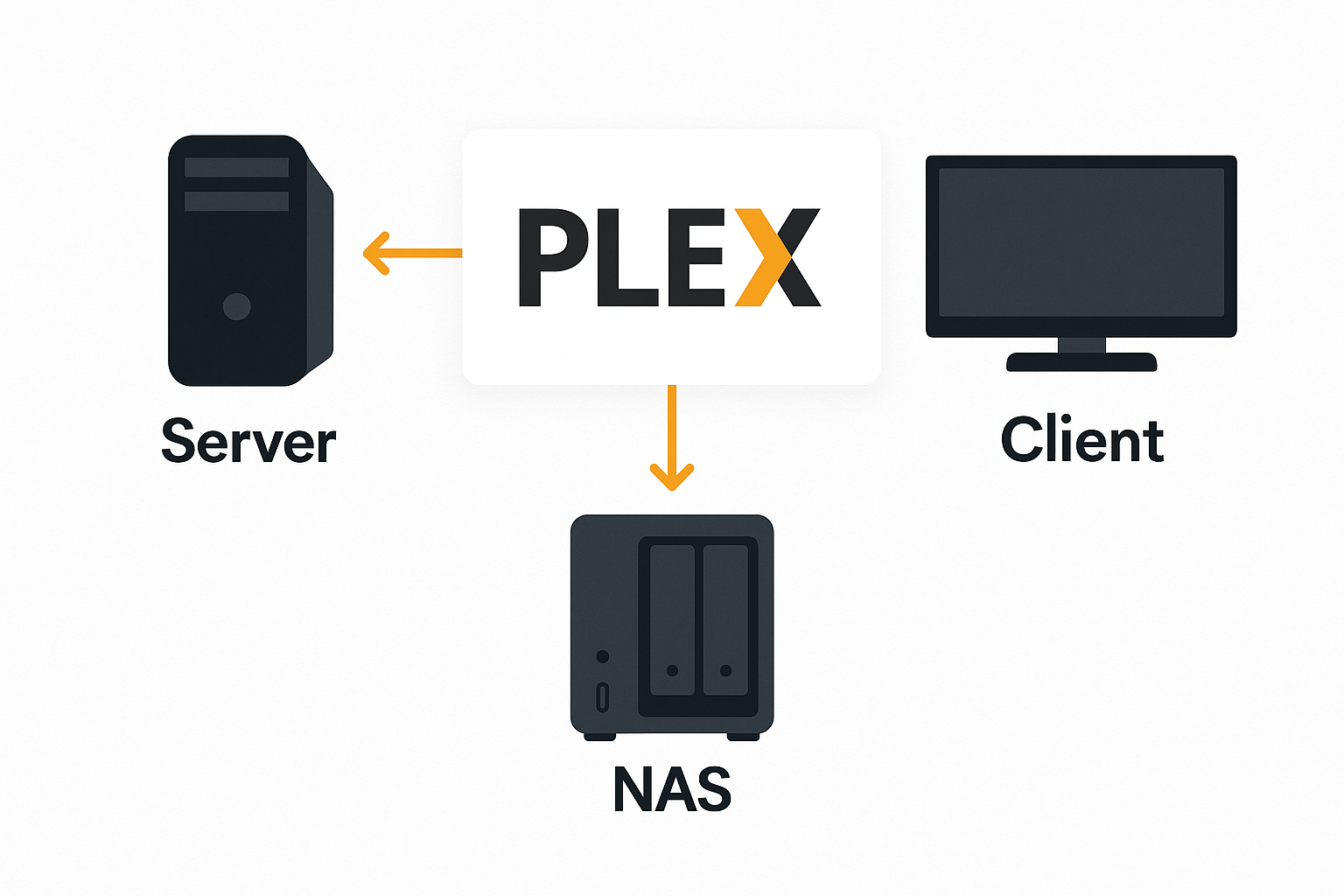
The NVIDIA Shield TV Pro works as both a Plex client and a full Plex server, making it the ultimate streaming box for Plex library setups.
Add External Storage: Connect an SSD or HDD via USB to expand space for your media collection.
Install Plex Media Server: Download and install the Plex Media Server app directly from Google Play for instant setup.
Schedule Scans and Updates: Easily schedule background scanning and automatic metadata updates to keep your library organized and up to date.
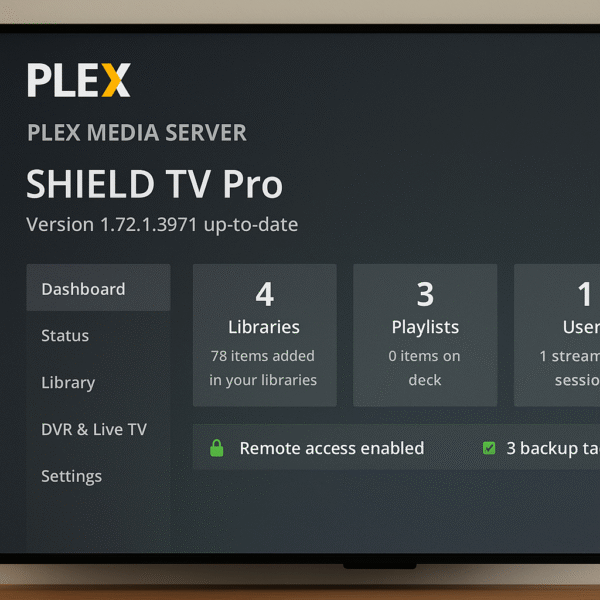
Transcoding Performance Benchmarks
The NVIDIA Shield TV Pro, as a powerful streaming box for Plex library management, delivers excellent performance for remote and local streaming tasks.
Smooth Transcoding: Effortlessly transcodes 1080p to 720p for remote users without lag or buffering.
Multi-Stream Support: Capable of handling two simultaneous 1080p streams with consistent quality.
Network Performance: Offers stable throughput of around 50–70 Mbps, depending on your network setup and connection quality.
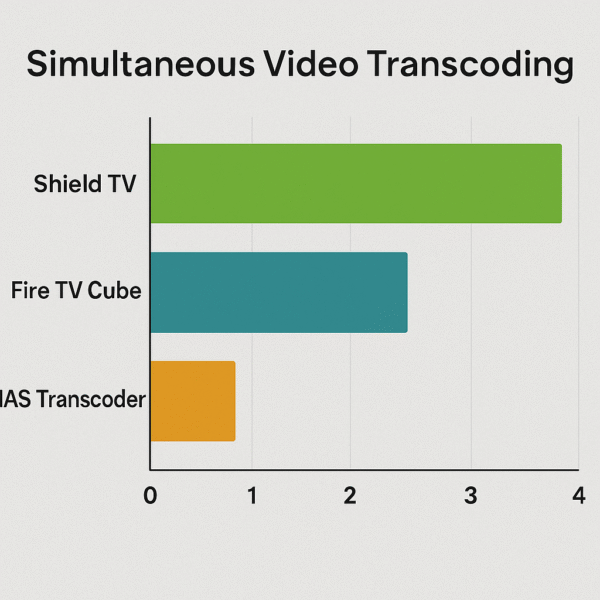
Direct Play vs Transcoding on Shield TV
The NVIDIA Shield TV Pro remains the most capable streaming box for Plex library users, offering flexibility for both local and remote playback.
Direct Play: Perfect for LAN streaming, as it uses minimal CPU power while maintaining full-quality playback.
Transcoding: Efficiently converts high-bitrate or unsupported formats for remote access or lower-bandwidth connections.
Codec Support: Fully compatible with major codecs including H.264, H.265, VP9, and AV1, ensuring broad media compatibility.
Optimization Tips for Streaming Box for Plex Library:
Use Wired Ethernet: Always use a wired connection for maximum stability and consistent bitrate during 4K or remote streaming.
Enable Auto Updates: Set Plex to automatically update metadata and media libraries to keep your collection organized.
Choose Proper Drive Format: Format external drives as exFAT or NTFS for the best compatibility and write speeds.
Limit Background Apps: Close or disable unnecessary background apps to ensure smooth transcoding and playback performance.
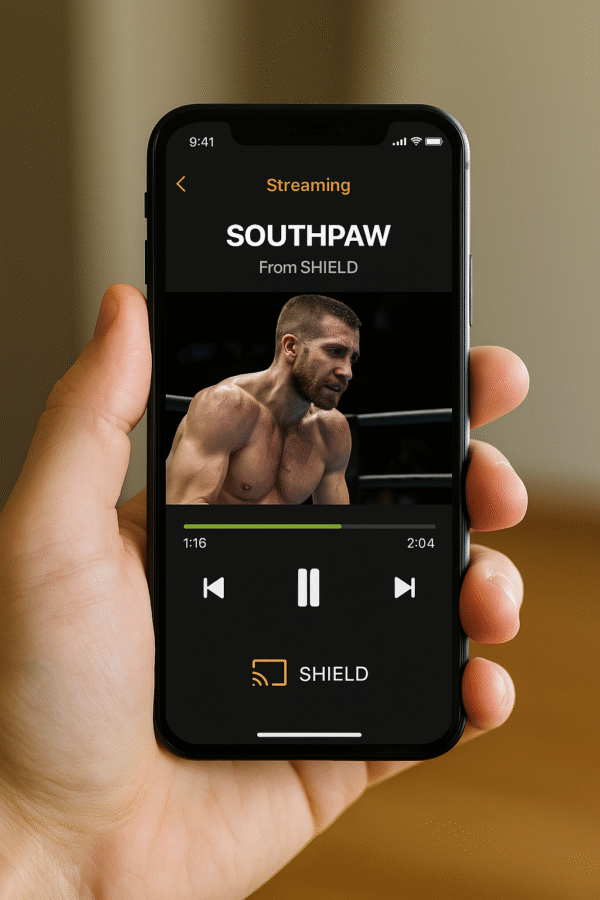
Companion Apps and Remote Streaming
The NVIDIA Shield TV Pro, as a top-rated streaming box for Plex library setups, offers excellent cross-platform compatibility and advanced features.
Client Compatibility: Works seamlessly with iOS, Android, Roku, and Fire TV Plex clients, ensuring smooth streaming across all devices.
Remote Streaming: Allows remote playback with adjustable quality and bitrate settings to match your connection speed.
Plex Pass Benefits: Unlock premium features with Plex Pass, including DVR recording, intro skipping, and mobile sync for offline viewing.
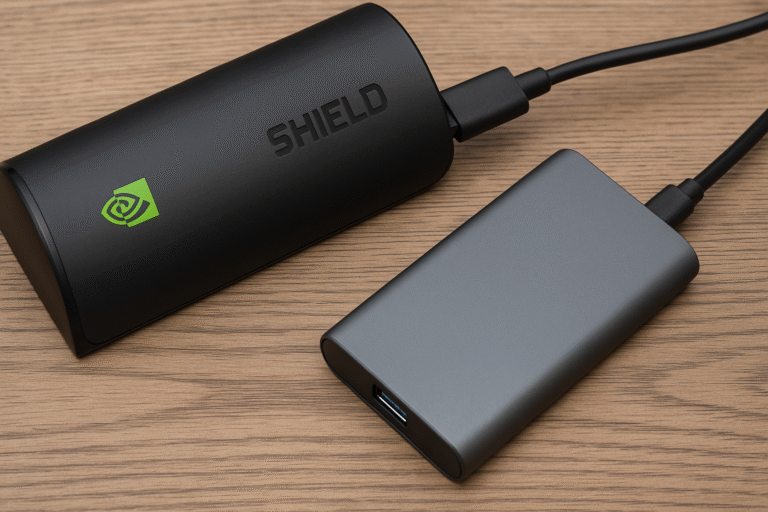
Recommended External Drives for Streaming Box for Plex Library:
Samsung T7 SSD – High Speed, Low Power Draw:
Offers fast read/write performance ideal for Plex servers, while consuming minimal power when connected to the Shield TV Pro.WD My Passport – Budget-Friendly and Reliable:
Provides solid performance and large capacity at an affordable price, perfect for growing Plex libraries.Crucial X8 – Rugged and Portable:
Features a durable aluminum design and high transfer speeds, making it great for portable or shared media setups.
Final Verdict
If you’re a Plex enthusiast searching for an all-in-one media solution, the NVIDIA Shield TV Pro remains unmatched as the best streaming box for Plex library setups. It can effortlessly:
Serve and stream 4K media with exceptional stability
Transcode on the fly for remote and local playback
Expand storage through USB-connected SSDs or HDDs
Integrate with your smart home via Google Assistant or Alexa
While other devices may perform well as Plex clients, only the Shield TV Pro delivers the complete Plex experience in 2025 — combining power, flexibility, and ease of use in one premium package.