
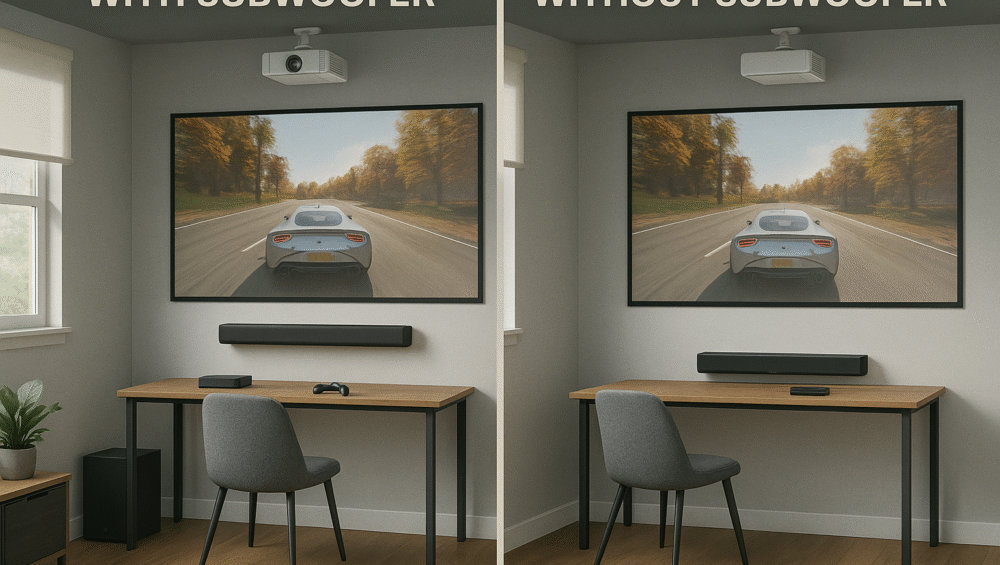
This guide compares the best gaming projector soundbar options under $400, helping you find the perfect balance of power, clarity, and compact design. In particular, it focuses on models that deliver Dolby Atmos support, HDMI ARC compatibility, and space-saving builds ideal for small gaming rooms. By choosing the right gaming projector soundbar, you can dramatically enhance immersion, bringing cinematic audio depth to every battle, race, or adventure.
Why Sound Matters in a Gaming Projector Setup
Most projectors don’t include powerful built-in speakers, which is why adding a gaming projector soundbar is essential for a truly immersive experience. Whether you’re playing fast-paced shooters like Call of Duty, competitive sports titles like FIFA, or cinematic adventures like Hogwarts Legacy, audio clarity and spatial accuracy can make all the difference.
Key Benefits of a Gaming Projector Soundbar:
Improved Directional Audio: Experience better left/right sound cues for enhanced gameplay awareness.
Simplified Connectivity: HDMI ARC makes setup easy by sending audio and video through a single cable.
Immersive 3D Sound: Dolby Atmos technology adds depth and realism, creating a more engaging, theater-like environment.
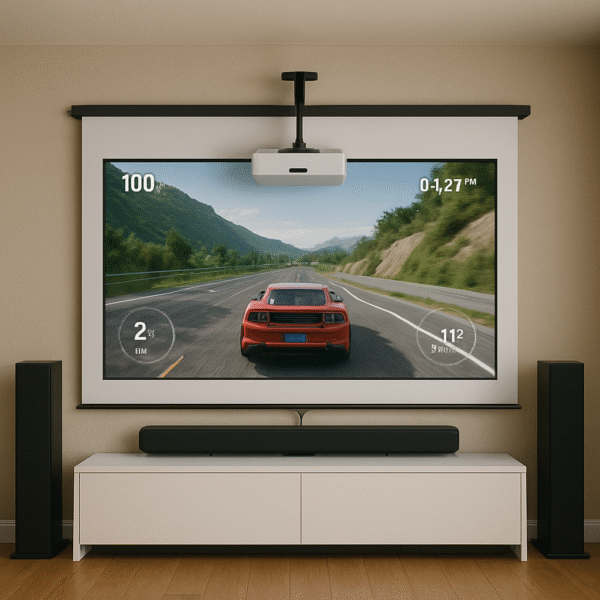
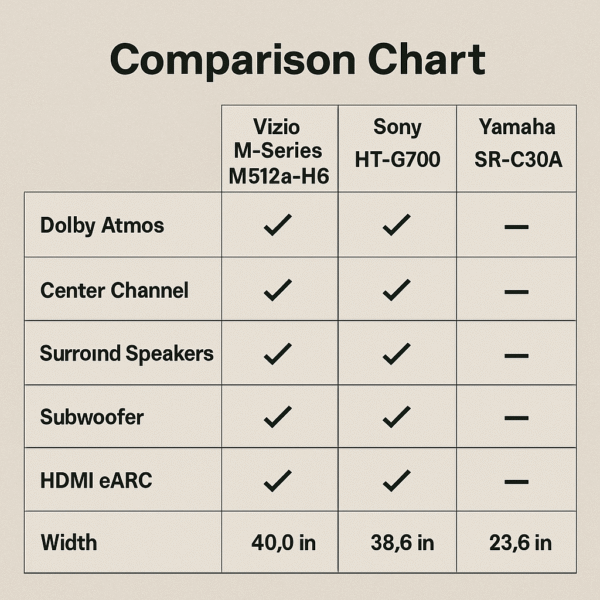
Top Gaming Projector Soundbar Picks
Vizio M-Series M512a-H6
5.1.2 Dolby Atmos support for immersive, room-filling sound.
Includes a wireless subwoofer and rear satellite speakers for rich surround effects.
Features HDMI eARC and Bluetooth connectivity for flexible setup.
Perfect for apartment setups, offering powerful sound without excessive wiring.
Sony HT-G700
Delivers virtual 3.1-channel Dolby Atmos for detailed, directional audio.
Features a dedicated Game Mode that enhances dialogue and spatial clarity.
Single HDMI eARC connection ensures quick and clutter-free installation.
Yamaha SR-C30A
Compact design ideal for small desks or gaming rooms.
Provides virtual surround sound for immersive gameplay.
Comes with a dedicated subwoofer for balanced bass and crisp effects.
Each of these gaming projector soundbar options enhances your projector setup with improved clarity, deep bass, and cinematic sound—all without exceeding the $400 mark.
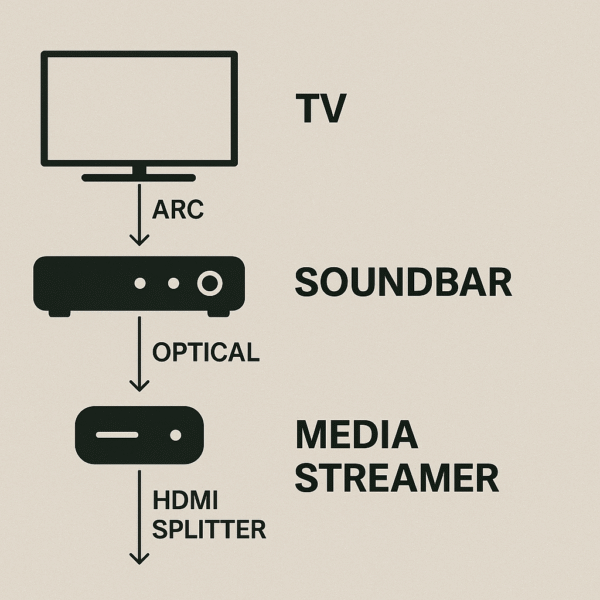
How to Connect a Gaming Projector Soundbar – Three Simple Options
Option 1: HDMI ARC/eARC (Recommended)
Use a projector with HDMI ARC support (for example, the Optoma HD146X).
Connect the projector’s ARC port directly to the soundbar’s HDMI ARC input.
Enable CEC (Consumer Electronics Control) in both devices’ settings for seamless volume and power control.
Option 2: Optical Audio (If ARC Is Missing)
Connect your console or streaming device to the projector via HDMI for video.
Route the audio output separately from the device to the soundbar using an optical cable.
This setup provides solid audio quality, even without ARC support.
Option 3: HDMI Splitter with ARC
Ideal for projectors that lack HDMI ARC or optical ports.
Use an HDMI splitter with ARC extraction to send video to the projector and audio to the soundbar simultaneously.
This solution ensures full compatibility with any gaming projector soundbar setup.
Key Features to Look for in a Gaming Projector Soundbar:
Low Latency Audio: Choose models designed to minimize audio lag, ensuring perfect sync between on-screen action and sound effects.
Game Mode: Enables enhanced dialogue clarity and improved directional sound, helping you react faster in competitive games.
Dolby Atmos or DTS:X: Adds realistic spatial depth for an immersive 3D soundstage that elevates every gaming session.
Wireless Subwoofer: Delivers deep, powerful bass without messy cables, keeping your gaming projector soundbar setup clean and flexible.
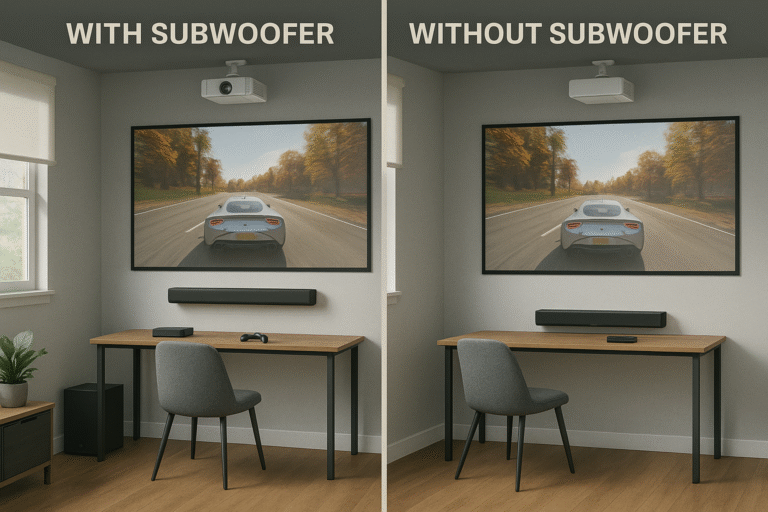
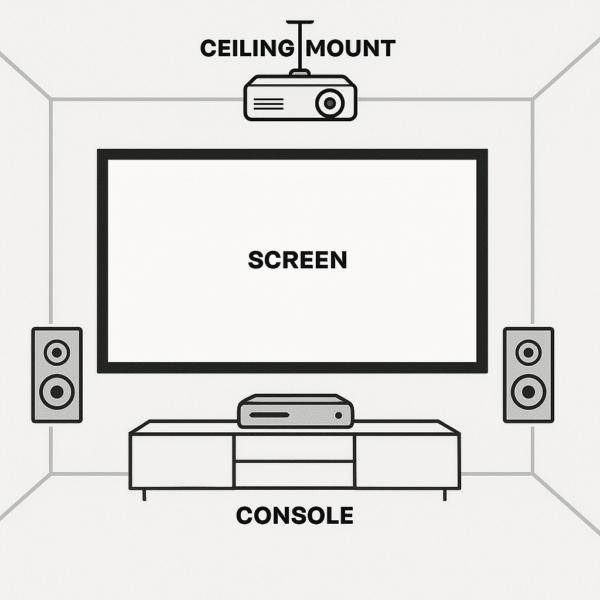
Sound Placement Tips for a Gaming Projector Soundbar Setup:
Mount the Soundbar: Install or position your soundbar directly below or in front of the projector screen for accurate sound alignment with on-screen action.
Center the Subwoofer: Place the subwoofer near the middle of the room or slightly offset to achieve even, balanced bass throughout your space.
Keep Speaker Areas Clear: Avoid blocking your soundbar or subwoofer with furniture, as obstructions can distort or muffle the sound.
Use Soundproof Foam: If you’re in an apartment, adding soundproof foam panels can help reduce noise transfer and improve overall acoustics in your gaming projector soundbar setup.
Smart Features to Enhance Your Gaming Projector Soundbar Setup:
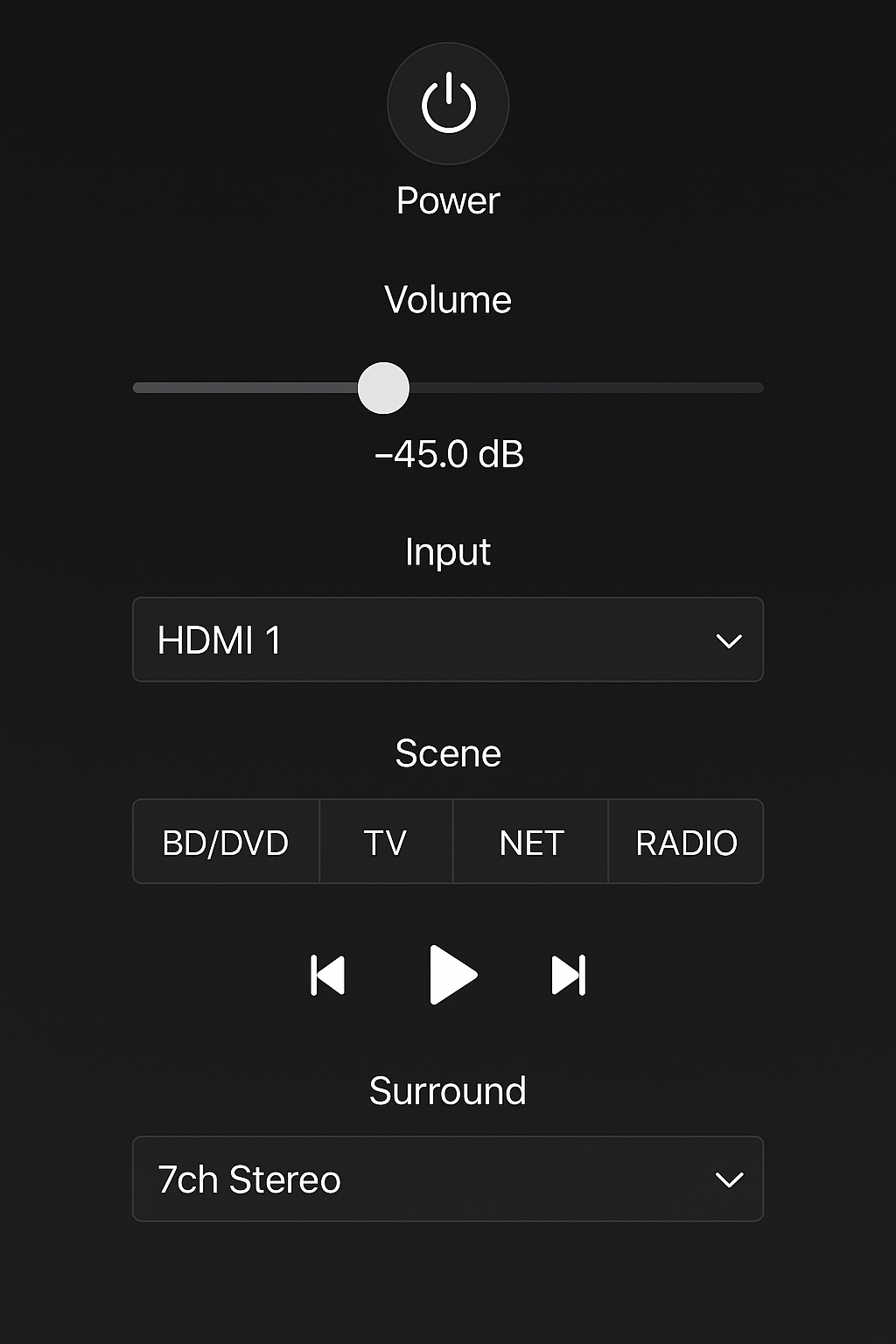
Alexa/Google Assistant Support: Use voice commands to control volume, input selection, and playback, making your setup more hands-free.
Bluetooth Streaming: Enjoy wireless music playback when you’re not gaming, turning your soundbar into a versatile home audio system.
App Control: Adjust audio modes, EQ, and volume directly from your smartphone for quick, convenient tuning.
Bonus Tip: Integrate your gaming projector soundbar into Alexa routines like “Game Night” or “Movie Mode” to automatically adjust lighting, sound, and inputs with a single command.
Final Recommendation
No gaming projector setup is truly complete without powerful, immersive audio. Whether you’re building in a small space or aiming for full surround sound, the right gaming projector soundbar can make all the difference — and there are excellent budget-friendly combinations available in 2025.
Best Combo Picks for Gaming Projector Soundbar Setups:
Optoma HD146X + Vizio M-Series M512a-H6: Ideal for gamers seeking Dolby Atmos and room-filling power.
BenQ TH575 + Yamaha SR-C30A: Perfect for compact rooms, offering clean sound and a space-saving design.
ViewSonic PX701HD + Sony HT-G700: A well-balanced setup that delivers clarity, depth, and reliability for gaming and movie nights alike.