

Description
Google Nest Cam (Battery, 2nd Gen) – Best Wireless Outdoor Security Camera with Google Home & AI Detection – Smart Home Maven
Description
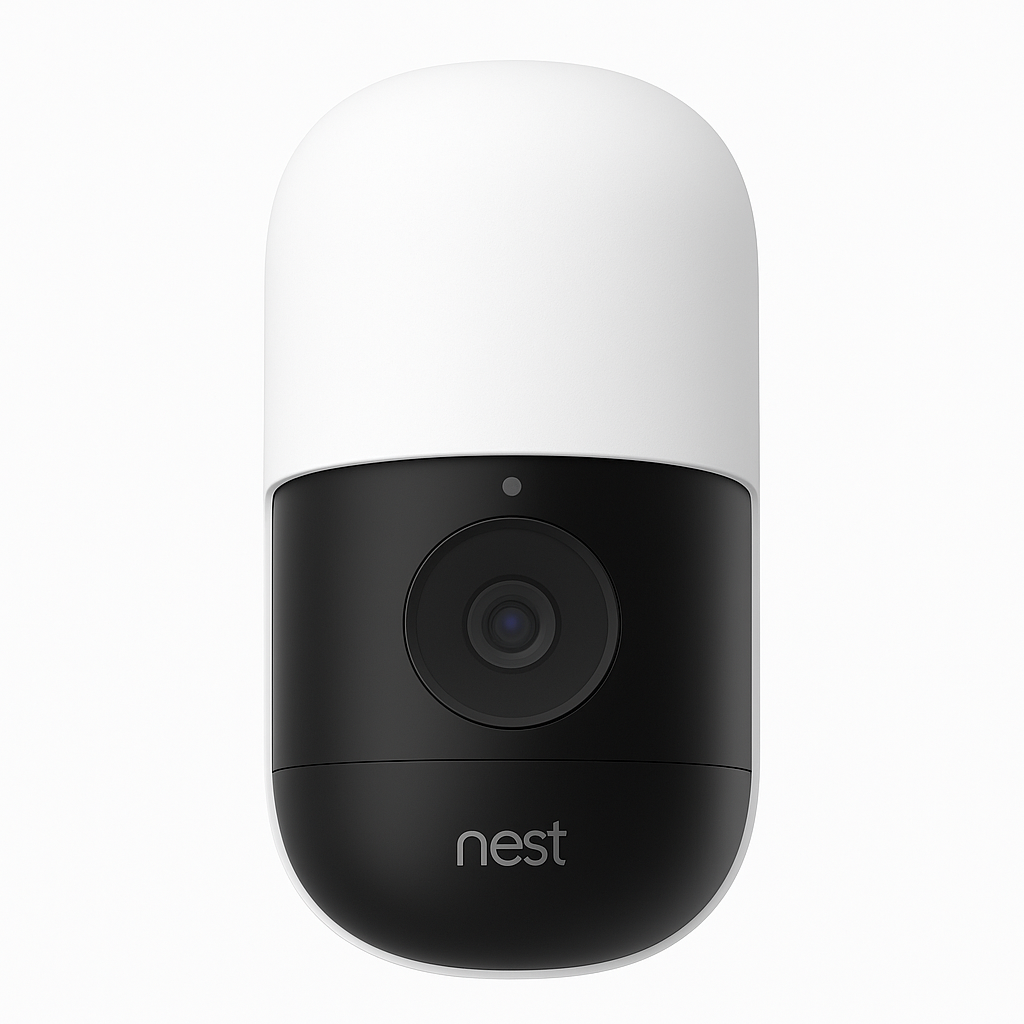
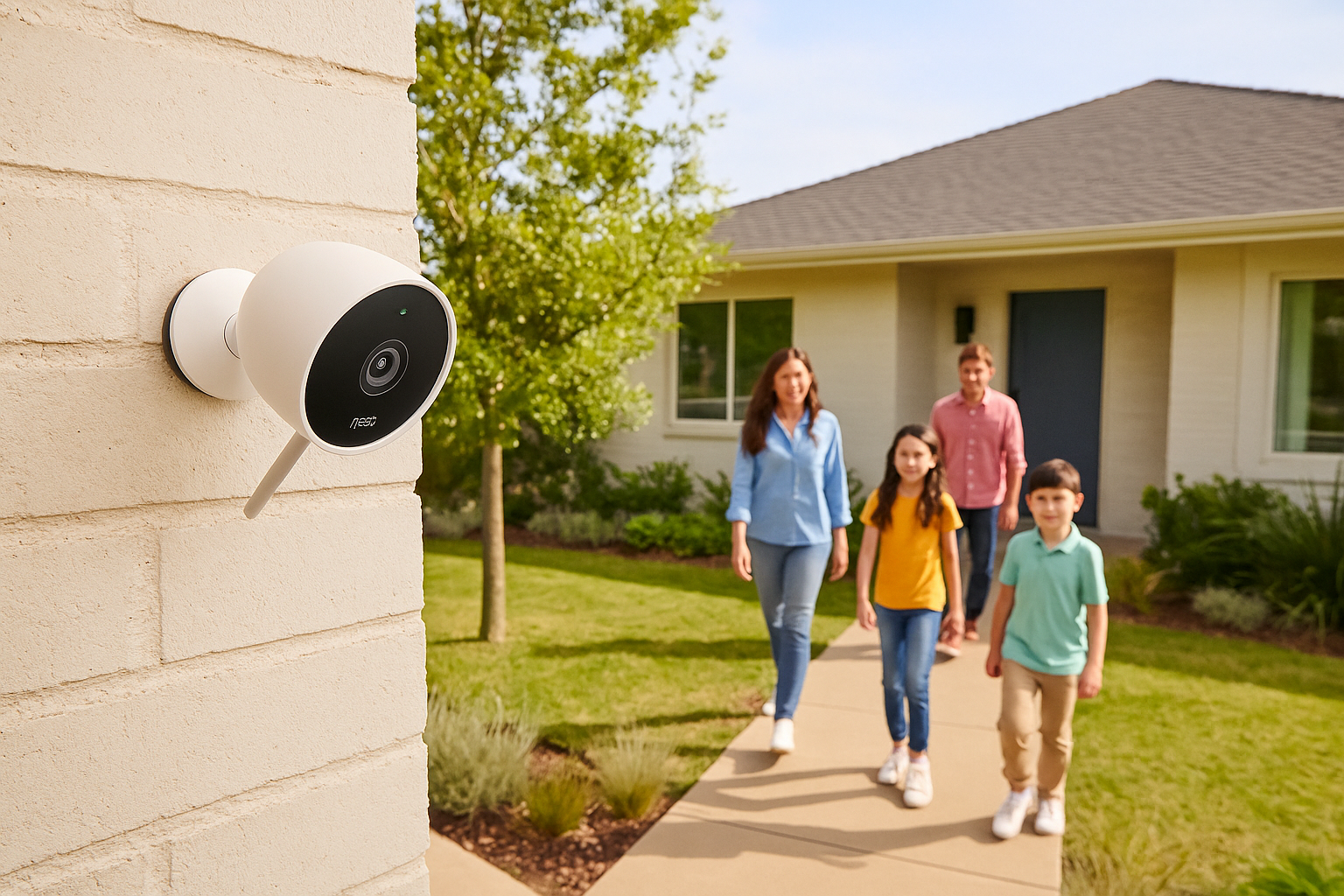
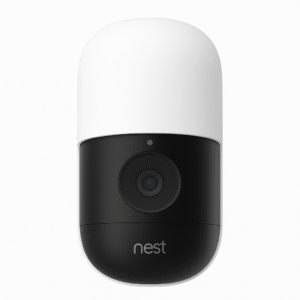
Protect your home with the Google Nest Cam (Battery, 2nd Gen), a versatile wireless smart security camera built for both indoor and outdoor use. Moreover, as the best wireless outdoor security camera with Google Home, it installs easily without complex wiring and streams 1080p HDR video with night vision for crystal-clear footage day or night.
Additionally, the AI-powered detection system distinguishes between people, vehicles, animals, and packages, sending smart alerts that truly matter. With two-way audio, you can communicate directly with visitors, delivery drivers, or deter intruders right from your phone.
Seamlessly integrated with the Google Home app, the Nest Cam lets you manage multiple devices, create automations, and view live feeds from anywhere. It also works with Alexa, making it ideal for multi-platform smart homes. Finally, with its weather-resistant IP65 build, the camera is reliable in rain, heat, or snow, while the optional Nest Aware subscription provides 24/7 video history and smarter alerts.
Key Features
The Google Nest Cam (Battery, 2nd Gen) offers flexibility, reliability, and advanced smart detection—making it the best wireless outdoor security camera with Google Home. Moreover, its powerful features ensure peace of mind in any environment:
-
Battery-powered design, allowing flexible wireless installation indoors or outdoors.
-
1080p HDR video with night vision, delivering clear, bright footage day and night.
-
AI-powered detection, sending smart alerts for people, animals, vehicles, and packages.
-
Two-way audio, enabling you to talk and listen via the Nest app.
-
Smart home integration, working with Google Home, Alexa, and custom routines.
-
Weather-resistant build, reliable in rain, snow, and extreme temperatures.
-
Nest Aware compatibility, unlocking extended event history and facial recognition.
Specifications
The Google Nest Cam (Battery, 2nd Gen) delivers smart security in a flexible, wire-free design. Furthermore, as the best wireless outdoor security camera with Google Home, it combines reliability with advanced features for peace of mind:
-
Model: Google Nest Cam (Battery, 2nd Gen).
-
Video Resolution: 1080p HDR with night vision for crisp detail day or night.
-
Field of View: Wide 130° diagonal coverage for broader visibility.
-
Connectivity: Wi-Fi connection with full control via the Google Home app.
-
Power Supply: Rechargeable lithium-ion battery with USB-C charging.
-
Smart Detection: AI-powered detection for people, animals, vehicles, and packages.
-
Audio: Two-way communication, allowing you to speak and listen in real time.
-
Weatherproofing: IP65-rated, suitable for both indoor and outdoor use.
-
Subscription: Optional Nest Aware plan for extended storage and facial recognition.
Compatibility & Use Cases
The Nest Cam (Battery) is built for versatility and smart control. Moreover, as the best wireless outdoor security camera with Google Home, it adapts seamlessly to a wide range of home setups:
-
Compatible with Google Home and Amazon Alexa, offering flexible voice control and automation.
-
Ideal for front doors, garages, gardens, or indoor rooms, delivering reliable coverage wherever needed.
-
Works as a standalone device or as part of a Google Nest security ecosystem.
-
Perfect for homeowners and renters, providing flexible, wire-free protection without complex installation.
Setup & Maintenance Guide
Setup Steps
-
First, charge the Nest Cam using the included USB-C cable.
-
Next, download the Google Home app and add the camera to your device list.
-
Then, select your mounting location—whether indoor or outdoor—based on coverage needs.
-
After that, secure the magnetic mount and attach the camera firmly in place.
-
To continue, enable smart alerts for people, packages, and vehicles for precise notifications.
-
Finally, consider subscribing to Nest Aware for full event history and advanced features, making the most of the best wireless outdoor security camera with Google Home.
Maintenance Tips
-
To begin with, recharge the battery periodically (every 3–6 months, depending on usage).
-
Additionally, clean the camera lens regularly to maintain clear video quality.
-
Moreover, check the app for firmware updates to keep features running smoothly.



%20–%20Best%20Wireless%20Outdoor%20Security%20Camera%20with%20Google%20Home&url=https://smarthomemaven.com/product/google-nest-cam-battery-2nd-gen-best-wireless-outdoor-security-camera-with-google-home/&media=https://smarthomemaven.com/wp-content/uploads/2020/12/Product-Only-Image-Square-White-Background-Close-up-of-the-Nest-Cam-battery-unit.png)


Reviews
There are no reviews yet.