
If you’re building a media server setup in 2025, choosing the right streaming device is more important than ever—especially if you rely on Plex to organize your personal movie, music, and TV libraries. Since not every streaming box can handle Plex efficiently, finding the best streaming device for Plex ensures smooth playback, fast transcoding, and reliable network performance.
Plex continues to stand out with its clean interface, multi-device compatibility, and powerful transcoding features. However, performance can vary widely depending on the device you use.
In this guide, we’ll walk you through the top streaming devices for Plex in 2025—covering the best options for running it as a dedicated media server, a streaming client, or a hybrid setup that does both seamlessly.
What Makes a Great Plex Streaming Device?
To run Plex efficiently in 2025, it’s essential to choose hardware that balances power, connectivity, and compatibility. When selecting the best streaming device for Plex, prioritize the following features to ensure smooth performance and high-quality playback:
Hardware Transcoding Support: Enables seamless 4K streaming by offloading video decoding from the CPU to the GPU.
Gigabit Ethernet: Provides a stable and fast connection, especially for high-bitrate 4K or HDR content.
Expandable Storage: Allows you to store and access large movie or music libraries directly from the device.
Plex Client and/or Server Capabilities: Choose a device that can act as both a media player and a local Plex server if you want maximum flexibility.
Broad Codec Support: Look for H.264, HEVC (H.265), VP9, and AV1 compatibility to handle all major video formats efficiently.
By focusing on these specs, you’ll ensure your setup delivers reliable streaming, fast access, and stunning visuals, no matter how large your Plex library grows.
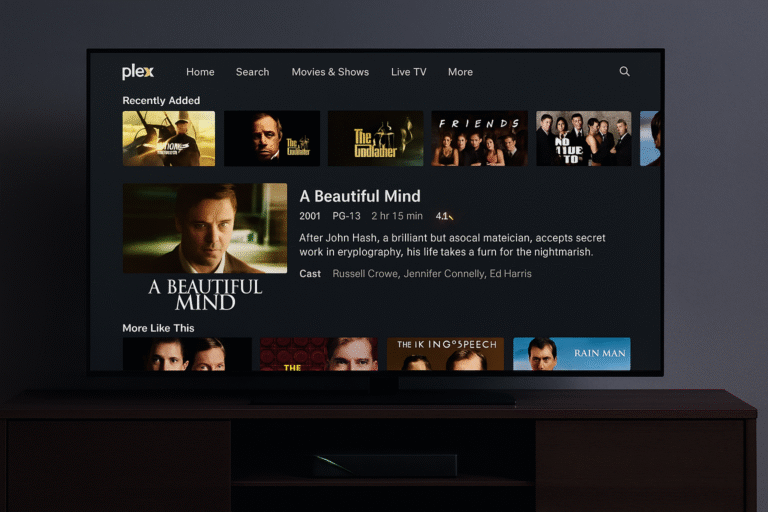
Best Overall: NVIDIA Shield TV Pro
1. NVIDIA Shield TV Pro – Best Overall Streaming Device for Plex
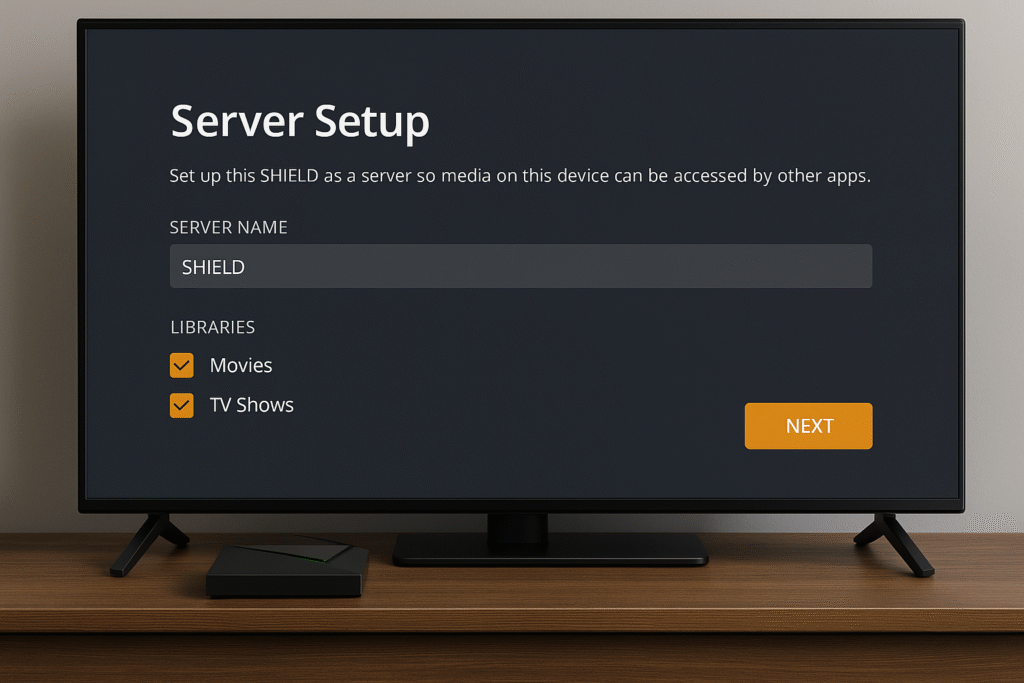
The NVIDIA Shield TV Pro remains the best streaming device for Plex in 2025, combining raw performance with unmatched versatility. It’s one of the few devices that can act as both a Plex Media Server and a Plex client, eliminating the need for a dedicated PC or NAS.
Key Features:
Built-In Plex Media Server: No separate computer required—run your Plex server directly on the Shield.
4K Transcoding: Handles real-time 4K transcoding smoothly, even for high-bitrate files.
USB 3.0 Ports: Perfect for connecting external drives or expanding your movie library.
Dual-Band Wi-Fi + Gigabit Ethernet: Ensures stable streaming and fast content access.
AI Upscaling + Dolby Vision/Atmos: Enhances both picture and sound quality, making every stream look and feel premium.
Why It Wins:
The Shield TV Pro is the only all-in-one Plex device that delivers both server and client functionality in a single, compact form. Its balance of power, connectivity, and flexibility makes it ideal for both beginners setting up their first media hub and advanced users managing large 4K libraries.
Best Value: Apple TV 4K (3rd Gen)
2. Apple TV 4K (3rd Gen) – Best Streaming Device for Plex in the Apple Ecosystem
The Apple TV 4K (3rd Gen) delivers an ultra-smooth Plex client experience, combining Apple’s refined interface with powerful playback performance. While it doesn’t function as a full Plex Media Server, it’s one of the most reliable and visually polished clients available.
Key Features:
Seamless Plex Playback: Provides buttery-smooth playback through direct play for both HD and 4K content.
High-Quality Output: Supports Dolby Vision, HDR10+, and Dolby Atmos for premium visual and audio performance.
Integration: Works perfectly with AirPlay, HomeKit, and Siri voice control for hands-free operation.
Performance: Powered by Apple’s A15 Bionic chip, ensuring fast navigation and instant content loading.
Why It’s Great:
For Apple users, the Apple TV 4K offers the most fluid and intuitive Plex interface, enhanced by Siri voice control and AirPlay streaming. It’s the ideal choice for anyone invested in the Apple ecosystem who wants premium Plex performance without extra setup or complexity.
Best Budget Option: Fire TV Stick 4K Max
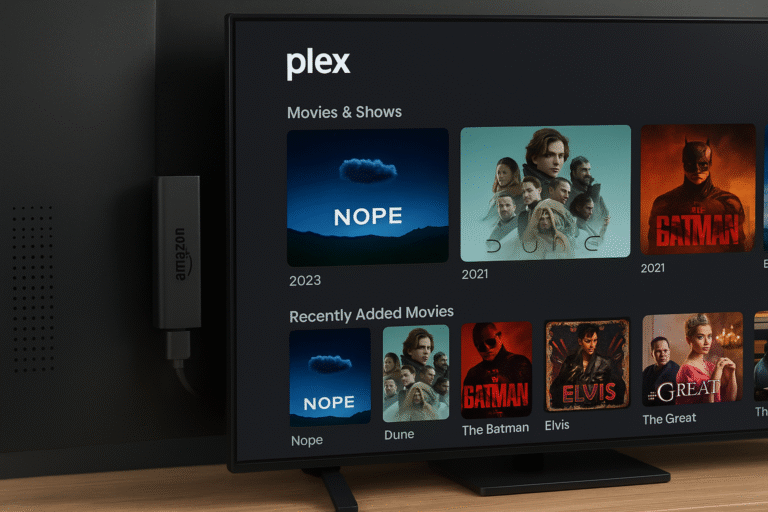
3. Fire TV Stick 4K Max
If you want reliable Plex support without breaking the bank, the Fire TV Stick 4K Max is a strong pick. It’s lightweight, effective, and well-suited for most streaming needs.
Key Advantages:
Supports direct play for many HD/4K files—so Plex doesn’t need to transcode everything.
Affordable cost with solid performance for day-to-day streaming.
Fully integrated with Fire TV ecosystem—you get Alexa, app support, and smart home features.
Limitations to Watch:
Lacks the power for smooth 4K transcoding on-the-fly.
No built-in server capabilities—needs an external Plex server or NAS for hosting.
May struggle with very high bitrate or complex media files.
Why It’s a Good Choice:
For users who already have a Plex server in place (like on a NAS or PC), the Fire TV Stick 4K Max offers a budget-friendly Plex client experience. It gives you smooth streaming, wide content compatibility, and smart features—just don’t expect it to transcode large files by itself.
Best for Server Use: Intel NUC + Shield TV Combo
4. Intel NUC + NVIDIA Shield TV Pro – Best High-Performance Plex Setup
For users managing large Plex libraries or multiple simultaneous streams, pairing an Intel NUC with the NVIDIA Shield TV Pro creates one of the most powerful and flexible home media setups available.
Key Features:
Intel NUC as Plex Server: Runs Windows or Linux, offering hardware transcoding, fast indexing, and reliable 24/7 uptime for extensive media collections.
NVIDIA Shield TV Pro as Client: Delivers AI-enhanced playback, 4K HDR streaming, and Dolby Vision/Atmos support for premium visual quality.
Network Strength: Gigabit Ethernet ensures smooth multi-user streaming without buffering.
Expandability: Add external SSDs or NAS drives for scalable storage capacity.
Why It Works:
This combination offers server-grade performance with consumer-level simplicity. The Intel NUC handles all the heavy Plex server tasks—transcoding, metadata, and multi-user streaming—while the Shield TV Pro acts as a premium client with AI upscaling and direct 4K playback. It’s the best streaming device for Plex setups that demand power, reliability, and scalability.
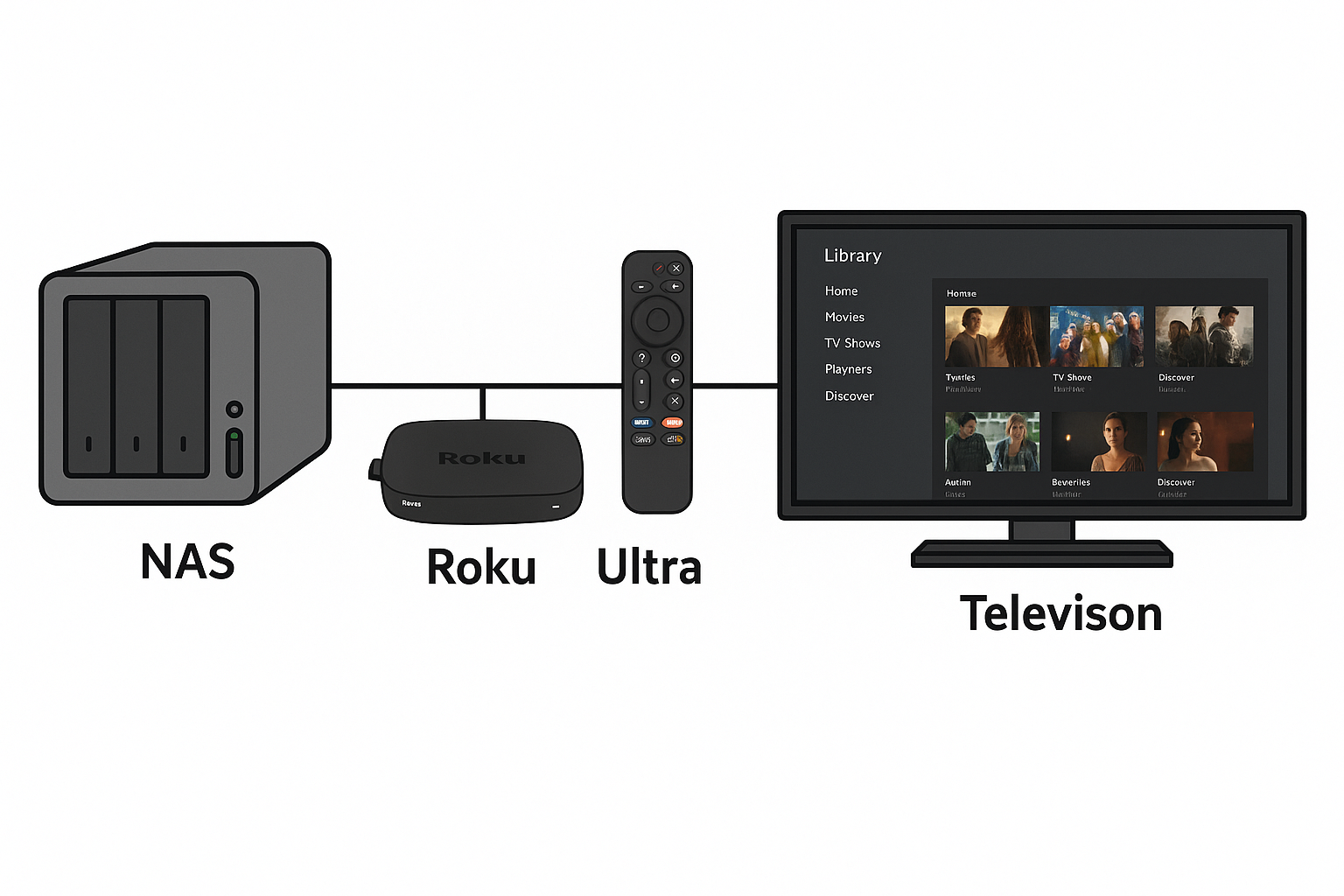
Best for Network Streaming: Roku Ultra
5. Roku Ultra (latest model)
Supports 4K direct play with high-bitrate streaming
Includes USB port for local media playback
Comes with Ethernet connection for stable network performance
Why it ranks: the Roku Ultra offers a solid balance between streaming speed, file format compatibility, and client support. It’s a strong choice when you want a reliable Plex client that handles local media and 4K content without needing heavy transcoding.
Understanding Transcoding in Plex
Transcoding is a key factor in Plex performance, especially when streaming high-quality media across different devices. It’s the process of converting a video or audio file into a format compatible with the playback device or network conditions.
Transcoding is required when:
File formats don’t match the client device, such as MKV or unsupported codecs.
Bitrate exceeds the device’s playback capability, causing buffering or lag.
Audio conversion is needed, for example when converting DTS to AAC for compatibility with certain sound systems.
The NVIDIA Shield TV Pro stands out here—its Tegra X1+ processor can handle 4K transcoding natively, reducing strain on external servers. This makes it one of the best streaming devices for Plex, ideal for users with large, mixed-format media libraries who want seamless playback across multiple devices.
Storage and Server Setup for Plex Devices
When choosing the best streaming device for Plex, understanding how each handles local storage and media servers is crucial. Different devices have varying levels of flexibility depending on how you store and access your content.
NVIDIA Shield TV Pro:
Supports external USB drives, NAS (Network Attached Storage), or shared network folders. This flexibility allows the Shield to operate as both a Plex client and a Plex Media Server, making it perfect for users with large local libraries.
Apple TV (3rd Gen):
Relies entirely on an external Plex server, such as a Mac, PC, or Synology NAS. While it delivers an exceptional playback experience, it cannot store or host files locally.
Fire TV Stick 4K Max:
Has no local storage support, meaning it must stream from a Plex server or network location. It’s best suited as a budget Plex client for those who already have a centralized media server in place.
In short, if you need all-in-one Plex functionality, the NVIDIA Shield TV Pro offers the most complete and flexible storage options among streaming devices.
Final Verdict: Best Streaming Device for Plex
| Use Case | Best Pick |
|---|---|
| All-in-One Device | NVIDIA Shield TV Pro |
| Best Client Only | Apple TV 4K (3rd Gen) |
| Most Affordable | Fire TV Stick 4K Max |
| Custom Server Setup | Intel NUC + Shield TV Combo |
If you’re serious about managing your own streaming library, the NVIDIA Shield TV Pro remains unmatched in 2025. It offers built-in Plex Media Server functionality, AI-enhanced upscaling, and hardware 4K transcoding, all in one compact device. Whether you’re hosting, streaming, or syncing media across your home network, it continues to be the best streaming device for Plex—ideal for both casual streamers and home theater enthusiasts.