
Description
Kwikset Aura Bluetooth Keypad Smart Lock – Kwikset Aura App Control and Programming Guide for Secure Keyless Entry – Smart Home Maven
Description
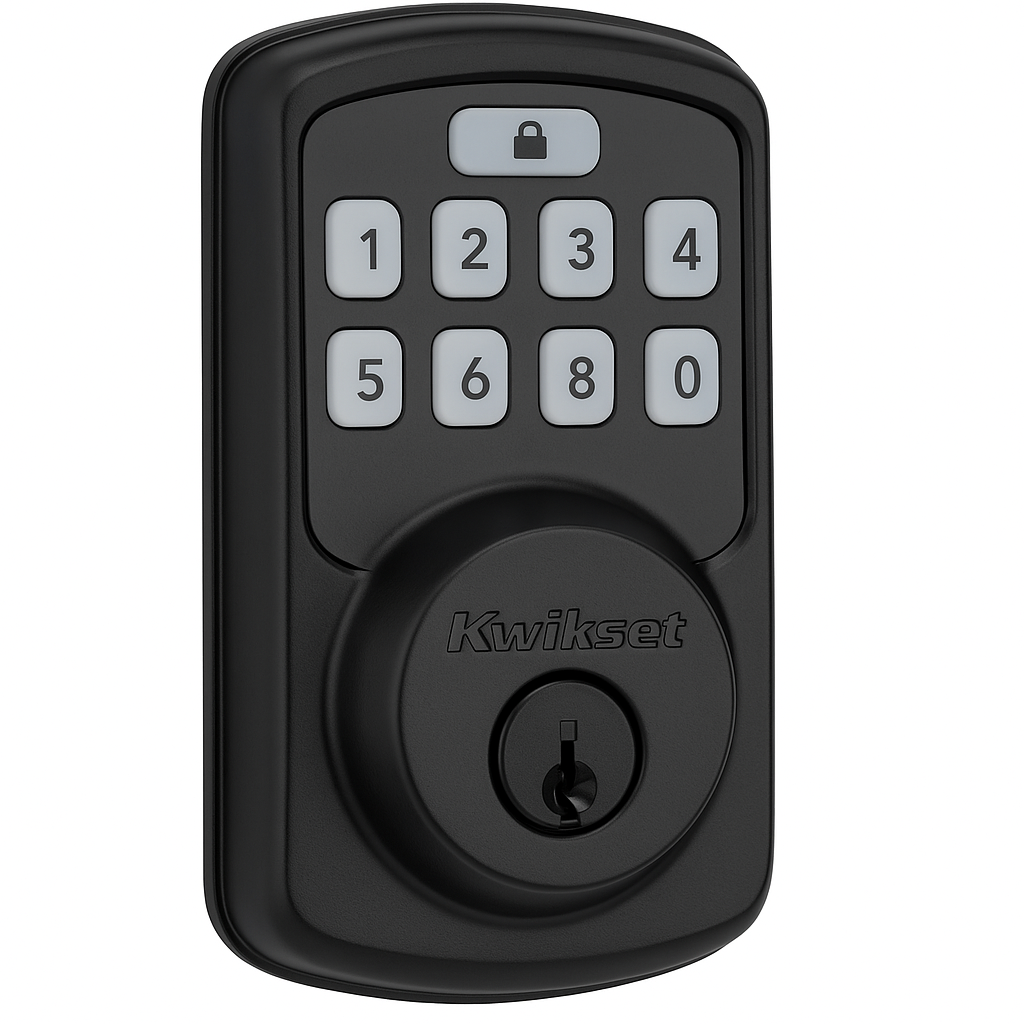
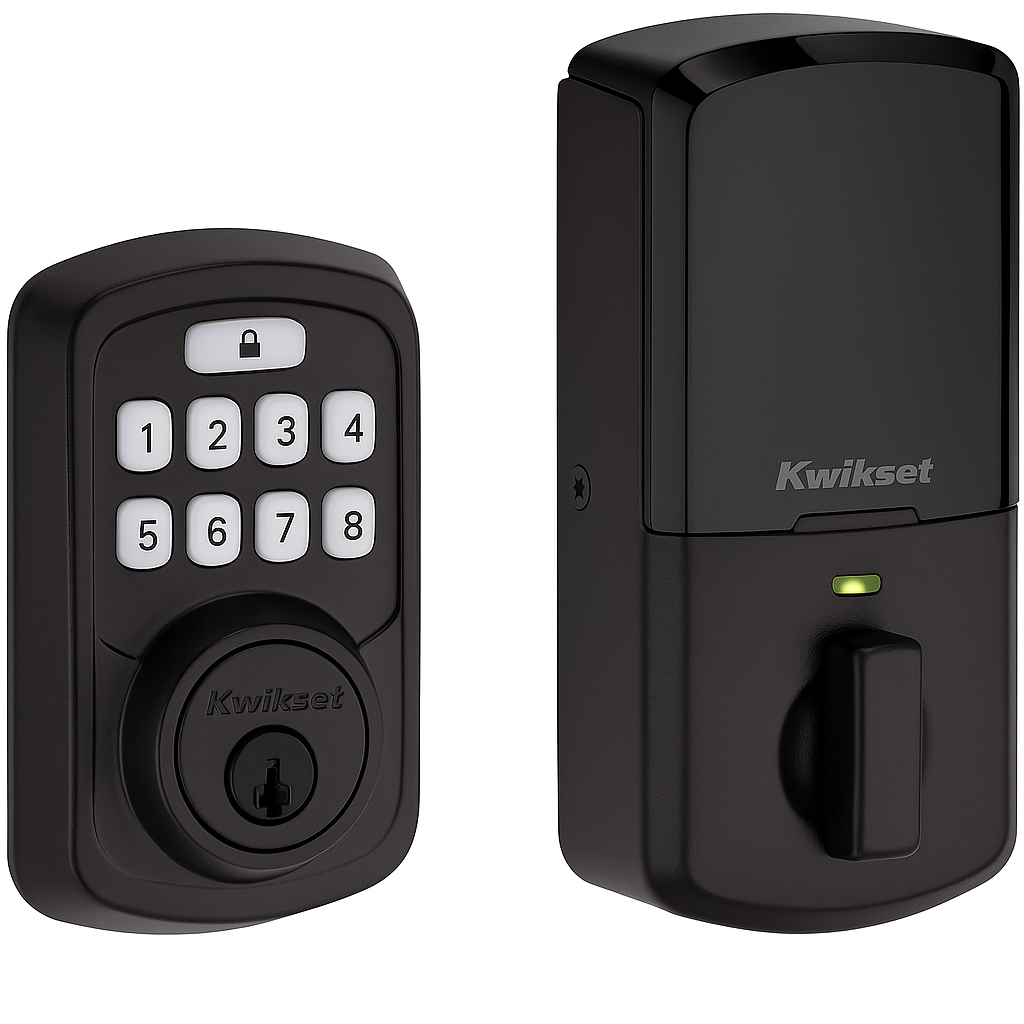
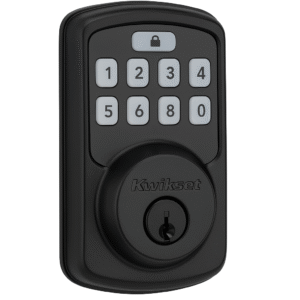
Upgrade your home security with the Kwikset Aura Bluetooth Programmable Keypad Door Lock, a robust smart lock designed for convenience, flexibility, and enhanced control. Featuring Bluetooth connectivity, this lock allows homeowners to manage access through the Kwikset app without the need for a Wi-Fi connection or hub. This Kwikset Aura app control and programming guide will help you make the most of its features.
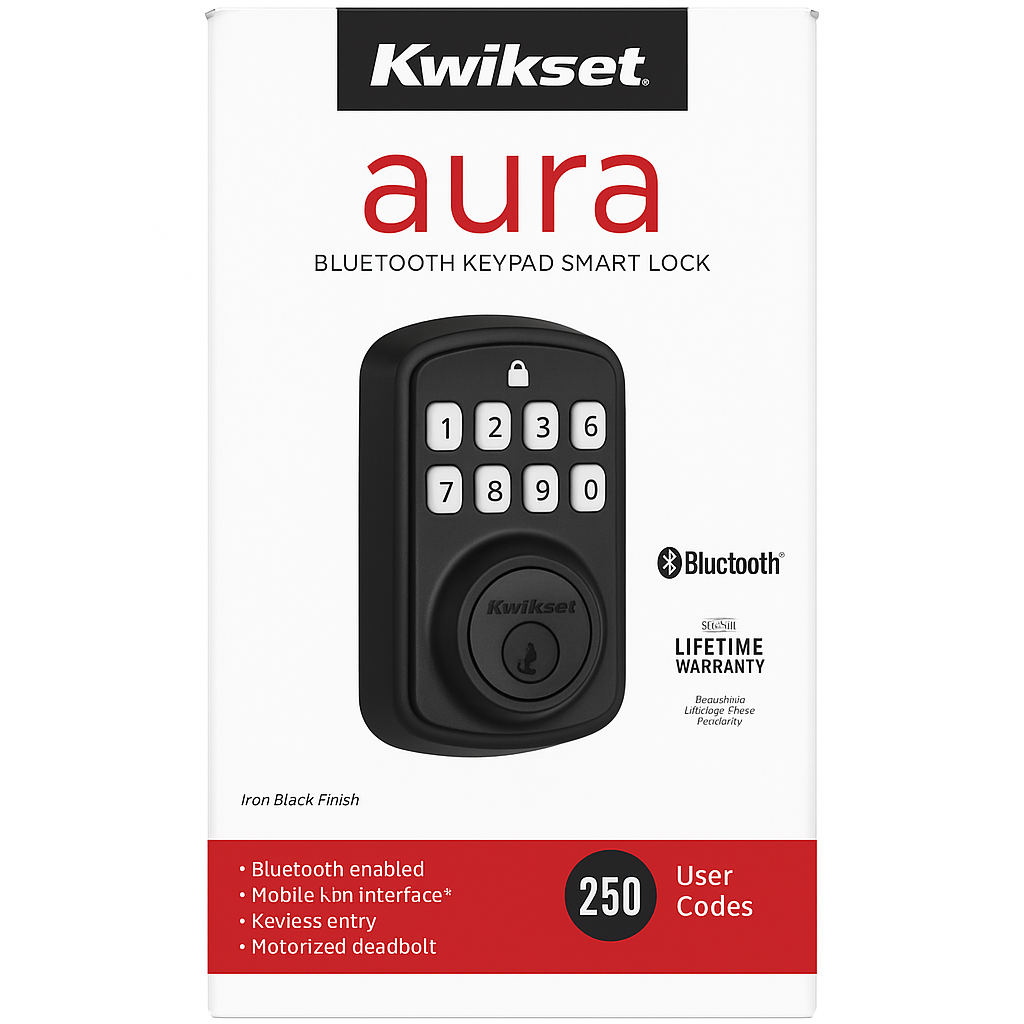
You can create, manage, and delete up to 250 unique user codes — ideal for family members, guests, service providers, and more. With an intuitive keypad and durable Iron Black finish, the Aura lock not only strengthens your security but adds modern style to any entryway. Lock or unlock your door with a single tap on your smartphone within Bluetooth range and receive notifications and usage history right from the app.
Whether you’re upgrading your smart home system or seeking reliable keyless entry, the Kwikset Aura makes securing your home simple and effective.
Key Features – Kwikset Aura App Control and Programming Guide
The Kwikset Aura app control and programming guide showcases the lock’s security, flexibility, and ease of use. Below are the key features that make it a reliable smart lock solution:
Keyless & Smart Entry
-
To begin with, enjoy keyless entry by unlocking with a personalized code or through Bluetooth connectivity.
-
Furthermore, the Kwikset App allows you to control the lock whenever you are in Bluetooth range.
User Code Management
-
In addition, you can create and manage up to 250 unique user codes, ideal for family, friends, and service providers.
-
Moreover, the lock supports scheduled access, letting you set day and time restrictions for specific users.
Enhanced Security
-
Equally important, an auto-lock option automatically secures the door after a preset time, offering extra peace of mind.
-
Additionally, the lock is BHMA Grade 2 certified, meeting industry standards for both durability and security.
Power & Re-Keying
-
With battery power from 4 AA batteries, the lock includes low-battery indicators so you’re never caught off guard.
-
Finally, it features SmartKey Security™ technology, allowing you to re-key the lock quickly without a locksmith.
Specifications – Kwikset Aura App Control and Programming Guide
The Kwikset Aura app control and programming guide highlights the lock’s practical design, strong security features, and simple installation process. Here are the detailed specifications that showcase its functionality:
Lock Type & Connectivity
-
To begin with, the lock functions as a deadbolt and connects via Bluetooth, allowing direct smartphone management without Wi-Fi.
User Codes & App Integration
-
Furthermore, it supports up to 250 user codes, which can be easily created or deleted within the Kwikset App (iOS & Android).
Design & Finish
-
In addition, the lock comes in a sleek Iron Black finish, blending well with modern and traditional entry doors.
Power & Battery Life
-
Moreover, it runs on 4 AA batteries with an average lifespan of 6–12 months depending on usage, making replacements simple.
Smart Features
-
Equally important, the lock includes SmartKey re-key technology, giving you flexibility to re-key the lock without a locksmith.
-
However, it does not support voice control, focusing instead on app-based functionality.
Installation & Door Compatibility
-
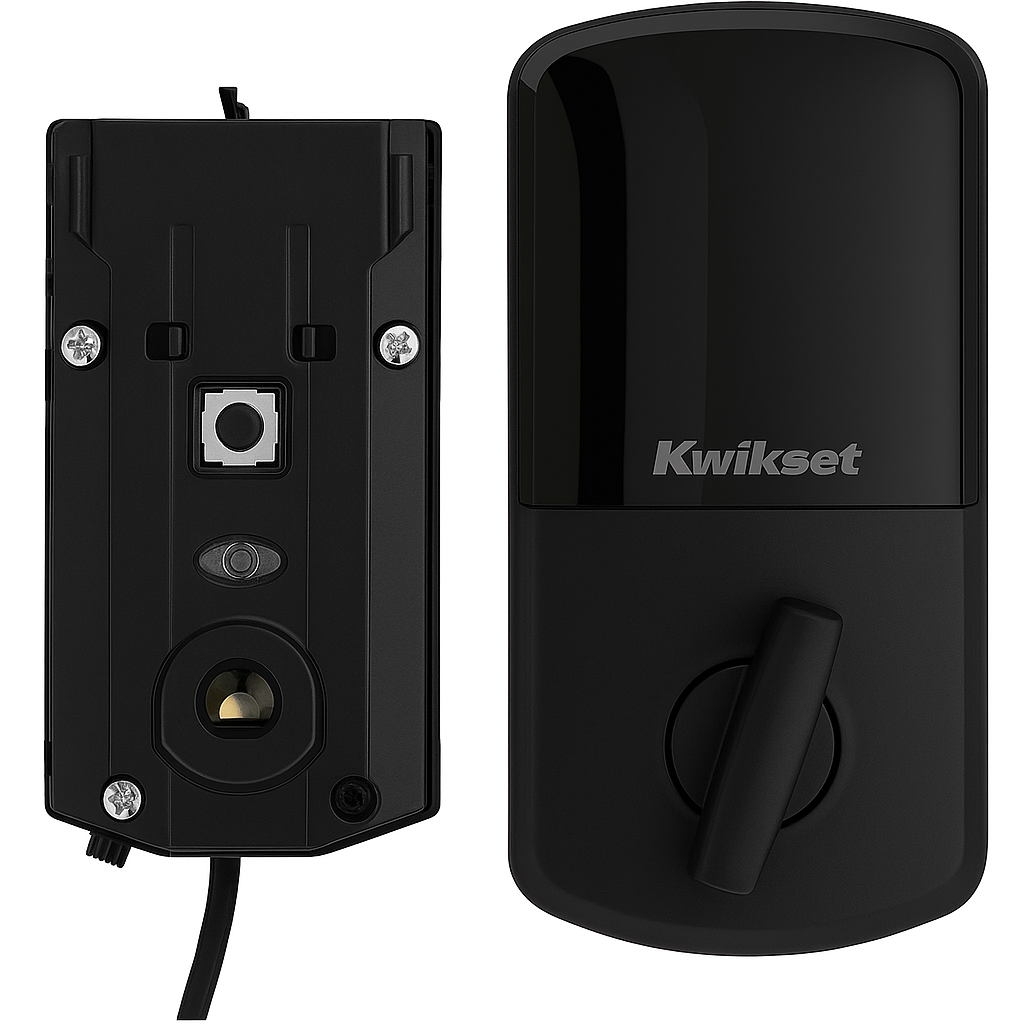
Finally, installation is DIY-friendly, requiring only a screwdriver, and it fits standard doors ranging from 1-3/8″ to 2″ thick.
“Works With” Compatibility – Kwikset Aura App Control and Programming Guide
As outlined in this Kwikset Aura app control and programming guide, the lock is designed for straightforward operation without extra accessories. Because of its simple setup, it works best for users who prefer direct smartphone control.
App Integration
-
To begin with, the lock works directly with the Kwikset App, allowing you to manage access codes, settings, and lock activity from your smartphone.
Connectivity
-
Furthermore, it does not require Wi-Fi or an additional hub, making installation and operation simple and reliable.
Smart Home Compatibility
-
Finally, the lock is not compatible with Alexa, Google Assistant, or Apple HomeKit, so it is best suited for users who rely primarily on Bluetooth control through the Kwikset App.
Setup + Maintenance Guide – Kwikset Aura App Control and Programming Guide
This Kwikset Aura app control and programming guide walks you through the essential steps for installation, setup, and ongoing maintenance. By following these directions, you can maximize both convenience and security.
Setup Steps
-
First, install the deadbolt using a screwdriver and the included instructions.
-
Next, download and install the Kwikset App on your smartphone.
-
After that, pair the lock with your device via Bluetooth to enable app-based control.
-
Then, create a master code and assign individual user codes within the app for customized access.
-
Finally, test the lock operation and auto-lock function to confirm smooth performance.
Maintenance Tips
To keep your lock performing reliably, follow these steps from the Kwikset Aura app control and programming guide:
-
Replace the AA batteries every 6–12 months to ensure consistent power.
-
Clean the keypad with a dry cloth, avoiding harsh chemicals that could damage the finish.
-
Check and re-tighten the mounting screws periodically to maintain stability.





Reviews
There are no reviews yet.