
Description
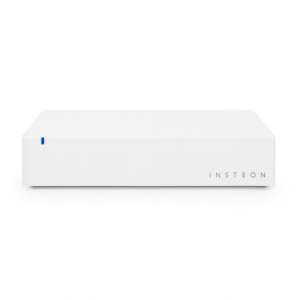
Insteon Hub Pro – Best Smart Home Hub for Insteon and HomeKit | Lighting, Security & Automation Control – Smart Home Maven
Description
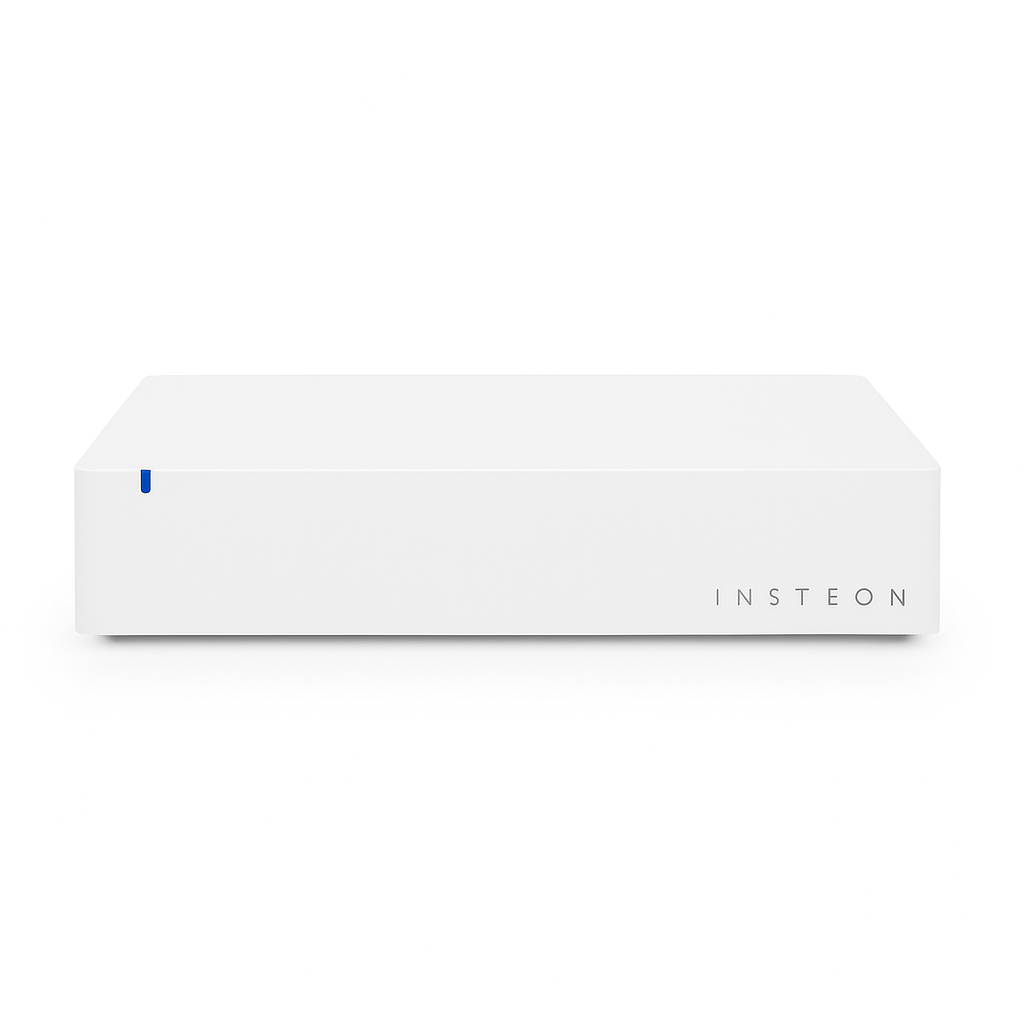
Bring intelligent control to your home with the Insteon Hub Pro, a compact yet powerful smart home controller designed to connect all your Insteon-enabled devices under one simple app interface. When searching for the best smart home hub for Insteon and HomeKit, the Hub Pro provides an excellent solution.
Whether you’re automating lights, controlling sensors, or managing home security features, the Hub Pro makes it all accessible through your phone, tablet, or voice commands.
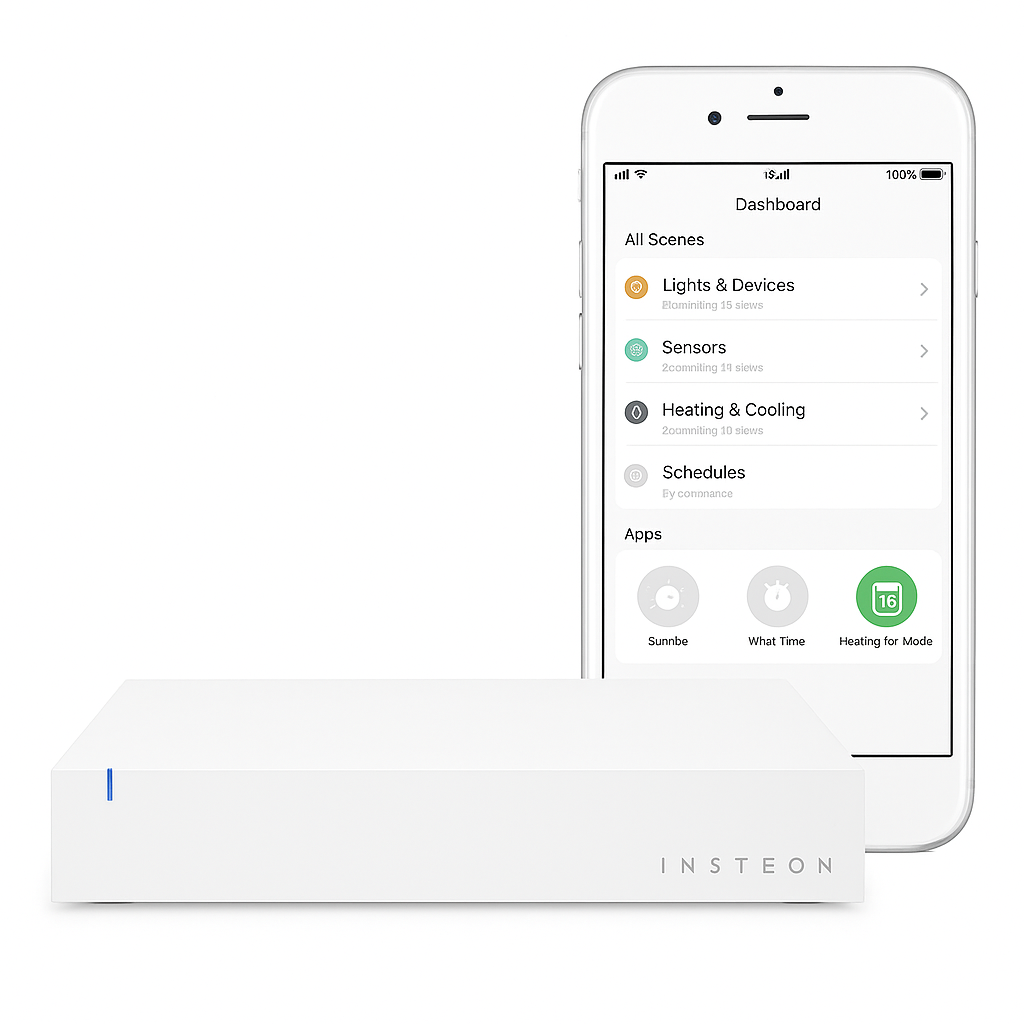
This hub communicates over dual-band Insteon protocol (powerline + RF), ensuring fast, reliable performance across your entire home. Easily create custom scenes, set automation schedules, and monitor your home remotely through the Insteon for Hub app.
Compatible with Amazon Alexa, Google Assistant, and Apple HomeKit, the Insteon Hub Pro is a central component for serious smart home enthusiasts looking to unify their ecosystem with reliability and security.
Key Features of the Best Smart Home Hub for Insteon and HomeKit
Designed to unify your smart ecosystem, this hub ensures seamless control, reliable performance, and advanced automation.
-
Central Control Hub – Manage all your Insteon devices through a single, easy-to-use app.
-
Dual-Band Communication – Uses both RF and powerline signals, making performance stronger and more reliable.
-
Scene & Schedule Creation – Automate lighting, thermostats, and sensors, letting your home run on your terms.
-
Voice Assistant Compatible – Works effortlessly with Amazon Alexa, Google Assistant, and Apple HomeKit, ensuring hands-free control.
-
Remote Access – Control devices from anywhere using the Insteon app, keeping you connected on the go.
-
Secure Communication – Offers both local and cloud-based control, making your smart home fast, safe, and flexible.
Specifications of the Best Smart Home Hub for Insteon and HomeKit
The Insteon Hub Pro delivers reliable performance while offering broad compatibility for smart homes.
-
Brand: Insteon
-
Model: Hub Pro
-
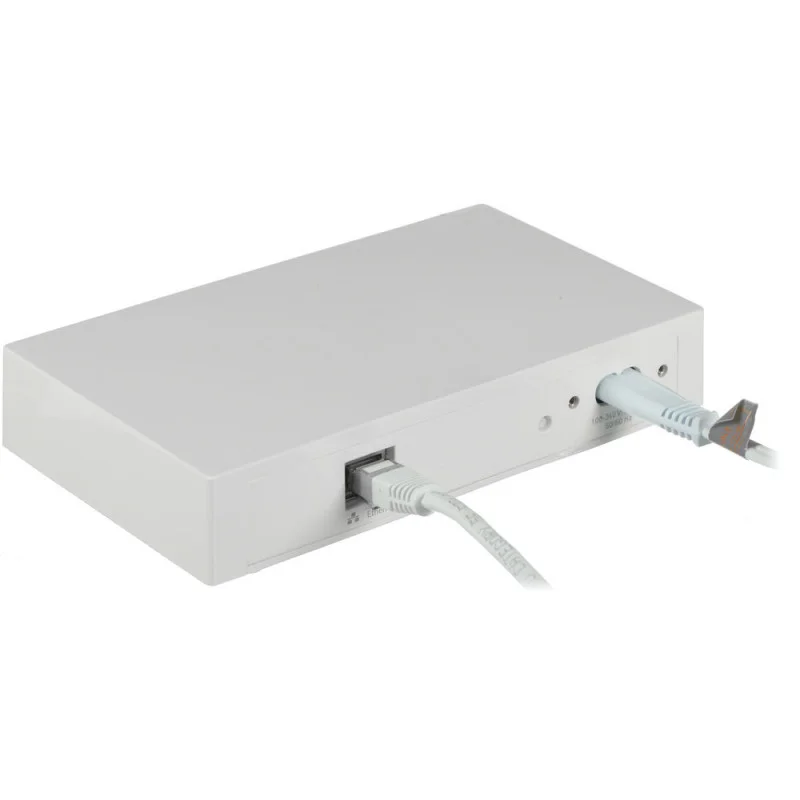
Connectivity: Supports Ethernet (wired LAN) for stability, along with Insteon RF and powerline for flexible device communication.
-
Compatible Devices: Works seamlessly with Insteon light switches, dimmers, motion sensors, thermostats, and leak sensors, ensuring whole-home control.
-
Voice Assistant Support: Fully integrates with Amazon Alexa, Google Assistant, and Apple HomeKit, making your home smarter with hands-free control.
-
Power Supply: Powered by the included AC adapter, ensuring reliable operation.
-
App: Manage and configure devices easily with the Insteon for Hub app on both iOS and Android.
-
Dimensions: Designed with a compact footprint, letting it fit neatly into media cabinets or sit discreetly on desks.
Works With the Best Smart Home Hub for Insteon and HomeKit
This hub ensures seamless compatibility, making it easy to control your entire smart ecosystem:
-
Insteon Devices – Switches, dimmers, outlets, sensors, and thermostats connect effortlessly.
-
Amazon Alexa – Letting you manage devices with simple voice commands.
-
Google Assistant – Ensuring smooth integration for hands-free control.
-
Apple HomeKit – Making it possible to unify your Insteon devices with other HomeKit accessories.
-
Insteon App (iOS & Android) – Providing remote access, scene creation, and device management.
Setup Steps for the Best Smart Home Hub for Insteon and HomeKit
Getting started is simple, and with just a few steps, you’ll be ready to connect your entire smart home:
-
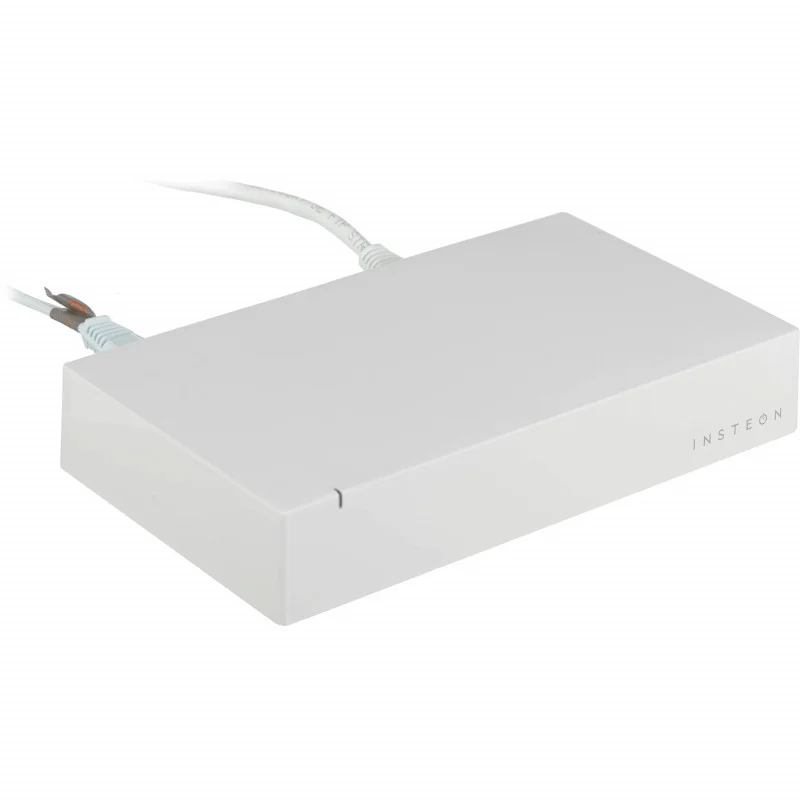
First, connect the hub to your router using the included Ethernet cable, ensuring a stable connection.
-
Next, power on the hub, letting it initialize for setup.
-
Then, download the Insteon app, making it easy to manage all your devices from one place.
-
Finally, follow the app setup to add devices and configure personalized scenes, ensuring your home runs exactly how you want.
Tips for Use
To maximize the performance of the Best smart home hub for Insteon and HomeKit, keep these tips in mind:
-
Place the hub near the center of your home, ensuring stronger RF coverage for all connected devices.
-
Use wired Ethernet whenever possible, making performance more reliable and consistent.
-
Enable firmware updates regularly, ensuring you always have the latest security patches and feature improvements.






%20–%20Best%20Wi-Fi%206E%20Mesh%20Router%20for%20Mid-Size%20Homes&url=https://smarthomemaven.com/product/google-nest-wifi-pro-2-pack-best-wi-fi-6e-mesh-router-for-mid-size-homes/&media=https://smarthomemaven.com/wp-content/uploads/2025/08/Product-Only-Image-Square-White-Background-Two-glossy-Nest-WiFi-Pro-units-side-by-side.png)
%20–%20Best%20Matter-Enabled%20Smart%20Lighting%20Hub&url=https://smarthomemaven.com/product/philips-hue-bridge-4th-generation-best-matter-enabled-smart-lighting-hub/&media=https://smarthomemaven.com/wp-content/uploads/2025/05/Philips-Hue-Smart-Bridge-1.webp)
Reviews
There are no reviews yet.