
Description
Philips Hue Smart Bridge – Best Matter-Enabled Smart Lighting Hub for Voice and App Control – Smart Home Maven
Description
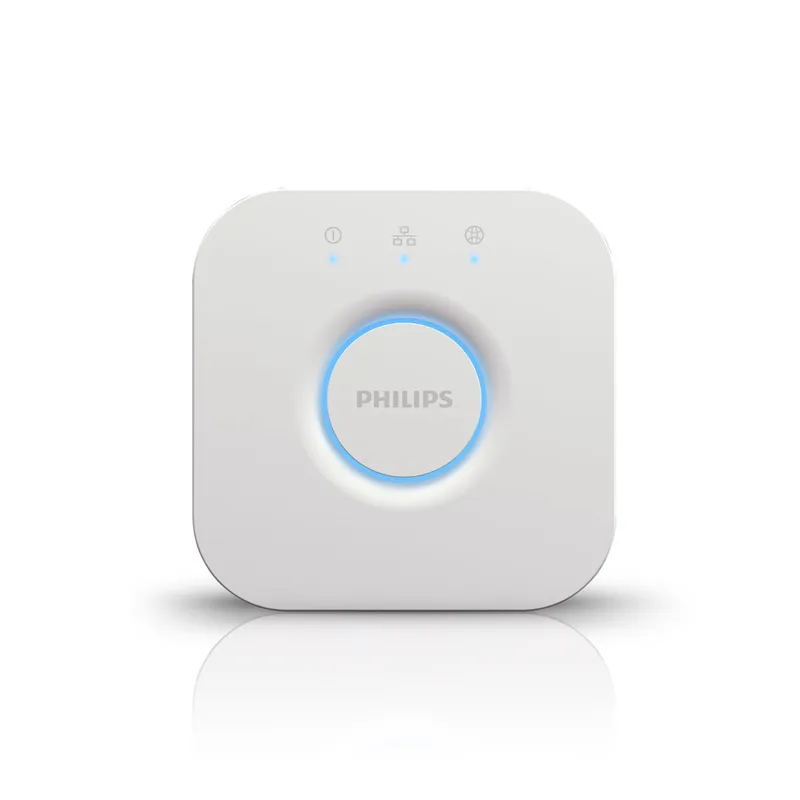
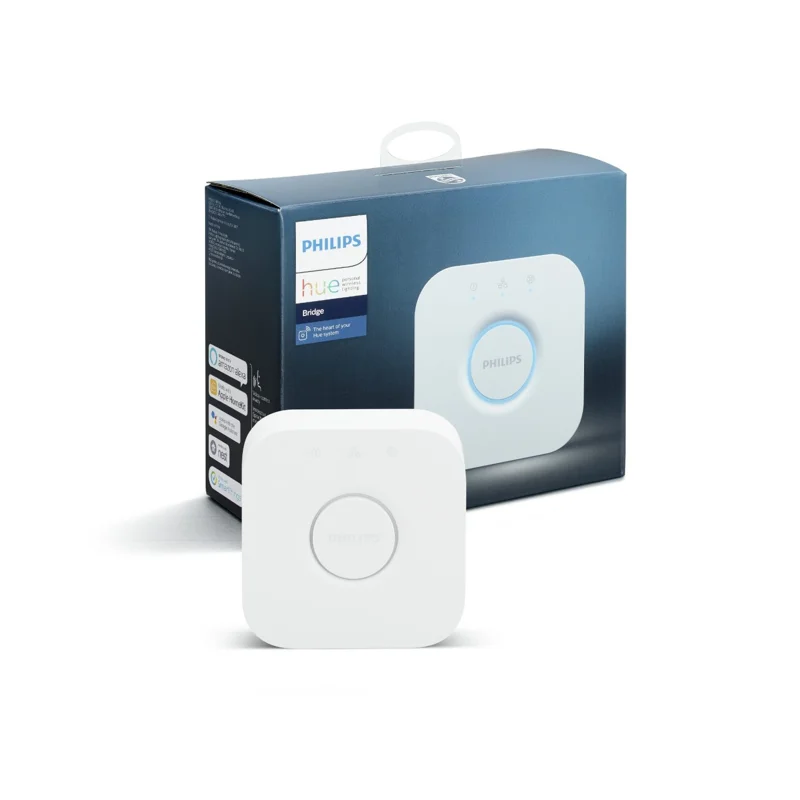
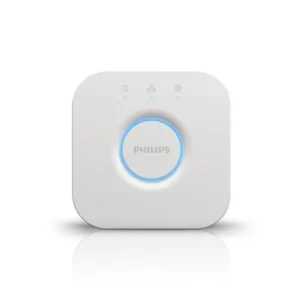
Unlock the full potential of your Philips Hue lighting system with the Hue Smart Bridge — the brain behind all Hue smart lighting features. As one of the best Matter-enabled smart lighting hubs, this compact, wall-mountable hub connects to your home Wi-Fi via Ethernet and allows for advanced automation, remote access, and full integration with your favorite voice assistants.
With the Philips Hue App, you can group lights into rooms, set schedules, control brightness, and trigger scenes — all from your smartphone. The bridge supports Apple HomeKit, Amazon Alexa, and Google Assistant, allowing voice control and deeper smart home integration.
Whether you’re looking to set the mood, automate your day, or boost home security, the Philips Hue Bridge makes your smart lighting more intelligent and reliable.
Key Features of the Best Matter-Enabled Smart Lighting Hub
The Philips Hue Bridge (4th Generation) brings together advanced features and effortless control, making it a must-have for modern smart homes.
-
Central Hub for the Philips Hue System – First, it acts as the brain of your setup, connecting all Hue lights and accessories.
-
Remote Control – Next, manage your lights from anywhere using the Hue App, letting you turn them on or off instantly.
-
Automations & Schedules – Moreover, set wake-up routines, enable away lighting, or create daily scenes that match your lifestyle.
-
Voice Assistant Integration – Works seamlessly with Alexa, Google Assistant, Apple HomeKit, and Siri, ensuring hands-free convenience.
-
Supports Up to 50 Hue Lights – As a result, you can expand your smart lighting system to cover your entire home.
-
Zigbee-Based Connectivity – Unlike Wi-Fi-only options, it provides reliable, low-latency performance through Zigbee.
-
Multiple User Access – Finally, share access with family members, making smart lighting control easy for everyone in the household.
Specifications
The Philips Hue Bridge (latest generation) is compact yet powerful, and as a result, it delivers reliable performance for both small and large smart lighting setups.
-
Brand: Philips Hue
-
Model: Hue Bridge (latest generation)
-
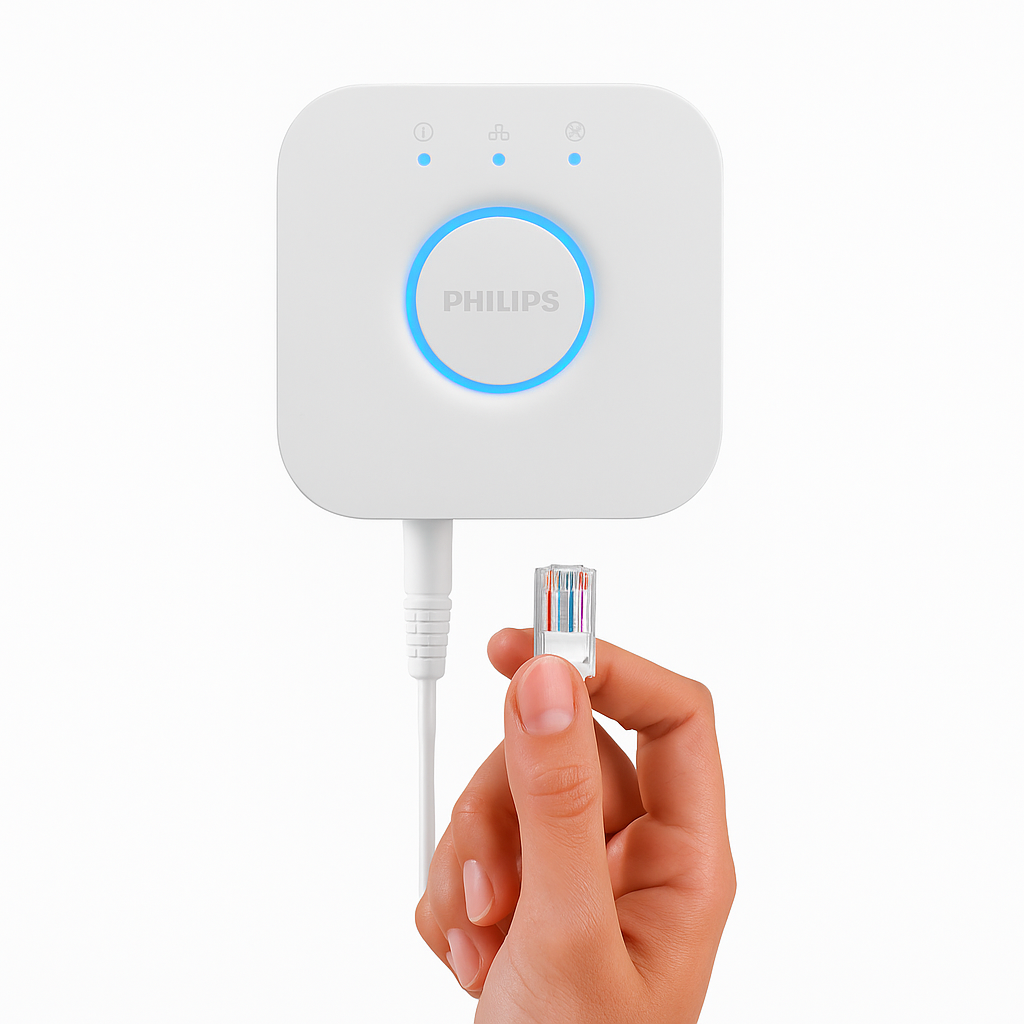
Connectivity: Connects via Ethernet to your router and communicates with devices using Zigbee, ensuring low-latency control.
-
Max Devices Supported: Manages up to 50 Hue lights and 12 accessories, making it suitable for entire households.
-
App Compatibility: Works with the Philips Hue App on both iOS and Android, letting you manage lighting remotely.
-
Voice Assistant Support: Fully compatible with Amazon Alexa, Google Assistant, and Apple HomeKit/Siri, enabling hands-free control.
-
Dimensions: Designed with a compact footprint (approx. 3.5 x 3.5 inches), allowing easy placement anywhere.
-
Power: Runs on the included AC adapter, ensuring consistent and dependable performance.
Works With the Best Matter-Enabled Smart Lighting Hub
The Philips Hue Bridge (4th Generation) ensures broad compatibility, and as a result, it integrates effortlessly with multiple devices and platforms:
-
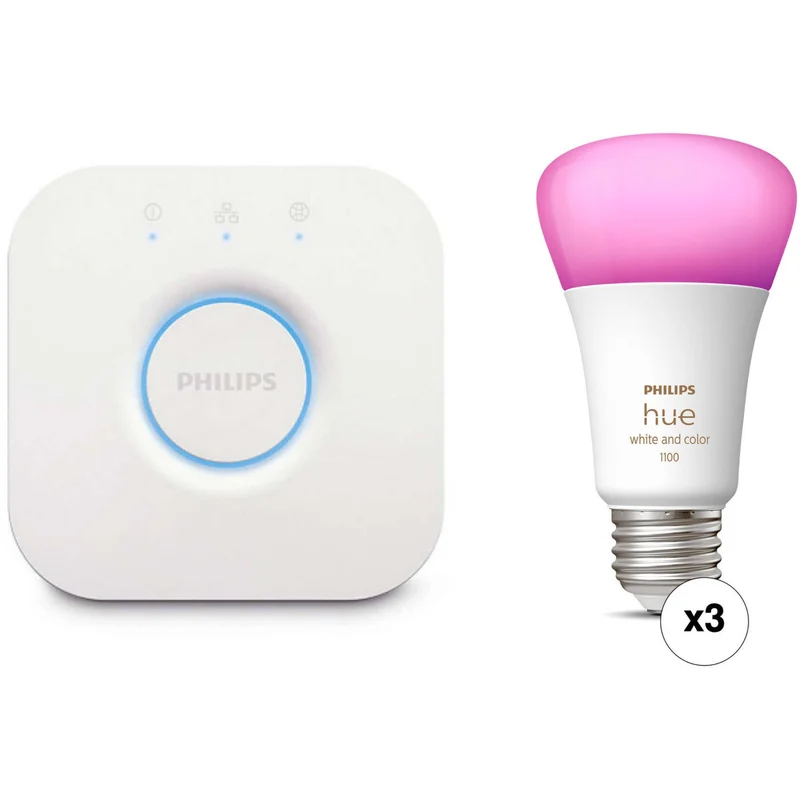
Philips Hue Smart Lights – Bulbs, strips, and lamps connect instantly, giving you full-color and white ambiance control.
-
Philips Hue Accessories – Motion sensors and dimmer switches add convenience and automation to your setup.
-
Amazon Alexa – With simple voice commands, you can control your lighting hands-free.
-
Google Assistant – In addition, seamless pairing makes smart lighting control quick and reliable.
-
Apple HomeKit – Furthermore, manage your lights directly through the Home app or Siri voice commands.
-
SmartThings – Expand your smart ecosystem by linking Hue lights with other devices.
-
IFTTT – Finally, create powerful custom automations that sync your lights with apps, notifications, and more.
Setup Instructions for the Best Matter-Enabled Smart Lighting Hub
Getting started is quick and simple, and with just a few steps, you’ll unlock the full potential of your Hue system:
-
First, plug the Hue Bridge into your router and power outlet, ensuring a stable connection.
-
Next, download the Philips Hue App, making it easy to manage and control your lights.
-
Then, follow the app’s setup wizard, which guides you step by step to connect your lights and accessories.
-
Finally, customize rooms, scenes, and routines, so your lighting fits perfectly with your lifestyle.
Tips for Use
To maximize the performance of the Best Matter-enabled smart lighting hub, keep these helpful tips in mind:
-
When traveling, use the “Away From Home” feature, so you can control lights remotely for added security.
-
Moreover, sync your Hue lights with music, movies, or games using Hue Sync, creating immersive experiences.
-
Finally, group your lights into zones or rooms, making day-to-day control faster and more organized.



%20–%20Best%20Matter-Enabled%20Smart%20Lighting%20Hub&url=https://smarthomemaven.com/product/philips-hue-bridge-4th-generation-best-matter-enabled-smart-lighting-hub/&media=https://smarthomemaven.com/wp-content/uploads/2025/05/Philips-Hue-Smart-Bridge-1.webp)
%20–%20Compact%20Smart%20Gradient%20Light%20Bar%20with%20Matter%20Support&url=https://smarthomemaven.com/product/philips-hue-play-gradient-light-tube-compact-compact-smart-gradient-light-bar-with-matter-support/&media=https://smarthomemaven.com/wp-content/uploads/2025/08/Product-Only-Image-Square-White-Background-Compact-Light-Tube-showing-its-slim-modern-design.png)


Reviews
There are no reviews yet.